
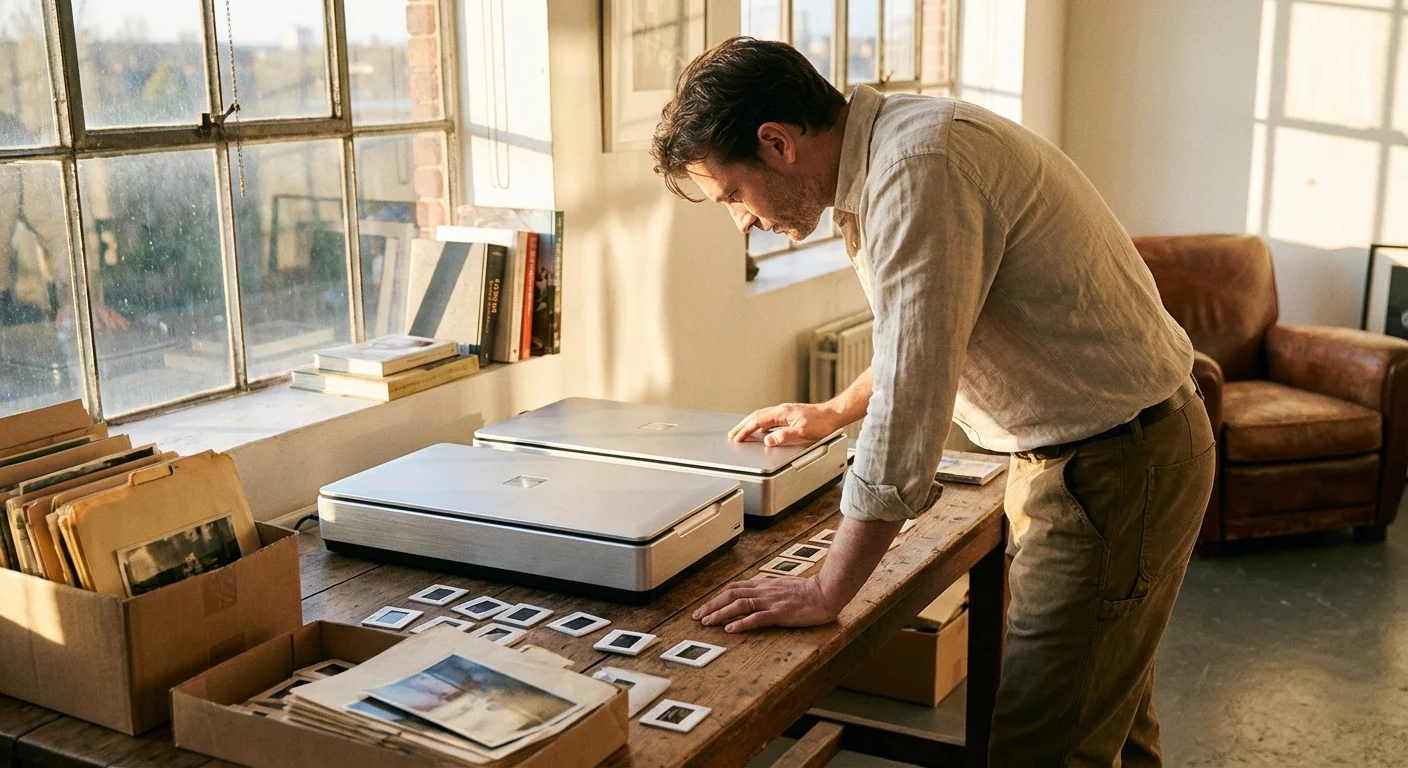
Preserving a lifetime of memories requires more than a simple smartphone snap of an old print. When you inherit boxes of 35mm slides, fragile medium-format negatives, or heirloom portraits, the equipment you choose determines whether those images survive for the next century or fade into digital obscurity. The Epson Perfection V600 and the Epson Perfection V850 Pro stand as the two most prominent titans in the flatbed scanning market. While they share a brand name, they serve vastly different needs and budgets.
Choosing between these two machines involves balancing your desire for image fidelity against your available time and financial resources. You might find the V600 perfectly adequate for scanning standard 4×6 prints for a family scrapbook; however, if you intend to enlarge your grandfather’s medium-format negatives into wall-sized art, the V850 Pro offers technical advantages that the entry-level model cannot match. This guide breaks down the optics, the software, and the physical builds of both scanners to help you decide which one deserves a spot on your desk.
Understanding Optical Resolution and Sensor Capabilities
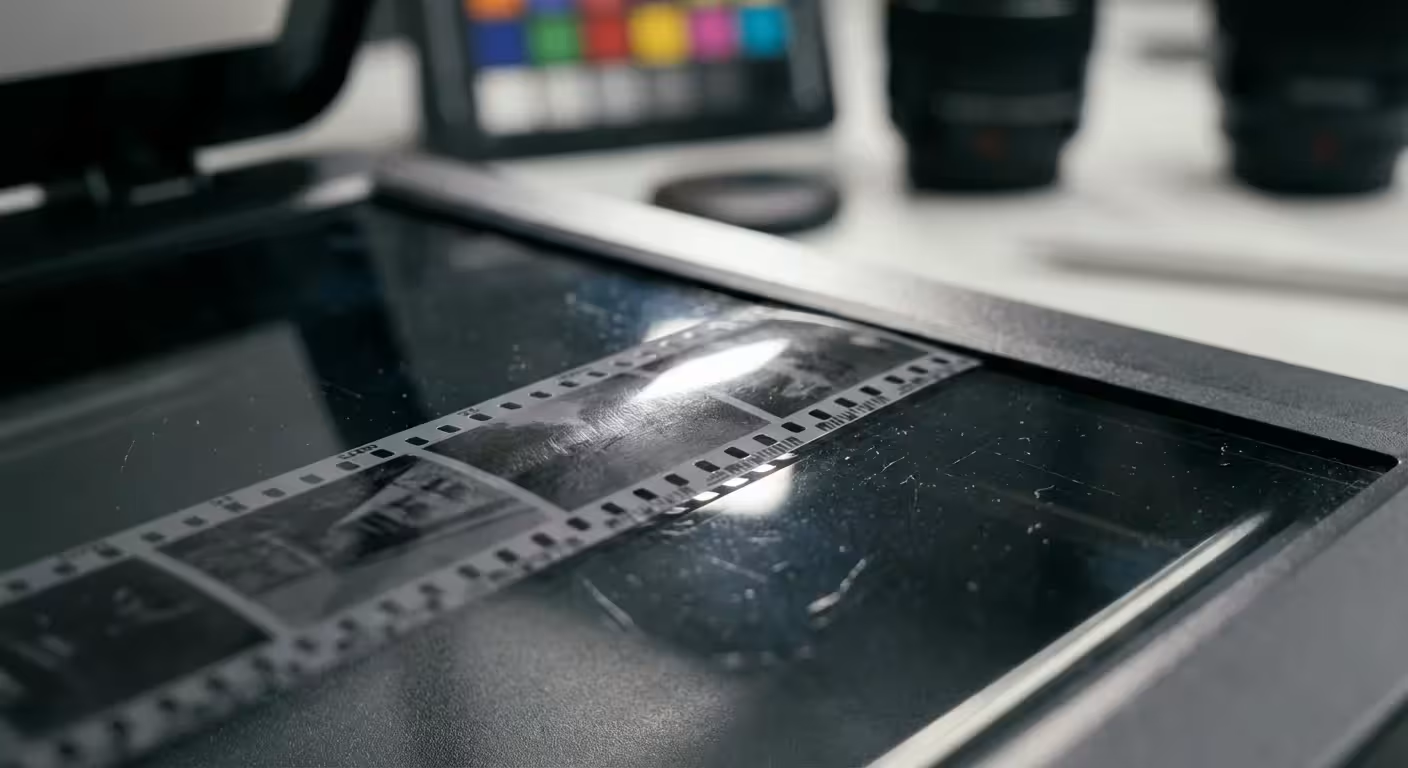
Before diving into the specific Epson V600 review details, you must understand the difference between marketed resolution and effective resolution. Manufacturers often tout astronomical numbers—like 6400 or 9600 dots per inch (dpi)—but the physical optics of the scanner usually limit the actual detail you can extract. The Epson V600 utilizes a single-lens system, while the V850 Pro features a Dual Lens System that automatically selects the best lens for the resolution you choose.
Optical density, or Dmax, represents another critical factor. This value measures the scanner’s ability to “see” into the darkest shadows of a slide or negative. A low Dmax results in “crushed” blacks, where dark areas of your photo appear as solid black blobs rather than textured details. The V600 offers a Dmax of approximately 3.4, which is excellent for reflective prints and moderately exposed film. The V850 Pro, however, boasts a Dmax of 4.0. This difference sounds small on paper, but it is logarithmic; the V850 Pro captures significantly more nuance in high-contrast images, such as sunset slides or deep forest photography.
Digital ICE technology also plays a pivotal role in both machines. This hardware-based infrared cleaning system detects dust and scratches on the surface of your film and automatically removes them during the scan. While both scanners include this feature, the V850 Pro utilizes a more advanced version that integrates better with professional software like SilverFast, saving you hours of manual retouching in Photoshop later.

The Epson V600: Practical Performance for the Home Archivist
The Epson Perfection V600 has earned its reputation as the workhorse of the hobbyist world. For its price point, it provides an incredible value proposition. You receive a machine capable of scanning prints up to 8.5 x 11 inches and film strips including 35mm and 120 (medium format). Its ReadyScan LED technology means you do not have to wait for a lamp to warm up; you can begin scanning the moment you flip the power switch.
If your primary goal involves digitizing boxes of standard color prints from the 1980s or 1990s, the V600 is likely all you need. It produces sharp, color-accurate scans of reflective media. When scanning film, the V600 delivers enough detail for high-quality 8×10 prints. Its footprint is relatively small, making it easy to store in a home office cabinet when not in use. You will find the interface of the included Epson Scan software intuitive, offering “Auto,” “Home,” and “Professional” modes to match your comfort level.
However, the V600 has limitations. The film holders feel somewhat flimsy and lack height adjustment. This is important because flatbed scanners have a fixed focal point. If your film curls slightly—which old film often does—it may sit just outside the scanner’s sharpest focus zone. For casual family archiving, this minor softening rarely poses an issue, but for fine-art reproduction, it represents a significant hurdle.
The Epson V850 Pro: High-End Optics and Dynamic Range
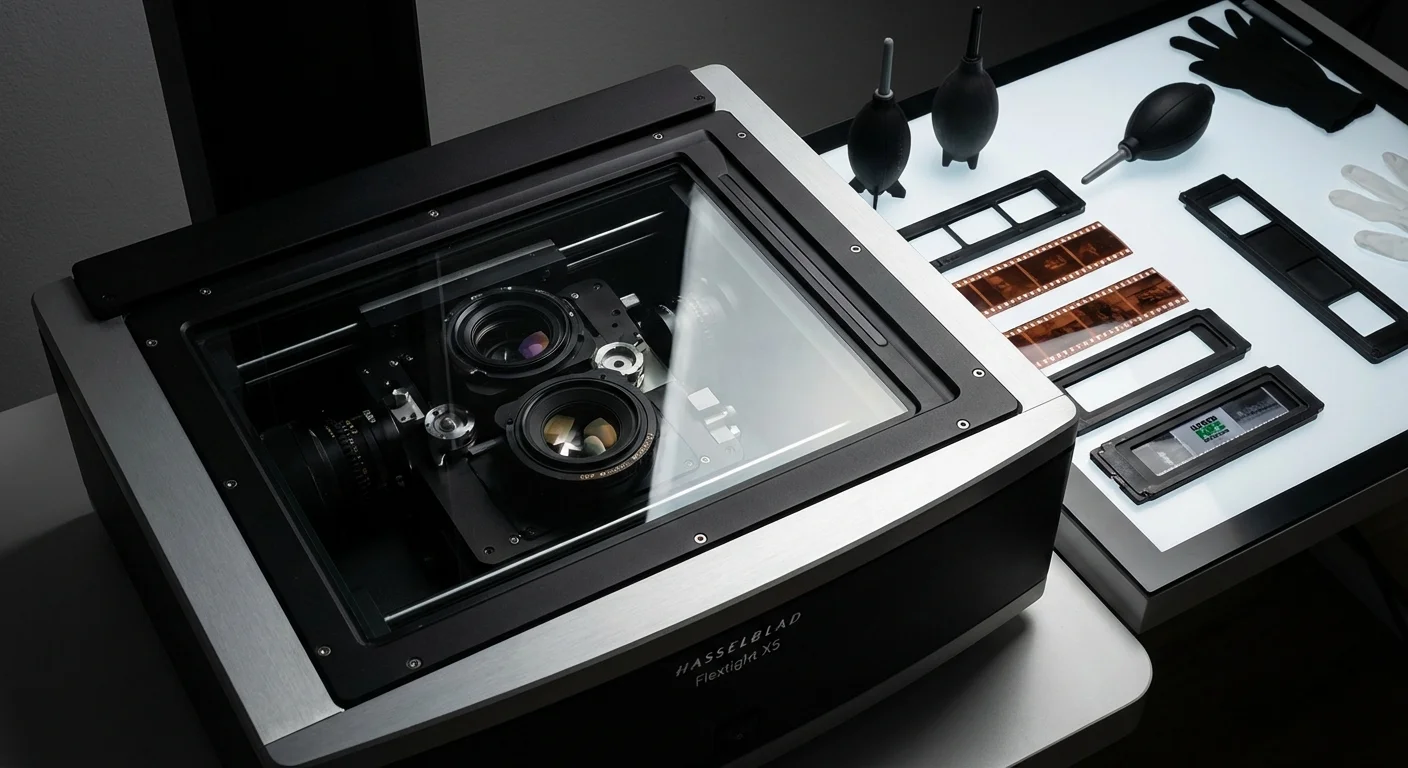
The Epson V850 vs V600 debate usually ends quickly for professionals and serious enthusiasts once they see the V850’s build quality. The V850 Pro targets the photographer who demands archival perfection. Its Dual Lens System uses a High Resolution Lens (up to 4800 dpi) for reflective scanning and a Super Resolution Lens (up to 6400 dpi) specifically optimized for film. High-pass optics with anti-reflective coatings minimize ghosting and flare, ensuring that the light hitting the sensor is as clean as possible.
One of the most valuable upgrades in the V850 Pro package is the set of professional film holders. These holders include anti-Newton ring glass, which prevents the “rainbow” interference patterns that occur when film touches the scanner glass. Even more importantly, these holders feature adjustable feet. You can raise or lower the film in increments of 0.5mm to find the exact “sweet spot” of the scanner’s focus. This level of precision allows you to extract every possible grain of detail from a 35mm negative.
The V850 Pro also includes two sets of film holders. This design choice dramatically improves your workflow. While the scanner processes one set of slides, you can spend that time loading the second set. For anyone facing a mountain of thousands of images, this efficiency makes the V850 Pro a best professional photo scanner contender simply for the time it saves. Furthermore, the inclusion of a fluid-mount tray (optional or included depending on the region) allows for wet-mounting film, a technique that hides scratches and provides the highest possible scan quality from a flatbed device.
Comparing Film Handling and Batch Processing
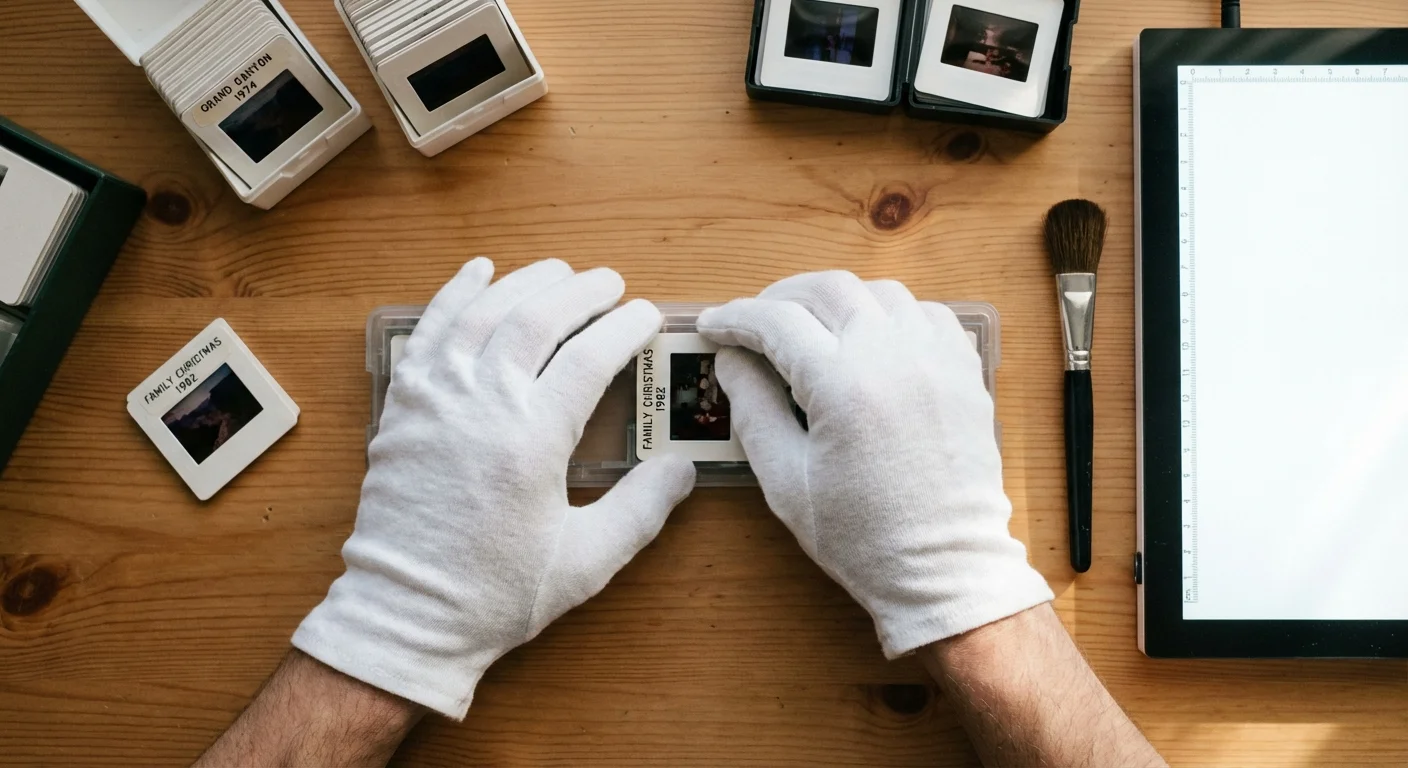
Batch scanning efficiency dictates how long your preservation project will take. If you scan one image at a time, a collection of 1,000 photos will take months. The V600 can hold four 35mm mounted slides or two strips of 35mm negatives (up to 12 frames total) at once. This is manageable for small collections but becomes tedious for large archives.
The V850 Pro doubles your capacity. It handles twelve 35mm mounted slides or three strips of 35mm negatives (18 frames) in a single pass. It also accommodates 4×5 large format film, a feature entirely absent on the V600. If you are digitizing professional work from the mid-20th century, the ability to scan large format sheets is non-negotiable.
Consider the physical robustness of these machines. The V600 uses a plastic lid and hinges that, while durable for home use, may feel light. The V850 Pro features a more substantial lid with a high-quality white backing for reflective scans and a more precise transparency unit for film. Every component of the V850 Pro feels engineered for heavy, daily use, whereas the V600 feels like a high-quality consumer appliance.
The Software Ecosystem: Epson Scan vs. SilverFast
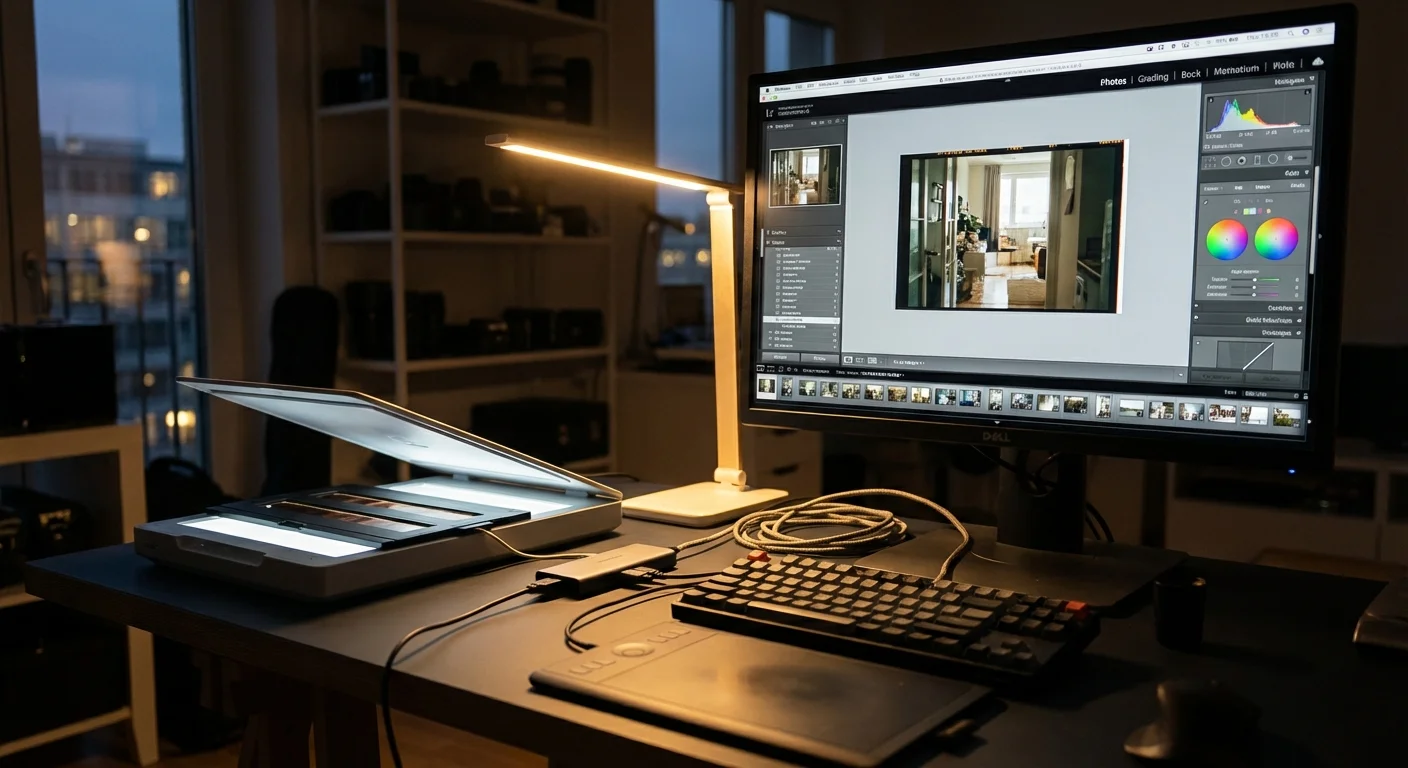
Software acts as the brain of your scanner. Both units ship with Epson Scan, which is reliable and easy to use. It handles the basics well, including color restoration and dust removal. However, the V850 Pro takes a massive leap forward by bundling SilverFast SE Plus 8 (or higher). Many professionals consider SilverFast the gold standard for scanning software.
SilverFast provides granular control over the scanning process. It includes “Multi-Exposure” features that scan the film twice with different exposure settings to pull even more detail out of the shadows—effectively increasing the dynamic range. It also offers sophisticated color management tools that allow you to calibrate the scanner using an IT8 target. This ensures that the colors you see on your screen exactly match the colors of the original slide. According to resources at Digital Photography Review, software-level calibration is often the deciding factor in achieving professional-grade results from flatbed hardware.
While you can purchase SilverFast separately for the V600, it adds significantly to the total cost. When you buy the V850 Pro, this expensive software is included in the box. If you plan to use professional-grade software, the price gap between the two scanners narrows significantly.
Technical Specifications Comparison
To help you visualize the differences, refer to the table below. These specs highlight why the V850 Pro commands a higher price tag.
| Feature | Epson Perfection V600 | Epson Perfection V850 Pro |
|---|---|---|
| Optical Resolution | 6400 dpi | 6400 dpi (Dual Lens System) |
| Optical Density (Dmax) | 3.4 Dmax | 4.0 Dmax | Film Formats | 35mm, 120 (Medium Format) | 35mm, 120, 4×5, 8×10 (on glass) |
| Light Source | ReadyScan LED | ReadyScan LED |
| Film Holders | Standard plastic | Professional with height adjustment |
| Included Software | Epson Scan | Epson Scan, SilverFast SE Plus, X-Rite i1Scanner |

Which Scanner Fits Your Workflow?
The choice between these two scanners ultimately depends on your specific goals and the volume of your collection. You should evaluate your project by asking yourself three questions: How much film do I have? What is the final destination of these images? How much time do I want to spend on post-processing?
If you have a drawer full of 4×6 prints and a few rolls of 35mm film from family vacations, the V600 is your best ally. It is affordable, easy to set up, and produces results that look fantastic on digital photo frames or in social media albums. You can use the money you save to buy archival storage boxes from organizations like the National Archives to house your physical originals after they are scanned.
If you are a serious film photographer, a professional archivist, or someone who has inherited a massive collection of high-quality slides (like Kodachrome or Ektachrome), the V850 Pro is the only logical choice. The higher Dmax ensures you don’t lose the soul of the image in the shadows. The adjustable film holders ensure sharpness that the V600 simply cannot replicate. Furthermore, the dual sets of holders and advanced software will save you hundreds of hours over the life of a large-scale project. The V850 Pro isn’t just a scanner; it is a professional-grade digitization station.
“The key to successful photo preservation is not just capturing the image, but capturing the intent of the original photographer through accurate color and dynamic range.”
Frequently Asked Questions
Is the V850 actually sharper than the V600?
Yes, but not necessarily because of the sensor resolution. The V850 Pro is sharper because its Dual Lens System and adjustable film holders allow you to find the exact focal plane of the scanner. This eliminates the slight blurriness often found in V600 scans where the film sits slightly too high or too low on the glass.
Can I scan black and white film with Digital ICE?
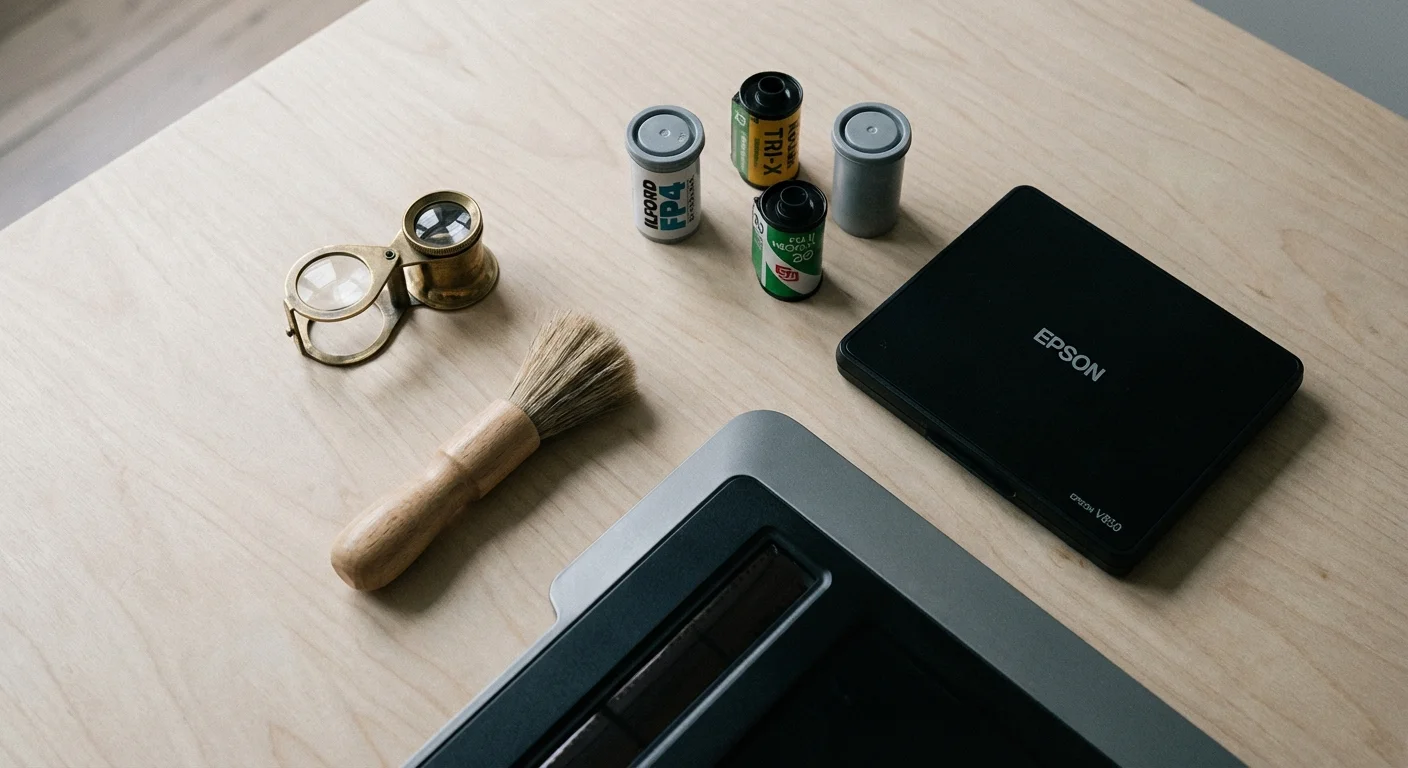
No. Digital ICE uses infrared light to detect dust. Because traditional black and white film contains silver halides that are opaque to infrared light, the scanner “sees” the entire image as one big piece of dust and tries to “clean” it, resulting in a ruined scan. This limitation applies to both the V600 and the V850 Pro. You must scan black and white film with Digital ICE turned off and manually clean the film with a rocket blower or anti-static brush before scanning.
Is the V850 Pro worth the price for just scanning prints?
Generally, no. For reflective prints, the V600 is exceptional. Most printed photos do not have the dynamic range or detail density that requires the V850’s 4.0 Dmax or specialized lenses. You only see the true return on investment for the V850 Pro when you begin scanning transparencies like slides and negatives.
Do these scanners work with modern operating systems like Windows 11 or macOS Sonoma?
Yes, Epson regularly updates its drivers for both the V600 and V850. Additionally, third-party software like VueScan or SilverFast provides excellent support for these models on the latest operating systems, often extending the life of the hardware far beyond the official manufacturer’s support period.
Disclaimer: This article is for informational purposes only. When handling valuable or irreplaceable photographs, consider consulting a professional conservator. Always test preservation methods on non-valuable items first.



Leave a Reply