
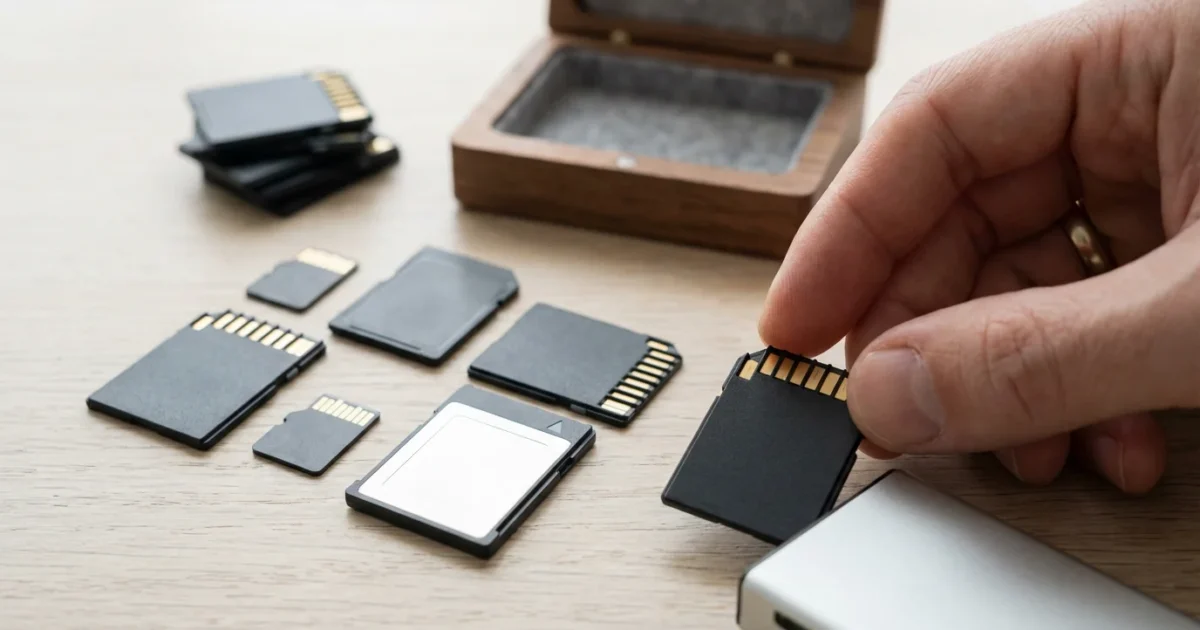
Your photographs represent more than just images; they are tangible links to memories, moments, and the people who matter most. From inherited boxes of family photos to thousands of digital images captured on your smartphone or camera, preserving these treasures is a priority. In the digital age, a critical component of capturing and safeguarding these precious moments is the memory card. Choosing the right memory card for camera use ensures your photos and videos are reliably stored, accessible, and ready for your creative projects. This guide will help you understand the essential factors: speed, capacity, and reliability, so you can make informed decisions and protect your photographic heritage.
Establishing a home photo archive is the best way to ensure these digital assets are organized and protected for future generations.
Along with technical storage knowledge, using composition techniques that make photos stand out will ensure your captured memories are visually compelling.
The Foundation of Your Digital Photography Workflow
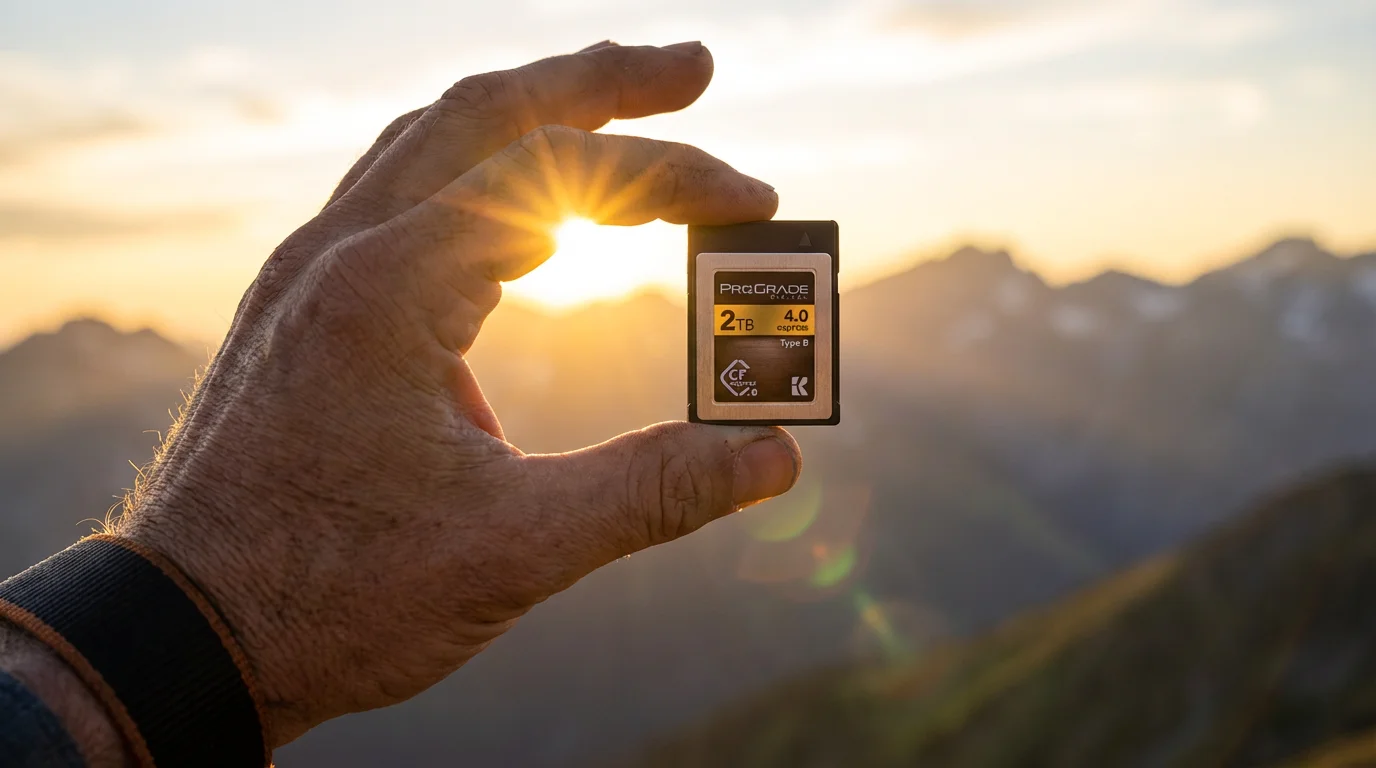
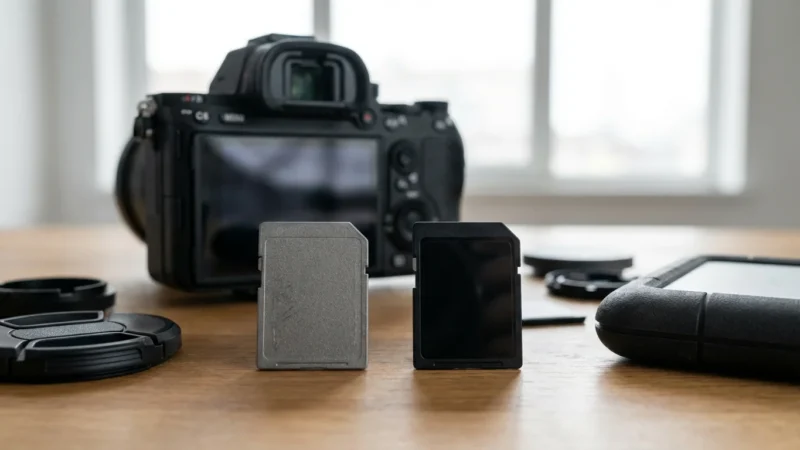
Memory cards are the unsung heroes of digital photography. They are compact, portable storage devices that act as the immediate repository for every photo you snap and every video you record. Without a suitable memory card, your camera is effectively blind, unable to save the moments you meticulously compose. Selecting the correct type of memory card directly impacts your camera’s performance, influencing everything from how quickly it can capture a rapid burst of images to how smoothly it records high-definition video. The quality and specifications of your memory cards are a fundamental element in maintaining the integrity and accessibility of your digital memories, making them just as important as your camera itself.
As you build your digital workflow, don’t forget the importance of backing up physical photos digitally to ensure your entire family history is secured.
Once your images are offloaded from the card, utilizing reliable cloud storage provides a necessary secondary layer of security for your work.
While a memory card is vital, it is just one of several essential camera accessories every photographer needs to capture high-quality images.
Decoding Memory Card Types: SD, microSD, and Beyond
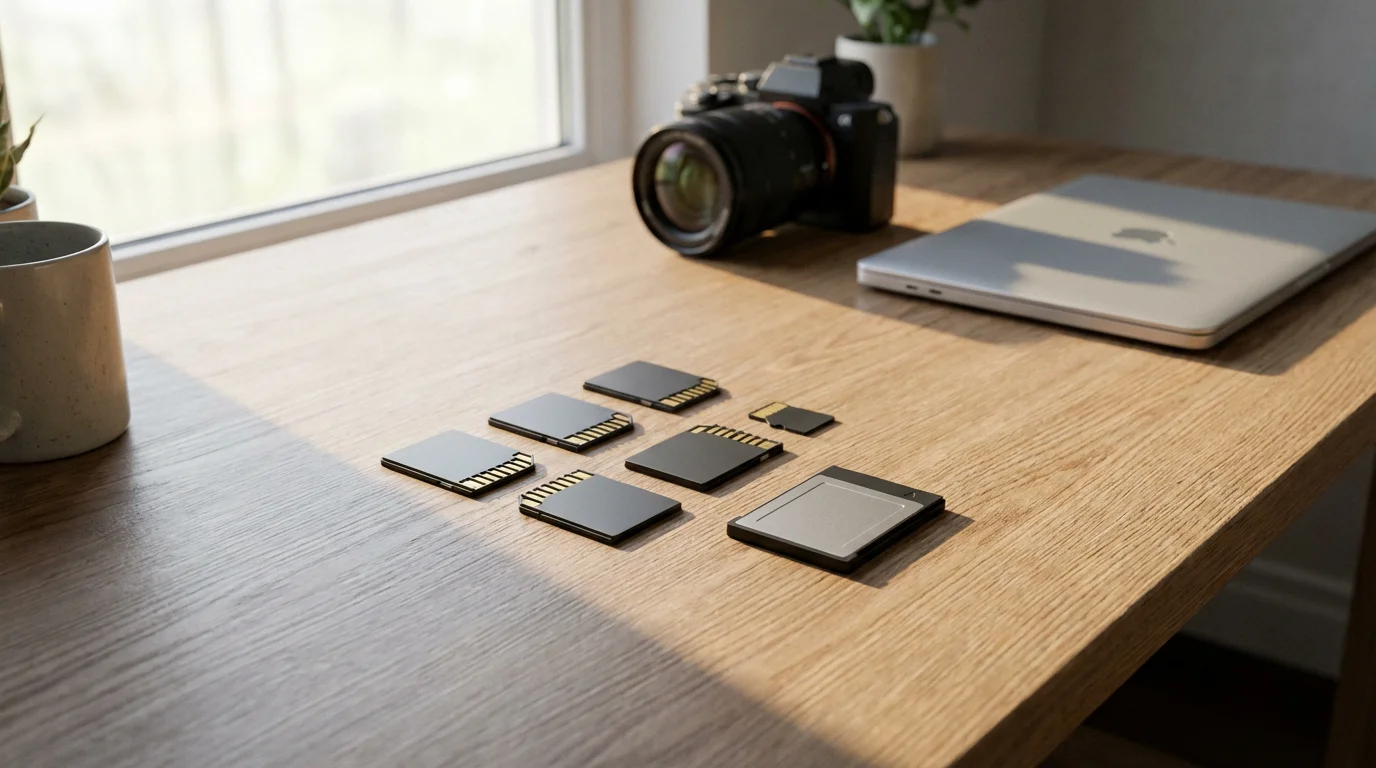
The world of memory cards offers several formats, each designed for specific purposes and devices. Understanding these types is the first step in making an informed choice for your photography needs.
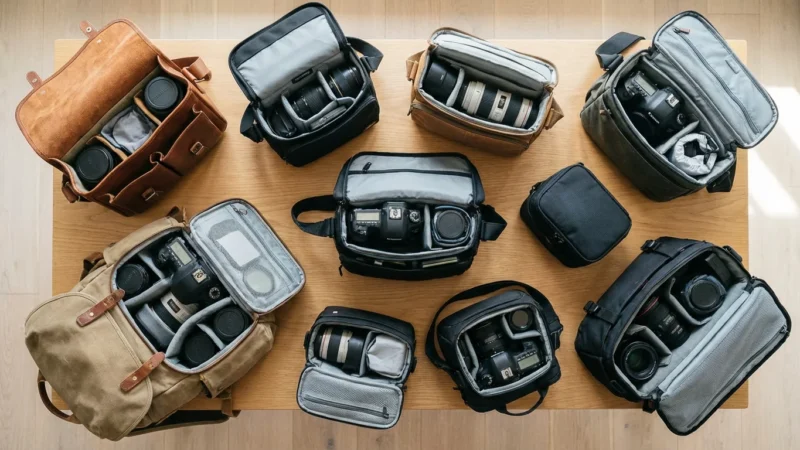
Beyond your cards, choosing the best camera bags is vital for shielding your entire camera kit from physical damage and environmental factors.
If you are looking for a new device that supports these formats, many of the best cameras for beginners in 2025 are excellent starting points.
SD Cards (Secure Digital)
SD cards are the most common and widely recognized memory card format, used in the vast majority of consumer cameras, camcorders, and various other devices. Within the SD family, you will encounter three main generations, distinguished primarily by their storage capacity:
- SD (Standard Capacity): These are older cards with a maximum storage capacity of 2GB. You will rarely find new cameras that support only this format, and their small capacity makes them unsuitable for modern photography.
- SDHC (High Capacity): SDHC cards range in capacity from 4GB to 32GB. Most older DSLRs and many current entry-level mirrorless cameras, along with various point-and-shoot models, use SDHC cards. Ensure your camera is compatible with SDHC before purchasing, as older devices may only support standard SD.
- SDXC (Extended Capacity): SDXC cards offer the largest capacities, starting from 64GB and reaching up to 2TB. These are the go-to choice for modern digital cameras, especially those that shoot high-resolution photos (like RAW files) or 4K/8K video. Virtually all new cameras support SDXC.
Remember that compatibility is crucial. An SDXC card will work in an SDXC-compatible device, and often in an SDHC-compatible device, but an SDHC card will not work in an older device that only supports standard SD cards. Always check your camera’s specifications.
microSD Cards
microSD cards are miniature versions of SD cards, designed for compact devices such as smartphones, action cameras (like GoPros), drones, and some smaller point-and-shoot cameras. They come in microSDHC and microSDXC variations, mirroring the capacity ranges of their larger counterparts. Many microSD cards are sold with an SD adapter, allowing you to use them in standard SD card slots. While convenient, verify the speed rating when using them for photography, as performance can sometimes vary between the bare card and its adapter.
CFexpress and XQD Cards
For professional photographers and videographers using high-end mirrorless cameras or top-tier DSLRs, you will encounter CFexpress and XQD cards. These formats offer significantly faster read and write speeds than even the fastest SD cards, making them ideal for uncompressed RAW video recording, incredibly high burst rates, and demanding professional workflows. CFexpress cards are increasingly replacing XQD as the preferred high-performance option. These cards are specialized and generally overkill for the average enthusiast, carrying a much higher price tag.
Understanding Speed Ratings: How Fast Do You Need?
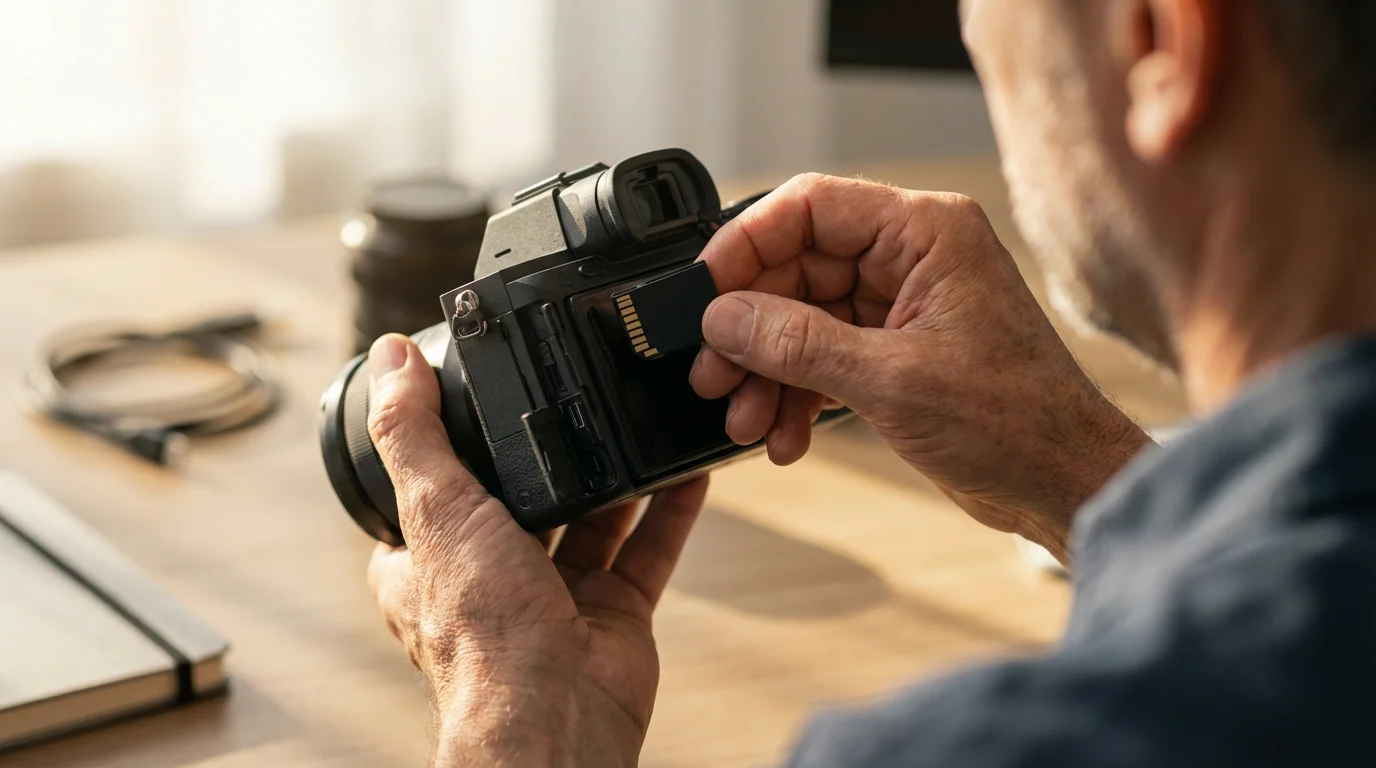
The speed of a memory card is one of its most critical attributes. It dictates how quickly your camera can write data to the card and how fast you can transfer images to your computer. Slow cards can cause frustrating delays, missed shots, and choppy video. Memory card speed is measured in megabytes per second (MB/s) and indicated by various classifications.
Pairing a fast card with the right technique is essential for learning how to take sharp photos every time.
Read vs. Write Speed
Memory cards have two primary speed ratings:
- Write Speed: This is the speed at which your camera can save data to the card. It is crucial for burst shooting (taking many photos in quick succession) and video recording. A camera’s buffer can hold a certain number of images, but a fast write speed clears that buffer quickly, allowing you to keep shooting.
- Read Speed: This is the speed at which data can be transferred from the card, typically when you move photos to your computer. A faster read speed significantly reduces the time it takes to offload your images, making your workflow more efficient.
Manufacturers often highlight the maximum read speed because it is typically higher. Always look for the write speed, or the minimum guaranteed write speed, as this directly affects in-camera performance.
Decoding Speed Class Ratings
Memory card manufacturers use several standards to indicate speed, which can be confusing. Here is a breakdown:
Speed Class
This is an older standard, but you may still see it. It represents the minimum sequential write speed.
- Class 2: 2 MB/s
- Class 4: 4 MB/s
- Class 6: 6 MB/s
- Class 10: 10 MB/s (often seen on older cards, but still found)
UHS Speed Class (Ultra High Speed)
UHS introduced faster bus interfaces (UHS-I, UHS-II, UHS-III) to allow for greater speeds. The UHS Speed Class indicates minimum sustained write performance for real-time video recording.
- U1 (UHS Speed Class 1): Guarantees a minimum write speed of 10 MB/s. Suitable for Full HD (1080p) video recording.
- U3 (UHS Speed Class 3): Guarantees a minimum write speed of 30 MB/s. Essential for 4K video recording and high-resolution burst photography.
Video Speed Class
This is the newest standard, specifically designed to address the increasing demands of high-resolution video capture. It provides explicit minimum sequential write speeds.
- V6: 6 MB/s
- V10: 10 MB/s
- V30: 30 MB/s (good for 4K at standard frame rates)
- V60: 60 MB/s (ideal for higher frame rate 4K or some 6K video)
- V90: 90 MB/s (necessary for high frame rate 4K, 8K video, and very high bit-rate recordings)
The Video Speed Class is the most reliable indicator for video performance, but it also applies to photography, especially if you shoot large RAW files in burst mode.
UHS Bus Interface: UHS-I, UHS-II, UHS-III
Beyond the speed class numbers, you will also see UHS-I, UHS-II, or UHS-III on the card and your camera. This indicates the bus interface, essentially the number of data pins on the card, which directly impacts theoretical maximum speed.
- UHS-I: Features a single row of pins, with theoretical speeds up to 104 MB/s. Most common cards are UHS-I.
- UHS-II: Adds a second row of pins, dramatically increasing theoretical speeds up to 312 MB/s. These cards are easily identified by the extra row of contacts. You need a camera and card reader that both support UHS-II to achieve these speeds.
- UHS-III: An even faster interface, with theoretical speeds up to 624 MB/s. While the standard exists, UHS-III cards and compatible devices are less common than UHS-II at the time of this writing.
If your camera supports UHS-II, investing in a UHS-II card will unlock its full performance potential, particularly for rapid burst shooting and high-bitrate video. However, a UHS-II card will still work in a UHS-I camera, but it will operate at UHS-I speeds.
“Choosing a memory card with adequate write speed prevents camera buffer overflow during continuous shooting. This ensures you capture every decisive moment without your camera lagging behind, especially crucial for fast-action photography or high-resolution video capture.”
Practical Examples for Speed Selection:
- Casual Photographer (JPEGs, occasional Full HD video): A Class 10 or U1 (10 MB/s) UHS-I SD card is usually sufficient.
- Enthusiast Photographer (RAW files, frequent burst shots, 4K video): Look for U3 or V30 (30 MB/s) UHS-I cards as a minimum. If your camera supports it, a UHS-II V60 or V90 card will significantly improve performance.
- Professional Photographer/Videographer (High-resolution RAW, 4K/8K video, high frame rates): You will need the fastest cards possible. UHS-II V90 cards are standard, and CFexpress cards become necessary for the most demanding workloads. You can often find detailed performance reviews on sites like Digital Photography Review for specific cards and cameras.

Choosing the Right Capacity: How Much Space Do You Need?
Memory card capacity, measured in gigabytes (GB) or terabytes (TB), determines how many photos and videos you can store before needing to offload your files. Understanding your shooting habits and file sizes will guide your decision on the optimal storage capacity.
If you find your cards filling up too quickly, consider decluttering your photo collection to remove blurry or unwanted shots and free up space.
When managing high-capacity files, it is helpful to weigh the benefits of external hard drives vs cloud storage for your long-term photo archive.
Your storage needs can also be impacted by your understanding of camera settings for better indoor photos, which often require specific file sizes.
Factors Influencing Capacity Needs:
- Image File Size:
- JPEGs: These are compressed files and take up less space. A 24MP JPEG might be 5-15MB.
- RAW Files: Uncompressed or minimally compressed, RAW files contain much more image data and are significantly larger, often 25-100MB per file, depending on your camera’s resolution.
- Resolution: Cameras with higher megapixel counts (e.g., 45MP, 60MP) produce larger files, whether JPEG or RAW.
- Video Resolution and Bitrate:
- Full HD (1080p): Relatively moderate file sizes.
- 4K Video: Consumes storage at a rapid rate, especially at higher frame rates (e.g., 60fps).
- 8K Video: Demands enormous storage capacity and extremely fast write speeds.
- Bitrate: Higher bitrates (often measured in Mbps, megabits per second) result in larger video files. Professional video codecs can generate very large files.
- Shooting Volume: Consider how many photos you typically take in a single session or during an event. Are you a casual shooter, or do you fill your card regularly?
Practical Capacity Recommendations:
As cameras continue to increase in resolution and video capabilities, larger capacities become increasingly necessary. Here are some general guidelines:
| Use Case | Recommended SD Card Capacity | Typical Photos/Video Duration |
|---|---|---|
| Casual Photography (JPEG, 1080p video) | 64GB – 128GB | 1,500 – 3,000 JPEGs or 1-2 hours 1080p video |
| Enthusiast Photography (RAW/JPEG, occasional 4K video) | 128GB – 256GB | 2,000 – 4,000 RAW files or 2-4 hours 4K video |
| Professional Photography/Videography (High-res RAW, extensive 4K/8K video) | 256GB – 512GB (or multiple cards) | 4,000+ RAW files or 4+ hours 4K video |
While a single large memory card offers convenience, many photographers prefer using multiple smaller capacity cards (e.g., two 128GB cards instead of one 256GB). This strategy mitigates risk; if one card fails or gets lost, you do not lose your entire collection of images from a single shoot. Evaluate your comfort level with risk and your typical shooting volume when deciding on your optimal storage capacity strategy.
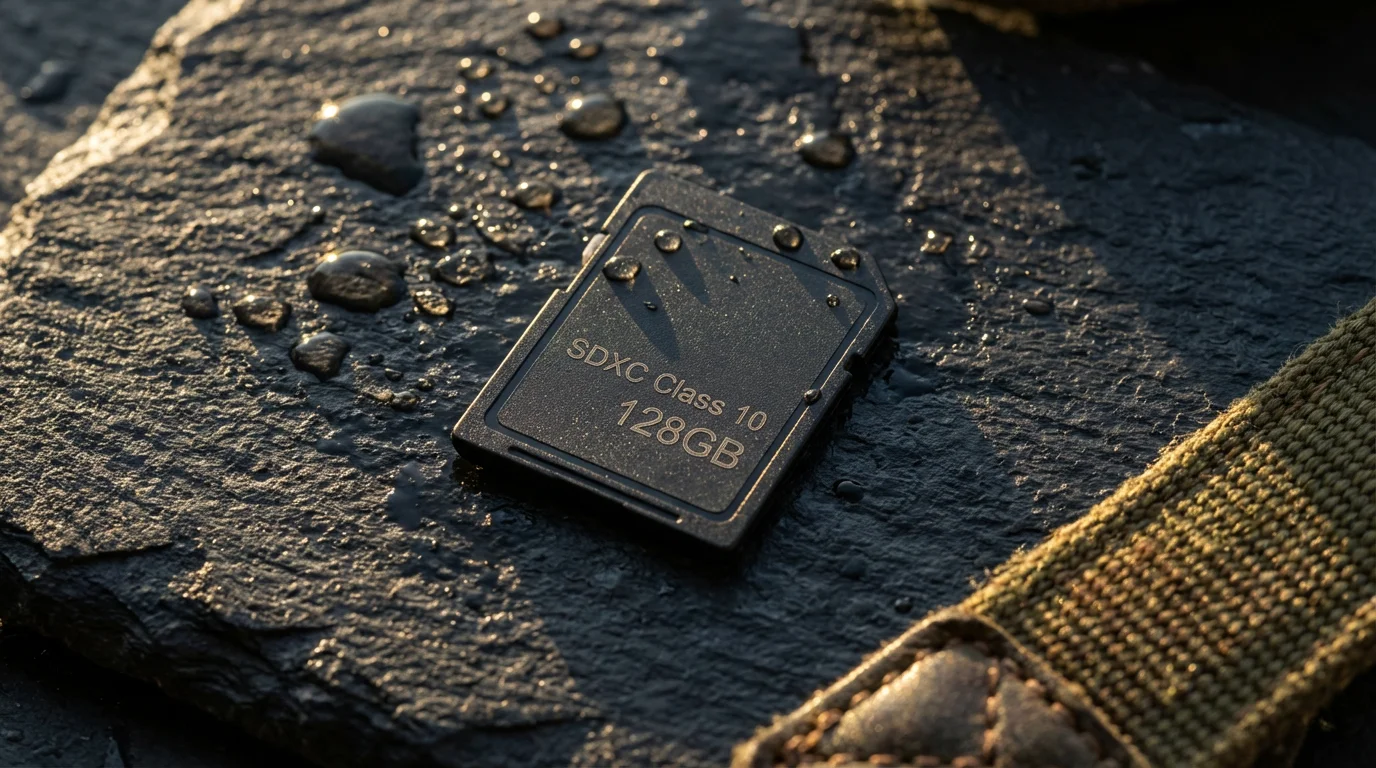
Reliability and Durability: Protecting Your Precious Shots
The data stored on your memory card represents irreplaceable memories. Therefore, reliability is paramount. While no electronic device is infallible, choosing reputable brands and understanding durability features helps safeguard your images.
Additionally, keeping your equipment safe in one of the best camera bags for protecting your gear will further ensure the longevity of your storage media.
Brand Reputation
Stick with well-known and respected brands when purchasing memory cards. Companies like SanDisk, Lexar, Samsung, Sony, ProGrade Digital, and Kingston have established reputations for producing quality products. These brands often conduct rigorous testing and offer warranties, providing a layer of assurance regarding performance and longevity. Avoid generic or unbranded cards, even if they come at a significantly lower price, as their performance and reliability can be highly inconsistent, putting your valuable data at risk.
Durability Features
Many premium memory cards boast features designed to withstand environmental challenges:
- Waterproof: Can survive submersion in water for a specified period and depth.
- Shockproof: Designed to resist damage from drops and impacts.
- Temperature Proof: Engineered to function in extreme hot or cold conditions.
- X-ray Proof: Resists damage from airport X-ray scanners.
- Magnet Proof: Protects data from magnetic fields.
While these features offer peace of mind, their real-world impact on preventing data loss is often debated. The most significant factor in memory card reliability remains proper handling and robust backup practices. Treat your memory cards with care, store them in protective cases, and always perform regular data backups to multiple locations.
“A memory card’s reliability is crucial, but it serves only as the first line of defense. True photo preservation demands a comprehensive backup strategy, involving immediate transfer to a computer and subsequent storage on external drives or cloud services. Never let a memory card be your sole repository for cherished photographs.”
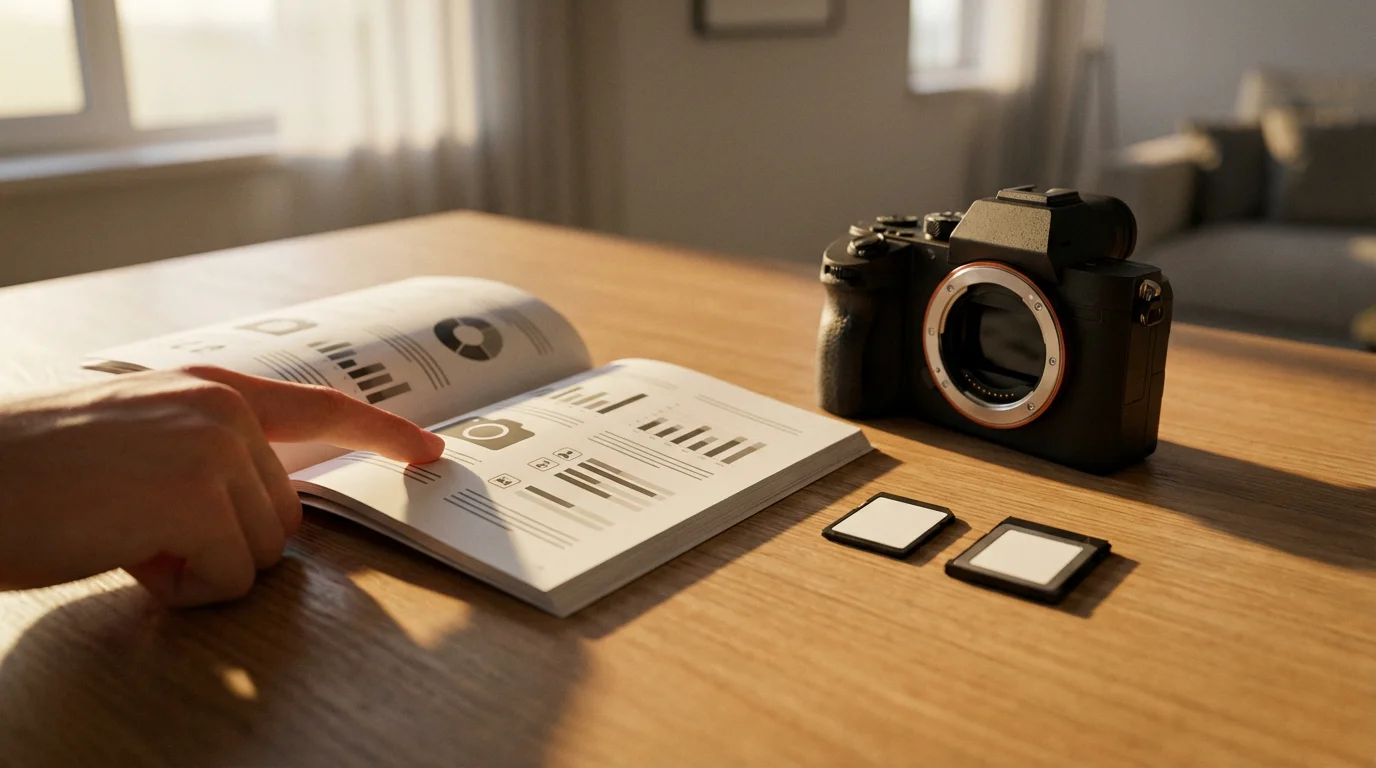
Matching Your Card to Your Camera: A Practical Guide
The best memory card is not necessarily the fastest or the largest, but the one that perfectly complements your specific camera and your shooting style. Making an informed decision about how to choose the right memory card for camera use involves evaluating your camera’s capabilities and your photographic needs.
Understand Your Camera’s Specifications
Your camera manual is your best friend when selecting a memory card. It will explicitly state:
- Compatible Card Formats: Does your camera accept SDHC, SDXC, microSD, CFexpress, or XQD cards?
- Supported UHS Bus Interface: Does it support UHS-I or UHS-II? If your camera has a UHS-II slot, using a UHS-II card will unlock its full potential for speed. If it only supports UHS-I, a UHS-II card will still work but will operate at UHS-I speeds, meaning you may be paying extra for unused capability.
- Recommended Speed Classes: Many cameras will recommend minimum speed classes (e.g., U3 or V30 for 4K video). Adhering to these recommendations ensures smooth performance and prevents dropped frames or buffer limitations.
Consider Your Shooting Habits:
- Still Photography Only (JPEGs): For casual shooting where you mostly capture JPEGs and do not need rapid burst capabilities, a Class 10 or U1 UHS-I card with a moderate capacity (64GB-128GB) will likely suffice.
- Still Photography (RAW & Burst Shooting): If you shoot RAW files, utilize continuous shooting modes, or photograph fast-moving subjects (sports, wildlife), invest in faster cards. A U3 or V30 UHS-I card is a good starting point, but a UHS-II V60 or V90 card will significantly enhance performance, especially on compatible cameras. This is where you really see the value in `best SD cards for photography` discussions.
- Video Recording (Full HD): A U1 or V10 card is typically adequate for 1080p video recording.
- Video Recording (4K & Higher): For 4K video at standard frame rates, a U3 or V30 card is essential. If you record 4K at higher frame rates (60fps+) or require very high bit-rate recording, a V60 or V90 card is necessary to prevent dropped frames and ensure smooth footage. For 8K video, V90 or CFexpress cards are mandatory.
Example Scenarios:
- Scenario 1: Family Vacation Photographer with a Mirrorless Camera: You shoot a mix of JPEGs and RAWs, some burst photos of kids playing, and occasional 4K video clips. Your camera supports UHS-II. You would benefit greatly from a 128GB or 256GB UHS-II V60 or V90 card. It provides ample `storage capacity` and speed for capturing dynamic moments without frustration.
- Scenario 2: Landscape Photographer with an Older DSLR: You mostly shoot RAW files, but rarely use burst mode, and your camera only supports UHS-I. A 64GB or 128GB UHS-I U3 card is a cost-effective choice. The U3 ensures fast write speeds for large RAW files, but you do not need the extra speed of UHS-II since your camera cannot utilize it.
Do not overspend on a card whose speed your camera cannot utilize, but also do not compromise on speed if your camera and shooting style demand it. The right balance ensures optimal performance and value.
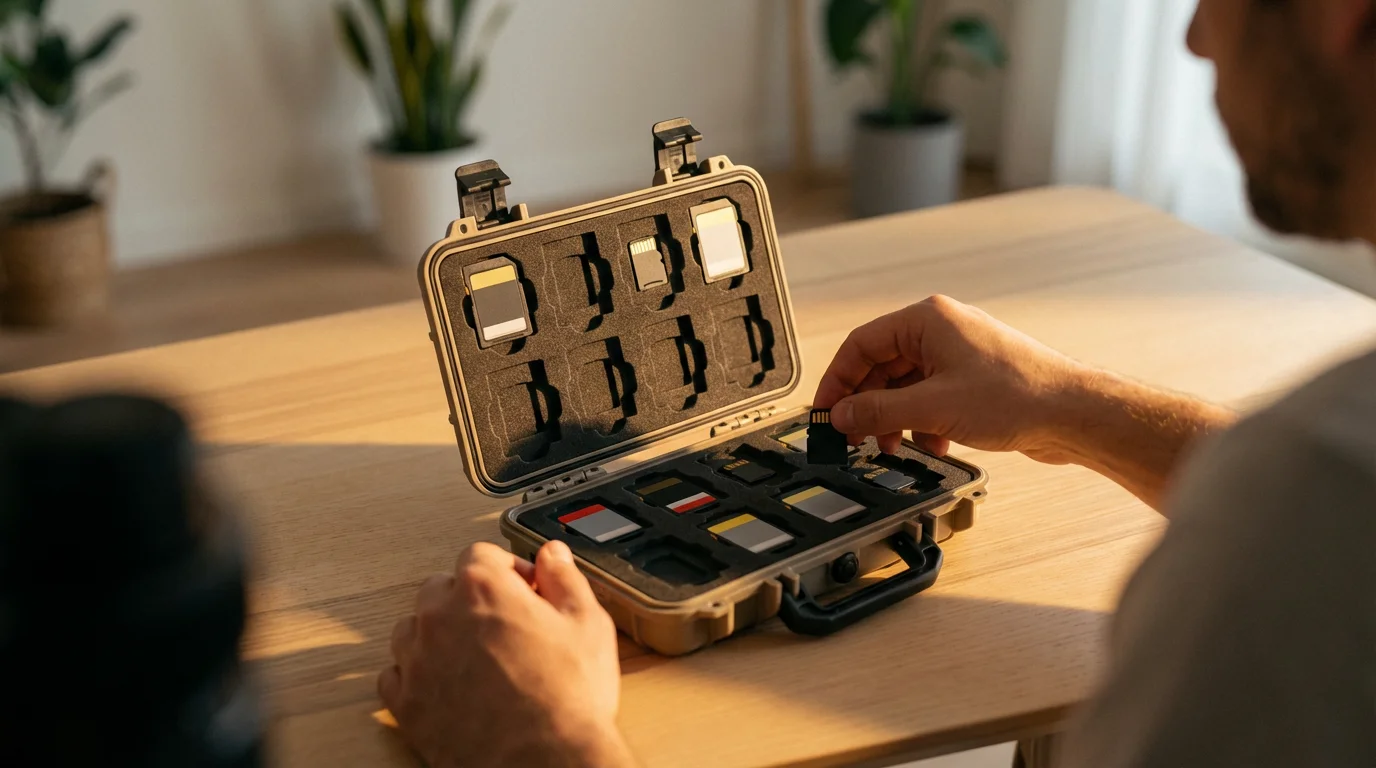
Best Practices for Memory Card Management
Beyond selecting the correct memory card, proper management habits are essential for extending their lifespan, maintaining data integrity, and preventing data loss. These practices are simple but profoundly impactful on the longevity of your `memory cards` and the safety of your images.
To speed up your ingestion process, look into the best photo management software for 2025 for automated sorting and tagging.
After clearing your card, establishing a photo organization system that sticks ensures your new images are easy to find and share.
- Format In-Camera, Not On Computer: Always format your memory card inside the camera you will use it with. This ensures the card is optimized for your camera’s specific file system, reducing the risk of corruption and maximizing performance. Formatting on a computer might not prepare the card correctly for your camera.
- Never Delete Individual Files: After transferring your images to your computer, resist the urge to delete specific photos or videos from the card in-camera. Instead, once all images are safely transferred and backed up, format the entire card in-camera. Deleting individual files can fragment the card’s file system, potentially slowing down performance and increasing the chances of data corruption over time.
- Use a Reliable Card Reader: Invest in a good quality external card reader, especially one that supports the latest USB standards (e.g., USB 3.0/3.1/3.2) and your card type (e.g., UHS-II reader for UHS-II cards). This will ensure faster and more reliable data transfer to your computer compared to connecting your camera directly, which can sometimes be slower or less stable.
- Safely Eject Your Card: Always use the “Safely Remove Hardware” or “Eject” function on your computer before physically removing the memory card. Pulling the card out while data is being written or read can corrupt the card or the data.
- Carry Spares: Always have at least one or two spare `SD cards` with you, especially for important events. Cards can fail unexpectedly, get lost, or fill up faster than you anticipate. Having spares ensures you can continue shooting without interruption.
- Store Cards Properly: Keep your memory cards in protective cases when not in use. This shields them from dust, moisture, static electricity, and physical damage. Avoid leaving them loose in bags or pockets where they can be damaged or lost.
- Avoid Filling Cards Completely: Try not to fill your memory cards to their absolute maximum `storage capacity`. Leaving a small amount of free space can help maintain card performance and reduce the likelihood of file system errors.
- Back Up Immediately: The moment you finish a shooting session, transfer your images to your computer. Then, implement a robust backup strategy, ideally following the 3-2-1 rule: three copies of your data, on two different types of media, with one copy off-site. Your memory card is temporary storage, not an archive.
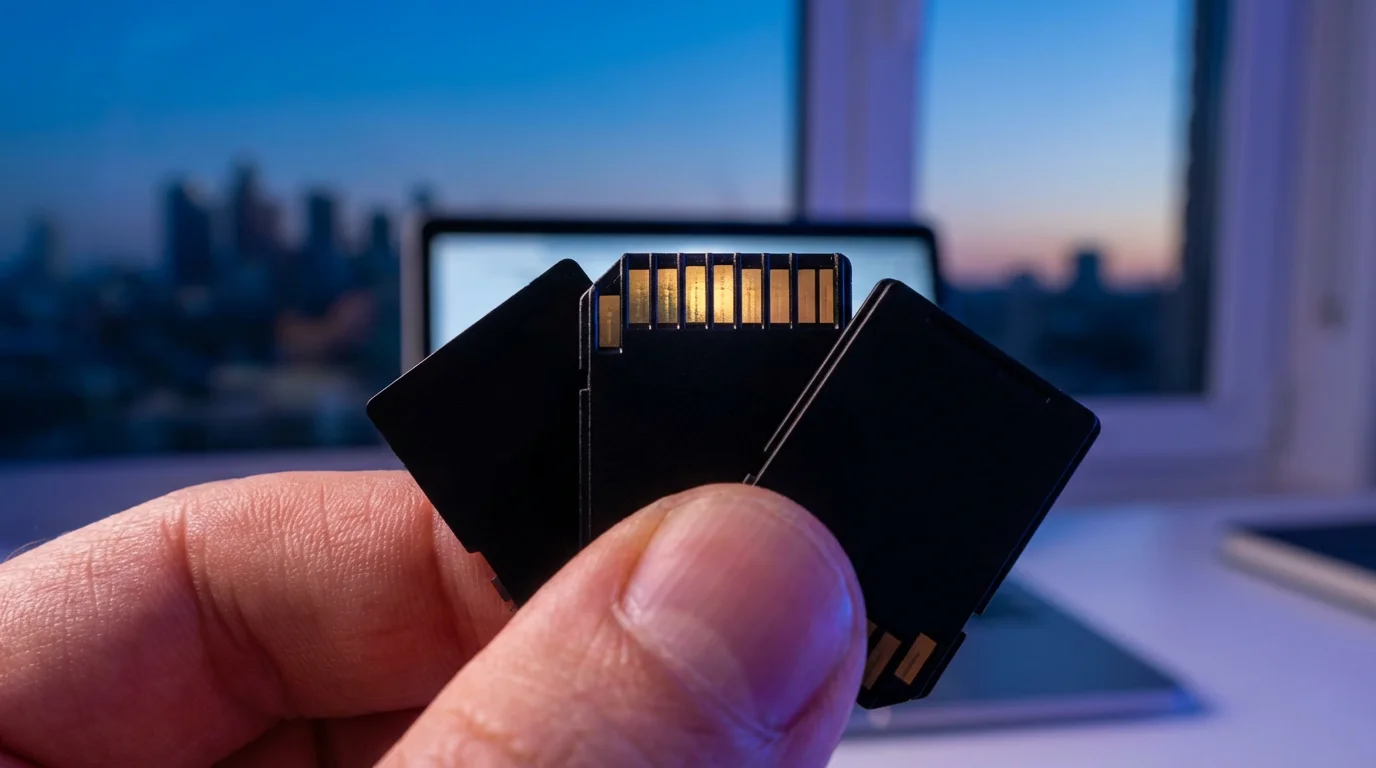
Navigating the Market: Finding the Best SD Cards for Photography
With a clearer understanding of memory card types, speeds, and capacities, you are well-equipped to navigate the market and find the `best SD cards for photography` that meet your needs. The goal is to balance performance, reliability, and cost-effectiveness, ensuring you get the most out of your investment.
Key Considerations When Buying:
- Camera Compatibility: Reiterate checking your camera manual first. This step dictates the physical format (SD, microSD, CFexpress) and the bus interface (UHS-I, UHS-II) your camera can leverage. There is no point buying a high-speed UHS-II card if your camera only supports UHS-I.
- Performance Needs: Match the card’s speed ratings (UHS Speed Class, Video Speed Class) to your shooting requirements. If you shoot a lot of 4K video or rapid bursts of RAW photos, prioritize U3, V30, V60, or V90 cards. For casual shooting, a U1 or Class 10 card may be sufficient and more budget-friendly.
- Capacity Requirements: Choose a `storage capacity` that comfortably accommodates your typical shooting volume, considering whether you prefer one large card or several smaller ones for redundancy.
- Brand Reputation: Stick with trusted brands like SanDisk, Lexar, Sony, Samsung, and Kingston. These companies have a proven track record of quality and offer customer support and warranties.
- Price vs. Value: While it is tempting to go for the cheapest option, remember that a memory card is safeguarding your irreplaceable memories. Investing a bit more in a reliable, high-performance card from a reputable brand can save you significant heartache and potential data recovery costs down the line.
- Read Reviews: Before making a purchase, consult independent reviews from reputable photography websites. Sites like Cambridge in Colour or Digital Photography Review often conduct thorough tests on memory cards, providing real-world performance data that can help inform your decision. Look for consistency in performance and reliability reports.
A Note on Counterfeits:
Beware of counterfeit memory cards, which are unfortunately common. These cards often claim high capacities and speeds but deliver far less. Purchase memory cards from reputable retailers, whether online or brick-and-mortar, to minimize the risk of acquiring a fake. If a deal seems too good to be true, it probably is.
By following this comprehensive guide, you can confidently choose `memory cards` that not only meet your photographic demands but also offer the reliability necessary to preserve your precious digital memories for years to come. Your investment in the right memory card is an investment in your photographic legacy.
Frequently Asked Questions
Should I buy one large memory card or several smaller ones?
For important events or extensive shooting, several smaller to medium-sized cards (e.g., 64GB or 128GB) often offer better security than one very large card. If a card fails, you only lose the images on that specific card, not your entire shoot. This strategy helps mitigate risk, ensuring you have backup storage readily available.
How often should I replace my memory cards?
Memory cards do not have an infinite lifespan, though a quality card can last many years with proper care. There is no fixed replacement schedule. However, if you notice slower performance, corrupt files, or frequent read/write errors, it is time to replace the card. Consider retiring heavily used cards after 3-5 years, especially if they are crucial for professional work.
Is it safe to delete photos directly from my memory card in the camera?
While you can delete photos in-camera, it is generally better practice to transfer all your images to your computer and then format the card in-camera. Deleting individual files can fragment the card’s file system over time, potentially impacting performance and increasing the risk of data corruption. Formatting ensures a clean slate and optimal performance each time.
Can I use an SD card from a video camera in my DSLR or mirrorless camera?
Yes, if the physical format is compatible, you can generally use an SD card from a video camera in a DSLR or mirrorless camera. However, ensure the card’s speed class and capacity meet the requirements for your still camera’s specific functions, such as high-resolution photo bursts or 4K video recording, to avoid performance bottlenecks. Check your camera’s manual for recommended card specifications.
Disclaimer: This article is for informational purposes only. When handling valuable or irreplaceable photographs, consider consulting a professional conservator. Always test preservation methods on non-valuable items first.




Leave a Reply