

Creating a year-in-review album transforms a year of fleeting moments into a tangible, cherished collection. You capture the laughter, the milestones, the quiet joys, and the significant events that shaped your year. This annual photo book serves as a powerful memory compilation, giving you a beautiful way to reflect on your experiences and share your story with loved ones. It is a proactive step in preserving your photographic heritage, moving images from digital files or shoeboxes into a carefully curated narrative. This guide provides practical, actionable insights, helping you navigate the process of how to make a year in review photo album, ensuring your most precious memories endure.
Setting up a home photo archive using best practices provides a stable foundation for your library before you begin selecting images.
Why Create a Year-in-Review Album?
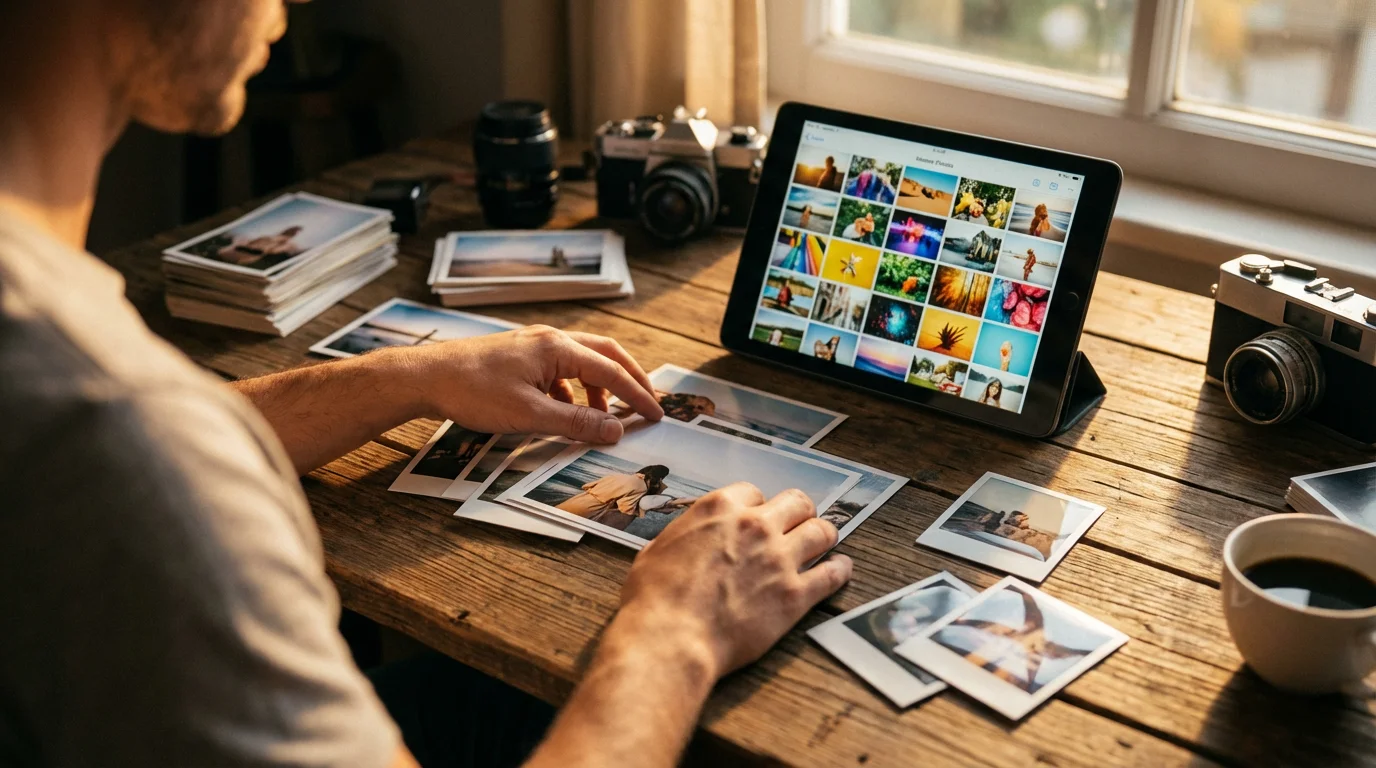
A year-in-review album offers more than just a collection of pictures; it builds a legacy. Many individuals find themselves with thousands of unorganized digital images or inherited boxes of old family photos, feeling overwhelmed by the sheer volume. Creating an annual photo book breaks down this daunting task into manageable yearly segments. You gain a focused project that celebrates the past year, rather than tackling a lifetime of images all at once.
For new parents, this practice often begins with creating a baby’s first year photo album and then evolves into a cherished annual tradition.
This process provides immense personal benefits. It helps you reflect on your personal growth, acknowledge challenges overcome, and celebrate successes. Psychologically, reviewing positive memories can boost mood and reinforce feelings of gratitude. For families, the album becomes a shared experience, a conversation starter that brings generations together. Children love seeing themselves grow and recalling past adventures. Grandparents cherish a snapshot of their family’s year. This memory compilation provides a tangible record of your family’s journey, making your history accessible and enjoyable. Consider the power of a tangible object in our increasingly digital world. A physical album allows for a different kind of interaction, encouraging slow contemplation and connection that a quick scroll through a phone cannot replicate. It represents the best way to document a year in photos, providing both an emotional and historical record.

If you are looking for a way to enjoy these memories daily, you can also learn how to make a family photo calendar using your favorite shots from the year.
Gathering Your Year’s Memories
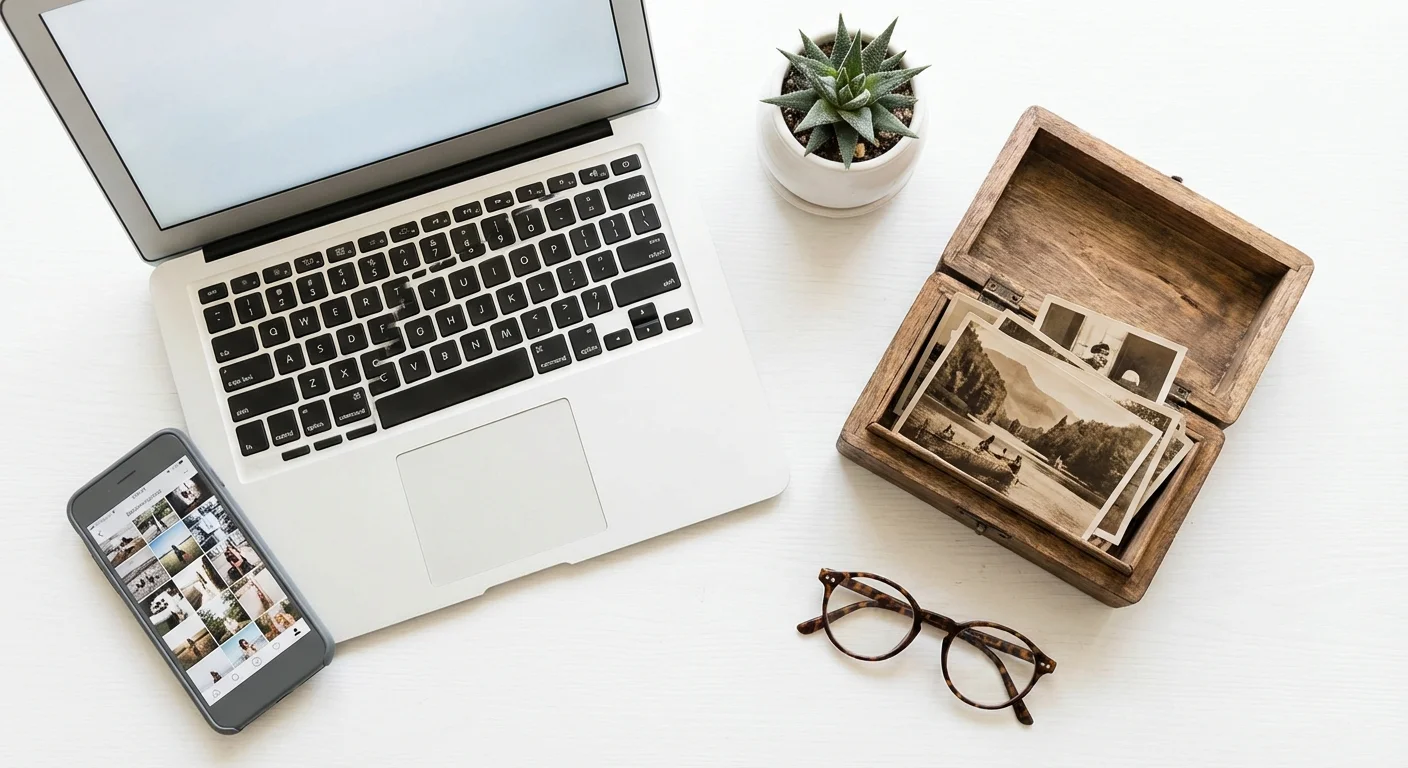
The first practical step in creating your year in review album involves collecting all potential photographic assets. This process can seem daunting, but a systematic approach makes it manageable. Start by thinking about all the places your photos reside.
Digital Sources:
- Smartphones and Tablets: These devices are likely your primary source. Sync your photos to a cloud service or transfer them to a computer.
- Digital Cameras: Download images from your DSLR, mirrorless camera, or point-and-shoot.
- Cloud Storage: Check Google Photos, Apple Photos, Dropbox, OneDrive, or any other cloud service where you automatically back up images.
- Social Media: Download photos you have posted on platforms like Facebook or Instagram. While often lower resolution, they capture specific moments.
- Email and Messaging Apps: Search for photos shared by family and friends throughout the year.
- Computers and External Drives: Look in various folders on your desktop, laptop, or any external hard drives.
Physical Sources (for scanning):
- Prints: Digitize any physical prints from the past year. Perhaps you developed film or received prints from an event.
- Scanned Documents/Art: Include scans of children’s artwork, important documents, or other ephemera that tell your year’s story.
Consolidate all these images into a single, temporary folder on your computer or an external hard drive. Name this folder clearly, for example, “2023 Photo Album Candidates.” This initial consolidation prevents you from missing crucial moments later. Do not worry about duplicates at this stage; you will address those in the next phase. Ensure you have ample storage space before you begin this step. You might find you have thousands of photos, especially from smartphone usage.
Curating Your Collection: The Art of Selection
With all your images in one place, the real work, and joy, of creating your annual photo book begins: selection. This step determines the narrative flow and emotional impact of your year in review album. Resist the urge to include every photo. A cohesive album tells a story; too many photos dilute that story.
Start by deleting obvious duds: blurry images, accidental shots, severe duplicates, or photos with unflattering expressions. Be ruthless in this initial pass. Next, focus on storytelling. Which photos best represent the key events, emotions, and experiences of your year? Think chronologically, but also thematically. Did you take a memorable trip? Did a child learn a new skill? Did your family celebrate specific holidays?
Consider these questions when selecting:
- Does this photo evoke a strong memory or emotion?
- Does it represent a significant event or milestone?
- Does it capture an important person or pet?
- Does it contribute to the overall narrative of the year?
- Is it visually appealing and well-composed?
- Do I have other similar photos that tell the story better?
Aim for quality over quantity. A typical year in review album might contain anywhere from 100 to 300 photos, depending on the number of pages and design. For a 50-page album, 100-150 photos give you roughly two to three images per page, allowing for good visual breathing room and impactful layouts. Reviewing your selected images several times helps refine your choices. Ask a trusted family member to review your selection for a fresh perspective. They might remind you of a forgotten moment or suggest an image that holds more significance.
This selection process is arguably the most crucial part of how to make a year in review photo album. It forces you to engage with your memories, making them more vivid and meaningful.

Organizing and Structuring Your Story
Once you have curated your core collection, organize these chosen images into a logical sequence. This structure forms the backbone of your memory compilation. The most common and often best way to document a year in photos is chronologically. This approach naturally unfolds the year’s events as they happened, creating an easy-to-follow narrative.
To make next year’s project even easier, consider starting a 10-minute daily photo organization routine to manage images as you take them.
Create subfolders for each month, or even specific events within months, such as “January New Year’s Day,” “February Birthday Party,” “March Spring Break Trip.” Place your selected photos into these folders. This granular organization streamlines the design process later.
For each subfolder, consider:
- Naming Conventions: Use a consistent naming convention for your files, such as “YYYY-MM-DD_EventName_001.jpg.” This helps maintain order and makes searching easier.
- Categorization: Beyond chronology, you might categorize photos by theme if a significant portion of your year revolved around one topic, such as “Travel Adventures,” “Family Milestones,” or “Home Projects.” However, blend these themes back into the chronological flow for a cohesive story.
- Highlight Reel: Within each month or event, identify a few standout images. These might serve as full-page spreads or focal points in your design.
This detailed organization not only prepares your photos for the album but also establishes good digital asset management habits. Knowing exactly where your best photos are saves you time and reduces stress in future projects. It transforms a scattered collection into a well-ordered archive, ready for creative expression.
Choosing Your Album Format
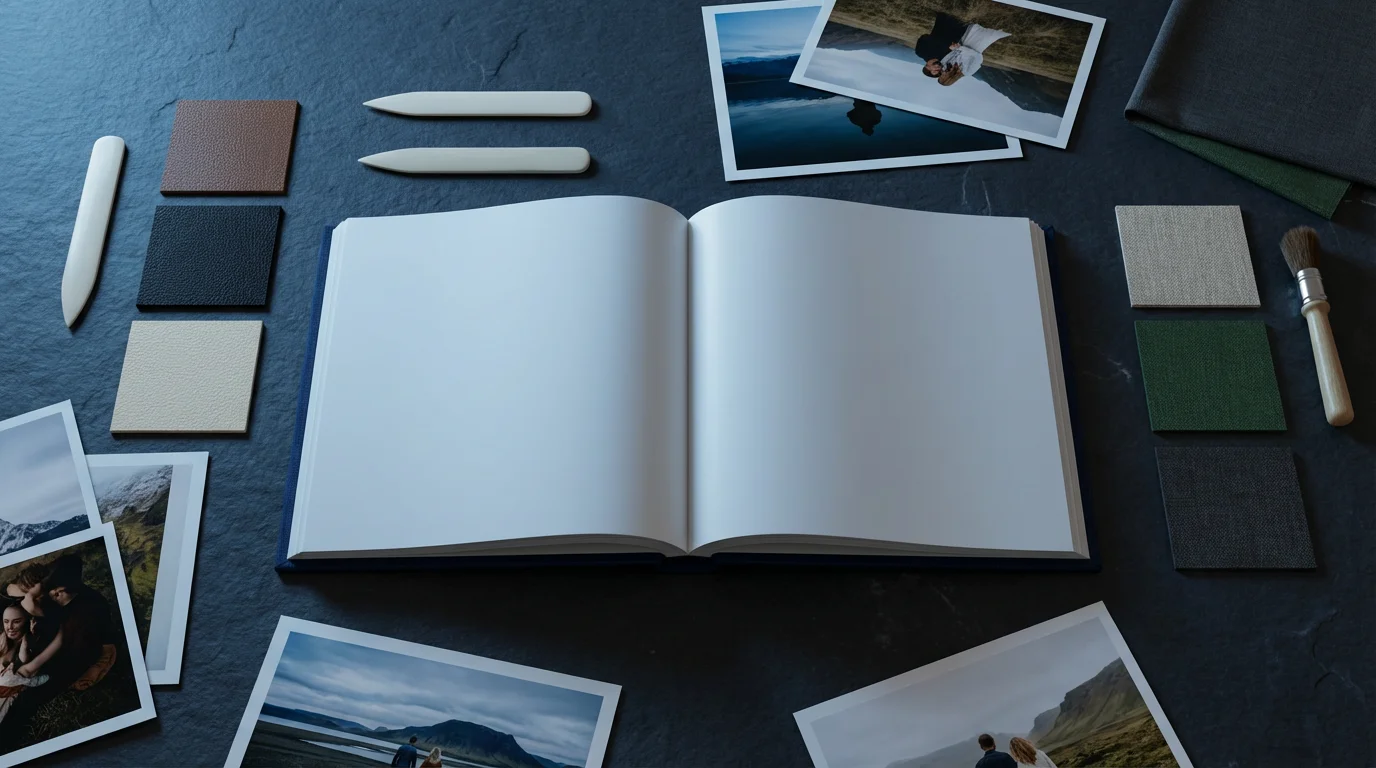
The format you choose for your year in review album significantly impacts its look, feel, and longevity. You have several excellent options, each with its advantages.
If you prefer a more tactile, hands-on craft, you can also learn how to make a photo scrapbook from scratch using physical prints and decorative elements.
Digital Photo Books:
To ensure your images look their best in physical form, it is worth researching the best photo printing services for professional-grade results.
These are the most popular choice for annual photo books. Companies like Shutterfly, Mixbook, Blurb, and Artifact Uprising offer user-friendly platforms. You upload your photos, arrange them into layouts, add captions, and choose cover materials and paper types.
- Pros: Professional printing, variety of sizes and covers, easy to share digital copies, relatively affordable, excellent archival quality when produced by reputable companies.
- Cons: Requires a computer and internet access for design, less customization than a DIY approach, not as tactile as a handmade album until printed.
When selecting a service, consider print quality, paper options (matte, glossy, lay-flat pages), design flexibility, and customer reviews. Some services specialize in specific aesthetics, such as minimalist or heirloom quality. High-quality digital photo books offer excellent color fidelity and resistance to fading, especially those using pigment-based inks and acid-free papers.
DIY Physical Albums:
This approach involves printing your photos yourself or at a local lab, then assembling them into a physical album.
- Pros: Complete creative control, ability to include physical mementos (tickets, letters), truly personalized, unique tactile experience.
- Cons: Time-consuming, requires careful selection of archival-quality materials (acid-free paper, photo-safe adhesives), potential for degradation if non-archival materials are used.
If you choose a DIY route, prioritize archival safety. Use photo corners or archival-safe adhesive dots instead of glues or tapes that can yellow or damage photos over time. Select albums made with acid-free and lignin-free pages and covers. The Library of Congress provides comprehensive guidance on proper photo handling and storage for long-term preservation, underscoring the importance of these material choices. You preserve your original prints by selecting archival methods.
Digital-Only Albums:
You can create a digital presentation, slideshow, or interactive album without printing.
- Pros: Environmentally friendly, easily shareable via email or cloud links, no physical storage required, dynamic elements like video clips possible.
- Cons: Lacks the tactile experience, dependent on technology for viewing, risk of obsolescence if file formats change.
For a digital-only year in review album, consider creating a curated folder of your best images, perhaps alongside a PDF document detailing the story behind each. This provides a digital memory compilation that is highly shareable.
The best way to document a year in photos is the method that aligns with your time commitment, budget, and desired outcome. Many people opt for a high-quality digital photo book for its balance of convenience and professional finish.
Designing Your Album: Tips for Impact
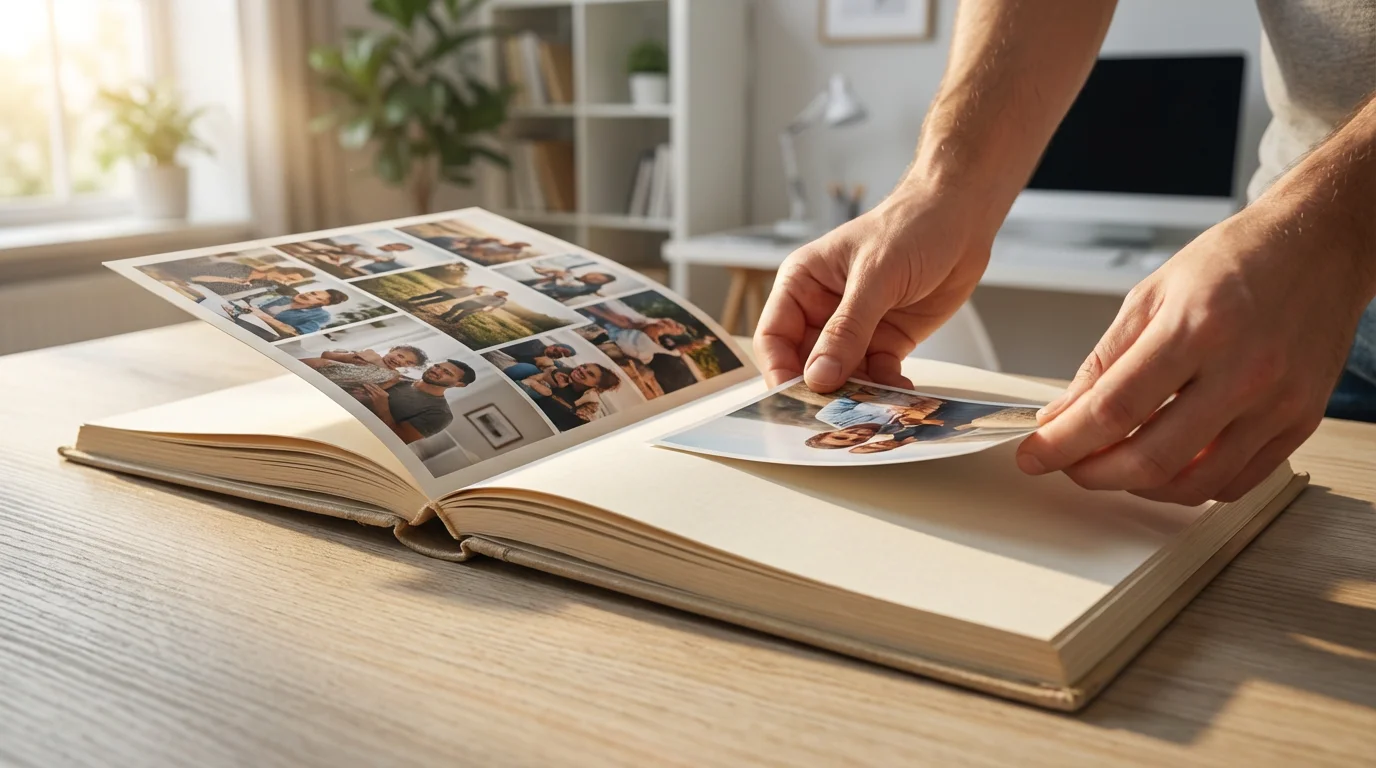
Effective design elevates your year in review album from a simple collection of photos to a compelling visual story. Your choices in layout, text, and overall aesthetic determine the impact of your annual photo book.
Layout and Flow:
If your year-in-review focuses heavily on a new addition to your family, you can find specialized guidance on how to create a baby’s first year photo album.
- Vary Page Layouts: Do not use the same layout on every page. Alternate between pages with one large, impactful photo and pages with multiple smaller images. This creates visual interest and emphasizes key moments.
- Whitespace is Your Friend: Allow for empty space around photos and text. This prevents clutter and makes the album easier to view. A crowded page diminishes the impact of individual images.
- Tell a Story Per Spread: Each two-page spread should tell a mini-story or represent a specific event. For instance, dedicate one spread to a family vacation, another to holiday celebrations.
- Visual Hierarchy: Use larger photos for your most important memories, drawing the eye to them. Smaller photos can fill in details or capture less critical moments.
Captions and Text:
- Identify and Explain: Include captions that identify people, places, and dates. Explain the context or significance of the moment. For example, “Sarah’s first bike ride, July 15, 2023” or “Family hike at Yosemite National Park, October 2023.”
- Keep it Concise: Captions should be brief and to the point. Let the photos speak primarily, with text offering supportive details.
- Add Personal Anecdotes: Inject personality with short stories or humorous recollections. These add depth and make the album truly your own. For example, “Remember Dad’s face when he realized he forgot the marshmallows?”
- Choose a Readable Font: Select a clear, legible font for your captions and any accompanying text. Avoid overly decorative fonts that are difficult to read in small sizes.
Cohesion and Personal Touch:
- Consistent Theme: Maintain a consistent visual theme throughout the album. This could involve a color palette, a specific font pair, or a recurring graphic element.
- Include Milestones: Do not forget major life events: birthdays, graduations, new jobs, new pets, travel, or moving. These anchor your annual photo book.
- The “Everyday Moments”: While milestones are important, also include photos of everyday life. These often become the most cherished memories over time, capturing the true essence of your year.
- Review and Edit: Before ordering, carefully review every page for typos, photo placement errors, and overall aesthetic. A fresh pair of eyes can catch mistakes you might have overlooked.
By applying these design principles, your year in review album becomes a visually appealing and emotionally resonant memory compilation, a true reflection of your year.
“A well-designed photo album is not just a collection of images; it is a carefully crafted narrative, inviting viewers to experience a journey alongside you. Give your memories the space to breathe and tell their story.”
Safeguarding Your Memories for the Future
Creating a beautiful year in review album is only one part of photo preservation. You must also implement practices to safeguard your memories, whether digital or physical, for decades to come. This ensures your annual photo book becomes a lasting heirloom.
For Digital Photos:
Beyond storage, another way to preserve the legacy of your year is by creating a digital photo frame slideshow that displays your curated memories year-round.
The “3-2-1” backup rule is a gold standard in digital preservation:
- Three Copies: Maintain at least three copies of your important files. This includes your original folder of selected photos.
- Two Different Media Types: Store your copies on at least two different types of storage media. For example, your computer’s hard drive and an external hard drive.
- One Offsite: Keep at least one copy in an offsite location. Cloud storage services (Google Drive, Dropbox, OneDrive) are ideal for this.
Regularly check the integrity of your backups. Digital media can fail. Schedule annual reviews of your backup system. Additionally, ensure your original digital files are organized in a clear, consistent folder structure with descriptive file names. This makes locating and managing your best way to document year in photos much simpler.
For Physical Photo Albums (DIY or Printed Books):
- Archival Materials: If you created a DIY album, ensure all materials are acid-free and lignin-free. This includes pages, adhesives, covers, and sleeves. Non-archival materials can yellow, become brittle, or degrade your photos over time.
- Proper Storage Environment: Store your albums in a stable environment. Avoid attics, basements, or garages where temperature and humidity fluctuate wildly. Optimal conditions are generally 65-70°F (18-21°C) with 30-50% relative humidity.
- Avoid Direct Sunlight: Exposure to UV light causes fading and degradation. Store albums in closed boxes or cabinets away from windows.
- Handle with Care: Always handle albums with clean hands, preferably cotton gloves, to prevent transferring oils and dirt to prints or pages.
For more detailed information on preserving photographic materials, the National Archives offers extensive guidance on proper storage and handling techniques. Understanding these principles helps you protect your precious memories. You are not just making an album; you are actively contributing to the preservation of your family’s history.

Making It an Annual Tradition
Transforming the creation of a year in review album into an annual tradition yields compounding benefits. Each annual photo book becomes a chapter in your family’s ongoing story, building a collection that grows more valuable with each passing year. You establish a consistent method for how to make a year in review photo album, making the process smoother and more enjoyable each time.
Establish a Routine:
- Set a Deadline: Choose a specific time of year to begin. Many people start around December or January, using the quiet holiday period to reflect and organize.
- Allocate Time: Break the project into smaller, manageable chunks. Dedicate a few hours each week over a month or two for gathering, selecting, and designing. Trying to do it all at once often leads to burnout.
- Involve the Family: Make it a family activity. Children can help select their favorite photos, recount stories, or even write captions. This fosters a shared sense of ownership and excitement for the memory compilation.
Benefits of Consistency:
- Reduced Overwhelm: You prevent years of photos from accumulating into an unmanageable hoard. By addressing it annually, the task remains fresh and focused.
- Improved Skills: Each year, you refine your photo selection, organization, and design skills. You discover new tricks and become more efficient.
- A Growing Legacy: Over time, you build a remarkable series of albums, each documenting a specific period. Imagine a shelf filled with these annual photo books, tracing decades of your family’s life. This becomes an invaluable historical resource for future generations.
- Enhanced Reflection: The annual ritual encourages you to pause, reflect, and appreciate the year’s blessings, challenges, and growth. It is a powerful practice in mindfulness and gratitude.
By embracing this annual tradition, you ensure your year in review album remains a living, breathing testament to your life and memories, becoming the best way to document your year in photos consistently.
Frequently Asked Questions
What is the ideal number of photos for a year-in-review album?
The ideal number typically ranges from 100 to 300 photos for a standard 50-100 page album. This allows for diverse layouts and sufficient breathing room, preventing your annual photo book from feeling cluttered. Focus on selecting high-impact images that tell a cohesive story, prioritizing quality over quantity. Too many photos dilute the narrative; too few might miss key moments.
How long does it take to create a year-in-review album?
The time commitment varies significantly based on your organization habits and the number of photos you have. If you maintain good photo organization throughout the year, the process might take 5-10 hours. For those starting from a scattered collection, it could extend to 20-40 hours, broken down over several weeks. Breaking the task into phases, such as gathering, selecting, and designing, helps manage the time commitment effectively.
Should I include video clips in my year-in-review album?
Traditional print year-in-review albums cannot include video clips. However, if you create a digital-only memory compilation or an interactive presentation, integrating short video clips enriches the experience. For printed albums, consider adding QR codes that link to specific video moments online, bridging the gap between physical and digital media. This allows you to capture a broader spectrum of memories.
What if I missed a year, or several years? Can I still start an annual tradition?
Absolutely. You can start creating your year-in-review album anytime. Do not feel overwhelmed by catching up on past years immediately. Focus on completing the current year’s album first. Once you establish that routine, you can gradually work backward on previous years at your own pace. Many individuals find joy in tackling one past year each year alongside their current project, slowly building their historical collection.
Disclaimer: This article is for informational purposes only. When handling valuable or irreplaceable photographs, consider consulting a professional conservator. Always test preservation methods on non-valuable items first.
Once you have consolidated your images, you might also consider how to share photo galleries with family online so others can contribute their own photos to the project.







Leave a Reply