

A photograph captures a single, silent heartbeat of time. It freezes the way the light hit your daughter’s hair during her first birthday or the specific shade of orange in a Grand Canyon sunset. But sometimes, a still image isn’t enough to tell the whole story. You might want to hear the chaotic laughter of the party, the sound of the wind across the canyon, or the actual vows exchanged on a wedding day. By integrating QR codes into your printed photo books, you bridge the gap between the tactile beauty of a physical album and the immersive power of digital video.
Creating an interactive photo album transforms a passive viewing experience into a multi-sensory journey. This technology allows you to store gigabytes of video memories behind a tiny, scannable square, preserving the atmosphere of your life’s most precious moments without cluttering your page designs. Whether you are a family historian or a hobbyist photographer, mastering the use of QR codes ensures your photographic heritage remains as dynamic as the memories themselves.

Why Integrate Video into Printed Albums
The primary limitation of any printed book is its inability to convey motion and sound. When you look at a photo of a jazz band in New Orleans, your brain tries to fill in the music, but a QR code brings the actual trumpet solo to your fingertips. Integrating video adds a layer of documentary evidence that still photography simply cannot provide. This is especially vital for family history. Imagine your grandchildren not only seeing a photo of their great-grandmother but also hearing her voice and seeing her mannerisms as she tells a story.
Modern smartphones have made this integration seamless. Almost every device manufactured in the last five years includes a native QR scanner within the camera app. You no longer need to ask your guests or family members to download a specialized application; they simply point their phone at the page and watch the memory come to life. This accessibility makes the interactive photo album a practical choice for everyone, regardless of their technical expertise.
Furthermore, video allows you to save physical space. Instead of trying to choose the “perfect” ten shots from a thirty-second firework display, you can choose one beautiful still image and link the full video. This keeps your photo book layouts clean, elegant, and focused on high-quality compositions while still providing the comprehensive “raw” footage for those who want to see more.

Hosting Your Video Content for the Long Term
Before you can generate a QR code, your video must live somewhere on the internet. Choosing the right host is the most critical step in this process. If you host your video on a temporary site or a platform that closes down in three years, your printed QR code becomes a “dead link,” rendering the interactive element of your book useless. You need a solution that balances privacy, quality, and longevity.
YouTube is often the most popular choice due to its stability and price. By setting your videos to “Unlisted,” you ensure that they do not appear in public search results or on your public channel. Only people who scan your QR code can see the video. This provides a high level of privacy for family memories while leveraging Google’s massive server infrastructure to ensure the video stays online for decades. Vimeo offers similar features with a more professional interface and better control over the video player’s appearance, though they often require a subscription for higher storage limits.
Cloud storage services like Google Drive, Dropbox, or iCloud are also viable options. These allow you to share a direct link to a video file or an entire folder. However, be cautious with these services; if you move the file to a different folder or change your sharing settings later, the link will break. For those seeking maximum control, hosting videos on a personal website or a dedicated family archive site can provide the most customization, though it requires more technical maintenance over time.
“Digital preservation requires active management. When you link a physical object to a digital file, you are committing to maintaining that digital footprint for as long as you want the connection to function.”
Choosing Between Static and Dynamic QR Codes
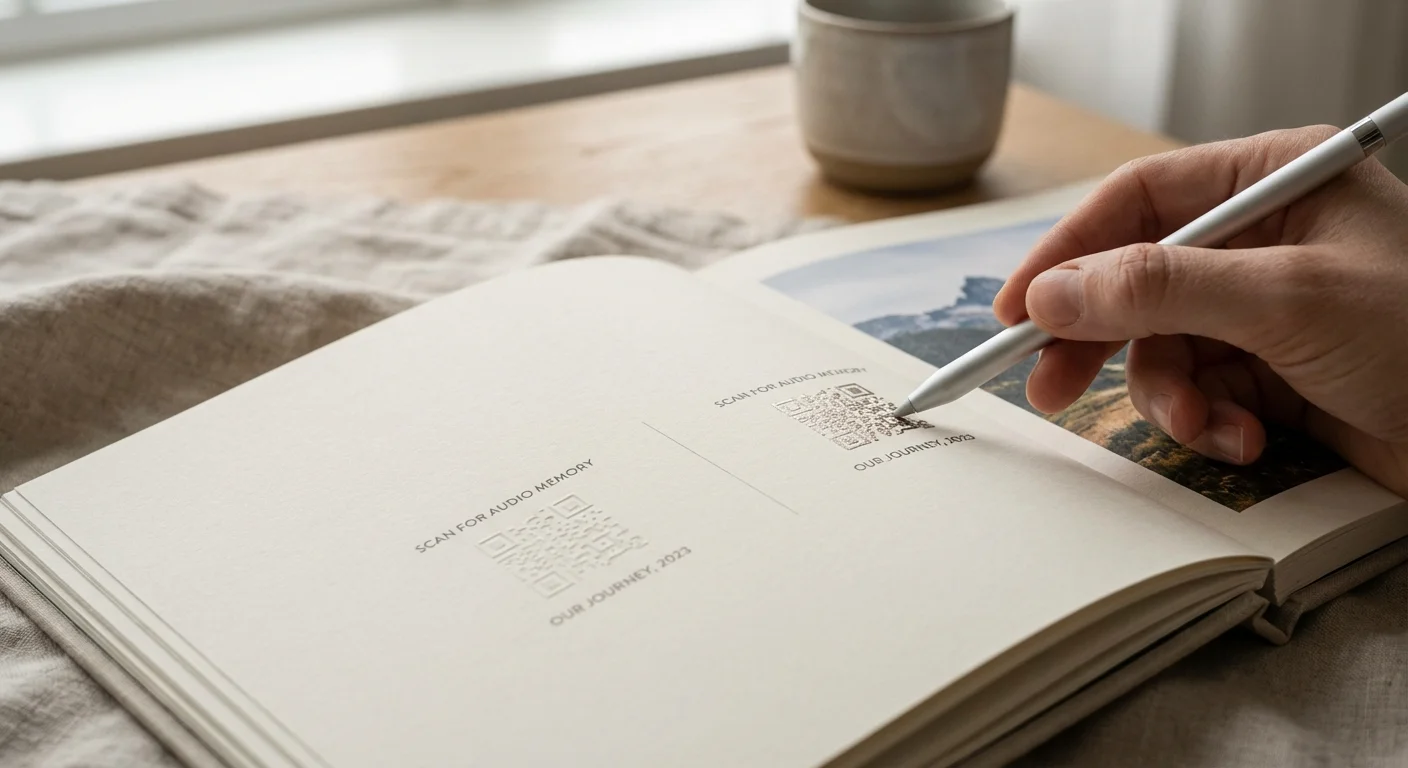
Understanding the difference between static and dynamic QR codes is essential for anyone creating a permanent photo book. A static QR code embeds the destination URL directly into the pattern of the square. If the URL is www.youtube.com/your-video, that data is hard-coded. If you ever delete that video or want to point the QR code to a different version, you cannot change the printed code. You would have to reprint the entire book.
A dynamic QR code, on the other hand, uses a redirect. The code points to a management service, which then sends the user to your video. The primary advantage here is flexibility. If you decide to move your videos from YouTube to a private server five years from now, you simply log in to your QR code manager and update the destination link. The printed code in your book remains exactly the same, but it now points to the new location. This is a powerful tool for “future-proofing” your albums.
When selecting a QR code type, consider the following comparison:
| Feature | Static QR Codes | Dynamic QR Codes |
|---|---|---|
| Cost | Usually free and permanent. | Often requires a monthly or yearly subscription. |
| Flexibility | Permanent link; cannot be changed. | Destination URL can be updated anytime. |
| Tracking | No analytics available. | Can track how many times the code was scanned. |
| Complexity | The code becomes denser as the URL gets longer. | The code stays simple and easy to scan. |
For most users, a static code is sufficient if you are confident in your hosting choice (like a permanent YouTube link). However, if you are building a high-end heirloom album, the peace of mind offered by a dynamic code is often worth the small investment.
Designing Your Interactive Layout
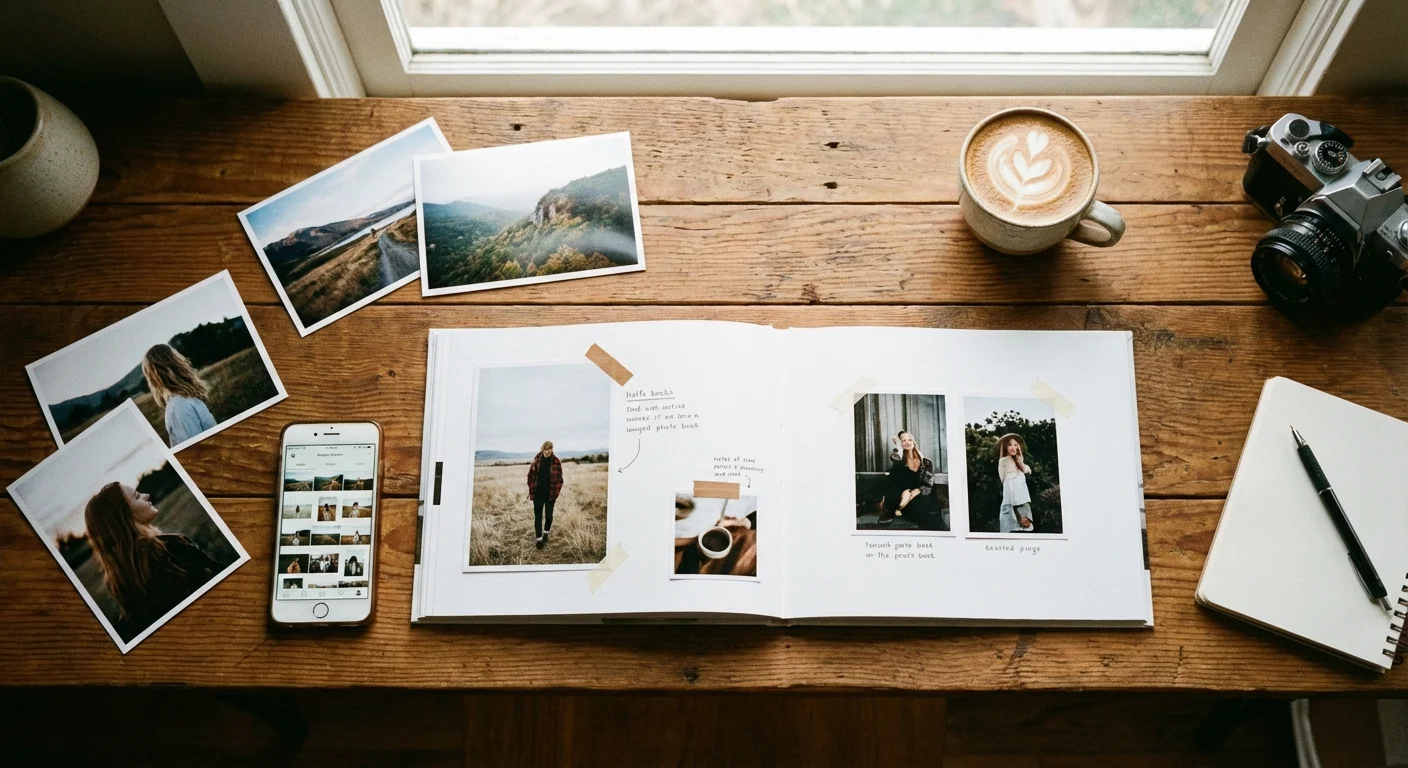
A QR code is a functional element, but it shouldn’t be an eyesore. Integrating these squares into a beautiful photo book requires a balance of aesthetics and utility. Many people make the mistake of making the QR code too small to save space, but if the camera can’t focus on it, the feature is useless. Aim for a minimum size of 0.5 inches square, though 0.75 inches is much safer for textured paper or matte finishes.
Placement is equally important. Avoid placing QR codes in the “gutter” or the fold of the book, as the distortion of the paper will prevent the scanner from reading the pattern correctly. Instead, place them in the corners or near the caption of the related photo. You can also get creative with the design. Many QR generators allow you to change the color of the squares or round the corners. While you should maintain high contrast (dark codes on light backgrounds), you can soften the look by using a deep charcoal or a navy blue instead of stark black.
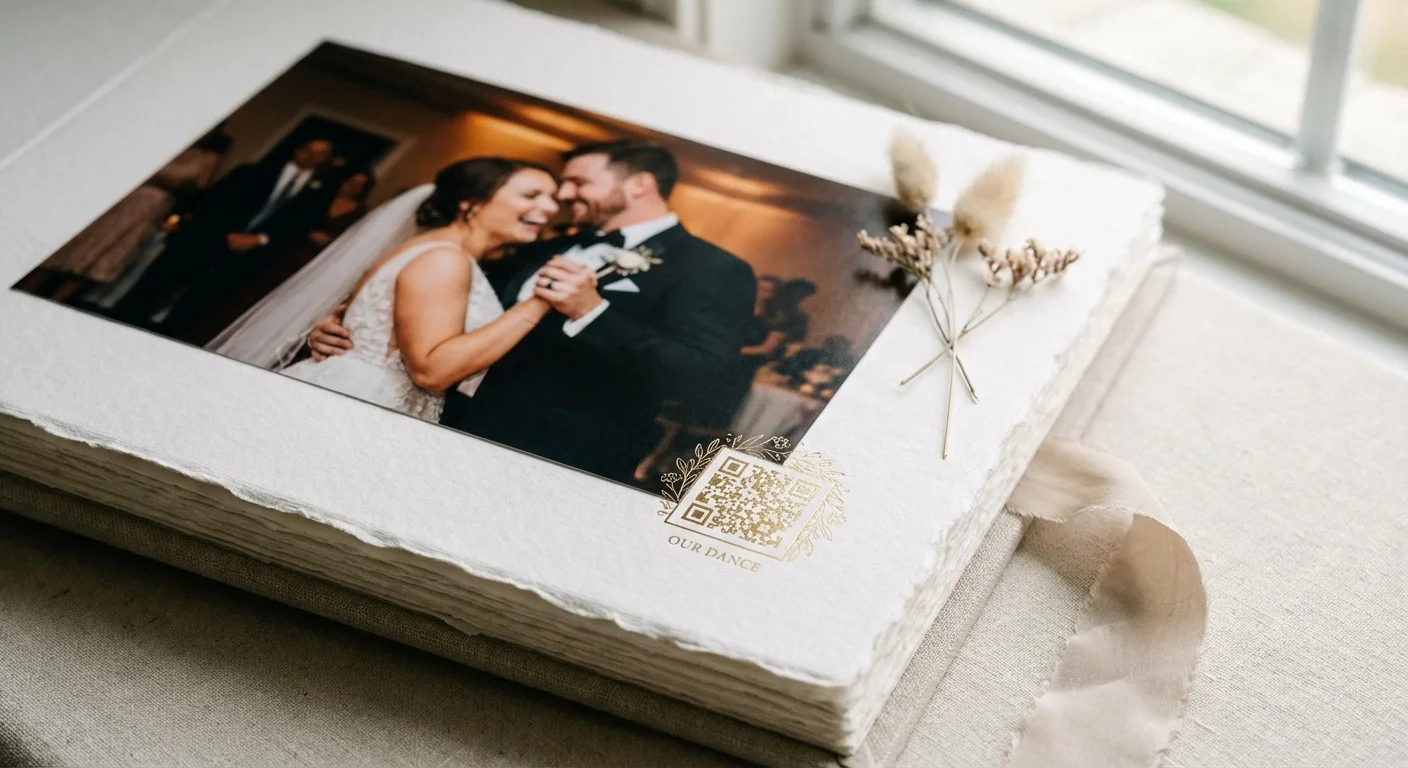
Always include a small text “call to action” next to the code. A lone black square can be confusing to future generations who might not realize its purpose. Simple text like “Scan to watch the ceremony” or “Hear the waves at Hanalei Bay” provides context and encourages the reader to interact with the page. This turns the QR code into a deliberate design choice rather than a technical afterthought.
Step-by-Step QR Code Generation Process
Follow these steps to successfully add video content to your next photo book project:
- Finalize Your Video: Edit your video clip to the desired length. For photo books, shorter clips (30 seconds to 2 minutes) are usually more effective than long, unedited movies. Ensure the audio is clear and the resolution is at least 1080p for a good viewing experience on modern phones.
- Upload to Your Host: Upload the video to YouTube, Vimeo, or your preferred cloud service. Set the privacy to “Unlisted” or “Anyone with the link can view.”
- Copy the Direct Link: Ensure you are copying the “Share” link, not the URL from your browser’s address bar while you are logged in as an administrator. You want the clean, public-facing URL.
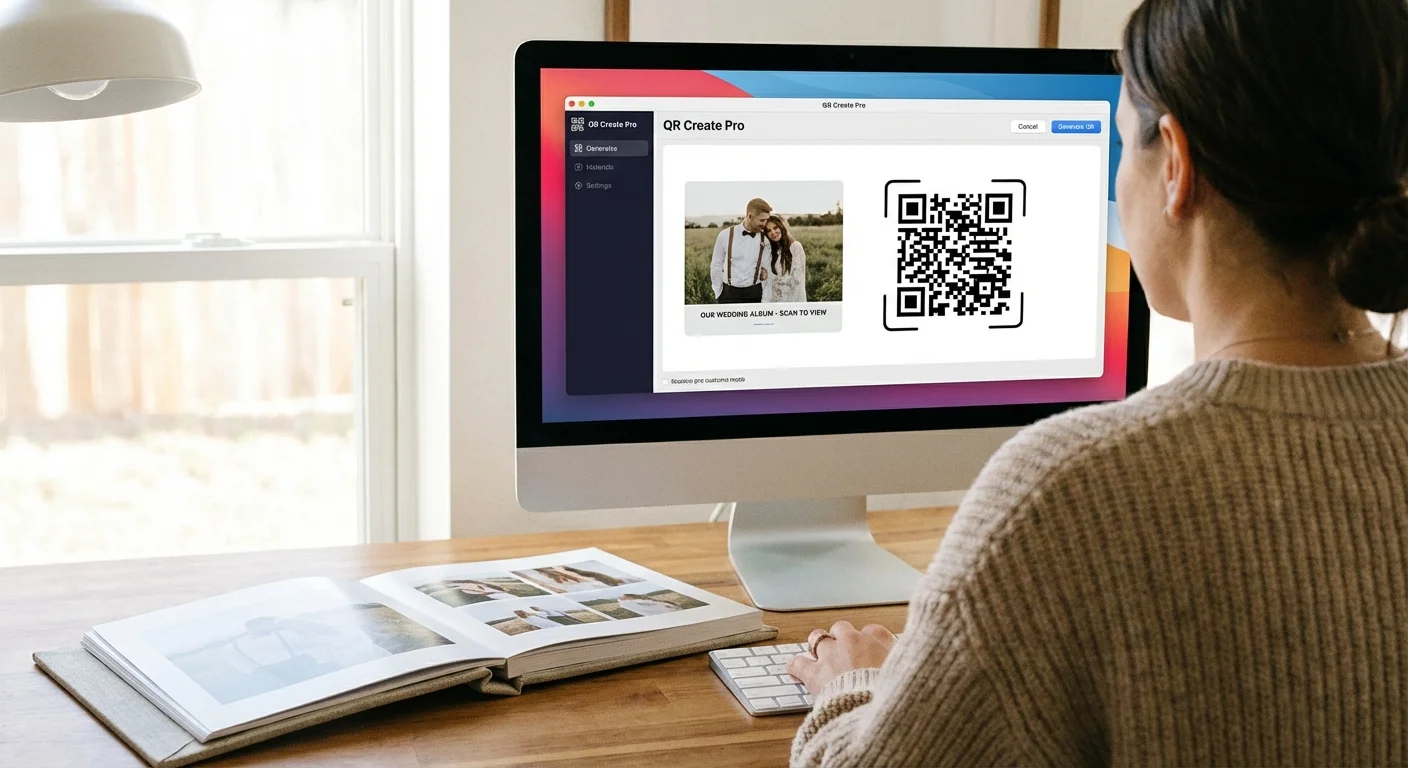
- Use a QR Code Generator: Visit a reputable site like QR Code Monkey, Flowcode, or Adobe Express. Paste your URL into the generator.
- Customize and Test: Adjust the colors to match your book’s palette if desired. Before downloading, take your phone and scan the code directly from your computer screen. If it doesn’t work instantly, simplify the design or increase the contrast.
- Download High-Resolution Files: Always download the QR code as a PNG or SVG file at 300 DPI (dots per inch). Low-resolution images from a “right-click and save” will appear blurry when printed and may fail to scan.
- Place in Your Layout: Import the high-resolution QR code into your photo book software just like you would a regular photograph.

Preserving Digital Links and Avoiding Link Rot
One of the biggest concerns with digital-physical hybrids is “link rot”—the phenomenon where web links stop working over time. To ensure your photo book remains interactive for decades, you must approach your digital storage with the same archival mindset you use for your physical prints. According to the Library of Congress Preservation guidelines, digital content requires consistent migration to new formats and storage media to survive.
One strategy to combat link rot is to include a “human-readable” version of the link. Next to your QR code, you might print a shortened URL (like a bit.ly link) or a simple instruction on where the digital archive is stored. For example: “Videos archived at smithfamilyvault.com/2023.” This provides a fallback if the QR code technology itself ever becomes obsolete.
Another excellent preservation tip is to use a dedicated domain name. If you purchase ourweddingvideo.com and point it to your video, you own that “signpost.” If you move your video from one host to another, you simply update the domain’s settings. Since the QR code in your book points to your custom domain, it will never need to be changed. This puts you in full control of your family’s digital legacy.
Creative Uses for Interactive Elements
While video is the most common use for QR codes in albums, the possibilities extend much further. Think of the QR code as a portal to any digital experience that enhances the story you are telling in print. For a travel album, you might link to a Google Maps “Street View” of the exact spot where a photo was taken, allowing the reader to virtually stand in your shoes and look around.
Voice recordings offer a profound emotional connection. If you have old cassette tapes of a grandparent or voice memos of your children’s first words, these can be uploaded as audio files. Linking these to a portrait creates a “talking photo” that can be incredibly moving. You could also link to a digital guestbook where friends and family can leave comments after viewing your wedding album, making the book a living document that grows over time.
For those who enjoy technical details, consider linking to the full EXIF data of a photograph. If you are a photography enthusiast, a QR code in the corner of a landscape shot could link to a page explaining your camera settings, the gear used, and a “behind the scenes” photo of your tripod setup. This adds a layer of educational value to your personal portfolio or family history project.
Frequently Asked Questions
Do QR codes in photo books ever expire?
The QR code itself is just a visual representation of a URL and does not expire. However, the link it points to can break if you delete the video, change the URL, or if the hosting service closes. Using dynamic QR codes allows you to update the destination URL without changing the printed code.
What is the best size for a QR code in a printed album?
To ensure easy scanning, print QR codes at a minimum size of 0.5 x 0.5 inches (1.27 cm). For high-quality photo books, a size of 0.75 inches provides a better user experience and accounts for lower light conditions during viewing.
Can I link a QR code to a whole folder of videos?
Yes. You can link a QR code to a shared Google Drive folder, a Dropbox link, or a YouTube playlist. This is a great way to save space in your layout while still providing access to dozens of clips from a specific event.
How do I make sure my videos stay private?
Use “Unlisted” settings on platforms like YouTube or Vimeo. This ensures the video does not appear in search results, and only people with the specific QR code link can view the content.
Integrating video into your printed albums is more than just a tech trend; it is a way to ensure the full spectrum of your memories is preserved. By following archival best practices for your digital links and using thoughtful design in your layouts, you create a legacy that is both beautiful to hold and exciting to explore. Your photos capture the scene, but your videos capture the soul. Together, they create a complete record of your most cherished times.
Disclaimer: This article is for informational purposes only. When handling valuable or irreplaceable photographs, consider consulting a professional conservator. Always test preservation methods on non-valuable items first.







Leave a Reply