

Your photo collection represents a rich tapestry of memories, milestones, and everyday moments. Whether you have inherited boxes of fading prints or your smartphone overflows with thousands of digital images, the sheer volume can feel overwhelming. Many people dream of an organized photo archive but struggle to find the time or starting point. You feel paralyzed by the size of the task, putting it off day after day. You need a system that fits into your busy life, allowing you to honor your memories without consuming your evenings or weekends. This article introduces a practical, achievable solution: a 10-minute daily photo organization routine that transforms chaos into a beautifully curated collection.

Why a Daily Photo Routine Matters
The biggest obstacle to photo organization is often the perception of its monumental scale. You envision weeks of work, hours hunched over a scanner, or days sifting through digital files. This daunting mental image leads to procrastination. A 10-minute daily routine breaks this cycle by transforming an intimidating project into a series of manageable, bite-sized tasks. Think of it like brushing your teeth or watering a plant: a small, consistent effort yields significant long-term results.
Following established home photo archive best practices ensures your work is organized for long-term accessibility.
Implementing a daily photo routine offers several immediate and lasting benefits. First, it prevents new photos from piling up, stopping the growth of your digital and physical backlog. You gain a sense of control over your collection, reducing the anxiety often associated with unorganized memories. Second, it makes the entire process sustainable. You do not need to dedicate entire weekends; instead, you integrate photo care into your everyday life. Third, regular interaction with your photos keeps your memories fresh and accessible. You will rediscover forgotten moments and develop a deeper appreciation for your photographic heritage. Data supports the effectiveness of micro-habits, showing that small, consistent actions are far more likely to stick than sporadic, large endeavors.
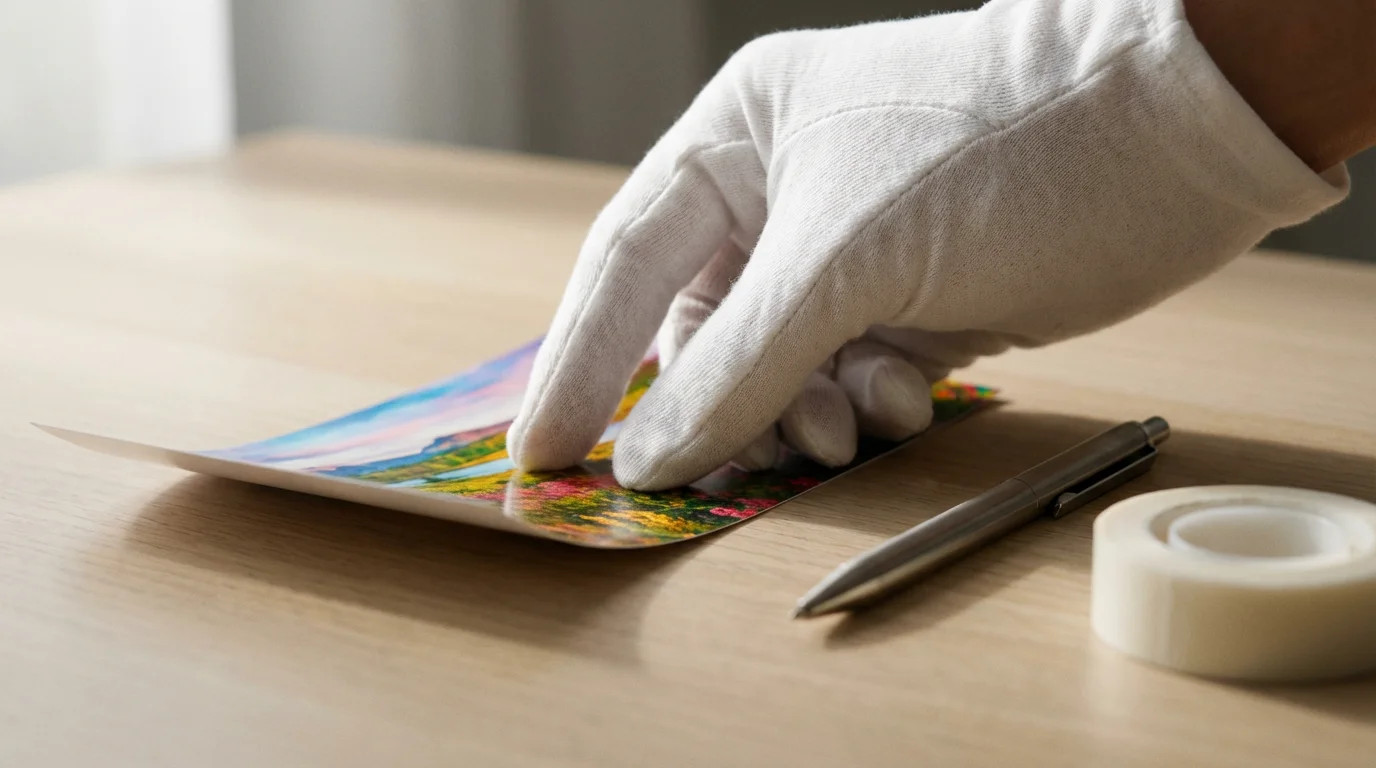
Build Your 10-Minute Toolkit
Before you begin, gather a few essential tools. These resources simplify your daily tasks and ensure efficiency within your limited time frame.
If you have a massive backlog, you might eventually need to digitize large photo collections efficiently through batch processing techniques.
Selecting the best photo management software for your needs will help you centralize your collection effectively.
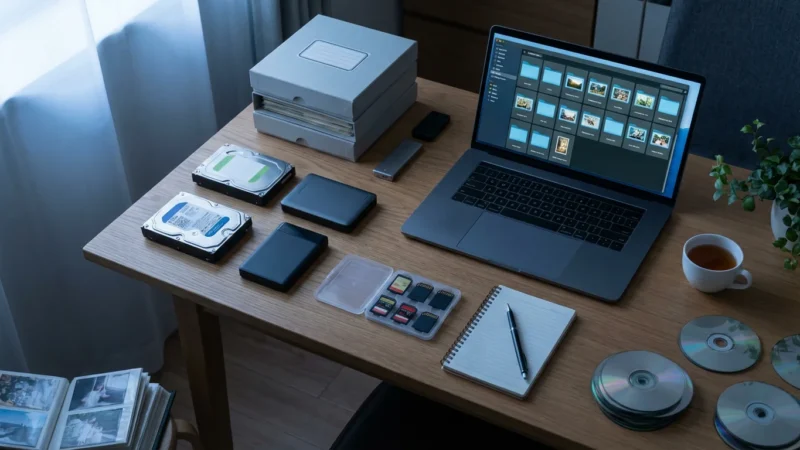
- Digital Storage Solution: Choose a reliable cloud service (like Google Photos, Apple Photos, Amazon Photos) or an external hard drive. You need a centralized location for all your digital images.
- Photo Editing Software: A basic, user-friendly editor for quick adjustments. Many operating systems include simple photo editing tools.
- Scanner (Optional but Recommended): A flatbed scanner or a dedicated photo scanner helps digitize old prints. Even scanning one or two photos a day makes a difference over time.
- Archival Supplies: For physical photos, keep a small supply of archival-safe sleeves, boxes, and pens readily available. You can find these at specialty preservation retailers or online. These materials protect your valuable prints from degradation. The American Institute for Conservation provides valuable guidance on proper archival storage.
- A Timer: Your phone’s timer or a small kitchen timer helps you stay focused and prevents tasks from expanding beyond your 10-minute limit.
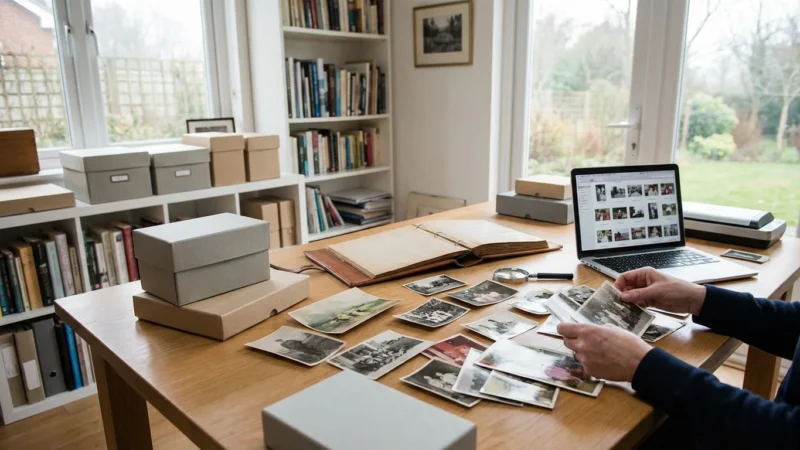
- Comfortable Workspace: Designate a clean, well-lit area where you can comfortably review photos without distractions.
“Successful preservation hinges on consistent, small actions rather than grand, infrequent gestures. A daily 10-minute commitment creates a powerful cumulative effect for your memories.”

Phase 1: The Daily Ingest and Initial Sort
This is where your routine begins each day. Focus on photos you created or received recently. This step takes minimal time and prevents new clutter from accumulating.
While focusing on your mobile files, remember the importance of backing up physical photos digitally to protect against fire or flood.
- Review New Photos (2 minutes): Open your camera roll or the folder where you download new images. Quickly scroll through the day’s photos.
- Delete Obvious Duds (3 minutes): Be ruthless. Delete blurry shots, duplicates, unwanted screenshots, and unflattering selfies immediately. You do not need to keep twenty near-identical photos of the same sunset. Keeping only the best quality images saves storage space and reduces future organization effort.
- Quick Categorize (3 minutes): Move the remaining keepers into a temporary “New Photos” folder or an “Inbox” album within your photo management app. You do not need deep categorization at this stage; just get them into your system.
- Backup New Photos (2 minutes): Ensure your new photos sync to your chosen cloud service or are copied to your external hard drive. This prevents data loss. A robust backup strategy is crucial for digital preservation, as unexpected device failures can erase years of memories in an instant.
This daily ingestion process creates a clean slate, ensuring your backlog does not grow larger. You process the newest memories while they are fresh in your mind.
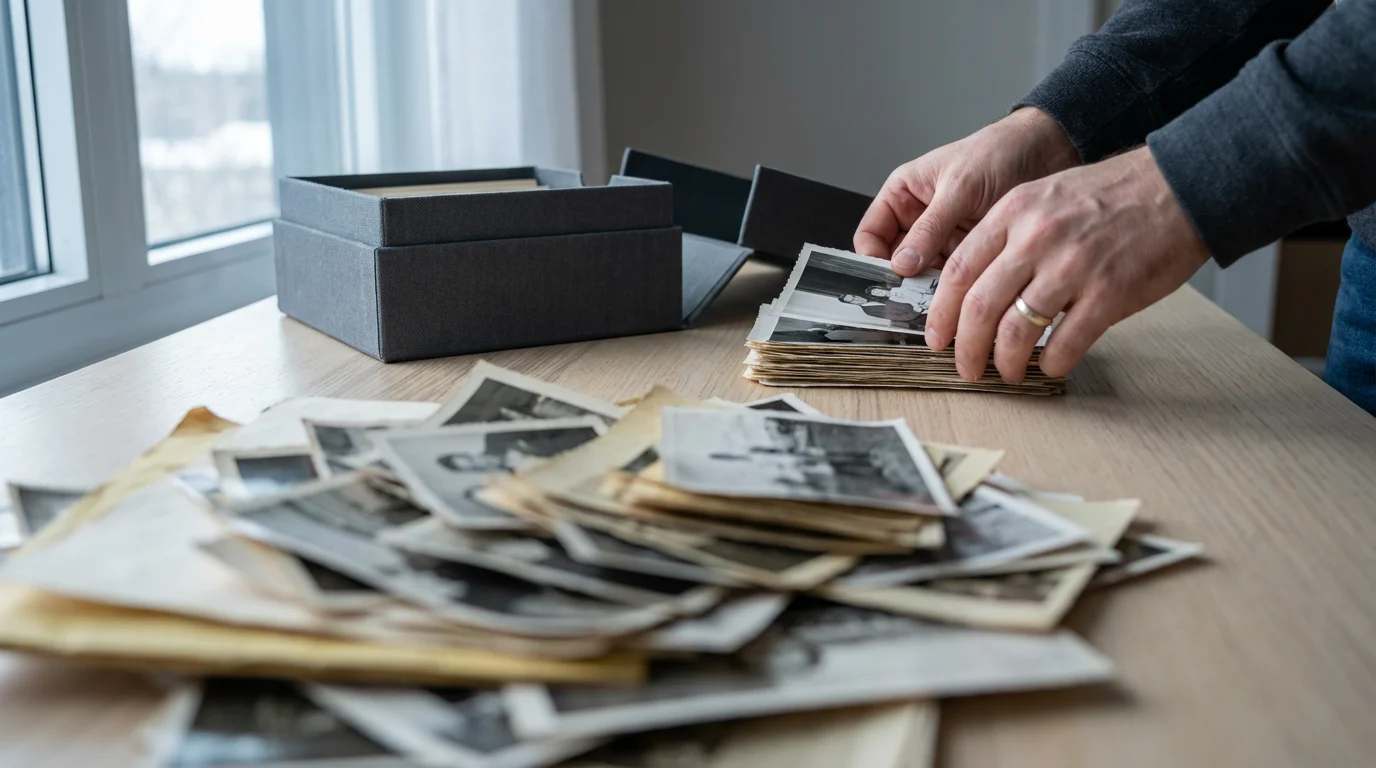
Phase 2: Tackle Your Backlog 10 Minutes at a Time
After managing your new photos, dedicate the remaining time, or your entire 10 minutes if you have no new photos, to your existing backlog. This is where you make incremental progress on those daunting piles of prints or folders of old digital files.
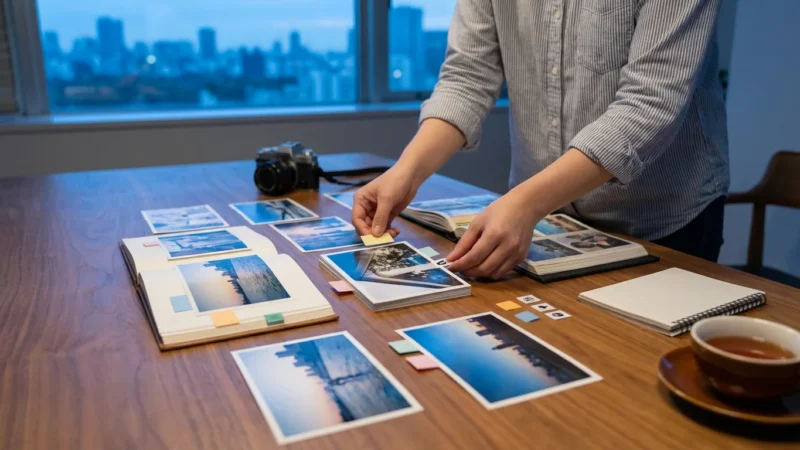
Before starting your timer, decide whether organizing by event or date is the most efficient logic for your specific library.
The key here is focus. Do not jump from 2010 vacation photos to grandma’s old albums. Pick one small, specific task and stick to it for the entire 10 minutes. For instance:
- Choose one specific month or event from your digital archive.
- Select one small box or envelope of physical photos.
- Focus on one type of photo, like old school pictures or holiday cards.
By narrowing your focus, you avoid feeling overwhelmed and achieve tangible progress each day. This consistent chipping away at the backlog prevents the task from feeling insurmountable.

Digital Photo Organization: Daily Mini-Tasks
For your digital backlog, rotate through these tasks during your 10-minute sessions. Do not try to do all of them every day. Pick one task and concentrate on it for the duration.
- Deleting and Culling (Focus: Efficiency):
- Open an old folder or album.
- Scroll through and delete any blurry, redundant, or genuinely unneeded photos.
- Aim for a 10% reduction. Often, you find many duplicates or poorly composed shots.
- Renaming Files (Focus: Searchability):
- Select a small batch of photos.
- Rename them using a consistent convention, such as YYYY-MM-DD_EventName_Description_01.jpg. For example, “2023-07-15_SmithFamilyPicnic_ParkView_001.jpg.”
- This naming system makes locating specific images much easier later.
- Folder Structure and Movement (Focus: Logic):
- Identify a group of photos that belong together.
- Create a logical folder or album for them (e.g., “Vacation 2018 – Italy,” “Kids’ School Events – 2022”).
- Move the photos into their designated homes. Avoid creating too many nested folders initially; a simpler structure often works best. A common structure is Year/Month/Event.
- Quick Edits (Focus: Enhancement):
- Open a handful of photos that need minor adjustments.
- Perform quick crops, straighten horizons, or basic color corrections.
- Avoid getting bogged down in extensive editing. The goal is improvement, not perfection.
Each day, you strengthen your digital archive, making it more robust and accessible. This approach ensures you tackle different aspects of organization consistently.

Mastering Metadata and Tagging for Future You
Beyond simple file naming and folder structures, metadata and tagging represent powerful tools for future photo retrieval. While this may seem like an advanced step, integrating it into your 10-minute routine is achievable.
- Add Basic Keywords (5 minutes):
- Select a small group of images, perhaps from a specific event or person.
- Add relevant keywords in your photo management software. Think broadly: “birthday,” “beach,” “hiking,” “Grandma,” “Summer 2023.”
- Keywords allow you to find photos years later, even if you forget the exact date or file name. Many software options, including Lightroom and Photos, offer intuitive keyword management.
- Geotagging (3 minutes):
- If your photos lack location data, you can often add it manually.
- Focus on photos from a specific trip or location. Add the city, state, or even a specific landmark.
- Geotagging helps you revisit memories based on where they happened, adding another dimension to your organization.
- Captioning (2 minutes):
- Add a short, descriptive caption to one or two particularly meaningful photos.
- Include names, dates, and a brief anecdote. “Aunt Sarah and Uncle Tom at their 50th anniversary party, July 12, 2015.”
- These captions preserve stories that might otherwise be lost over time.
Consistent application of metadata transforms your photo collection into a searchable database. The Image Permanence Institute offers extensive resources on preserving digital images, emphasizing the role of metadata.
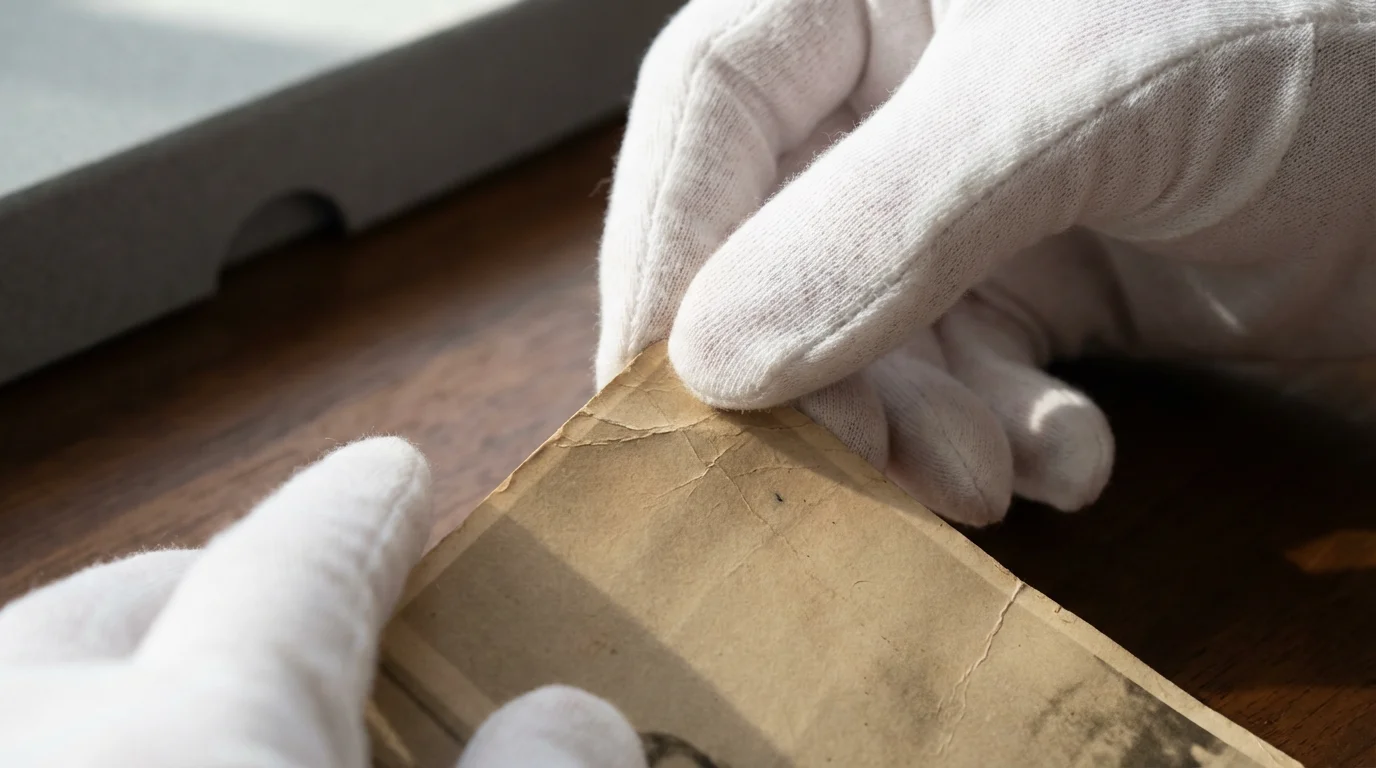
Physical Photos: Your 10-Minute Tangible Triage
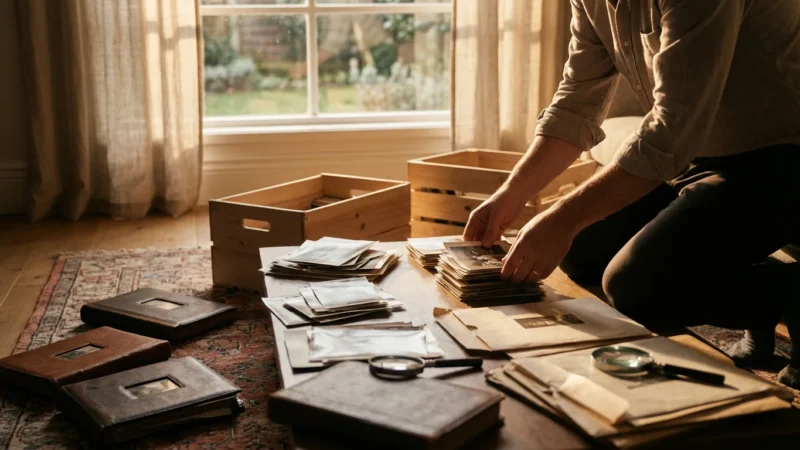
Physical photos require a different approach, but the 10-minute principle still applies. Handle these precious objects with care. You can make significant progress without dedicating an entire weekend.
If your collection is scattered throughout your home, you might also benefit from organizing physical photo prints using a room-by-room strategy.
- Choose Your Target (1 minute): Select a single small stack, envelope, or album page. Resist the urge to open an entire box.
- Initial Sort (4 minutes):
- Quickly categorize the photos. Create simple piles: “Keep,” “Discard” (rarely needed for unique photos, but might apply to duplicates or low-quality prints), “To Identify,” “To Digitize.”
- Do not overthink this step. Your goal is rapid triage.
- Add Information (3 minutes):
- Using an archival pen (one that is acid-free and fade-resistant), carefully write names, dates, and locations on the back of “Keep” photos. Avoid pressing hard.
- If you are unsure of details, place the photo in your “To Identify” pile.
- Safe Storage (2 minutes):
- Place “Keep” photos into archival-safe sleeves or designated photo storage boxes.
- Do not use rubber bands or paper clips, as these can damage prints over time.
- If scanning, scan one or two photos from your “To Digitize” pile. Even a few scans daily build up your digital archive.
This consistent attention ensures your physical photos receive the protection they deserve. The Library of Congress Preservation Directorate offers comprehensive guidelines on handling and storing photographic prints, emphasizing the use of inert materials and stable environments.

Make It a Habit: Consistency is Key
The success of your 10-minute routine hinges on making it a consistent habit. Here are some strategies to help you stick with it:
By focusing on small wins, you can create a photo organization system that sticks and becomes an effortless part of your daily lifestyle.
- Schedule It: Treat your 10 minutes like an important appointment. Add it to your calendar.
- Pick a Trigger: Link your photo routine to an existing daily habit. Perhaps you do it while your morning coffee brews, after checking emails, or right before bed.
- Start Small: If 10 minutes feels like too much initially, start with 5 minutes. Build up gradually. The goal is to start and sustain momentum.
- Be Flexible: Life happens. If you miss a day, do not abandon the routine entirely. Simply pick it up the next day. Perfection is not the goal; progress is.
- Reward Yourself: Acknowledge your efforts. Perhaps after a week of consistent organization, you enjoy looking through a newly organized album.
- Visualize Success: Imagine your perfectly organized photo collection. This mental image provides motivation to keep going.
Making a habit stick requires discipline and positive reinforcement. You build a strong foundation for your photo preservation efforts with consistency.

The Long-Term Impact of Your Daily Effort
While 10 minutes a day may seem insignificant, its cumulative effect is profound. Over a month, you dedicate five hours to your photo memories. Over a year, that is 60 hours. This sustained effort transforms your disorganized collection into a curated, accessible archive.
- Reduced Stress: The anxiety of a massive, unaddressed task diminishes as you gain control.
- Rediscovered Memories: You reconnect with forgotten moments, people, and stories.
- Easier Sharing: You can effortlessly locate and share specific photos with family and friends.
- Legacy Preservation: You actively protect your family’s history, ensuring future generations can enjoy these precious memories.
- Enhanced Creativity: An organized collection provides a foundation for creative projects, such as photo books, digital scrapbooks, or wall displays. You move beyond basic organization to truly celebrate your memories.
Your 10-minute daily photo organization routine is more than just a task list; it is an investment in your past, present, and future. You create a living archive that enriches your life and safeguards your photographic legacy.
Frequently Asked Questions
What if I miss a day or a few days of the routine?
Missing a day is perfectly normal. Do not view it as a failure of the routine. Simply pick up where you left off the next day. Consistency over time is more important than perfect daily adherence. You build a long-term habit, not a rigid daily obligation.
Should I focus on digital or physical photos first?
Start with whichever type of photo feels most overwhelming or easiest to tackle for you. Many people alternate days, dedicating one day to digital and the next to physical. The goal is to make progress in both areas, so choose the path that keeps you motivated.
How do I decide what photos to keep and what to delete?
Apply a simple filter: Does this photo bring you joy, tell a story, or provide important documentation? If not, consider deleting it. For similar shots, keep only the best one. Do not keep multiple blurry images or uninspired photos simply because you took them.
What if my 10 minutes feel unproductive sometimes?
Even small actions contribute to progress. Renaming two files, deleting five blurry photos, or scanning one old print are all productive uses of your time. Avoid perfectionism; focus on incremental improvement. The compound effect of these small tasks is significant over weeks and months.
Can I share this routine with my family?
Absolutely. Encourage family members to adopt a similar routine for their photos, especially recent ones. You can even collaborate on a shared digital photo library or dedicate specific days to working together on inherited family albums. Shared responsibility makes the task lighter.
Disclaimer: This article is for informational purposes only. When handling valuable or irreplaceable photographs, consider consulting a professional conservator. Always test preservation methods on non-valuable items first.





Leave a Reply