
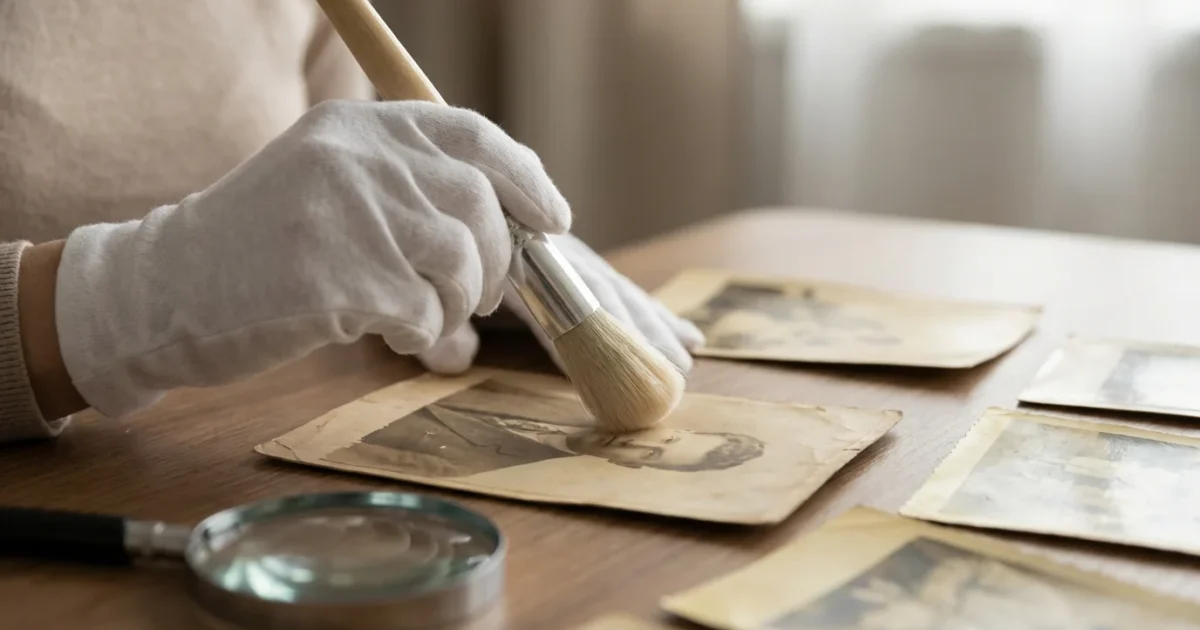
Your old photographs hold more than just images, they encapsulate moments, stories, and the legacy of your family. These tangible pieces of history connect you to your past, preserving the faces and places that shaped your world. However, time often takes its toll, manifesting as a disheartening yellowing, fading, or discoloration that obscures these precious memories.
Observing your cherished prints succumb to the ravages of age can feel like watching a piece of your history slowly disappear. But you do not have to let these invaluable artifacts fade away. This comprehensive guide equips you with practical, actionable strategies to understand, prevent, and even reverse the effects of discoloration, helping you reclaim and protect your photographic heritage.
Understanding Why Your Old Photos Turn Yellow
Before you embark on the journey of restoring your aging photographs, it helps to understand the underlying causes of their degradation. Knowing why do old photos turn yellow gives you critical insight into preventing further damage and choosing the most effective remedies. The primary culprits are a combination of environmental factors and the inherent chemical instability of photographic materials.
Light Exposure: The Silent Fader
Light, especially ultraviolet (UV) light, acts as a powerful catalyst for chemical reactions within photographic emulsions and paper bases. Over time, prolonged exposure to sunlight or even fluorescent lighting breaks down the dyes and silver particles that form your image. This leads to fading, color shifts, and the pervasive yellow or brown staining you frequently see. Direct sunlight accelerates this process dramatically, but indirect light also contributes to gradual degradation.
Poor Storage Conditions: The Hidden Threat
The environment where you store your photographs significantly impacts their longevity. High humidity, fluctuating temperatures, and exposure to pollutants all contribute to degradation. For instance, high humidity provides the moisture needed for mold and mildew growth, which manifest as spots and stains. It also accelerates chemical reactions. Extreme temperature changes cause materials to expand and contract, leading to cracking and delamination.
Chemical reactions play a significant role in causing yellowed photos. Lignin, an acidic compound present in non-archival paper products like common cardboard boxes, newspaper, or many photo album pages, off-gasses acids that migrate into your photographs. These acids react with the photographic emulsion, causing the image to turn yellow, brittle, and eventually disintegrate. Similarly, residual processing chemicals left in prints from their original development can also cause images to darken and discolor over decades. Even the plastic sleeves or adhesives in older photo albums often contain PVC or other unstable compounds that leach chemicals, causing irreparable harm.
Atmospheric Pollutants: The Invisible Assailants
Airborne pollutants, such as industrial fumes, exhaust gases, and even household cleaning product vapors, contain chemical compounds that can chemically attack photographic materials. These pollutants accelerate the oxidation of silver halide particles in black and white prints, leading to a yellowish-brown discoloration known as “silver mirroring.” In color prints, they contribute to the breakdown of color dyes, leading to overall yellowing or shifts in specific color balances.
Preventing Future Discoloration: The Best Defense
Preventing further degradation is often more straightforward and effective than attempting to reverse existing damage. Once you understand why old photos turn yellow, you can implement robust preventive measures. Your proactive steps today will ensure your photographic memories survive for generations.
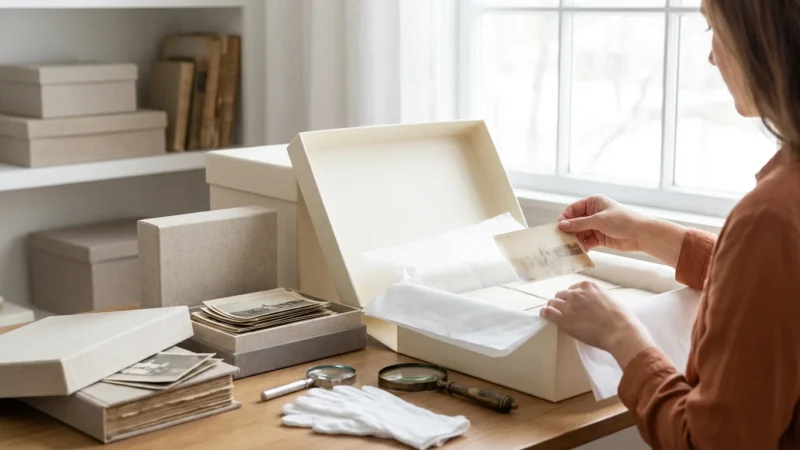
Archival Storage: Choosing the Right Materials
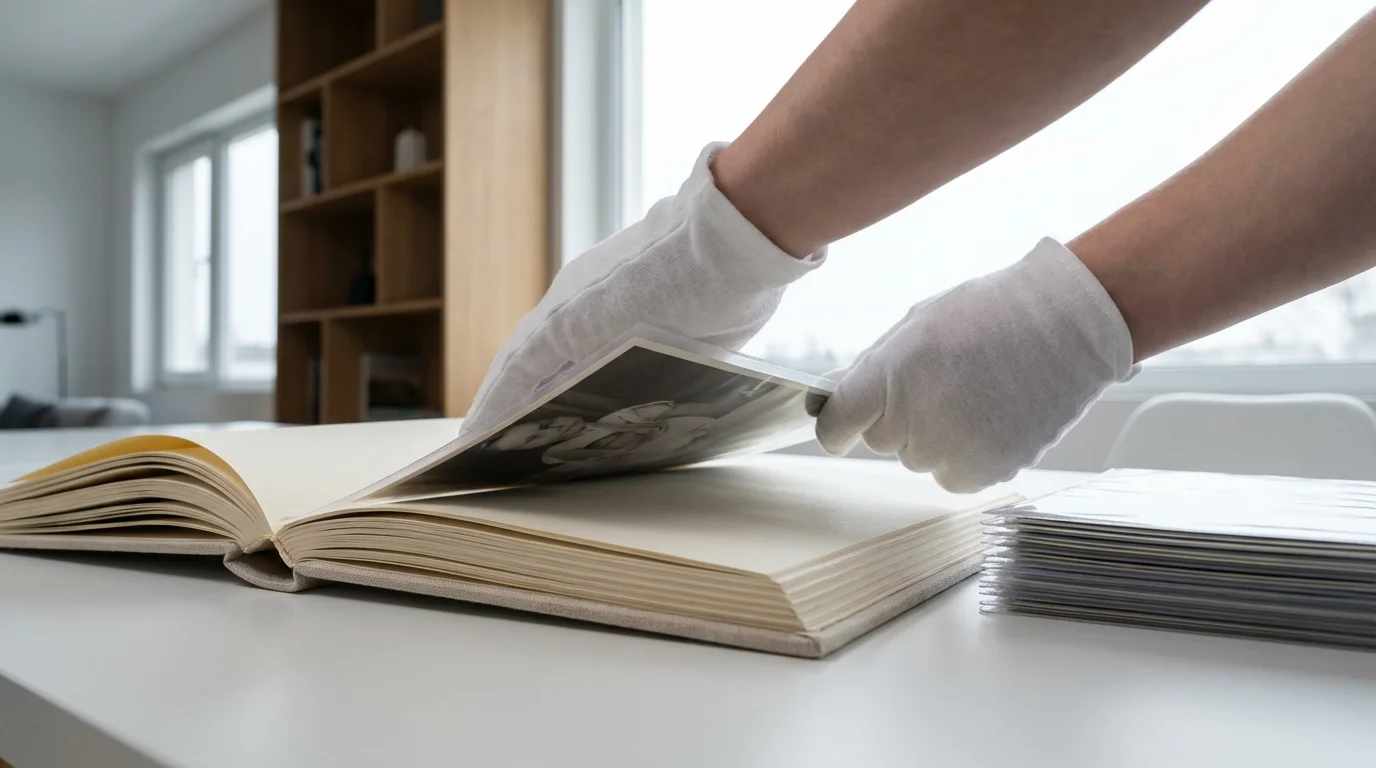
The cornerstone of photo preservation lies in using proper archival materials. These materials are specifically designed to be acid-free, lignin-free, and chemically stable, protecting your photos from environmental damage and inherent material degradation.
- Acid-Free and Lignin-Free Materials: Always choose storage boxes, folders, and sleeves labeled “acid-free” and “lignin-free.” These products will not leach harmful acids onto your photographs. The Image Permanence Institute provides extensive research on the longevity of photographic materials, emphasizing the importance of these standards.
- Protective Sleeves: Use individual sleeves made from inert plastics like polyester (Mylar D), polypropylene, or polyethylene. Avoid PVC (polyvinyl chloride) sleeves, which can off-gas damaging chemicals over time, causing prints to stick and deteriorate. Sleeves protect against dust, fingerprints, and physical damage.
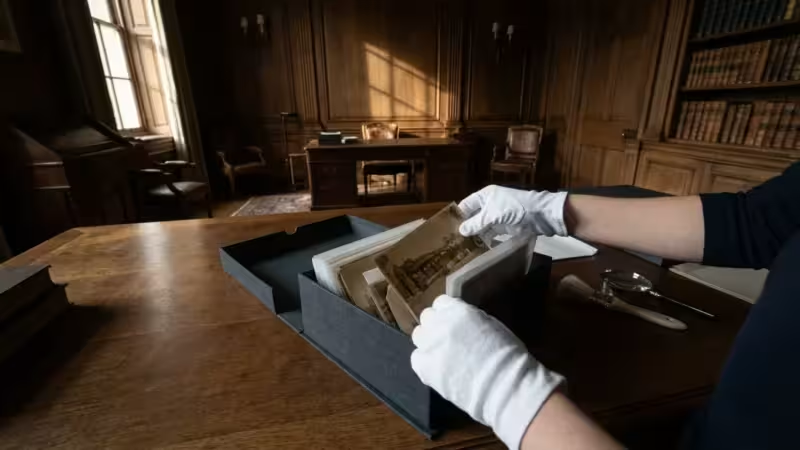
- Archival Boxes: Store sleeved or matted photos in sturdy, acid-free, lignin-free archival boxes. These boxes provide physical protection and a buffer against environmental fluctuations. Opt for boxes with a buffered pH (around 8.5) to neutralize any migrating acids.
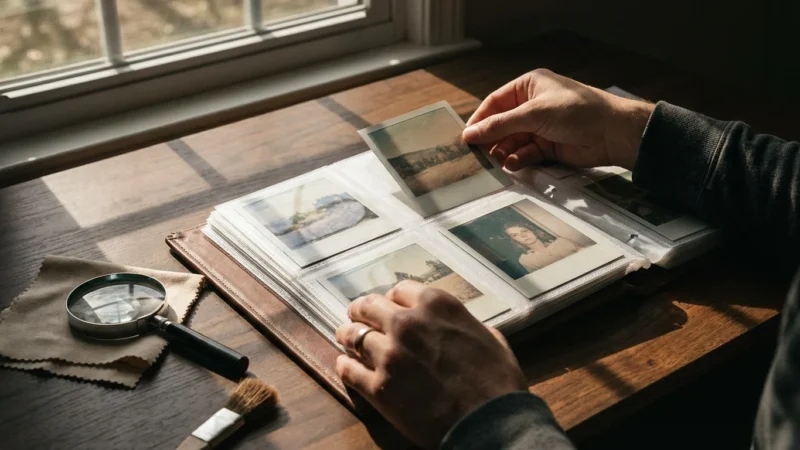
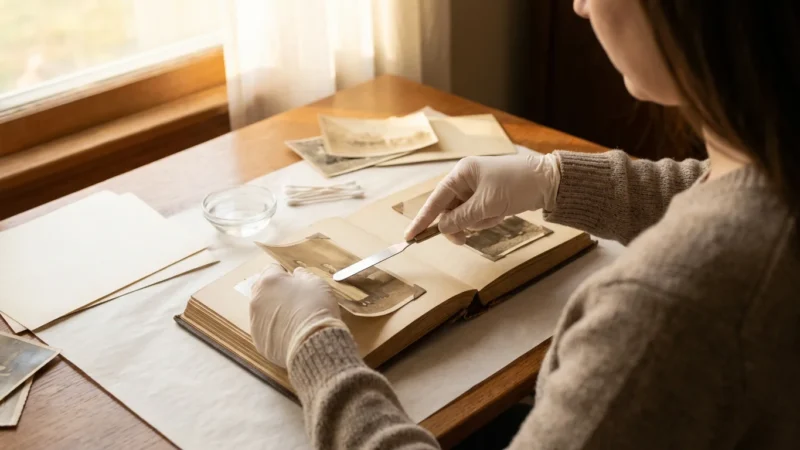
- Avoid Harmful Adhesives and Albums: Steer clear of magnetic albums, self-adhesive pages, or any glue, tape, or paper clips that are not specifically labeled as archival. These materials almost always contain acids or unstable chemicals that accelerate decay.
Environmental Control: The Ideal Conditions
Maintaining stable environmental conditions in your storage area is paramount for long-term preservation.
- Temperature and Humidity: Store photographs in a cool, dry, and stable environment. Ideal conditions generally range between 68°F (20°C) and 72°F (22°C) with relative humidity between 30% and 50%. Avoid basements, attics, and garages, which typically experience wide temperature and humidity swings and higher risks of pests or leaks. For comprehensive guidance on environmental control, consult resources from institutions like the Library of Congress Preservation division.
- Light Exposure: Store photographs in complete darkness when not being viewed. Light, as discussed, is a primary cause of fading and discoloration fix. If you display prints, use UV-filtering glass or acrylic in frames and rotate displayed images regularly to minimize exposure.
- Air Quality: Protect photos from airborne pollutants. Ensure good air circulation in storage areas and consider using air purifiers with activated carbon filters if you live in an urban or industrial area.
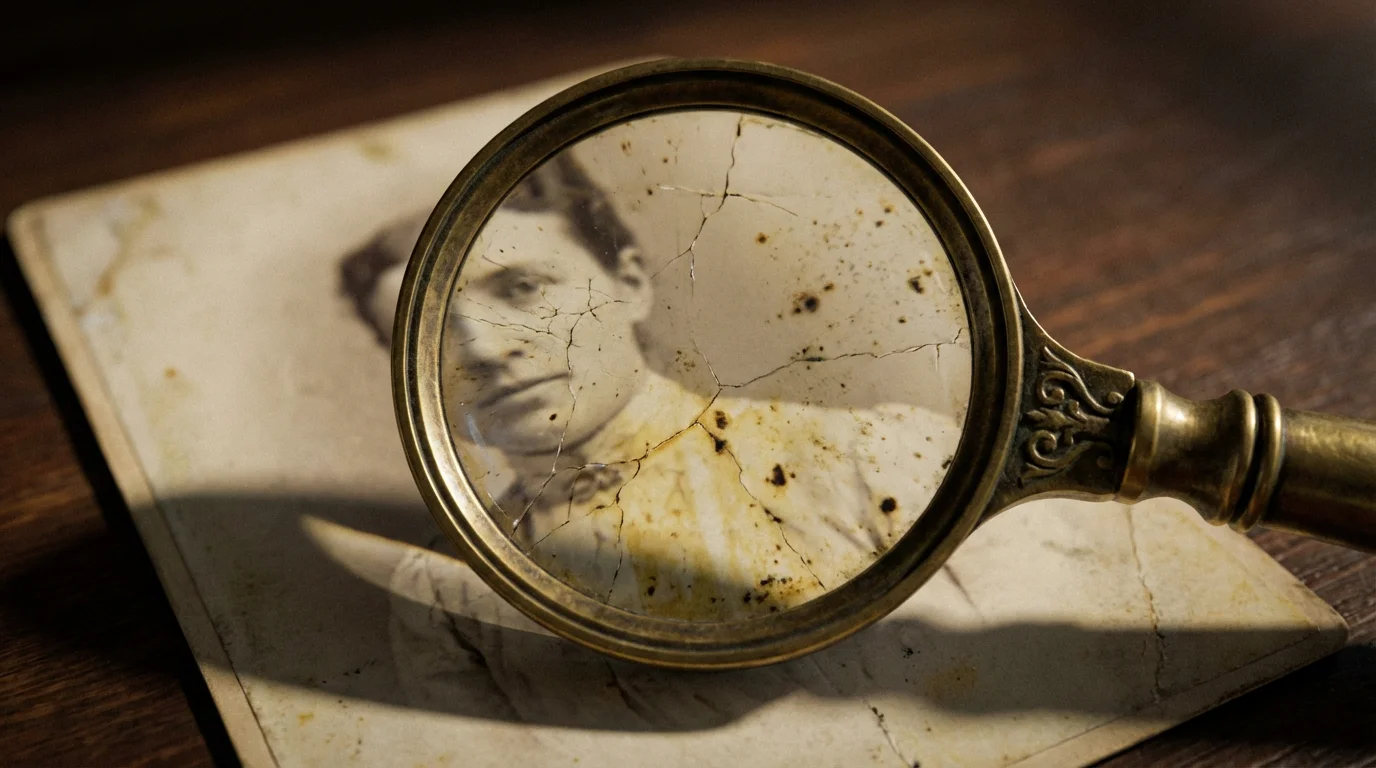
Assessing the Damage: What Kind of Discoloration Do You Have?
Before you attempt any restoration, a thorough assessment of the damage helps you determine the best course of action. Not all discoloration is the same, and understanding the type of degradation informs your strategy for a successful discoloration fix.
While addressing color shifts is a priority, you may also need to learn how to remove scratches and dust from your digital files to fully restore the image’s clarity.
Types of Discoloration
- Uniform Yellowing/Browning: This is a common form of aging photographs, often appearing as an overall shift in color toward yellow, brown, or sepia tones. It results from general chemical degradation of the paper base or emulsion, light exposure, or acidic storage materials.
- Fading: Fading occurs when the dyes or silver particles that form the image degrade, causing the image to lighten and lose contrast. Color photos often fade unevenly, with some colors disappearing faster than others, leading to odd color shifts.
- Spotting and Stains:
- Foxing: Small, reddish-brown spots that appear on paper, often due to mold growth exacerbated by high humidity and acidic paper.
- Mold/Mildew: Fuzzy or powdery growth, often black, green, or white, indicating high humidity exposure. This can severely damage the emulsion.
- Silver Mirroring: A metallic sheen, often blue or purple, that appears on the surface of black and white prints, particularly in darker areas. It indicates oxidation of silver particles and can be a consequence of residual processing chemicals or environmental pollutants.
- Water Stains: Irregular blotches, sometimes with tide lines, indicating contact with water.
- Chemical Stains: These can appear as localized yellow, brown, or purplish areas, often originating from contact with unstable materials like certain glues, tapes, or non-archival paper adjacent to the photograph.
When to Consult a Professional
While many digital restoration tasks are achievable at home, some physical damages warrant expert intervention. Consider a professional conservator if:
- The photograph holds significant historical or monetary value.
- You observe mold or mildew growth; professionals have specialized techniques to safely stabilize and remove it.
- The photo is extremely brittle, torn, or flaking.
- The damage appears to be deep-seated chemical degradation requiring specialized chemical treatment.
“For truly irreplaceable or historically significant photographs, the safest and most effective approach for physical restoration is to consult a professional photographic conservator. They possess the specialized knowledge and tools to stabilize and repair delicate items without causing further harm.”
Digitization: Your First and Most Important Restoration Step
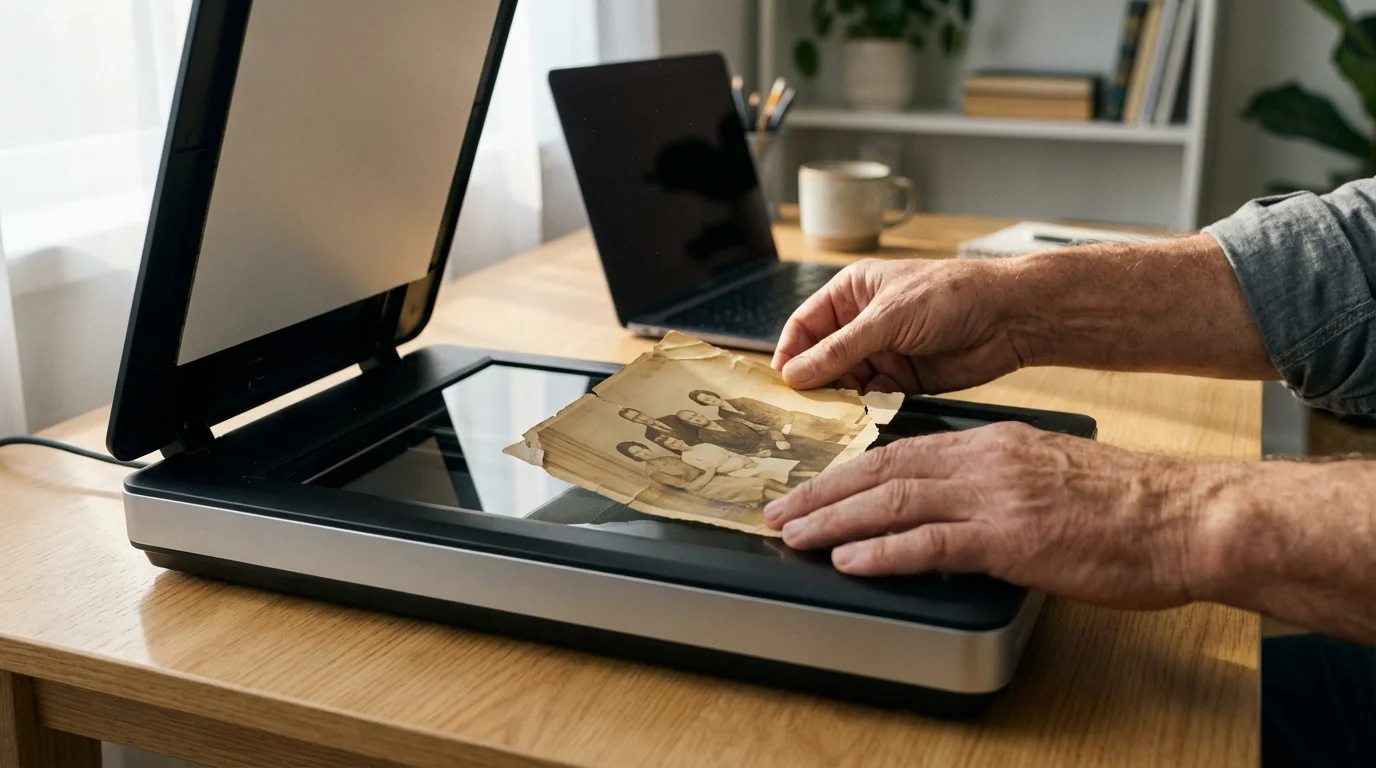
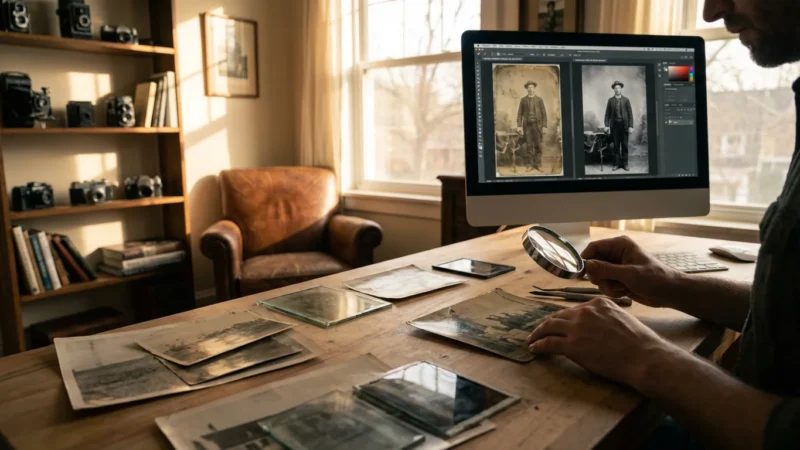
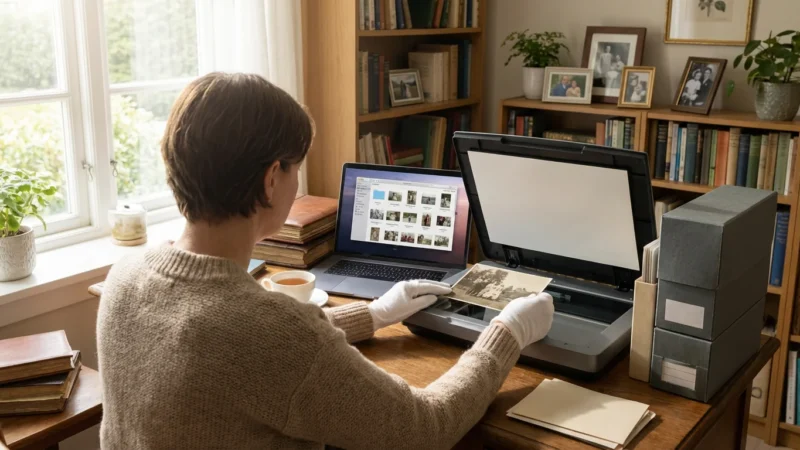
Digitizing your old photographs stands as the single most critical step in preserving your collection. It creates a permanent, accessible backup that is immune to further physical degradation. Whether your goal is a complete discoloration fix or simply safeguarding memories, digitization provides the foundation for all subsequent restoration efforts.
Once you have created high-quality digital copies, you can use specialized photo editing software to restore faded photos and correct shifting colors.
Why Digitization is Non-Negotiable
Digital copies offer unparalleled advantages:
- Protection Against Loss: Once digitized, your memories are protected from fire, flood, pests, and continued physical decay.
- Non-Destructive Restoration: You can perform extensive digital restoration without altering the original print, maintaining its integrity.
- Accessibility and Sharing: Share digital images instantly with family members across the globe, ensuring the stories live on.
- Enhanced Viewing: Digital formats allow for zooming, printing at various sizes, and easy organization.
Choosing the Right Scanner
The quality of your digital capture directly impacts the potential for restoration. Invest in a good scanner for best results:
- Flatbed Scanners: Ideal for most prints, especially delicate or irregularly sized ones. Look for models with high optical resolution (at least 600-1200 dpi for photos) and features like Digital ICE (for dust/scratch removal, though less effective on heavily textured or yellowed surfaces).
- Dedicated Photo Scanners: These often offer faster scanning and specialized features for film negatives and slides, but flatbeds generally suffice for prints.
Scanning Best Practices for Yellowed Photos
Follow these guidelines to maximize the quality of your digital files:
- Clean Your Photos and Scanner: Gently brush dust off photos with a soft, anti-static brush or use a bulb blower. Clean the scanner glass with a microfiber cloth and appropriate glass cleaner. Dust and debris become magnified in scans.
- Scan at High Resolution: For prints, scan at a minimum of 600 dots per inch (dpi). For smaller photos, consider 1200 dpi. This captures maximum detail, allowing for significant cropping, enlarging, and detailed restoration later.
- Use the Right File Format: Scan to TIFF (Tagged Image File Format). TIFFs are lossless, meaning they retain all image data without compression artifacts, making them ideal for archival purposes and editing. Save edited versions as separate JPEGs for sharing.
- Scan in Color: Even if a photo appears black and white, scan it in color mode. Old black and white prints often develop subtle color casts (like sepia or faint yellowing) that color scanning preserves, offering more flexibility for digital correction.
- Keep Originals Flat: Place photos flat on the scanner bed. Use the scanner’s lid to gently hold them in place. Avoid bending or forcing photos into place.
- Minimal In-Scanner Adjustments: Perform minimal adjustments in the scanner software itself. Focus on capturing raw data. Over-sharpening or excessive color correction during scanning can introduce irreversible artifacts. Handle most adjustments in your image editing software.
Basic Digital Restoration Techniques for Yellowed Photographs
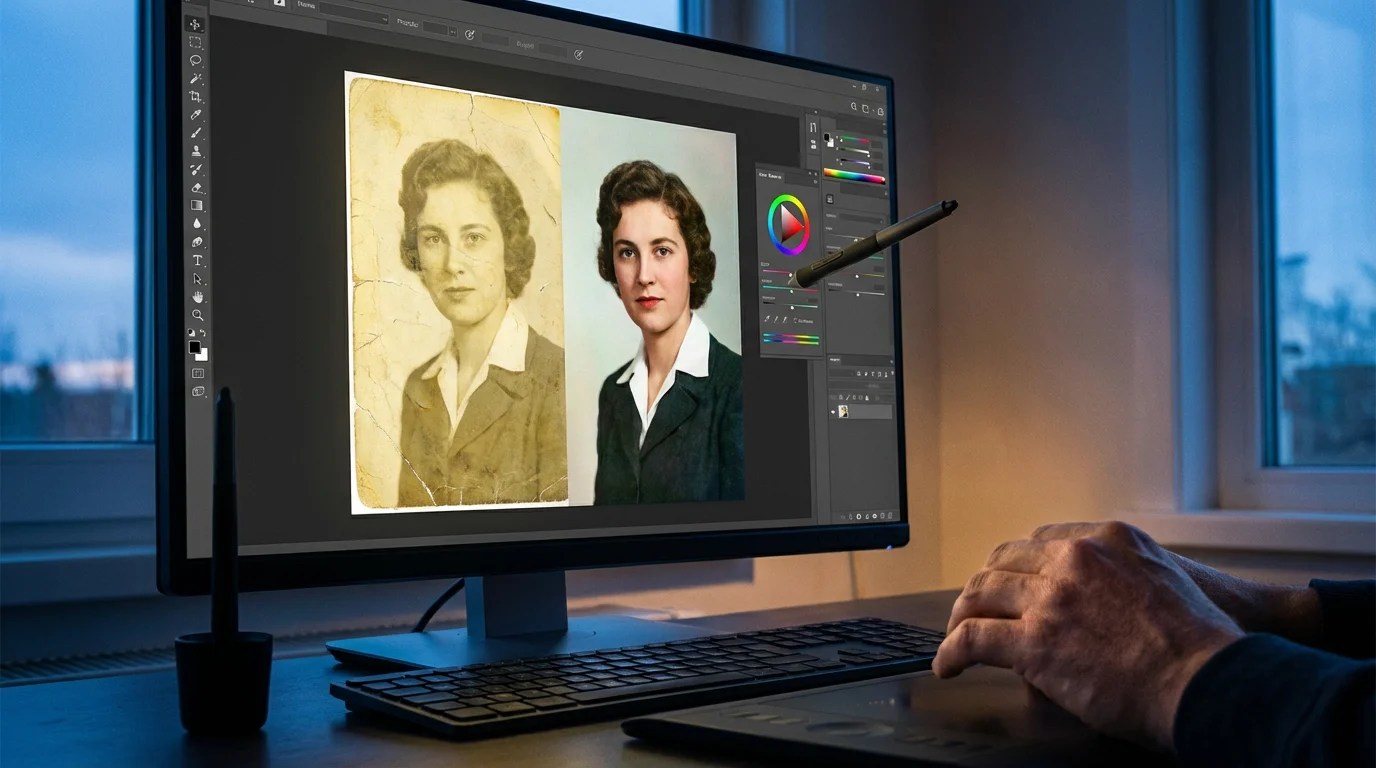
Once you digitize your aging photographs, you unlock a powerful suite of digital tools to bring them back to life. Even basic adjustments can make a dramatic difference in correcting yellowed photos and achieving a satisfying discoloration fix. Most modern image editing software, from advanced programs like Adobe Photoshop and Lightroom to free alternatives like GIMP or online editors, offers the necessary capabilities.
Essential Software Tools and Their Use
These tools are your primary arsenal for tackling yellowing and discoloration:
- White Balance/Color Balance: This is your first line of defense against overall color shifts. Adjusting the white balance aims to neutralize unwanted color casts, bringing back more natural tones.
- Levels and Curves: These powerful tools control the tonal range and contrast of your image. You can adjust the black, white, and mid-tones to restore faded details and improve overall vibrancy.
- Saturation/Hue: Use these sparingly to restore faded colors or reduce an overly saturated color cast. Be cautious not to oversaturate, which can make photos look artificial.
Step-by-Step Guide to Basic Digital Restoration
Follow these steps to perform a foundational how to restore yellowed photographs at home digitally:
- Duplicate Your Image: Always work on a copy of your original scanned file. This ensures you can always revert to the untouched scan if you make a mistake. Many programs allow working on adjustment layers, which are non-destructive and highly recommended.
- Crop and Straighten: Correct any crooked scans or unwanted borders. A clean composition is the first step to a pleasing image.
- Adjust White Balance/Color Balance:
- Look for a neutral gray or white area within your photo. Use the eyedropper tool in your software’s white balance or color balance settings to click on this area. This often instantly removes a significant portion of the yellow cast.
- If no neutral area exists, manually adjust the color sliders (typically for red, green, and blue or temperature/tint) until the colors appear more natural. Focus on reducing the yellow/orange tones.
- Correct Levels and Contrast:
- Open the Levels adjustment. You will see a histogram representing the tonal distribution.
- Drag the black point slider (left) inward to where the histogram data begins to touch it, setting a true black.
- Drag the white point slider (right) inward similarly, setting a true white.
- Adjust the mid-tone slider (gamma, in the middle) to brighten or darken the mid-tones, restoring lost detail and improving contrast. This helps bring back depth to faded areas.
- For Curves, you can achieve similar, more precise control by manipulating points on a diagonal line representing tones. A slight S-curve often enhances contrast effectively.
- Adjust Exposure and Brightness: If the photo is still too dark or bright, make minor adjustments using the exposure or brightness sliders.
- Manage Saturation: If colors appear muted due to fading, gently increase saturation. If an overall yellow cast persists after white balance, you might carefully desaturate yellow or orange channels specifically, rather than overall image saturation.
Remember, the goal is often not to make the photo look brand new, but to restore its integrity, readability, and emotional impact while respecting its age. Subtlety is key in digital restoration.
Advanced Digital Restoration: Beyond the Basics
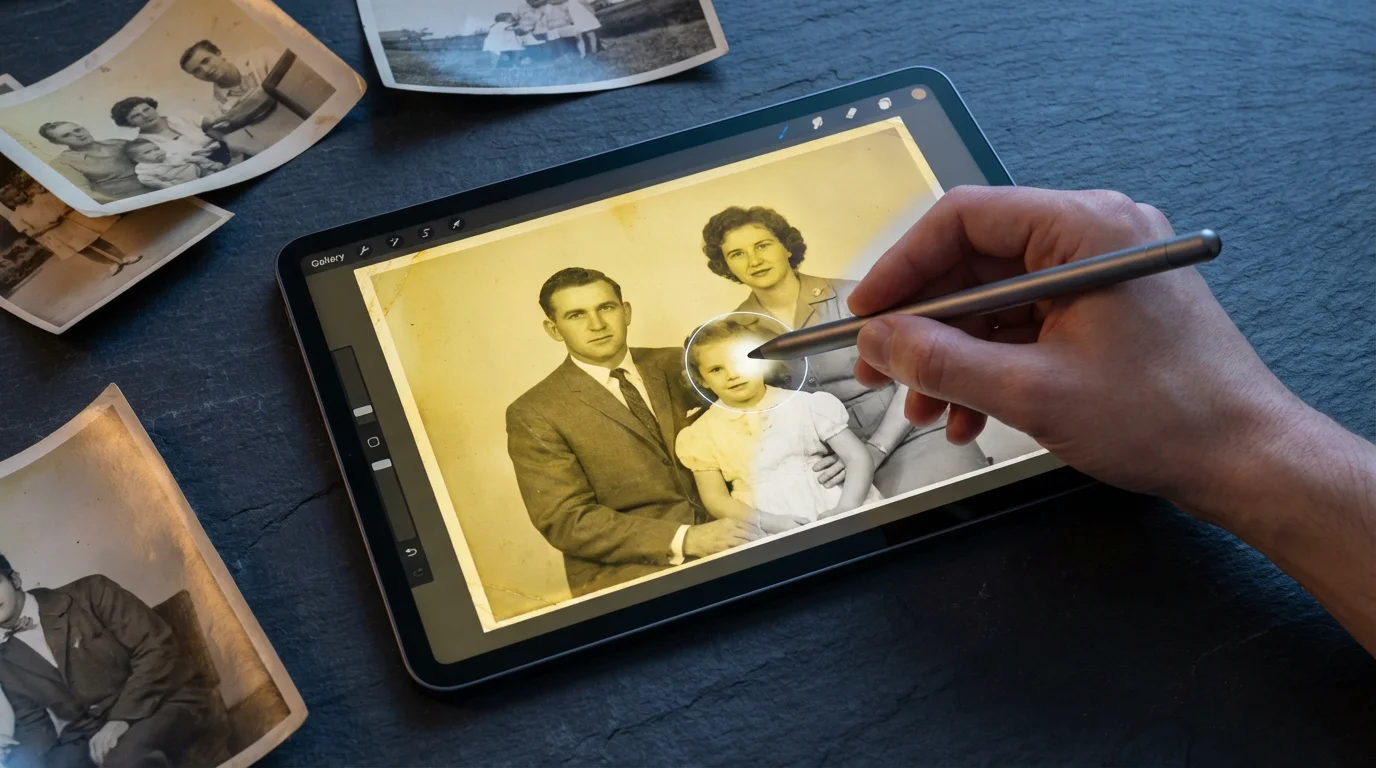
For more challenging issues beyond basic color correction, advanced digital techniques help you tackle specific defects, bringing a higher level of polish to your aging photographs. These methods require a bit more practice but yield impressive results for how to restore yellowed photographs at home.
Targeted Color Correction
Sometimes, simply adjusting the overall white balance isn’t enough. Specific areas or color ranges might have different discoloration. Advanced software allows for selective color adjustments:
- Hue/Saturation Adjustment Layers: In Photoshop or GIMP, you can select specific color channels (e.g., yellows, reds) and adjust their hue, saturation, and lightness independently. This is invaluable for removing a stubborn yellow cast from specific elements without affecting the entire image.
- Color Balance on Masked Areas: Create selection masks around specific problem areas (e.g., a faded face, a yellowed sky). Apply color balance adjustments only to these masked regions to correct localized discoloration.
Noise Reduction and Sharpening
Old photos often appear grainy or soft due to age, poor original resolution, or damage. Digital noise reduction and sharpening can improve clarity:
- Noise Reduction: Digital noise reduction tools work to smooth out graininess and speckles, common in older scans. Be careful not to overdo it, as excessive noise reduction can make images look plastic or lose fine detail.
- Sharpening: After reducing noise, apply a subtle sharpening filter. This enhances edges and brings out details that might appear soft. Tools like Unsharp Mask or Smart Sharpen offer more control than basic sharpen filters. Again, less is often more to avoid an artificial, over-processed look.
Spot Removal and Scratch Repair
Dust, scratches, tears, and physical imperfections are common on old prints. Digital tools make their removal much easier:
- Spot Healing Brush/Clone Stamp Tool: These are your workhorses for removing blemishes.
- The Spot Healing Brush (or similar content-aware fill tools) automatically samples surrounding pixels to seamlessly remove small spots, dust, and minor creases.
- The Clone Stamp Tool allows you to manually sample a clean area of the image and paint over a damaged area, offering precise control for larger scratches, tears, or more complex imperfections. This requires careful selection of source areas to match textures and tones.
- Patch Tool: Useful for larger, irregularly shaped areas of damage. You select the damaged area, then drag it to a clean area, and the tool blends the textures.
- Content-Aware Fill (Photoshop): For missing sections or large tears, Content-Aware Fill can intelligently fill in gaps by analyzing surrounding image content. This is a powerful, time-saving tool for significant damage.
Always zoom in when using these tools to ensure precise application. Work on separate layers when possible, especially for cloning and patching, so you can easily adjust or revert changes without affecting the underlying image.
Physical Cleaning and Handling Precautions
While digital restoration addresses the visual effects of aging, proper physical handling and minimal cleaning of the original prints are crucial for their long-term survival. Remember, physical intervention carries risks, and irreversible damage can occur. Always prioritize preservation over aggressive cleaning.
Safe Handling Practices
Treat your original prints as fragile artifacts:
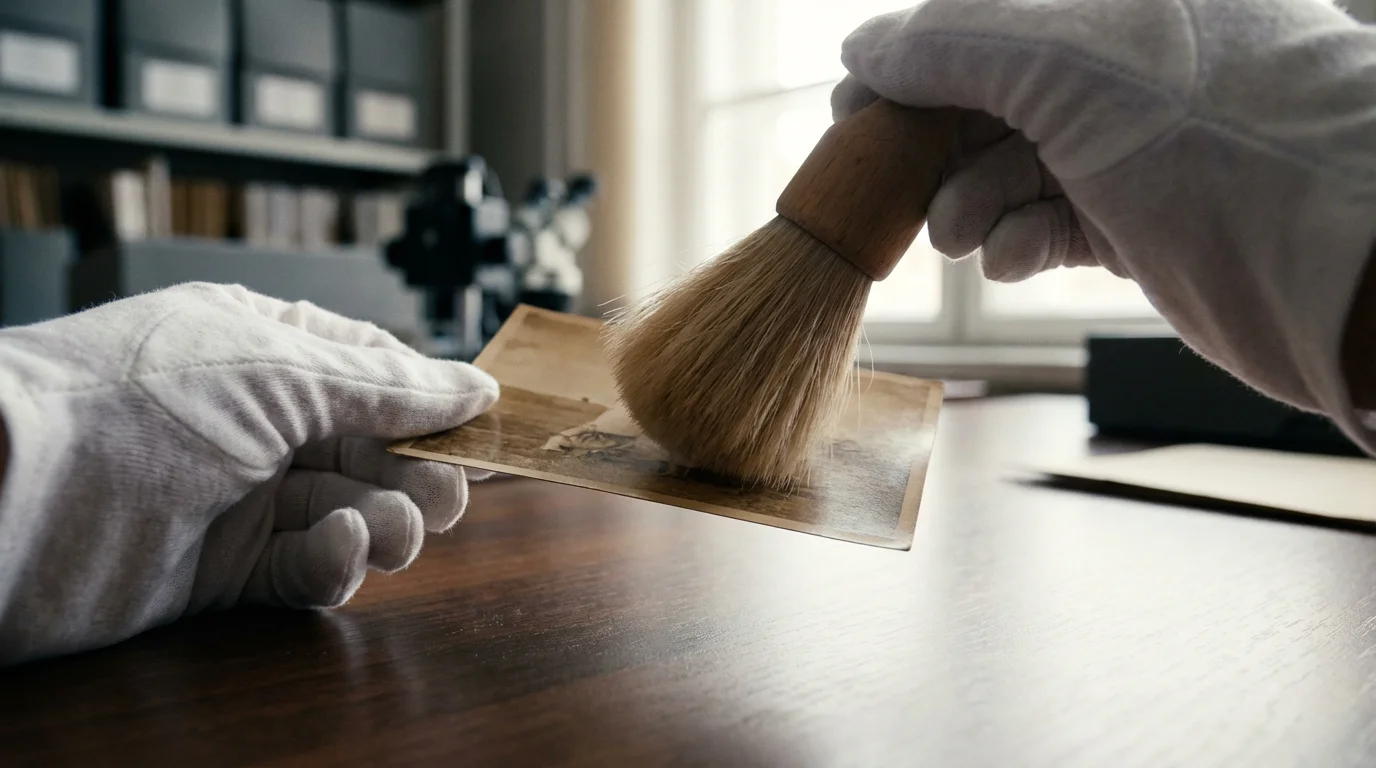
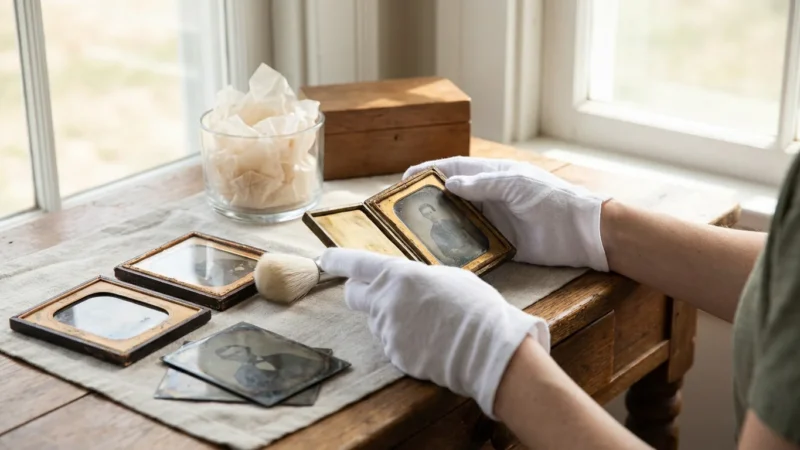
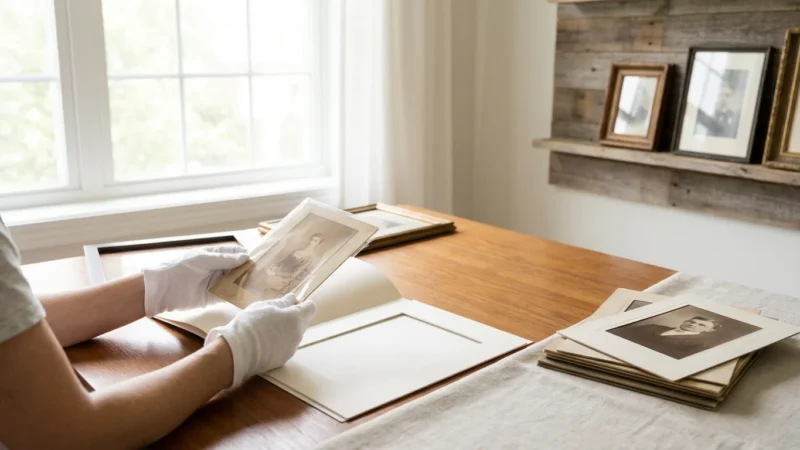
- Wear Cotton Gloves: Oils, dirt, and acids from your hands can transfer to photographs, causing new stains or accelerating existing degradation. Always wear clean, lint-free cotton or nitrile gloves when handling prints.
- Clean Work Surface: Work on a clean, dry, flat surface free of food, drinks, or potential contaminants.
- Handle by Edges: Always hold photographs by their edges to avoid touching the image surface.
- Avoid Bending or Rolling: Never bend, crease, or roll old photographs, as they become brittle with age and can crack easily.
Gentle Dry Cleaning Methods
For surface dirt and dust, dry cleaning is the safest approach for aging photographs. Avoid any liquid solutions unless you are a trained conservator, as liquids can cause ink to run, emulsions to swell, or stains to set permanently.
- Bulb Blower: Use a photographic air bulb blower (not canned air, which can contain propellants and be too forceful) to gently dislodge dust and loose debris from the surface.
- Soft Brush: A very soft, clean camel-hair brush, specifically designed for photographic use, can gently sweep away stubborn dust. Brush lightly from the center outwards.
- Photographic Erasers: For very light, superficial pencil marks or grime on the borders (never on the image itself), consider using a white, art gum eraser or a kneaded eraser. Test on a non-valuable, inconspicuous area first. Blot, do not rub.
“When dealing with physical photographs, especially those showing signs of deterioration, prioritize minimal, reversible intervention. The adage ‘do no harm’ is paramount in photo preservation. Aggressive cleaning attempts by amateurs often lead to irreparable damage.”
What to Absolutely Avoid
- Liquid Cleaners: Never use water, alcohol, glass cleaner, or any household cleaning solution on photographs. These can dissolve emulsions, cause water stains, or accelerate chemical degradation.
- Rubbing or Wiping: Do not rub the surface of a photograph, especially if it has mold or sticky residues. This can embed dirt, scratch the emulsion, or spread fungal spores.
- Chemical Sprays: Hairspray, fixatives, or other chemical sprays can introduce new, damaging compounds to your prints.
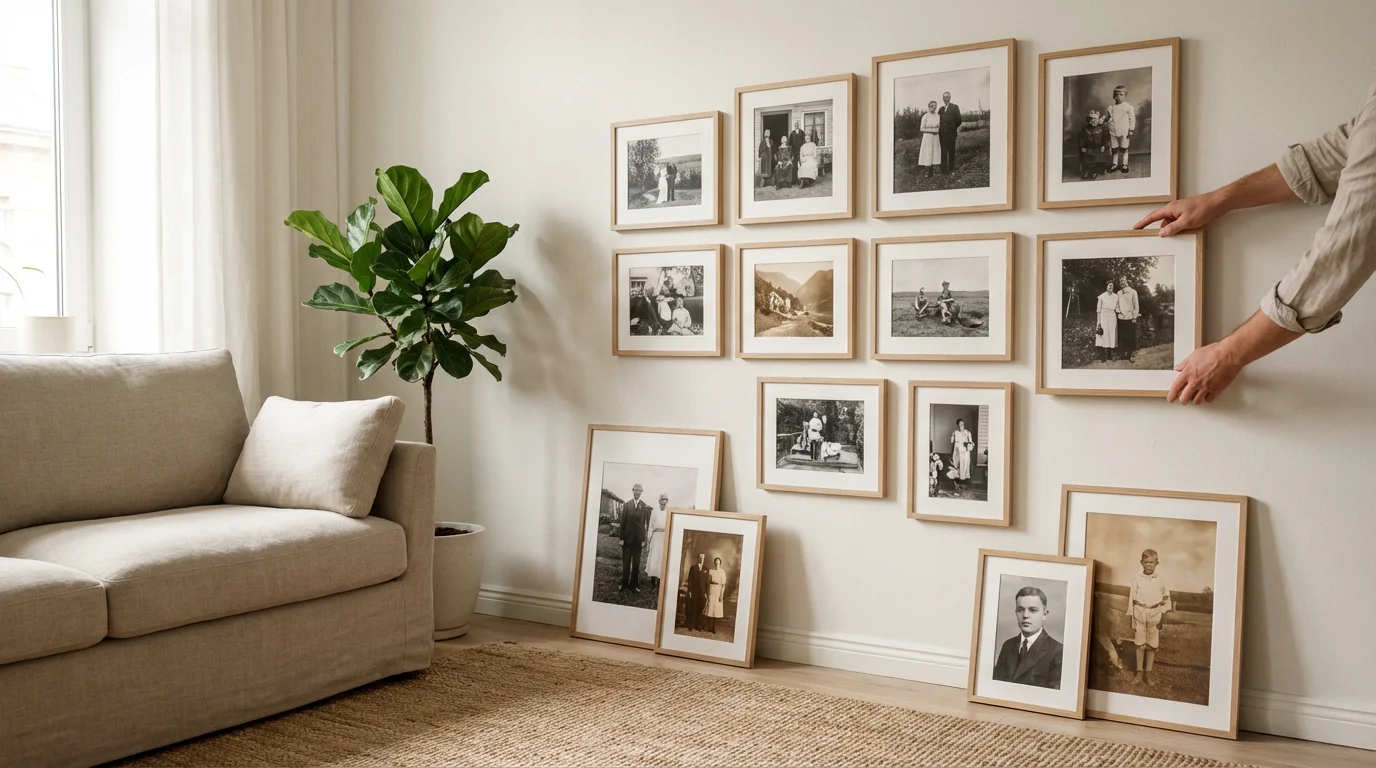
Creating New Memories: Displaying Your Restored Photographs
After investing time and effort in restoring your yellowed photos and ensuring their preservation, the next joyful step involves sharing them. Displaying your cherished memories, whether physically or digitally, allows them to be appreciated and continue their role in telling your family’s story. However, even restored prints require thoughtful consideration for long-term display.
Archival Framing for Physical Prints
If you choose to frame and display physical prints, select archival-quality framing materials to protect them from environmental damage:
- UV-Filtering Glazing: Use glass or acrylic that blocks ultraviolet (UV) light. UV light, as you know, is a primary culprit in fading and discoloration. This is perhaps the most important protective measure for displayed prints.
- Acid-Free Matting and Backing: Ensure the mat board and backing board are acid-free and lignin-free, preferably museum-grade or conservation-grade materials. The mat board prevents the photograph from touching the glazing, which can lead to sticking and damage over time.
- Proper Spacing: Ensure adequate air circulation behind the frame, particularly if hanging on an exterior wall, to minimize humidity buildup.
- Location, Location, Location: Avoid hanging framed photographs in direct sunlight, near heat sources like radiators or fireplaces, or in bathrooms where humidity levels fluctuate dramatically. Choose interior walls in rooms with stable temperatures and indirect light.
Digital Displays and Photo Books
Digitally restored images offer endless possibilities for enjoyment and sharing without risking the originals:
- Digital Photo Frames: Load your restored images onto a high-resolution digital photo frame. This allows for a rotating display of your entire collection.
- Custom Photo Books: Create beautiful, professionally printed photo books. Many online services offer high-quality printing, allowing you to curate themed albums that tell a cohesive story. These make wonderful gifts and legacy items.
- Online Galleries and Cloud Storage: Share your restored photos with family members globally through private online galleries or secure cloud storage. This ensures everyone can access and enjoy the family history.
- Printed Enlargements: With high-resolution digital files, you can print new, archival-quality enlargements on modern photographic papers that offer superior stability and longevity compared to vintage prints.
By thoughtfully preserving, restoring, and then intelligently displaying your photographs, you not only save historical artifacts but also actively participate in keeping your family’s stories alive for current and future generations. Your effort ensures that these faces, places, and moments continue to resonate, connecting everyone to a shared, cherished past.
Frequently Asked Questions
Can I really fix severely yellowed photos myself at home?
You can achieve significant improvement on severely yellowed photos using digital restoration software at home. Basic adjustments like white balance, levels, and color correction can remove much of the yellow cast and restore contrast. For physical photos, dry cleaning for surface dust is generally safe, but avoid any liquid solutions or harsh chemicals. For complex physical damage or deeply embedded stains, consult a professional conservator.
What is the most common cause of old photos turning yellow?
The most common cause of old photos turning yellow is a combination of light exposure and poor storage conditions. UV light accelerates the degradation of photographic dyes and paper. Additionally, acidic materials in old albums or storage boxes, along with high humidity and fluctuating temperatures, trigger chemical reactions that lead to pervasive yellowing and deterioration of the photographic emulsion and paper base.
Is it better to restore physical photos or digitize them first?
It is almost always better and safer to digitize your photographs first before attempting any physical restoration. Digitization creates a permanent, restorable backup that protects against accidental damage to the original. You can then perform extensive digital restoration on the scanned copies without risking the irreplaceable original print. Physical cleaning should always be minimal and non-invasive.
How can I prevent my newly printed photos from turning yellow in the future?
Prevent future yellowing by printing on high-quality, archival-grade photographic paper. Store your prints in acid-free, lignin-free sleeves and boxes made from inert plastics like polypropylene or polyester. Keep them in a cool, dark, and dry environment with stable temperature and humidity, away from direct sunlight and atmospheric pollutants. These practices significantly extend the lifespan of your prints.
What is “silver mirroring” and how do I fix it?
Silver mirroring is a metallic, often bluish or purplish sheen that appears on the surface of black and white photographs, particularly in dark areas. It results from the oxidation of silver particles in the emulsion, often due to residual processing chemicals or exposure to environmental pollutants. Digitization can help digitally mask silver mirroring, but physically removing it from the original print is a complex conservation task that typically requires professional intervention.
Disclaimer: This article is for informational purposes only. When handling valuable or irreplaceable photographs, consider consulting a professional conservator. Always test preservation methods on non-valuable items first.

Leave a Reply