

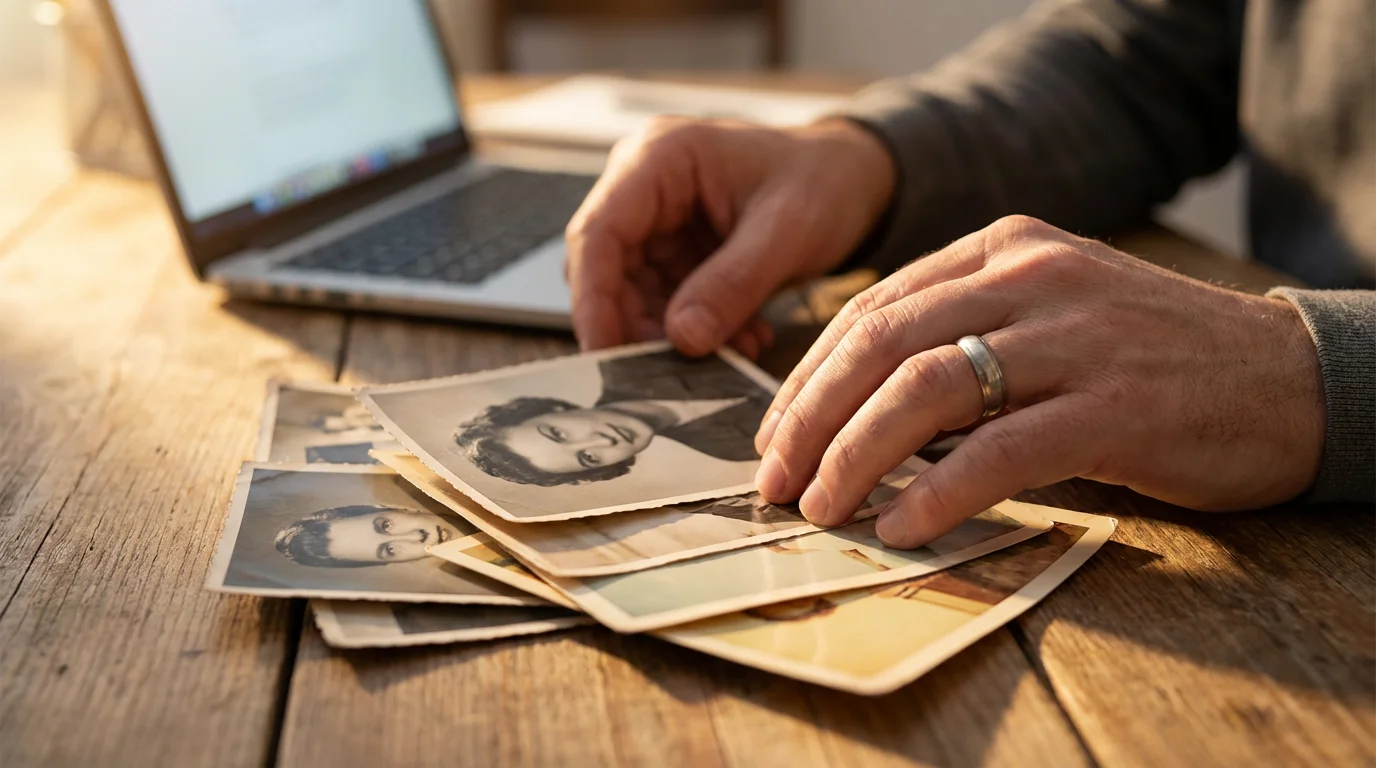
Your old family photographs hold more than just images; they encapsulate stories, emotions, and a tangible connection to your past. These precious prints document weddings, birthdays, holidays, and everyday moments, forming the visual legacy of your family. You likely possess boxes overflowing with these treasures, perhaps inherited from relatives, and you understand their irreplaceable value. While you cherish these physical prints, you must also acknowledge their inherent vulnerability. Protecting these memories requires a proactive approach, and the most critical step involves creating digital copies.
A comprehensive digital backup plan is central to creating a home photo archive that will stand the test of time.
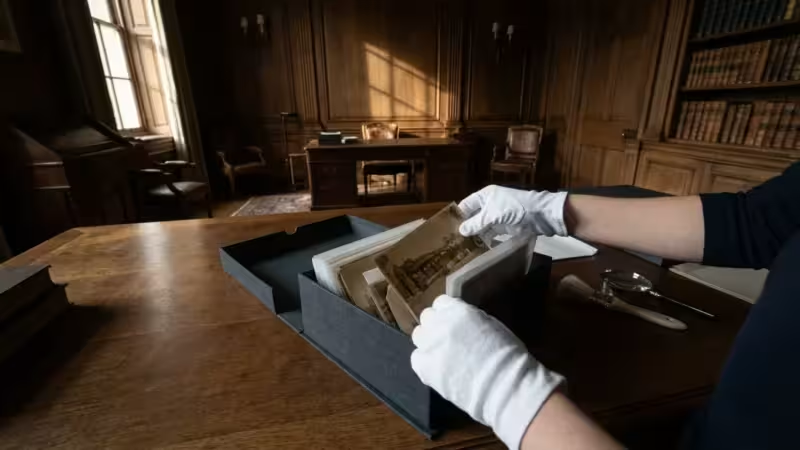
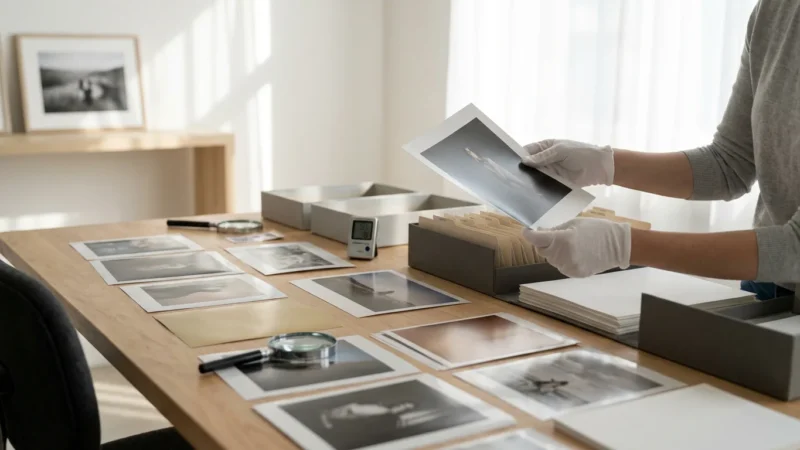
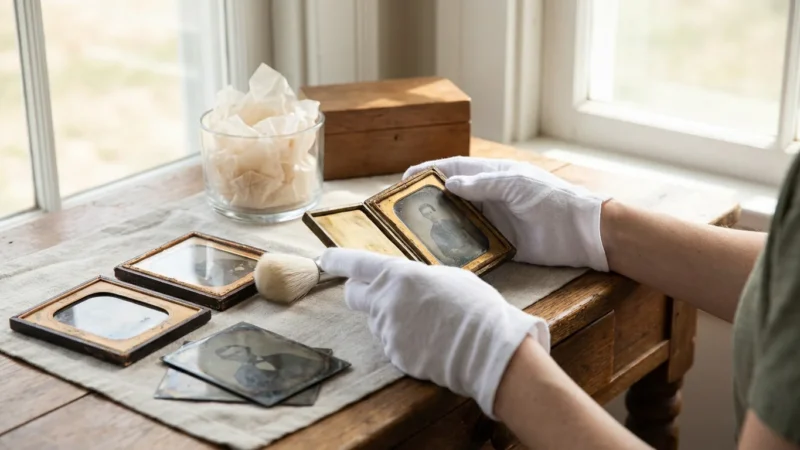
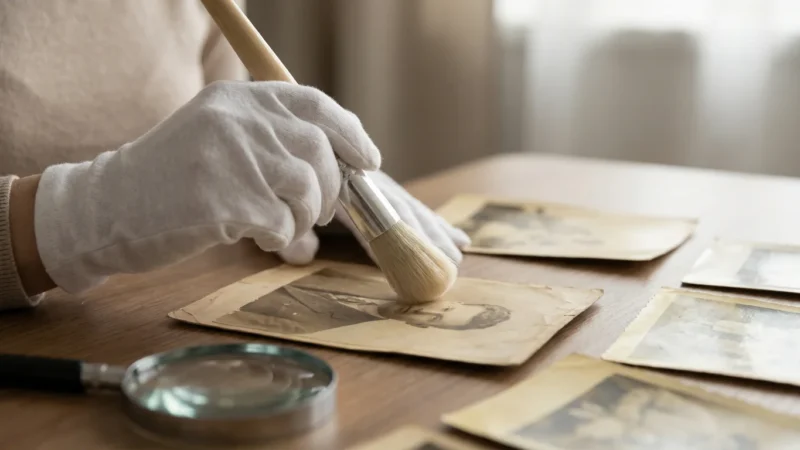
Before starting the digitization process, it is vital to store your physical photos correctly to shield them from further environmental decay.
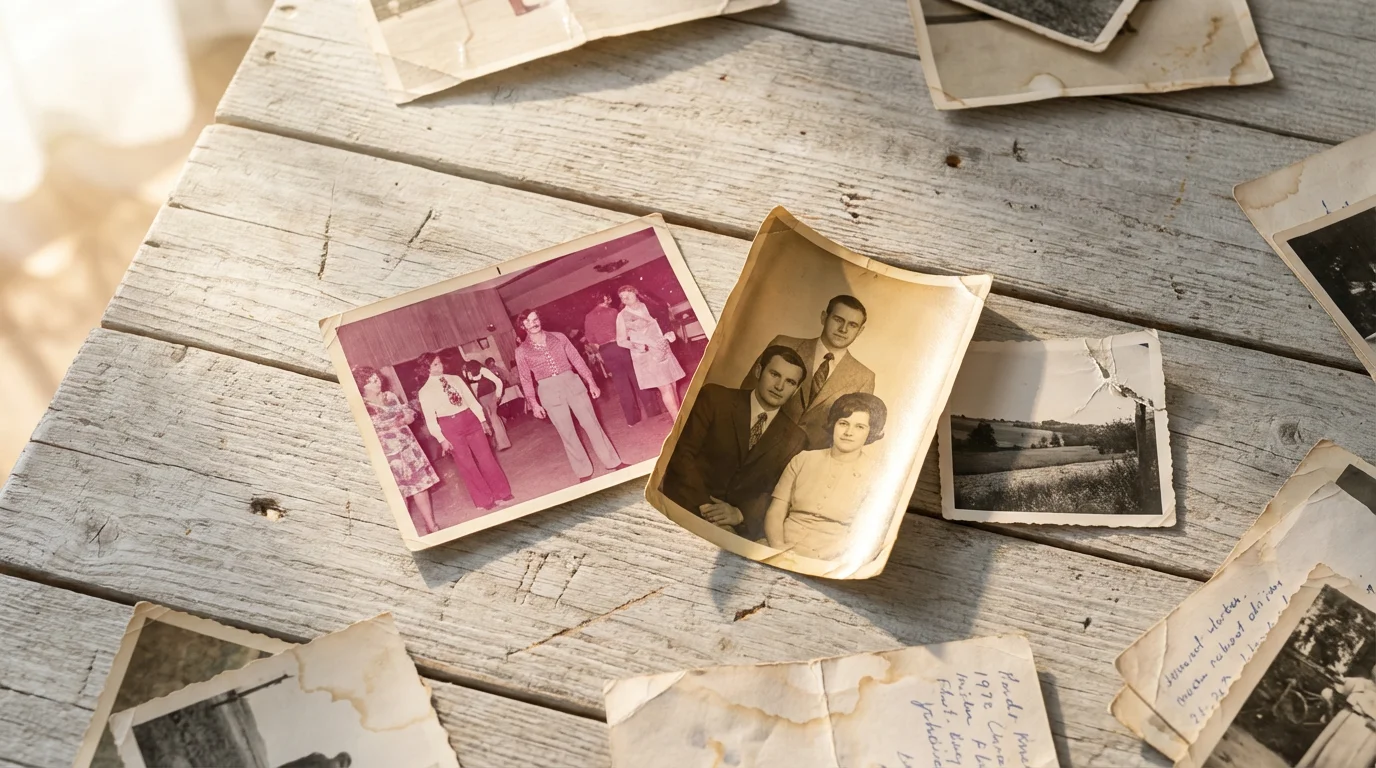
The Inevitable Fragility of Physical Photographs
Physical photographs, despite their sentimental weight, are remarkably fragile. Numerous threats constantly jeopardize their existence, making digital copies an essential safeguarding measure. Consider the relentless march of time, which causes prints to fade, yellow, and degrade. The dyes and pigments in many historical prints simply do not last indefinitely. For instance, color prints produced before the 1980s often exhibit significant fading and color shifts within 20 to 30 years, transforming vibrant scenes into muted, yellowish ghosts of their former selves. Black and white silver gelatin prints prove more stable, but still suffer from silver mirroring and embrittlement over decades.
Environmental factors present another significant risk. Exposure to light, especially direct sunlight or fluorescent lighting, accelerates fading and chemical deterioration. High humidity encourages mold growth, causing irreparable damage to emulsions and paper bases. Fluctuations in temperature and humidity can lead to warping, curling, and cracking. Pests like silverfish and rodents also find photographic emulsions and paper a palatable snack, leaving behind irreversible damage. You might keep your photos in a seemingly safe attic or basement, unaware that these locations often experience the worst temperature and humidity swings, creating ideal conditions for decay.
Beyond environmental threats, accidental damage poses a constant danger. A spilled drink, a house fire, a leaky pipe, or a natural disaster like a flood or earthquake can erase decades of family history in mere moments. Imagine losing all physical evidence of your ancestors, your childhood, or pivotal family events to a single unforeseen incident. Theft also represents a risk; physical photo albums are vulnerable. You cannot easily recover a stolen or destroyed original photograph. The fundamental problem with relying solely on physical prints for your memory keeping is their singular nature. You only have one copy, and its loss is permanent.

Why Digital Copies Offer Unparalleled Protection
Creating digital copies of your cherished physical photographs offers unparalleled protection against the myriad threats we discussed. When you digitize old family photos, you transform them from unique, fragile objects into versatile data files. This fundamental shift provides layers of security impossible with physical prints alone. Digital files do not fade, yellow, or grow mold. They are immune to water damage, fire, and insect infestations. You establish robust photo redundancy, ensuring no single point of failure can erase your entire collection.
The core advantage of digital copies lies in their ability to be duplicated effortlessly and stored in multiple locations. This practice forms the bedrock of a secure backup photos strategy. Imagine you have a physical photo album. If a fire destroys your home, that album is gone forever. Now, imagine you have digital copies of those photos. You can store one copy on an external hard drive in your home, another in a cloud storage service, and a third on a second external drive kept at a relative’s house. Should a disaster strike your primary location, your memories remain safe and accessible from other backup points. This distributed storage approach dramatically reduces the risk of catastrophic loss.
Furthermore, digital files allow for easy sharing without risking the original. You can email copies to family members across the globe, upload them to private online galleries, or display them on digital frames. This accessibility fosters stronger family connections and ensures your photographic legacy reaches future generations. The ability to restore a damaged physical photo digitally also offers a lifeline. A faded, torn, or stained print can often be digitally repaired and enhanced using software, bringing it back to life in a way physical restoration might struggle to achieve, or achieve at a much greater cost. For expert insights on preserving your physical originals while you digitize, consider resources like the Library of Congress Preservation division, which provides comprehensive guidance.

Beyond Preservation: The Advantages of Digitization
While preservation forms the primary driver for digitizing your physical photographs, the benefits extend far beyond simply safeguarding against loss. Digital copies unlock a world of accessibility, organization, and creative potential that physical prints cannot match. You gain the freedom to access your entire family history with a few clicks, rather than digging through dusty boxes in an attic.
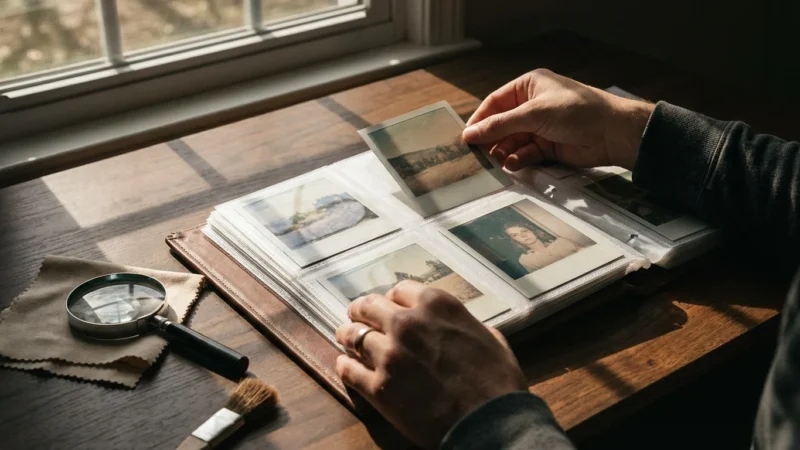
If your collection is still mounted in books, learning how to scan old photo albums safely is a crucial part of the process.
Enhanced Accessibility and Sharing
Once digitized, your photos become instantly accessible across a multitude of devices. View them on your computer, tablet, smartphone, or smart TV. Share them effortlessly with family members near and far via email, messaging apps, or private online albums. Grandparents can see pictures of their grandchildren growing up in real time, and cousins across continents can share historical family photos, fostering a stronger sense of connection. This ease of access transforms dormant memories into living narratives, encouraging engagement with your family history.
Superior Organization and Searchability
Physical photo collections often suffer from disorganization, with prints haphazardly stuffed into shoeboxes or poorly labeled albums. Digitization offers a powerful solution. You can organize digital copies into logical folders by date, event, or person. More importantly, you can add metadata to each image. Metadata includes descriptive tags like names, dates, locations, and events, making your photos fully searchable. Imagine typing “Grandma’s 1950 birthday party” into a search bar and instantly finding every relevant photo, a feat nearly impossible with physical prints alone.
Digital Restoration and Enhancement
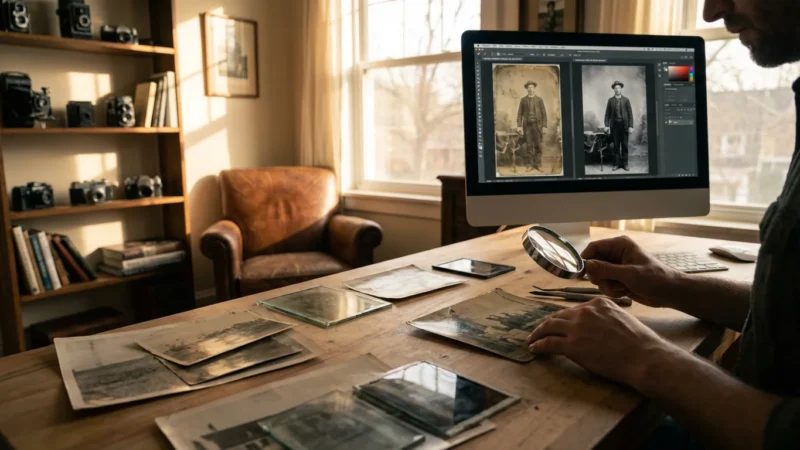
Digitization opens the door to powerful restoration and enhancement tools. Faded colors can regain their vibrancy, scratches and tears can disappear, and dust spots can vanish. Even severely damaged photos, like those with water stains or significant creasing, often find new life through digital manipulation. While professional restoration services excel at this, even basic photo editing software offers remarkable capabilities for improving the appearance of old, degraded images. This process not only preserves the image but also often makes it more enjoyable to view.
Creative Memory Projects
Digital photographs serve as the foundation for countless creative projects. Easily compile them into custom photo books that tell a chronological story, design personalized calendars, or create dynamic slideshows with music for family gatherings. You can print duplicate copies of specific images for framing, use them in scrapbooks, or create unique gifts. These projects give your cherished memories new life and provide tangible ways to share your family’s heritage with others.
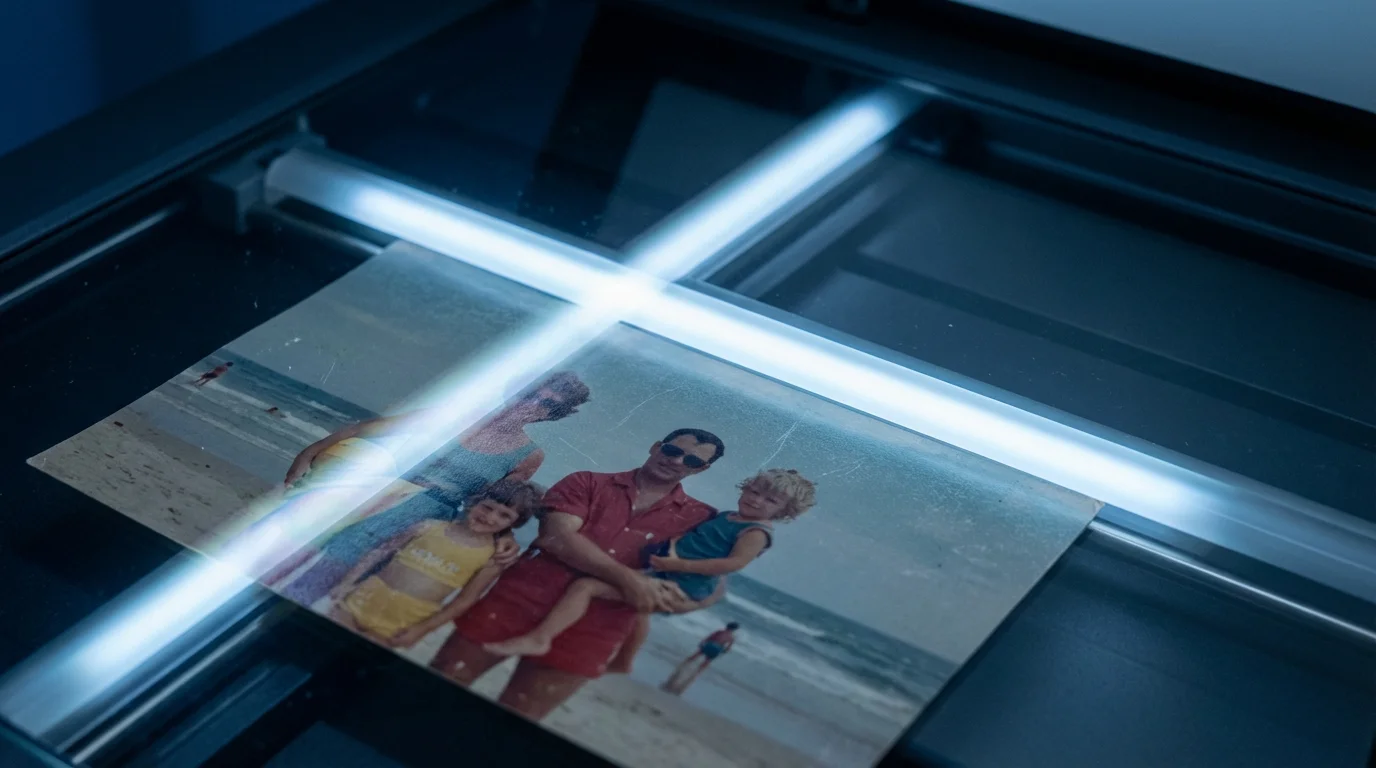
Understanding Your Options: The Best Way to Backup Physical Photographs
Digitizing your physical photographs marks a pivotal step in securing your family’s visual legacy. However, determining the best way to backup physical photographs involves choosing the right method for your specific needs, budget, and comfort level. You generally have two primary approaches: doing it yourself or hiring a professional service.
Do-It-Yourself Scanning
Many individuals opt for DIY scanning, which offers cost savings and complete control over the process. You can select from several equipment options:
- Flatbed Scanners: These versatile devices handle various sizes and types of prints, documents, and even fragile items. Look for models with high optical resolution (at least 600 dpi for general photos, 1200+ dpi for photos with fine detail or for extensive cropping) and features like automatic dust removal. Brands like Epson and Canon offer reliable flatbed scanners.
- Dedicated Photo Scanners: These scanners specifically optimize for photographs, often featuring faster scanning speeds and better color reproduction than general-purpose flatbeds. Some models include automatic feeders for stacks of standard-sized prints.
- Slide and Negative Scanners: If your collection includes slides or film negatives, you will need a specialized scanner for these formats. These devices convert transparent media into digital files, preserving an often overlooked part of family history.
- Smartphone Scanning Apps: For quick, non-archival backups or when you want to digitize a small batch without investing in equipment, smartphone apps like Google PhotoScan or PhotoMyne offer a convenient solution. These apps often use your phone’s camera and image processing to reduce glare and correct perspective, but they typically do not achieve the same quality as a dedicated scanner.
When you scan, choose a high-resolution setting to capture as much detail as possible. You cannot add resolution later. Save your files in a lossless format like TIFF or PNG for archival purposes, and then convert to JPEG for sharing and everyday use. Consider naming your files systematically from the start, using a convention like “YYYY-MM-DD_Event_Description.tif.”
Professional Scanning Services
If you possess a very large collection, extremely fragile or oversized prints, or simply lack the time and equipment for DIY scanning, professional services offer an excellent alternative. These companies utilize high-quality, specialized scanners and trained technicians to handle your precious originals with care. They can often provide services like basic color correction, dust removal, and even minor digital restoration.
When selecting a professional service, ask about:
- Resolution and File Formats: Ensure they scan at a resolution you deem adequate (e.g., 600 dpi or higher) and provide files in archival formats.
- Handling Procedures: Understand how they protect your originals from damage or loss during shipping and scanning.
- Turnaround Time and Cost: Compare pricing structures and expected delivery times.
- Reviews and Reputation: Check customer reviews and ask for recommendations to ensure a trustworthy service.
While professional services involve a higher upfront cost, they offer convenience, speed, and often superior quality, particularly for challenging collections. As an expert from the American Institute for Conservation might suggest, weigh the value of your time and the fragility of your collection against the cost of professional expertise.
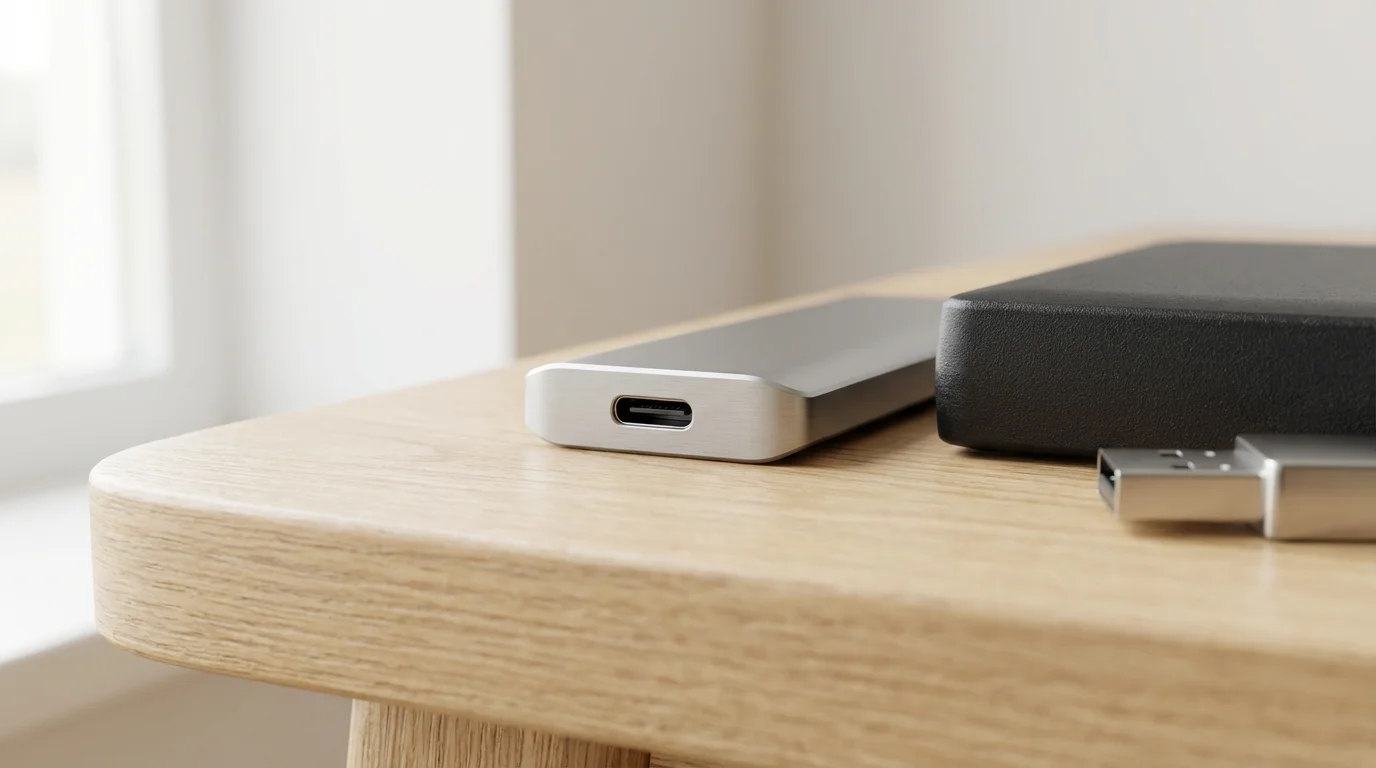
Building a Robust Digital Backup Strategy
Digitizing your photos represents the first crucial step; establishing a comprehensive backup photos strategy forms the second. A single digital copy stored on your computer offers little more protection than a single physical print. True photo redundancy involves implementing a multi-tiered backup system. Industry experts widely recommend the “3-2-1 Rule” as a gold standard for digital asset protection. This rule provides a framework to safeguard your precious digital memories against nearly any eventuality.
While digitizing is essential, it is equally important to store old photographs in acid-free environments to maintain the physical originals for as long as possible.
Understanding the 3-2-1 Rule
- Three Copies of Your Data: Always maintain at least three copies of your digital photos. This includes your primary working copy (e.g., on your computer) and two separate backups.
- Two Different Media Types: Store your copies on at least two different types of storage media. For example, your computer’s internal hard drive and an external hard drive constitute two different media. Cloud storage and an external hard drive also fulfill this requirement. Relying on two identical external drives stored next to each other does not provide sufficient diversity; a single power surge or physical damage event could compromise both.
- One Copy Offsite: Keep at least one copy of your backup photos in a different physical location than the others. This protects your data from localized disasters like fire, flood, or theft that might affect your home. Cloud storage services naturally provide an offsite solution, or you can rotate an external hard drive to a friend’s house or a safe deposit box.
“The 3-2-1 rule is not just a guideline, it is a non-negotiable principle for anyone serious about digital preservation. It recognizes the inherent fallibility of any single storage method and builds in layers of protection.”
Storage Options for Your Digital Copies
You have several reliable options for storing your digital copies, each with its own advantages:
- External Hard Drives: These provide a local, fast, and relatively inexpensive way to store large volumes of photos. Purchase high-capacity, reliable drives from reputable brands.
- Network-Attached Storage (NAS): A NAS device connects to your home network, acting as a personal cloud server. It typically houses multiple hard drives in a RAID configuration, offering built-in redundancy and shared access for multiple family members. This option provides robust local storage.
- Cloud Storage Services: Platforms like Google Photos, Dropbox, Microsoft OneDrive, and Amazon Photos offer convenient offsite storage. They sync files automatically, provide access from anywhere, and protect your data in professional data centers. While highly convenient, ensure you understand their terms of service, especially regarding privacy and long-term storage costs.
- Optical Discs (DVD/Blu-ray): While less common today due to lower capacity and potential degradation, high-quality archival optical discs, especially M-Disc technology, can provide a very stable, long-term local backup. However, they require careful handling and often a specific drive for reading.
Implement a consistent schedule for backing up your photos. Automated backup software can simplify this process significantly, ensuring you do not forget crucial updates to your collection. Regularly test your backups by attempting to restore a file to confirm its integrity. This simple check can prevent future heartache.
Maintaining Your Digital Collection: Longevity and Accessibility
Digitizing and backing up your photos are vital steps, but the journey toward comprehensive photo preservation does not end there. A robust digital collection requires ongoing maintenance to ensure its longevity, accessibility, and utility for future generations. Just as physical prints require proper storage conditions, digital files need thoughtful management to remain viable over time.
Regular Data Integrity Checks
Digital files, while seemingly permanent, can suffer from “bit rot” or data corruption over long periods. Regularly verify the integrity of your backup files. Some advanced backup software includes features for checksum verification, which confirms that your copied files precisely match the originals. At a minimum, periodically open a selection of files from your backups to ensure they are still viewable and undamaged. Consider this a routine health check for your digital archive.
Migration and Future-Proofing
Technology evolves rapidly, rendering older file formats and storage media obsolete. Floppy disks and Zip drives serve as stark reminders. You must actively manage your digital collection by migrating your files to newer formats or media as technology advances. For example, if you initially saved photos in a less common format, consider converting them to widely supported, open standards like TIFF or JPEG 2000 for archival copies. Periodically upgrade your external hard drives, copying your entire collection to new, higher-capacity devices every 5-7 years, as physical hard drives have a finite lifespan.
Enriching with Metadata
Metadata, or “data about data,” significantly enhances the long-term value and searchability of your digital photos. Embed descriptive information directly into the image files using common standards like EXIF (which cameras automatically capture) and IPTC (for additional user-added data). This includes:
- Dates and Times: Crucial for chronological organization.
- Locations: Specific places where the photo was taken.
- Names of People: Identify individuals in the photo.
- Events: Birthdays, holidays, vacations, milestones.
- Keywords/Tags: Descriptive terms for easy searching (e.g., “vintage car,” “beach,” “family reunion”).
Most photo management software allows you to add and edit this metadata. Embedding it directly into the file ensures the information travels with the photo, even if you move it to a different system. This transforms a simple image into a rich historical record.
Curating and Reviewing Your Collection
As your digital collection grows, take time to curate it. Delete redundant, blurry, or low-quality images. This practice not only saves storage space but also makes your collection more manageable and enjoyable to browse. Periodically review your entire collection, perhaps once a year, to ensure everything remains organized, properly tagged, and accessible. This ongoing commitment ensures your digital photo heritage remains vibrant and meaningful for years to come.
Getting Started: Actionable Steps You Can Take Today
The idea of digitizing and backing up thousands of photos can feel overwhelming, but you do not need to tackle it all at once. The most important step involves starting. You can implement several practical, actionable steps today to begin safeguarding your photographic heritage.
- Start Small, Think Big: Do not aim to digitize every photo in your house this weekend. Instead, identify a manageable batch, such as a single album, a shoebox of family heirlooms, or all photos from a specific year. Achieving a small victory builds momentum and confidence for larger projects.
- Gather Your Supplies: If you plan to DIY scan, ensure you have the necessary equipment: a scanner, cleaning supplies for both the scanner bed and the photos (a soft, lint-free cloth, air blower), and a computer with sufficient storage space. For professional services, gather the photos you intend to send and research reputable providers.
- Choose Your First Digitization Method: Decide whether you will use a smartphone app for quick scans, invest in a dedicated scanner, or send a batch to a professional service. Based on your initial small batch, you can assess which method best suits your long-term needs.
- Create a Simple Backup Plan: Even for your first digitized batch, immediately implement a basic 3-2-1 backup strategy. For example, save the scanned files to your computer (copy 1), an external hard drive (copy 2, different media), and a cloud storage service (copy 3, offsite). This establishes good habits from the outset.
- Establish a Naming Convention: Before you begin scanning, decide on a consistent naming convention for your files. A format like “YYYY-MM-DD_Event_Location_Names.jpg” makes organization and searching much easier down the line. Apply this from your very first scanned image.
- Set Realistic Goals: Understand that this project takes time. Commit to digitizing a specific number of photos each week or month. Consistency proves more effective than infrequent, overwhelming sprints. Over time, these small efforts will culminate in a thoroughly preserved and accessible family archive.
By taking these incremental steps, you actively protect your family’s precious memories, transforming them into an enduring digital legacy for generations to come. Your proactive efforts today secure the visual history that shapes your identity and connects you to your past.
Frequently Asked Questions
How often should I backup my digital photos?
You should back up your digital photos regularly, depending on how frequently you add new images. For active photographers or those constantly scanning old prints, a weekly backup schedule is ideal. For more casual users, a monthly backup often suffices. Automated backup solutions simplify this process and help ensure consistency.
What resolution should I scan my old photos at?
For most standard prints, scanning at 600 dots per inch (dpi) provides excellent quality for both viewing and potential reprinting. If you have very small photos, plan to make significant enlargements, or want to capture fine details for archival purposes, consider scanning at 1200 dpi or higher. Avoid scanning below 300 dpi, as this may result in a blurry or pixelated image when viewed on larger screens.
Is cloud storage safe enough for my only digital copy?
No, cloud storage should not be your sole digital copy. While robust, cloud services operate on a “shared responsibility” model, meaning you remain responsible for the files you upload. Terms of service can change, and accidental deletion or account access issues are possible. Always adhere to the 3-2-1 backup rule, ensuring your photos reside on at least one other local media in addition to the cloud.
Can I use my smartphone to digitize photos?
Yes, you can use your smartphone to digitize photos, especially for quick backups or sharing. Modern smartphone cameras offer high resolution, and apps like Google PhotoScan can help correct glare and perspective. However, for archival-quality scans with the best detail and color accuracy, a dedicated flatbed or photo scanner provides superior results. Smartphone scanning often works best for casual use, not for creating your primary archival digital copy.
What file format is best for preserving digitized photos?
For long-term archival preservation, use a lossless file format like TIFF (Tagged Image File Format) or PNG (Portable Network Graphics). These formats retain all original image data and do not compress the image in a way that discards information. For everyday use, sharing, and displaying, convert copies to JPEG (Joint Photographic Experts Group) as it offers a good balance of quality and smaller file size, making it practical for web and mobile.
Disclaimer: This article is for informational purposes only. When handling valuable or irreplaceable photographs, consider consulting a professional conservator. Always test preservation methods on non-valuable items first.
If your collection is currently at risk, knowing the proper steps for restoring water-damaged photos can help save your memories before you even begin the scanning process.
Before you begin your DIY project, ensure you know how to remove photos from old magnetic albums safely to prevent adhesive damage during the transition.



Leave a Reply