
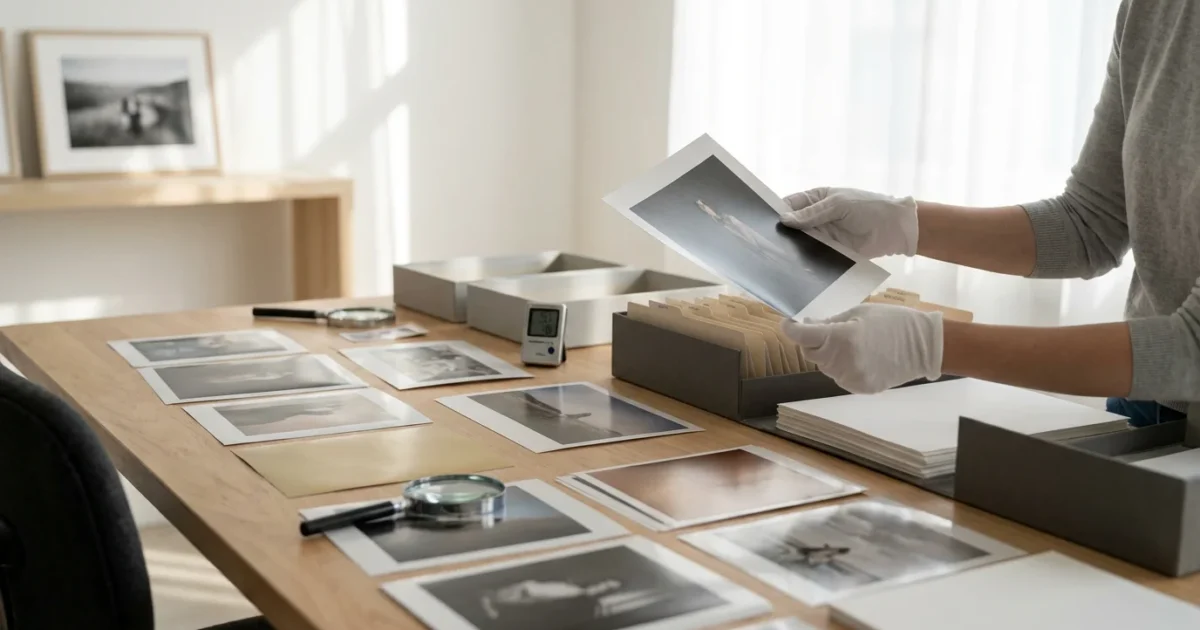
Your photographic memories, whether cherished family heirlooms from decades past or recent digital captures, exist in a physical form: print. The paper supporting these images acts as their foundation, playing a crucial role in how long they last. Understanding the different `photo paper types` helps you safeguard these precious artifacts, ensuring they endure for future generations. Each paper type possesses unique characteristics, reacts differently to environmental factors, and requires specific `preservation needs` to maintain its integrity. Incorrect storage or handling accelerates `paper degradation`, jeopardizing the very images you wish to protect.
Properly identifying your materials is just the first step in learning how to store old photographs to prevent long-term environmental decay.
This guide empowers you to identify your photographs, understand their vulnerabilities, and implement effective preservation strategies. You will gain practical, actionable insights to become the steward your family’s photographic heritage deserves. Let’s delve into the fascinating world of photo paper and learn `what types of photo paper last longest` and `how to identify photo paper for preservation`.
The Foundation of Your Memories: Understanding Photo Paper’s Role
Every photograph you hold, from a daguerreotype to a modern inkjet print, relies on a specific type of paper or support. This foundation determines not only the image’s appearance, its texture and sheen, but critically, its inherent stability and susceptibility to decay. Early photographic processes involved paper saturated with light-sensitive chemicals, while later techniques layered emulsions over a paper base. Modern digital prints rely on specialized coatings to absorb ink or toner. The chemical composition of the paper base, the emulsion layer, and any coatings or tints all contribute to its longevity.
Understanding these underlying structures allows you to anticipate potential `paper degradation` issues. For example, some historical papers are inherently acidic, leading to self-destruction over time, while certain modern color prints are prone to dye fading when exposed to light. Your knowledge becomes a powerful tool in preventing irreparable damage to your visual history.
Identifying Vintage Photo Paper Types
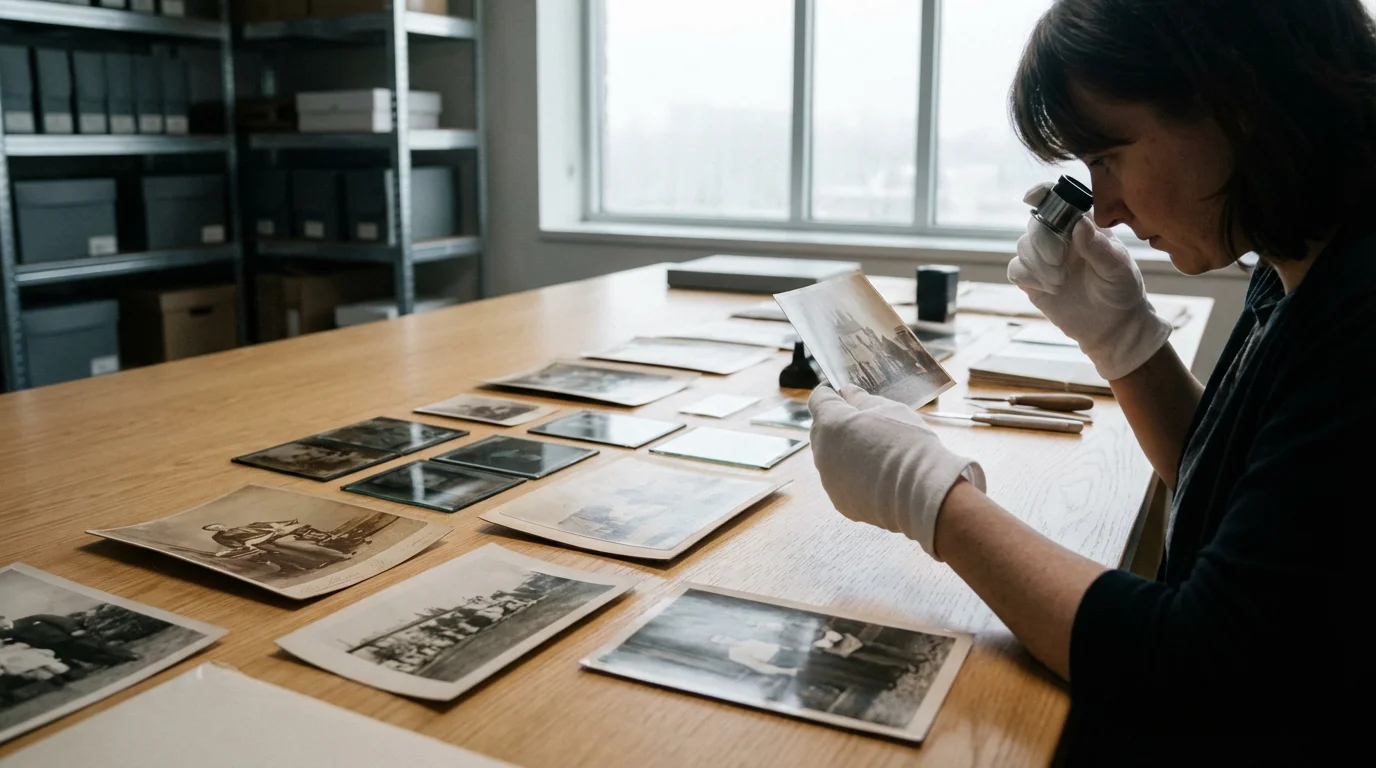
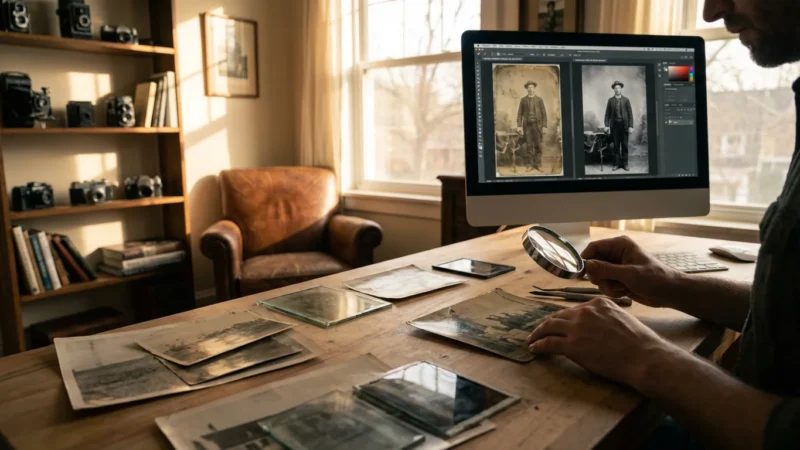
Distinguishing between various `photo paper types`, especially those from different eras, is your first step in effective preservation. You do not need to be a professional conservator to identify the most common types. Look for a combination of visual clues, tactile sensations, and historical context.
Here are practical tips to guide your identification process:
- Examine the Surface Sheen: Is it dull matte, subtly lustrous, or high gloss? Albumen prints often have a distinctive purplish-brown tone and a subtle, soft sheen that can appear almost shell-like. Gelatin silver prints come in various finishes, from glossy to pearl to matte.
- Observe the Tones and Colors: Early prints, like salt prints or albumen, typically exhibit sepia or reddish-brown tones. Gelatin silver prints offer a wide range from neutral black and white to warm brown tones. Color prints obviously show color, but note if they exhibit color shifts or fading.
- Check the Thickness and Weight: Fiber-based prints tend to be thicker and heavier, often curling slightly. Resin-coated (RC) prints feel thinner, more flexible, and plasticky.
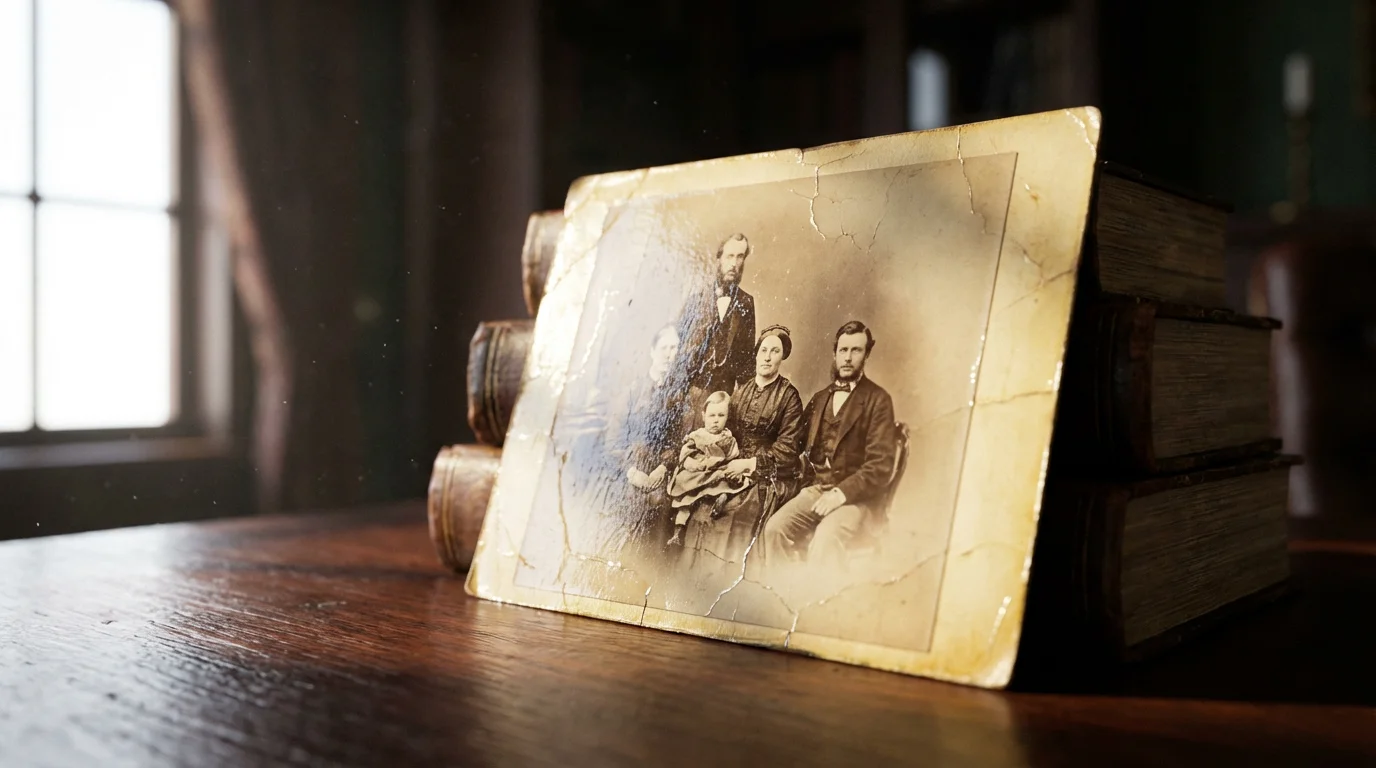
- Look for Cracks or Crazing: Albumen prints are notorious for cracking in the emulsion, especially when creased, creating a fine network of lines. This “crazing” is a key identifier.
- Consider the Printing Era: Knowing the approximate age of your photograph provides significant clues. For example, photographs from the 1850s to 1890s are often albumen prints. Prints from the early to mid-20th century are predominantly gelatin silver. Color prints became common post-1940s.
- Examine the Back: Is it plain white, off-white, or does it have a manufacturer’s watermark or stamp? RC papers often have a distinct texture or pattern on the back.
If your visual inspection reveals significant aging, you may need specialized techniques for saving yellowed and discolored photographs to restore their original clarity.
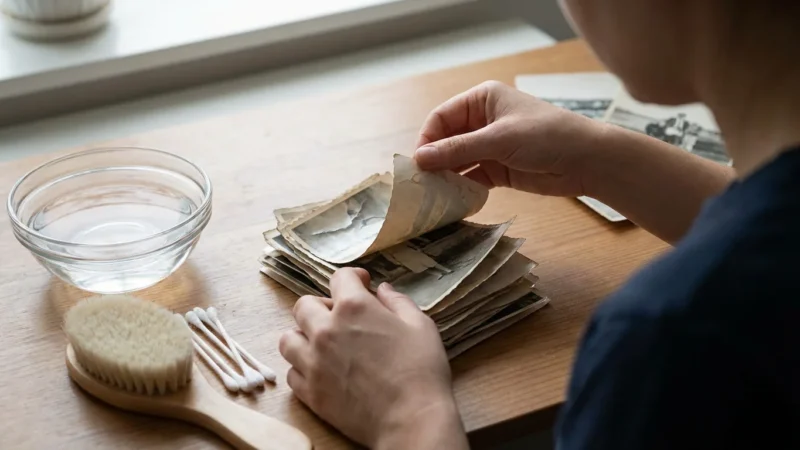
**Warning:** Do not attempt chemical tests or apply moisture to identify your photographs. These actions can cause irreversible damage. Your goal is visual and tactile inspection only.
Albumen Prints: Pioneers of Early Photography
Albumen prints dominated photography from roughly 1855 to the 1890s. Photographers created them by coating paper with a mixture of egg whites (albumen) and salt, then sensitizing it with silver nitrate. This process produced prints with fine detail and a characteristic subtle sheen. You often find them mounted on cardstock, which helps prevent their inherent tendency to curl.
**Key Identification Features:**
- Purplish-Brown Tones: Look for a distinct purplish-brown hue, especially in the darker areas. Faded albumen prints often shift to a yellowish or reddish-brown.
- Subtle Sheen: The surface has a soft, eggshell-like luster, not a high gloss.
- Crazing: Fine cracks in the emulsion, resembling a spiderweb, especially around bends or creases.
- Thin Paper Base: The print itself is usually quite thin, which is why most are mounted on thicker boards.
**Common `Paper Degradation` Issues:**
* **Fading:** The silver image is highly susceptible to fading, often shifting to a pale yellow.
* **Yellowing/Discoloration:** The albumen binder itself can yellow or brown over time due to oxidation.
* **Cracking/Flaking:** The albumen layer becomes brittle with age and fluctuating humidity, leading to crazing and flaking.
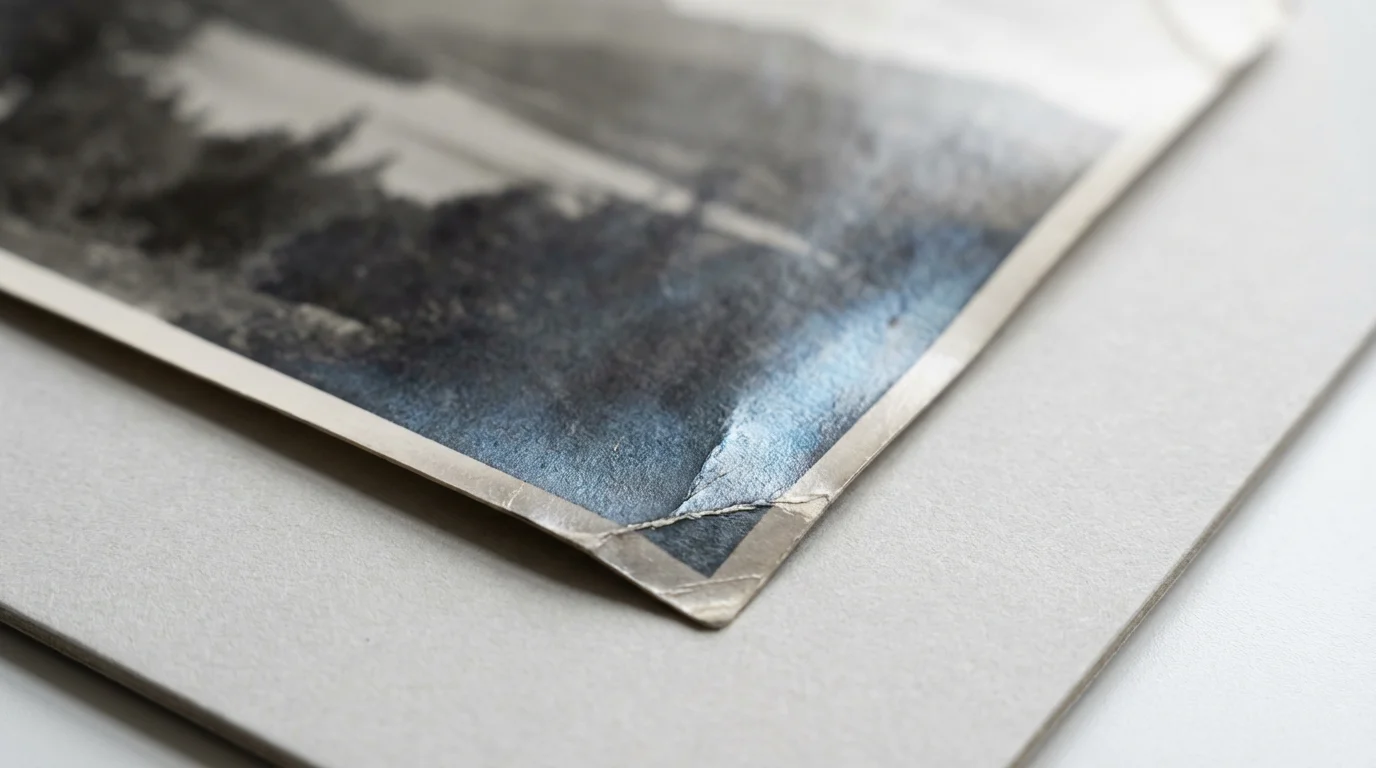
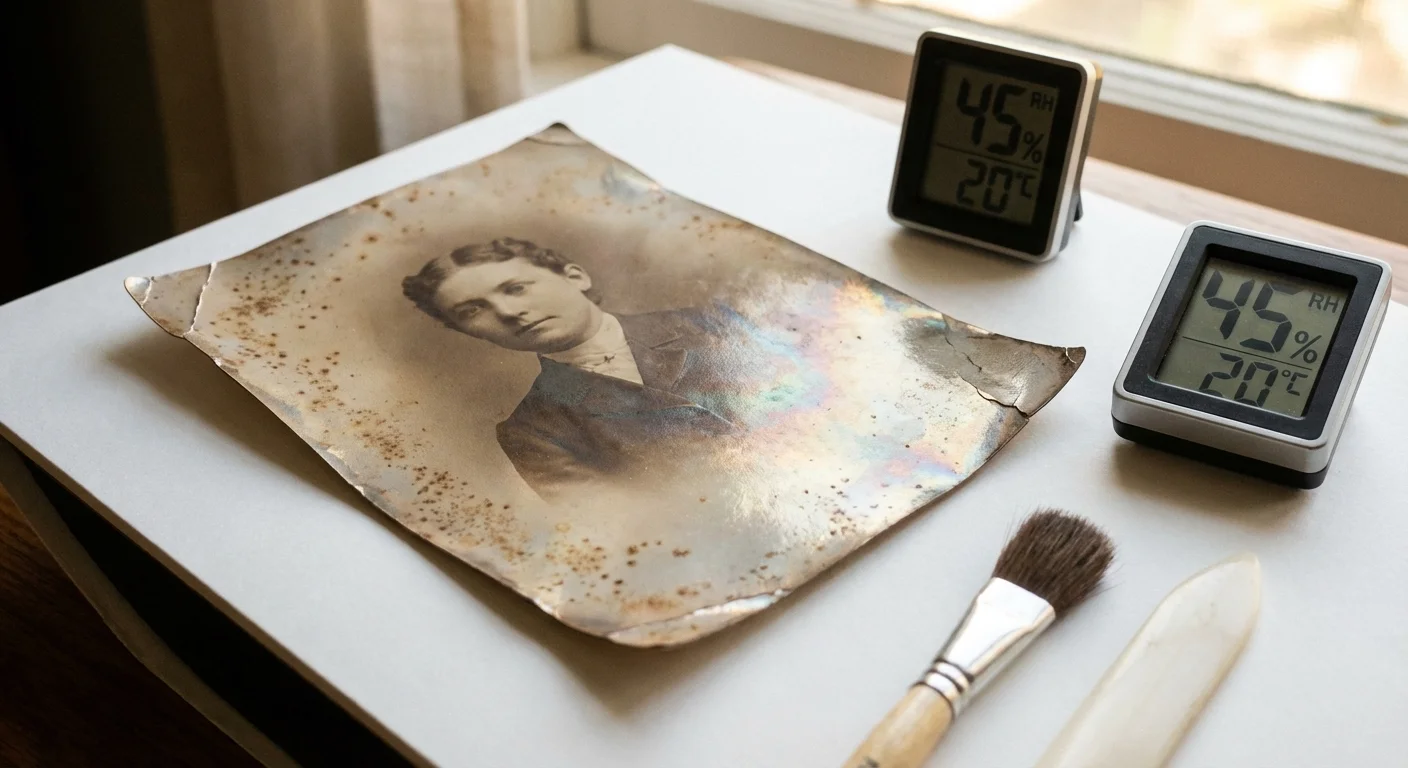
* **Silver Mirroring:** A bluish, metallic sheen can appear on the surface in dark areas, indicating silver degradation.
* **Mount Deterioration:** The acidic cardstock mounts often discolor and embrittle the print itself.
**Specific `Preservation Needs`:**
* **Stable Environment:** Store albumen prints in a cool, dry, dark environment with stable temperature and humidity. Ideal conditions are 68°F (20°C) and 40-50% relative humidity.
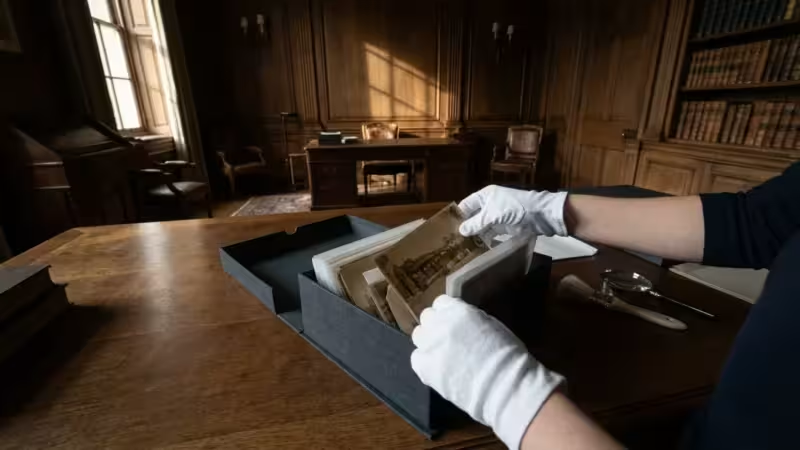
* **Archival Enclosures:** House each print individually in acid-free, lignin-free, buffered paper or polyester (Mylar D) sleeves. Ensure sleeves are open on two or three sides for easy access without bending.
* **Flat Storage:** Store prints flat in archival boxes, never stacked too high, to prevent pressure damage.
* **Support for Mounted Prints:** If mounted on deteriorating boards, do not attempt to remove them. Place the entire mounted print in an archival sleeve.
* **Digitization:** Prioritize high-resolution digitization to create a stable, accessible copy.
The Library of Congress emphasizes that “understanding the historical context and materials of photographs is fundamental to their proper preservation.” This guidance applies particularly to early processes like albumen, where specific vulnerabilities demand specialized care.
Gelatin Silver Prints: The Workhorse of the 20th Century
Gelatin silver prints became the dominant photographic print type from the 1890s through the late 20th century. They involve an emulsion of silver halide crystals suspended in gelatin, coated onto a paper base. This process offered greater stability, versatility, and reproducibility than earlier methods. You will encounter two main types: fiber-based (FB) and resin-coated (RC).
**Fiber-Based (FB) Gelatin Silver Prints:**
* **Identification:** These prints have a traditional paper base, often thicker and more absorbent. They may curl slightly and have a matte, semi-matte, or glossy finish. You can often see the texture of the paper fibers on the back.
* **Longevity:** Generally considered more stable and long-lasting than RC prints when properly processed and stored. They are capable of true archival quality.
* **Degradation:** Susceptible to yellowing of the paper base if not adequately washed during processing. Foxing (brown spots) can occur due to fungal growth in humid conditions. Silver mirroring is also a risk.
**Resin-Coated (RC) Gelatin Silver Prints:**
* **Identification:** Introduced in the late 1960s, RC prints have a paper base coated on both sides with polyethylene (plastic). This makes them water-resistant, faster to process, and less prone to curling. They feel thinner, more flexible, and often have a distinct sheen even in matte finishes. The back often feels slick or has a plastic-like texture.
* **Longevity:** While convenient, the plastic layers can delaminate, crack, or yellow over time. The image permanence is generally less than well-processed FB prints.
* **Degradation:** Prone to “picture-frame” yellowing or staining around the edges due to residual processing chemicals trapped by the plastic coating. The plastic can become brittle, crack, or bubble.
**Specific `Preservation Needs` for Gelatin Silver Prints:**
* **Stable Environment:** Maintain a cool, dry, dark, and stable environment. Consistent humidity is crucial to prevent embrittlement of the gelatin.
* **Archival Enclosures:** Store FB prints in acid-free, lignin-free, buffered paper or polyester sleeves. For RC prints, choose unbuffered enclosures, as the buffering agents can sometimes react with the plastic coating.
* **Flat Storage:** Store prints flat in archival boxes.
* **Proper Processing:** If you still develop your own prints, ensure thorough washing and fixation, as residual chemicals are a primary cause of `paper degradation`.
* **Careful Handling:** The gelatin emulsion is susceptible to scratches and abrasions. Handle prints by the edges with clean gloves.
Chromogenic Color Prints: A Spectrum of Challenges
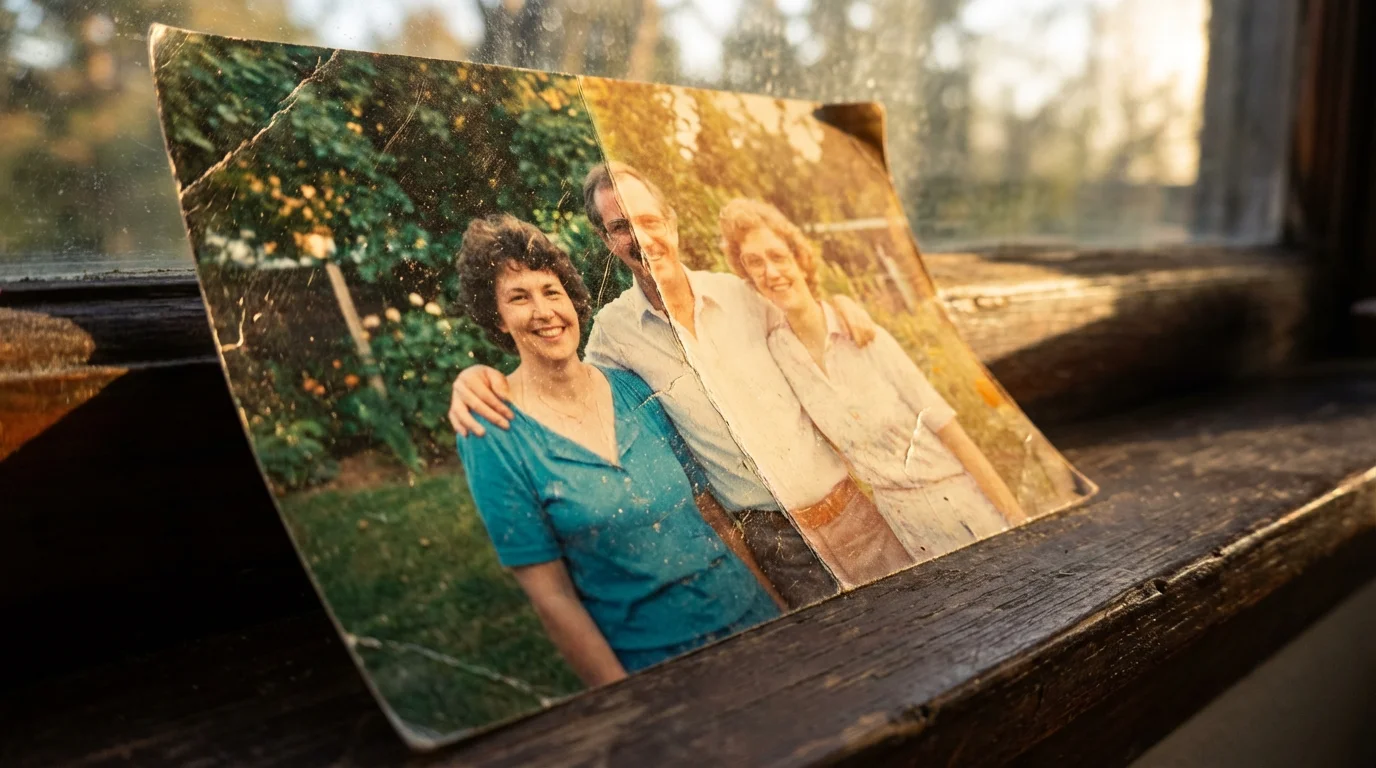
Chromogenic prints, commonly known as C-prints, became the most prevalent color print type after the 1940s and continue to be widely used. These prints rely on dye couplers incorporated into the emulsion layers. During processing, these dyes form when oxidized color developers react with the couplers, creating the image in magenta, yellow, and cyan layers.
* **Full Color Spectrum:** Obvious full-color images.
* **Smooth Surface:** Typically have a very smooth, often glossy or pearl surface.
* **Often RC Base:** Most chromogenic prints since the 1960s are on resin-coated paper.
* **Dye Fading:** This is the most significant concern. Dyes are inherently less stable than silver, and prolonged exposure to light, high temperatures, or humidity causes them to fade, leading to color shifts. Cyan dyes often fade first, resulting in an overall magenta cast.
* **Yellowing of Paper Base:** Similar to RC black and white prints, the resin coating can yellow over time, especially at the edges.
* **Embrittlement and Cracking:** The paper base, particularly RC, can become brittle and crack with age or fluctuating environmental conditions.
* **Staining:** Residual processing chemicals can cause stains if prints were not properly washed.
* **Strict Environmental Control:** Color prints demand even stricter environmental control than black and white. Store them in the darkest, coolest, and driest conditions possible. Refrigerated or frozen storage (with proper acclimatization) significantly extends their life.
* **Minimize Light Exposure:** Display color prints for limited periods in low-light conditions. Scan them and display high-quality reproductions instead of originals.
* **Archival Enclosures:** Use acid-free, lignin-free, unbuffered polyester (Mylar D) sleeves or polypropylene sleeves. Avoid PVC.
* **Flat Storage in Archival Boxes:** Store prints flat to prevent cracking and creasing.
* **Digitization is Essential:** For color prints, digitization is paramount. It creates a stable, unfading digital backup, allowing you to enjoy your memories without risking the originals.
Modern Digital Prints: Inkjet and Laser
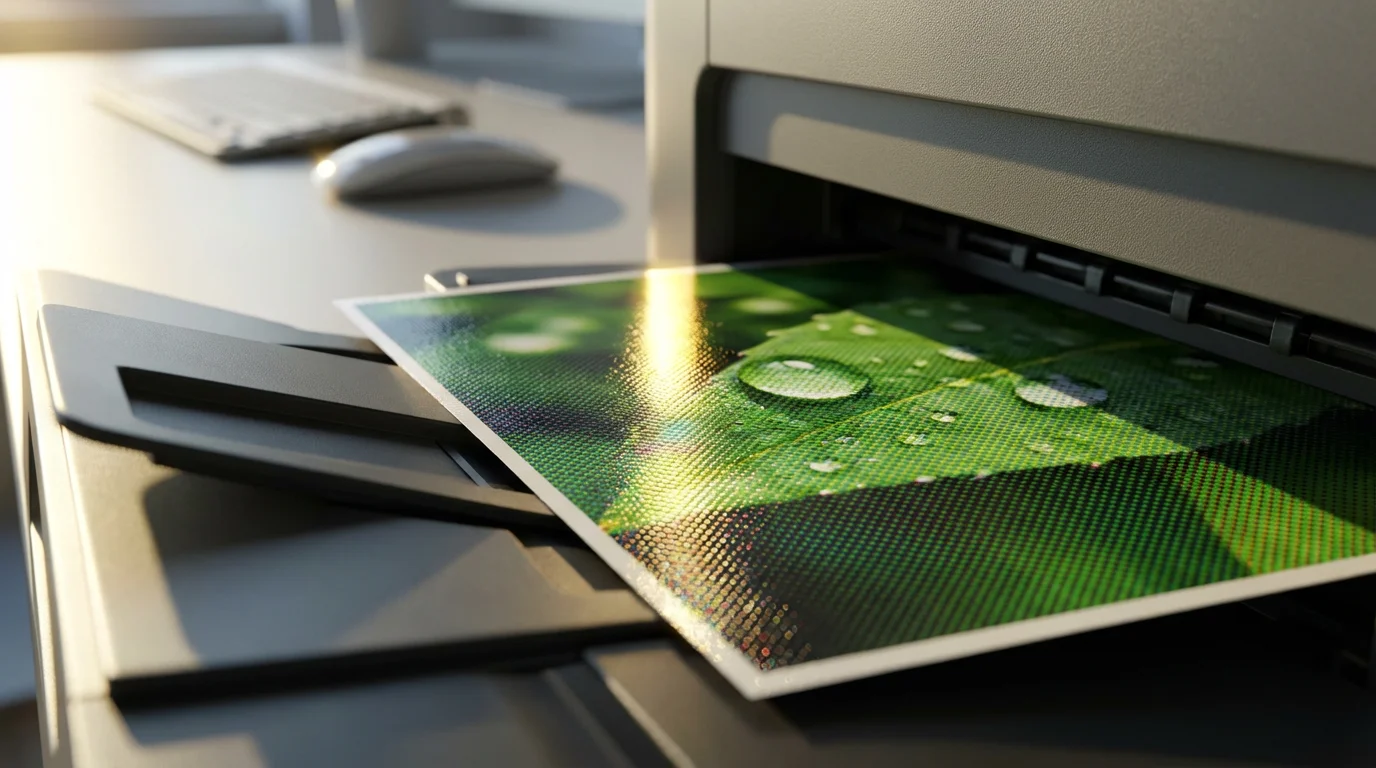
The digital age brought new methods of creating physical prints, predominantly inkjet and laser prints. While different in technology, both transform digital files into tangible images.
**Inkjet Prints:**
* **Technology:** Microscopic droplets of ink are sprayed onto specialized paper.
* **Identification:** Often have a slightly textured feel, especially on matte papers. A magnifying glass may reveal individual ink dots.
* **Types:** Uses either dye-based or pigment-based inks.
* **Dye-based inks:** Offer vibrant colors but are more susceptible to fading from light and water damage.
* **Pigment-based inks:** Contain solid pigment particles suspended in a liquid, making them significantly more stable and lightfast, often lasting decades without noticeable fading when paired with archival paper.
* **Paper:** Range from everyday photo paper to specialized archival fine art papers. The paper’s coating is critical for ink absorption and print longevity.
**Laser Prints (Toner-based):**
* **Technology:** Uses dry toner powder (plastic particles) fused to the paper with heat and pressure.
* **Identification:** The toner sits on top of the paper, creating a slightly raised, often glossy or semi-glossy, texture. The image appears very sharp.
* **Longevity:** Generally very stable against light fading and water, as the toner is essentially plastic. However, the heat fusing can sometimes affect paper stability over very long periods. The paper itself is often a weak point, as standard office paper is not archival.
**What types of photo paper last longest among modern prints?**
* High-quality inkjet prints using pigment-based inks on archival-grade, acid-free papers offer excellent longevity, often exceeding that of many traditional color prints. Manufacturers like Epson and Canon provide specific archival paper lines that pair well with their pigment inks. Laser prints on acid-free paper are also very stable.
**Specific `Preservation Needs` for Digital Prints:**
* **Archival Materials:** Invest in high-quality pigment inks and truly archival, acid-free, lignin-free papers for your most important prints. Do not assume all “photo paper” is archival.
* **Environmental Control:** While often more robust than chromogenic prints, store digital prints in a cool, dry, dark environment to maximize their lifespan. Avoid high humidity.
* **Protective Sleeves:** Use archival polypropylene or polyester sleeves for individual prints.
* **Flat Storage:** Store prints flat in archival boxes.
* **Avoid Lamination:** Lamination is generally not recommended as it is irreversible and can trap harmful chemicals.
* **Digital Backup:** Always maintain a robust digital backup of your original files. The print is just one manifestation of your digital memory.
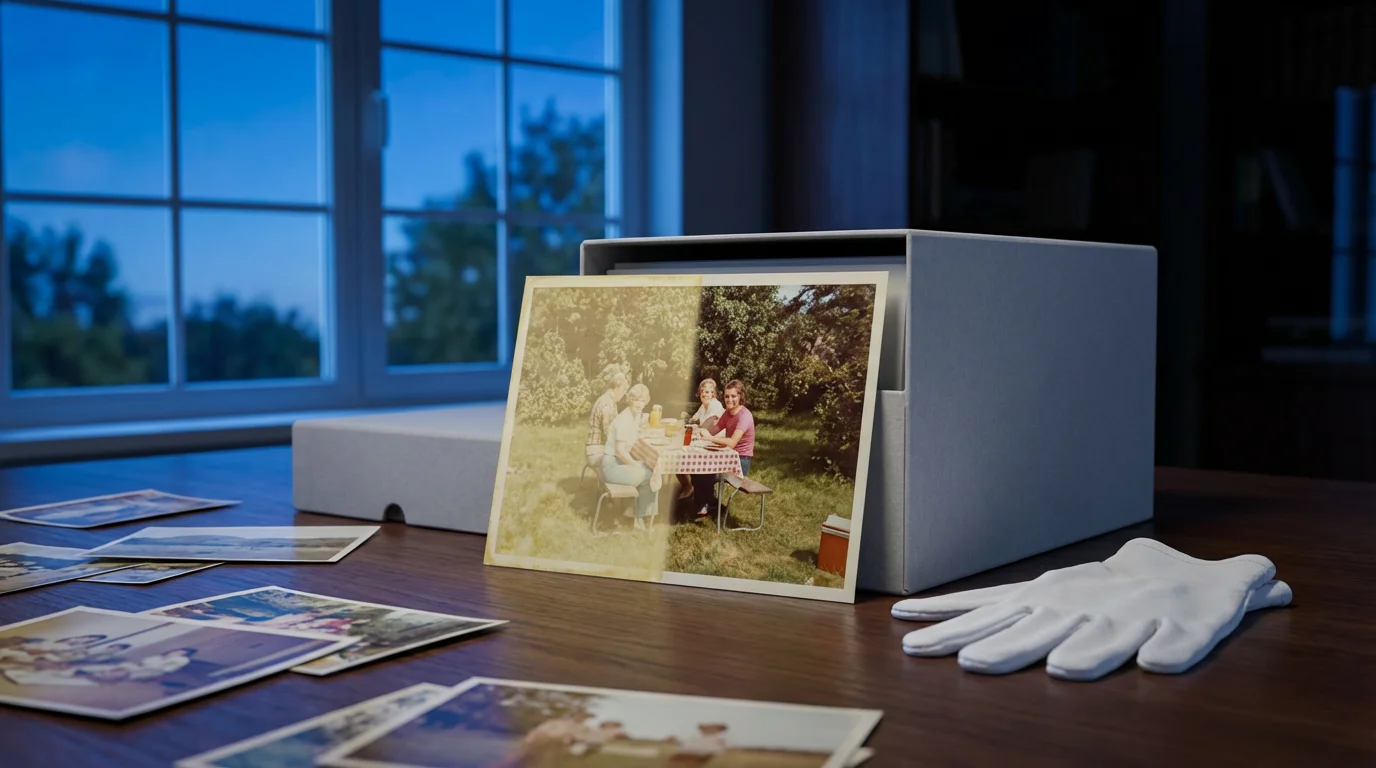
Regardless of the paper used, understanding the importance of backing up physical photos digitally is vital for ensuring your family legacy survives even if the physical print fails.
Common Threats to Photo Paper: Understanding Degradation
Understanding what causes `paper degradation` is crucial for preventing it. Photos face a multitude of enemies, both environmental and internal. Recognizing the signs of deterioration helps you intervene before damage becomes irreversible.
**Environmental Factors:**
* **Light:** Prolonged exposure to UV light (from sunlight or fluorescent bulbs) is a primary cause of dye fading in color prints and embrittlement and yellowing in black and white prints. Even display behind glass offers limited protection.
* **Humidity:** High humidity promotes mold growth (foxing), silver mirroring, and the breakdown of paper fibers. Low humidity can make paper brittle and prone to cracking, especially with albumen or dry-mounted prints. Fluctuations between high and low humidity are particularly damaging.
* **Temperature:** High temperatures accelerate chemical reactions that cause fading and degradation. Low temperatures slow these processes. Extreme temperature changes also cause materials to expand and contract, leading to physical stress.
* **Pollutants:** Airborne pollutants, such as ozone, sulfur dioxide, and nitrogen oxides, found in urban environments, accelerate chemical decay. Smoke and household cleaning agents also contribute.
**Internal and Chemical Factors:**
* **Residual Processing Chemicals:** Improperly processed prints retain fixer or developer chemicals, which continue to react with the silver image over time, causing yellowing, staining, and fading. This is particularly problematic for RC prints where chemicals can get trapped.
* **Acidic Enclosures:** Many older albums, cardboard boxes, and paper sleeves contain acid and lignin. These materials off-gas acidic compounds, transferring them directly to your photographs and causing irreversible yellowing and embrittlement.
* **Adhesives:** Tapes, glues, and self-adhesive album pages commonly used in the past are highly acidic and cause severe staining and deterioration.
* **Fingerprints:** The oils and acids from your skin transfer to prints, leaving behind permanent marks that can darken over time.
**Physical Damage:**
* **Improper Handling:** Bending, creasing, tearing, or dropping prints causes immediate physical damage.
* **Poor Storage:** Stacking prints without protection, cramming them into tight spaces, or leaving them loose in boxes leads to abrasions, curled edges, and crushing.
* **Pests:** Insects and rodents can directly consume or damage photographic materials.
The Image Permanence Institute (IPI) has conducted extensive research demonstrating that “environmental control is the single most effective action you can take to slow the rate of deterioration for most photographic materials.” This underscores the importance of managing temperature, humidity, and light.
Tailored Preservation Strategies for Every Photo Paper Type
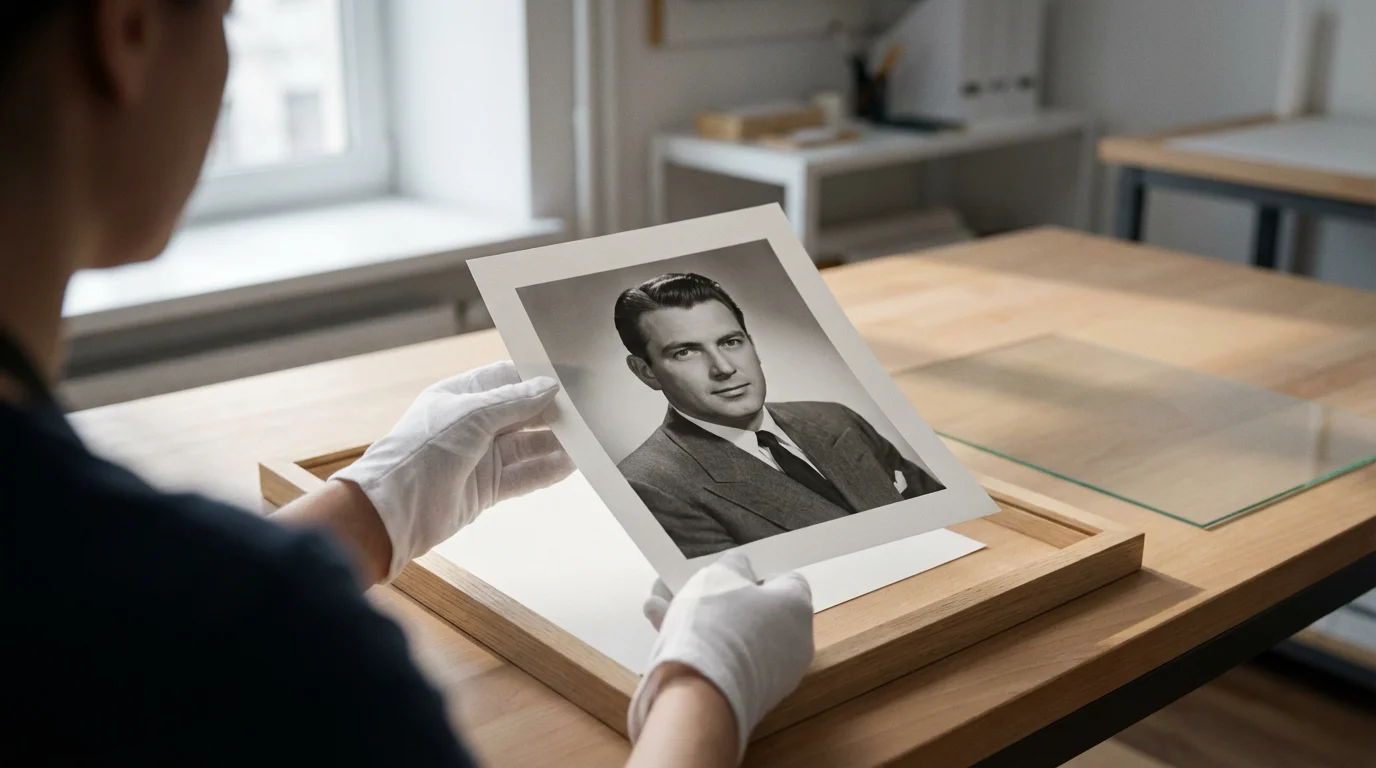
Effective photo preservation combines understanding your prints with applying practical, actionable steps. Your goal is to create a stable, protected environment that minimizes the threats discussed above. Remember, all preservation methods should be reversible and use archival materials.
**General Preservation Guidelines (Applicable to All `Photo Paper Types`):**
1. **Environmental Control:**
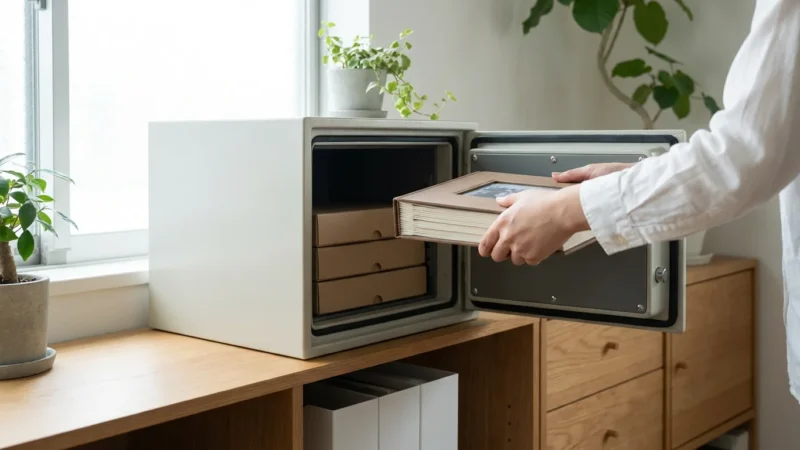
* **Temperature and Humidity:** Store photographs in a cool, dry, dark place with stable temperature and humidity. Aim for 68°F (20°C) or lower, and 40-50% relative humidity. Avoid attics, basements, and exterior walls where conditions fluctuate wildly.
* **Light:** Keep original prints away from direct sunlight, fluorescent lights, and intense artificial light. Store them in closed boxes when not being viewed. Display reproductions rather than originals.
2. **Archival Materials:**
* **Sleeves and Enclosures:** Use only acid-free, lignin-free, and photographic activity test (PAT) certified materials.
* **Paper Enclosures:** Buffered (with calcium carbonate) paper enclosures are excellent for most black and white fiber-based prints, providing an alkaline reserve against acid migration. Unbuffered enclosures are suitable for albumen, cyanotypes, and some color prints.
* **Plastic Enclosures:** Polyester (Mylar D) or polypropylene sleeves are chemically stable and transparent. Avoid PVC (polyvinyl chloride), which off-gases harmful plasticizers.
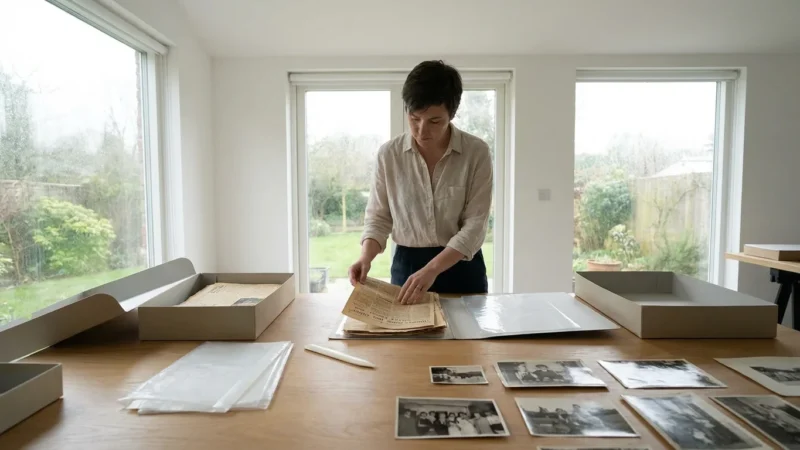
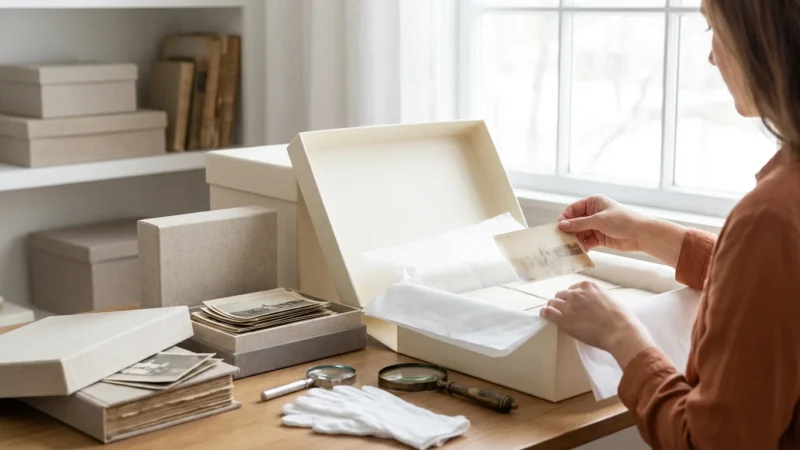
* **Storage Boxes:** Store sleeved prints in sturdy, acid-free, lignin-free archival storage boxes.
3. **Handling Practices:**
* **Clean Hands/Gloves:** Always handle photographs by the edges with clean, dry hands or wear lint-free cotton or nitrile gloves to prevent transferring oils and dirt.
* **Work on a Clean Surface:** Ensure your work area is clean, dry, and flat.
* **One at a Time:** Handle one photograph at a time to prevent scratching or damaging others.
4. **Digitization:**
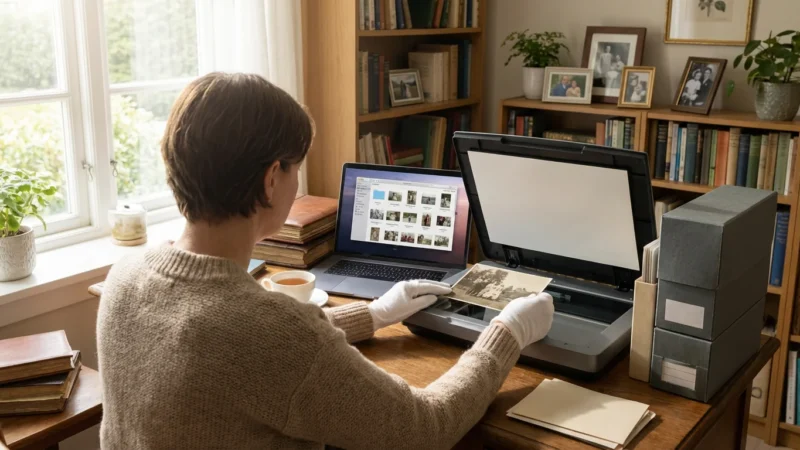
* **High-Resolution Scans:** Digitize your entire collection at a high resolution (at least 600 dpi for prints, higher for negatives/slides) to create a permanent backup. This allows you to share and view images without risking the originals.
* **Multiple Backups:** Store digital files in multiple locations, including cloud storage, external hard drives, and network-attached storage.
**Specific Preservation Actions by Photo Paper Type:**
* **Albumen Prints:**
* Always store flat. Never try to flatten curled albumen prints without professional guidance, as they will crack.
* Use unbuffered paper or polyester sleeves. The historical mounts are often highly acidic; do not remove the print from its mount. House the entire mounted print in an appropriately sized archival sleeve and box.
* Avoid any contact with moisture.
* **Gelatin Silver Prints (Fiber-based):**
* Store in buffered paper or polyester sleeves.
* Ensure proper drying time if prints get damp, allowing air circulation.
* If you encounter silver mirroring, do not attempt to clean it yourself. Consult a conservator.
* **Gelatin Silver Prints (Resin-coated):**
* Use unbuffered paper or polyester sleeves. Buffered materials are generally not necessary and can sometimes interact with the plastic coatings.
* Store flat to prevent the plastic coating from cracking or delaminating.
* Monitor for “picture-frame” yellowing; this indicates chemical degradation, and digitization becomes even more critical.
* **Chromogenic Color Prints:**
* These are the most vulnerable to fading. Prioritize cool, dark, and dry storage. Consider cold storage (refrigeration or freezing) for highly valuable prints, but research proper preparation and acclimatization procedures carefully.
* Display reproductions, not originals.
* Store in unbuffered polyester or polypropylene sleeves.
* **Modern Digital Prints (Inkjet/Laser):**
* Ensure prints are completely dry before enclosing them if they were recently printed.
* Use archival sleeves and boxes suitable for the paper type. If printed on a common office paper, the paper itself is often the weakest link; prioritize digitization and archival-grade reprints if possible.
* Store with minimal light exposure to prolong color stability, especially for dye-based inkjet prints.
This comprehensive approach to preservation, tailored to each `photo paper type`, ensures you safeguard your precious memories for generations to come.
Frequently Asked Questions
Can I display my old photos, or should I keep them in storage?
You can display old photos, but you must take precautions. Direct sunlight, fluorescent lights, and even some LED lights contain UV radiation that causes irreversible fading and degradation. Display reproductions made from high-resolution scans. If you must display an original, use UV-filtering glass and keep the display period short, in a location with stable temperature and humidity and minimal light exposure. Rotate your displayed originals regularly, storing them in archival conditions when not on display.
Is it safe to laminate old photographs for protection?
No, you should never laminate old photographs. Lamination is an irreversible process, and the heat and adhesives involved can cause significant damage to the photo emulsion and paper base. Additionally, the plastic used in lamination can degrade over time, yellowing or becoming brittle, which traps the photo in an unarchival environment. Use archival-grade sleeves instead, which are reversible and protective.
How can I tell if my photo albums are damaging my photos?
Inspect the album pages and any adhesive used. If the pages are brittle, yellowed, or emit a strong, acidic odor, they are likely damaging your photos. Common culprits include magnetic albums with sticky pages and PVC plastic sleeves, black paper albums that contain lignin, and acidic glues or tapes. Look for discoloration or staining on your photos that corresponds to where they touch the album pages or adhesive. If you identify such albums, carefully remove your photos and rehouse them in archival sleeves and boxes.
What is “silver mirroring” and how do I prevent it?
Silver mirroring appears as a bluish, metallic sheen in the dark areas of black and white silver gelatin prints. It indicates that the silver image particles are oxidizing and migrating to the surface of the emulsion. Causes include residual processing chemicals, high humidity, and environmental pollutants. Preventing it involves thorough processing (for newly made prints), storing prints in a cool, dry, stable environment, and using archival-grade enclosures that protect against pollutants. Do not attempt to clean silver mirroring yourself; consult a professional conservator.
How often should I check my preserved photo collection?
Periodically review your collection, perhaps once every 1-2 years, especially if you live in an area with fluctuating environmental conditions or after any significant events like flooding or heatwaves. Check for signs of mold, insect activity, or new degradation. This allows you to catch issues early and make any necessary adjustments to your storage conditions or enclosures.
Disclaimer: This article is for informational purposes only. When handling valuable or irreplaceable photographs, consider consulting a professional conservator. Always test preservation methods on non-valuable items first.


Leave a Reply