

Photographing a toddler often feels like trying to capture lightning in a bottle. One second they are sitting quietly with a toy; the next, they are a blur of energy racing across the living room. Traditional single-shot photography usually results in a gallery full of missed smiles, half-closed eyes, and the back of a disappearing head. This is where burst mode—also known as continuous shooting—becomes your most powerful tool in the quest to preserve these fleeting childhood memories.
You probably already have this feature on your smartphone or digital camera, but simply holding down the button is only half the battle. To truly master action shots of kids, you must understand the technical settings, environmental factors, and post-processing habits that separate a lucky snapshot from a professional-quality portrait. By leaning into high-speed photography, you increase your statistical chances of capturing that one perfect millisecond where the lighting, expression, and movement align perfectly.

Understanding Why Burst Mode is a Game Changer for Parents
Toddlers operate on a different temporal plane than adults. Their micro-expressions change in a fraction of a second; a giggle turns into a concentrated pout before you can even register the shift. Burst mode allows your camera to fire off several frames per second (FPS), effectively creating a high-resolution flipbook of the moment. Instead of gambling on a single shutter press, you are recording a sequence that captures the “in-between” moments that often hold the most emotional weight.
Most modern smartphones, such as the iPhone or Samsung Galaxy series, can capture roughly 10 frames per second. High-end mirrorless cameras can push this to 20 or even 30 frames per second using electronic shutters. This volume is necessary because human reaction time is roughly 250 milliseconds. By the time your brain tells your finger to press the button because your child is doing something cute, that moment has already passed. Burst mode essentially “widens the net” you cast into the stream of time.
Action photography isn’t about luck; it is about using technology to compensate for the limits of human reaction time while staying present in the moment.
Think about a toddler blowing bubbles. If you take one photo, you might catch the bubble just as it leaves the wand, or you might catch the child’s face obscured by the wand itself. If you fire a 3-second burst, you capture the inhale, the pucker, the emergence of the bubble, and the delight as it floats away. This sequence provides you with a narrative of the event rather than a static, often poorly timed, fragment.
Optimizing Your Equipment for High-Speed Toddlers
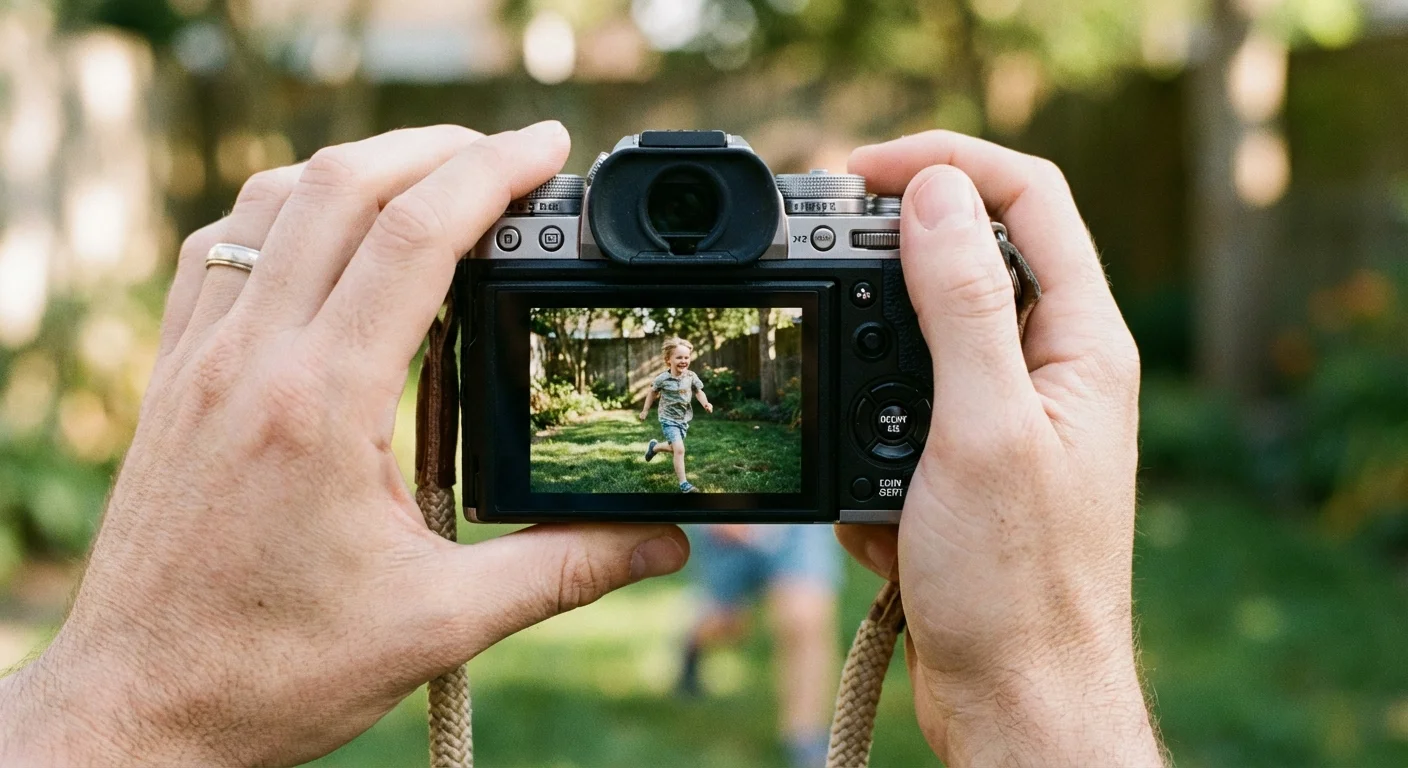
Your gear needs to be ready before the action starts. If you are using a dedicated DSLR or mirrorless camera, your most critical setting is your Focus Mode. You should switch from AF-S (Single-shot AF) to AF-C (Continuous AF, also known as AI Servo on Canon cameras). In this mode, the camera constantly re-evaluates the distance between the lens and the subject. As your toddler runs toward you, the lens adjusts focus in real-time, ensuring that frame number ten is just as sharp as frame number one.
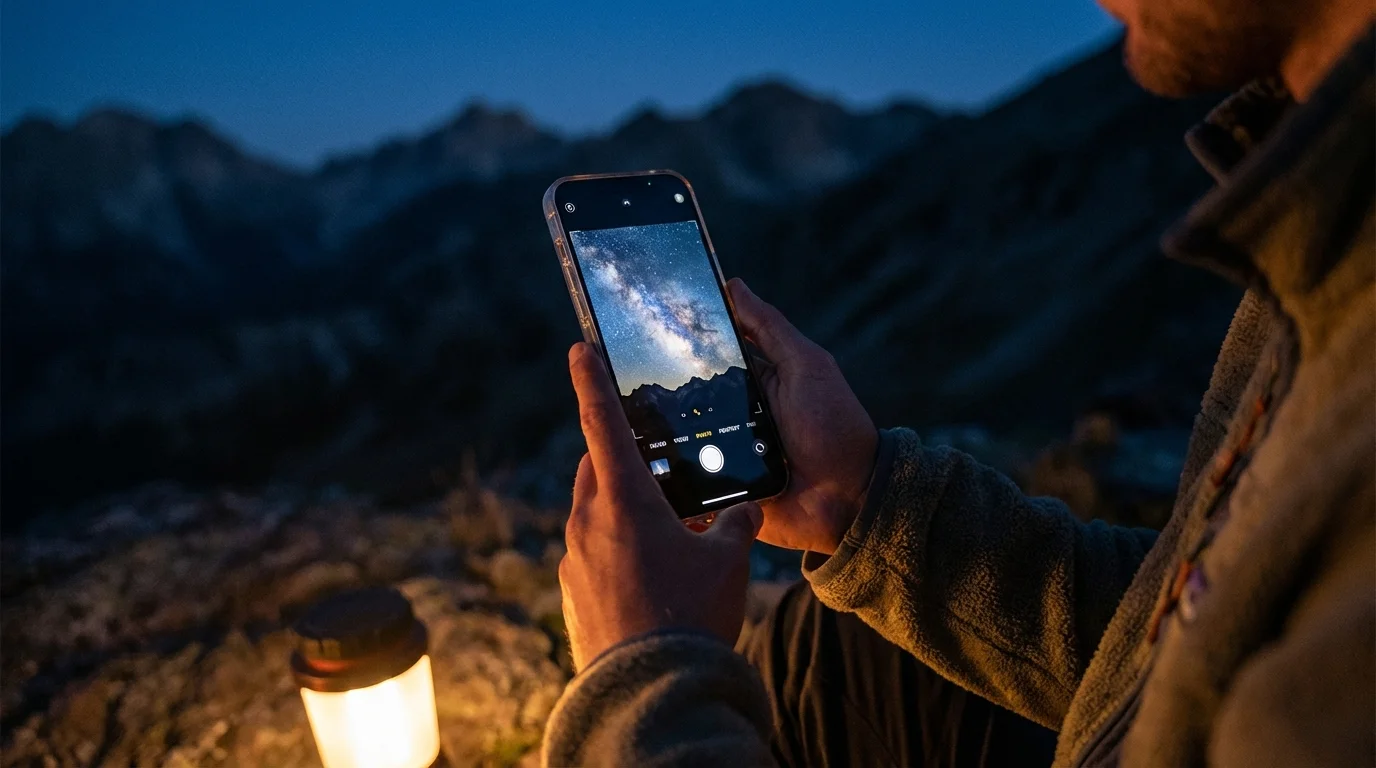
For smartphone users, burst mode is usually activated by holding down the shutter button or sliding it to the side, depending on your model. However, you should also utilize the “AE/AF Lock” feature. Press and hold on your child’s face on the screen until you see a yellow box or a lock icon. This prevents the phone from hunting for focus or changing exposure mid-burst, which can ruin a sequence of photos.
Storage speed is another often-overlooked factor. When you fire off 20 high-resolution photos in two seconds, your camera has to move that data from its internal buffer to the memory card. If you use an old, slow SD card, the camera will “choke,” and you won’t be able to take more photos until it finishes writing. Look for cards labeled UHS-I or UHS-II with high write speeds (at least 90MB/s) to keep up with the action. You can find detailed technical reviews of the latest storage and camera speeds on Digital Photography Review to ensure your hardware isn’t the bottleneck.

The Art of Anticipating Toddler Movement
Successful action shots require you to think like a sports photographer. You don’t wait for the touchdown to happen; you watch the quarterback’s eyes. With toddlers, watch their body language. A slight crouch usually precedes a jump; a deep breath often comes before a shout or a laugh. By starting your burst a half-second before you think the “peak” moment will occur, you ensure that you capture the entire arc of the movement.
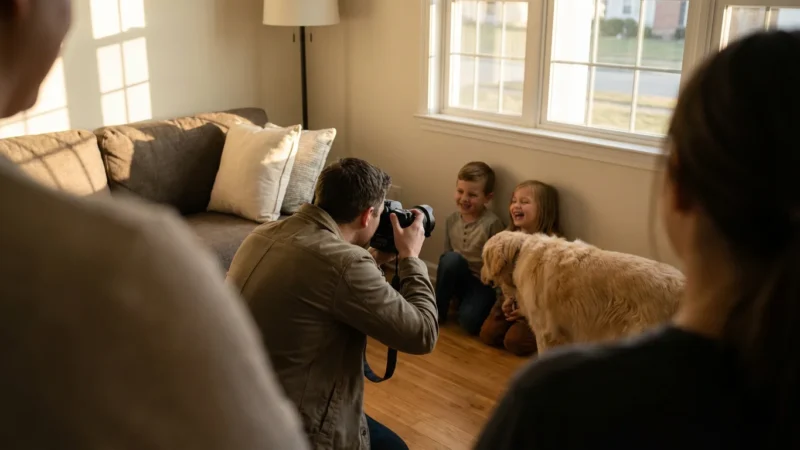
Position yourself at the toddler’s eye level. Standing up and looking down at a child creates a “parent’s-eye view” that often feels distant or clinical. If you get down on your knees or even lie flat on your stomach, you enter their world. This perspective makes the action feel more immediate and dramatic. It also allows you to capture the intensity in their eyes, which is the emotional anchor of any good portrait.
Consider the environment. If your child is about to slide down a slide, don’t stand at the top. Wait at the bottom, pre-focus on the spot where their feet will hit the ground, and start the burst as they begin their descent. This preparation allows you to focus on composition—ensuring they are framed correctly—rather than frantically trying to track them with the lens as they move.

Lighting and Shutter Speeds for Crisp Action
The greatest enemy of burst mode is motion blur. Because burst mode captures images so quickly, the “exposure time” for each individual frame must be very short. If your shutter speed is too slow, your toddler’s hands and feet will look like ghostly smears. To freeze a running child, you generally need a shutter speed of at least 1/500th of a second. If they are jumping or playing sports, 1/1000th of a second is even better.
Achieving these high speeds requires a lot of light. This is why action photography is significantly easier outdoors on a bright day. If you are indoors, try to move the activity near a large window. Avoid using the built-in flash on your camera or phone during burst mode; most flashes cannot recycle fast enough to keep up with the frame rate, leading to a sequence where only the first photo is properly exposed and the rest are dark.
| Activity Level | Recommended Shutter Speed | Ideal Lighting Condition |
|---|---|---|
| Sitting/Slow Play | 1/200s | Indoor bright room |
| Walking/Toddling | 1/500s | Overcast outdoor or near window |
| Running/Jumping | 1/1000s+ | Bright direct sunlight |
If you find your photos are consistently dark when you try to use fast shutter speeds, you may need to increase your ISO setting. While higher ISO can introduce “noise” or graininess, a grainy but sharp photo is always superior to a clean but blurry one. You can learn more about the relationship between shutter speed and light on Cambridge in Colour, which offers excellent visual tutorials on the exposure triangle.

Managing the Digital Deluge: Culling and Organization
The biggest downside to burst mode is the sheer volume of data it generates. A single ten-minute play session can easily result in 300 to 500 images. If you don’t manage this “digital deluge” immediately, your phone storage will vanish, and your cloud backup costs will skyrocket. More importantly, your best memories will be buried under a mountain of mediocre duplicates.
Develop a “culling workflow” that you perform as soon as the session is over. On a smartphone, most gallery apps will group a burst into a single thumbnail. Open the burst, scroll through the frames, and “favorite” or select the 1-2 frames that are truly exceptional. Look for:
- Sharp focus on the eyes (the most important factor).
- A lack of distracting elements in the background (like a stray toy “growing” out of the child’s head).
- Genuine emotional expression (avoiding the “forced” cheese smile).
- Peak action (both feet off the ground, hair flying, or a wide-open laugh).
Once you have selected your winners, delete the rest of the burst immediately. It feels counter-intuitive to delete photos of your children, but keep in mind that preserving 500 nearly identical shots makes it impossible to find the one that actually matters. Treat your digital collection with the same respect you would a physical photo album. You wouldn’t put 50 identical blurry prints in a scrapbook; don’t do it on your hard drive either.

Creative Projects and Preserving Action Memories
Once you have captured these high-speed moments, don’t let them sit on a device. Action shots of toddlers are particularly well-suited for creative displays because they capture energy and personality. A popular way to use burst sequences is to create a “motion composite.” You can use simple editing software to stitch 3 or 4 frames from a burst together into a single wide image, showing your child moving across the frame (for example, sliding down a slide or jumping into a pile of leaves).
For long-term preservation, remember that digital files are fragile. Hard drives fail, and cloud services change their terms of service. For your absolute favorite action shots, follow the 3-2-1 rule of backup: Keep three copies of your photos, on two different types of media, with one copy stored off-site (in the cloud). This ensures that twenty years from now, when your toddler is an adult, you can still show them the exuberant energy they had as a child.
Physical prints remain the gold standard for preservation. When you print a photo, use archival-quality paper and pigment-based inks. If you are framing these action shots, use acid-free mats and UV-protective glass. This prevents the colors from fading and the paper from yellowing over time. According to the National Archives, proper environmental control—keeping photos in a cool, dry, and dark place—is the most effective way to ensure they survive for generations. These action shots are more than just data; they are the heritage of your family’s joy.
Frequently Asked Questions
Does using burst mode damage my camera or phone sensor?
No, burst mode does not damage your sensor or hardware. It does, however, use more battery power and fills up your storage space and memory buffer more quickly. In professional cameras, it can contribute to the shutter count, but modern shutters are rated for hundreds of thousands of cycles.
How do I avoid blurry photos even when using burst mode?
Burst mode captures images quickly, but it doesn’t automatically freeze motion. You must ensure your shutter speed is high enough—typically 1/500th of a second or faster—to stop a toddler’s movement. In low light, your camera may struggle to maintain these speeds without increasing the ISO.
What is the best way to select the ‘best’ photo from a burst sequence?
Look for the ‘peak’ of the action, such as both feet off the ground during a run or the widest point of a smile. Check for sharp focus on the eyes specifically. Most smartphones will suggest a ‘key photo,’ but you should manually review the sequence to find the most authentic expression.
Will burst mode work in low-light environments like a birthday party?
It is challenging. Burst mode requires fast shutter speeds, which need a lot of light. In dim settings, your camera will likely raise the ISO, resulting in grainy images, or lower the shutter speed, resulting in motion blur. Use a wide aperture lens (f/1.8 or f/2.8) to help gather more light.
Disclaimer: This article is for informational purposes only. When handling valuable or irreplaceable photographs, consider consulting a professional conservator. Always test preservation methods on non-valuable items first.


Leave a Reply