

Your photo library represents the visual history of your life; however, a collection that is too large becomes a burden rather than a treasure. Whether you are staring at three dozen dusty shoeboxes in the attic or scrolling through a smartphone containing 40,000 images, the challenge remains the same: deciding what is truly worth keeping. Culling photos is not about deleting memories; it is about curating your legacy so that the most important moments can shine without being buried under a mountain of digital or physical clutter.
You likely feel a sense of guilt when you consider hitting the “delete” button or tossing a blurry print into the trash. We often equate the photograph with the memory itself, fearing that losing the image means losing the moment. In reality, a lean, well-organized collection allows you to revisit your favorite memories more frequently and with greater clarity. By following a structured photo organization workflow, you transform an overwhelming archive into a curated gallery that your family will actually enjoy for generations.

The Psychology of Culling: Why Less is More
The digital age has removed the “cost per click” that once governed photography. When every roll of 35mm film cost money to buy and develop, photographers were naturally more selective. Today, storage is cheap, but your time is expensive. Studies suggest that “digital hoarding” can lead to increased stress and a decreased ability to find specific information when you need it. When you have 50 shots of the same birthday cake, the emotional impact of the single “perfect” shot is diluted.
Think of your photo library like a garden. Without regular pruning, the weeds—the screenshots, the accidental pocket photos, and the blurry shots of your feet—will eventually choke out the flowers. Culling is the act of pruning that allows your narrative to grow. You are the chief curator of your family’s history; your job is to select the images that best tell the story of who you are and where you came from.
“The goal of photo preservation is not to keep every pixel ever captured, but to protect the integrity of the stories those pixels represent.”
When you approach culling, shift your mindset from “What can I afford to lose?” to “What is essential to keep?” This subtle change makes the process proactive rather than reactive. You are not discarding your past; you are highlighting its most beautiful parts.

The Technical ‘Go’ Checklist: Automatic Deletions
The easiest way to begin culling photos is to remove the “technical failures.” These are images that fail to meet a basic standard of quality or utility. You can usually clear out 20% to 30% of a modern digital library simply by identifying these categories. Use the following table to identify images that should almost always be deleted.
| Category | Reason to Delete | Actionable Example |
|---|---|---|
| Technical Failures | Out of focus, severe motion blur, or accidental triggers. | The photo of the sidewalk you took while putting your phone in your pocket. |
| Utility Images | Temporary information that is no longer relevant. | A screenshot of a grocery list or a photo of a parking garage level from 2019. |
| Poor Composition | Subjects are obscured or the framing ruins the memory. | A group shot where someone’s finger is over the lens covering half the faces. |
| Extreme Duplicates | Identical frames with no discernible difference. | Five consecutive shots of a stationary landscape with identical lighting. |
| Unrecognizable Subjects | Photos of people or places you cannot identify and have no context for. | A blurry photo of a stranger at a concert you attended ten years ago. |
For physical photos, apply the same logic. If a print is so faded that the subject is invisible, or if it is a photo of a landmark with a giant thumb in the corner, it is taking up valuable archival space. Be ruthless with these “easy wins.” Removing the junk first builds momentum and makes the harder emotional decisions much easier to manage later.

The Emotional ‘Stay’ Checklist: Identifying Your Gems
Once you have cleared the technical clutter, you enter the heart of the culling process. This is where you identify the “Stay” photos. A “Stay” photo is one that evokes a strong memory, tells a story, or possesses artistic merit. How do you decide? Ask yourself these three questions:
- Does this photo tell a story? A photo of your child’s messy bedroom might seem like clutter now, but in twenty years, it will tell a story of their personality and interests that a posed portrait cannot.
- Is this the best version of this memory? If you have ten photos of your grandmother laughing, choose the one where her eyes sparkle most. You do not need the other nine to remember her spirit.
- Would I want my grandchildren to see this? This long-term perspective helps you cut through the “in-the-moment” attachment and focus on legacy.
Keep photos that show relationships and interactions. A candid shot of two friends talking is often more valuable than a “cheesing” lineup where everyone is looking at the camera. Look for “environmental” details as well—the car you used to drive, the wallpaper in your first apartment, or the toy your dog loved. These details act as anchors for your memory, bringing back a flood of sensory information that a generic sunset photo never will.

The Burst Mode Dilemma: Deciding Between Near-Duplicates
Modern smartphones and digital cameras encourage “burst mode,” where you capture ten frames per second to ensure no one is blinking. This creates a massive culling headache. Your library becomes bloated with “near-duplicates” that are 98% identical. This is where most people get stuck in their photo organization workflow.
To tackle near-duplicates, use the “Elimination Round” method. Group the similar photos together and view them in a grid. Look for the “Peak Moment.” This is the millisecond where the expression is most genuine, the eyes are open, and the action is at its height. Select that one as your “Hero” image. Then, look for a second image that offers a different perspective—perhaps a wide shot if the first was a close-up. Delete the rest. Do not keep “backup” duplicates. If your photo library is backed up correctly using the 3-2-1 strategy (three copies, two different media, one offsite), you do not need internal redundancy within your library.
If you find it too difficult to delete, move the “B-roll” images to a separate “Archive” folder for six months. If you never look at them in that time, you can safely delete the entire folder knowing you didn’t miss them. Most people find that once the best image is selected, the others lose their value instantly.
Handling Inherited Collections: What to Do with Ancestral Photos
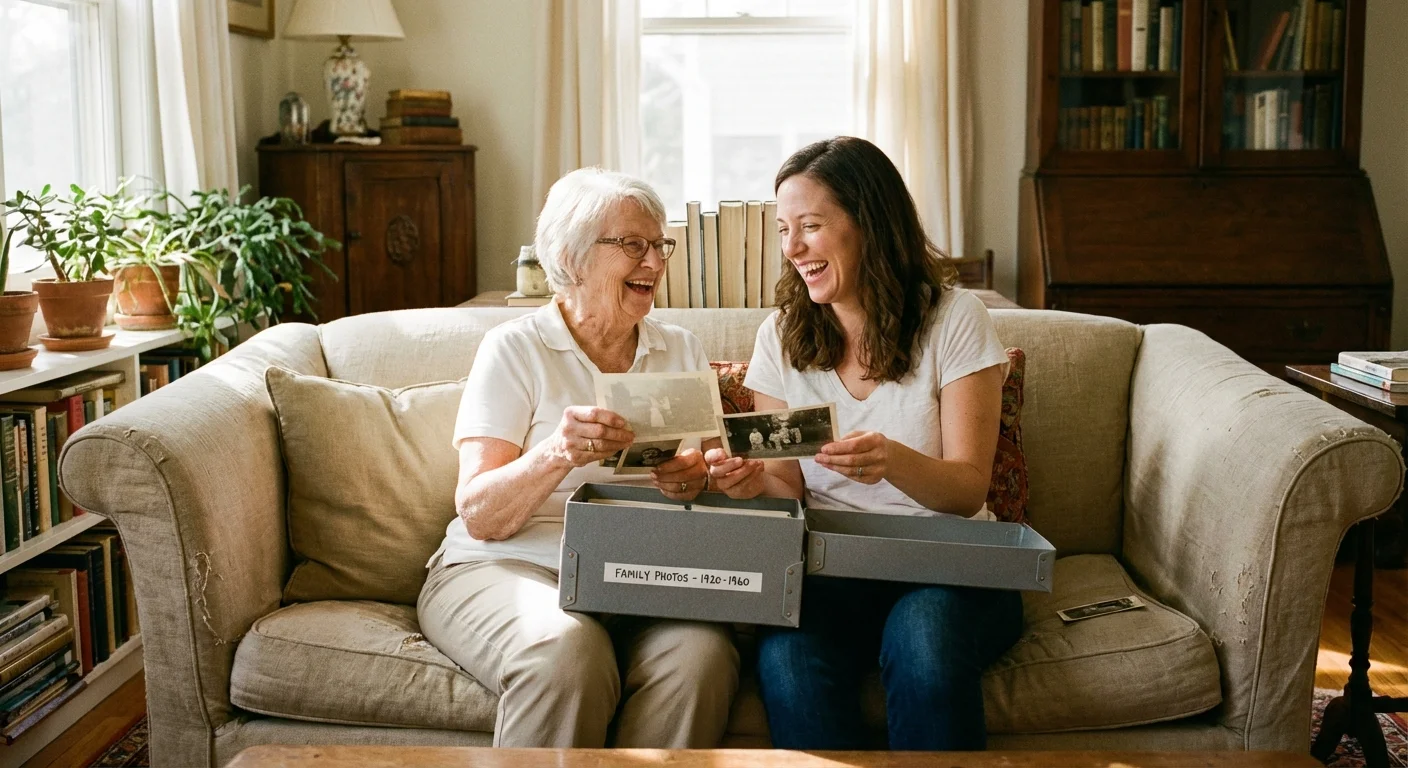
Inheriting a box of photos from a parent or grandparent feels like receiving a sacred trust. You might feel it is disrespectful to discard any of them; however, keeping thousands of unidentified, deteriorating snapshots is not preservation—it is delayed disposal. To respect these memories, you must curate them.
Prioritize photos with names, dates, or locations written on the back. These are the “keys” to your genealogy. If you find a photo of a group of strangers at a picnic with no context and no recognizable family members, it is okay to let it go. However, before discarding unique historical images, check with local historical societies or museums. They may be interested in photos that show local landmarks, businesses, or fashion from a specific era. For more information on identifying and protecting historical records, the Library of Congress Preservation department offers excellent guidelines on identifying valuable items.
When handling physical photos, remember that your oils can damage the emulsion. Use cotton or nitrile gloves if you are working with old negatives or high-value prints. If you decide to keep a physical photo, ensure it is stored in an acid-free, lignin-free environment. Avoid the “magnetic” sticky-page albums from the 1970s; the adhesive in these albums is highly acidic and will eventually destroy your photographs.
Establishing a Sustainable Photo Organization Workflow
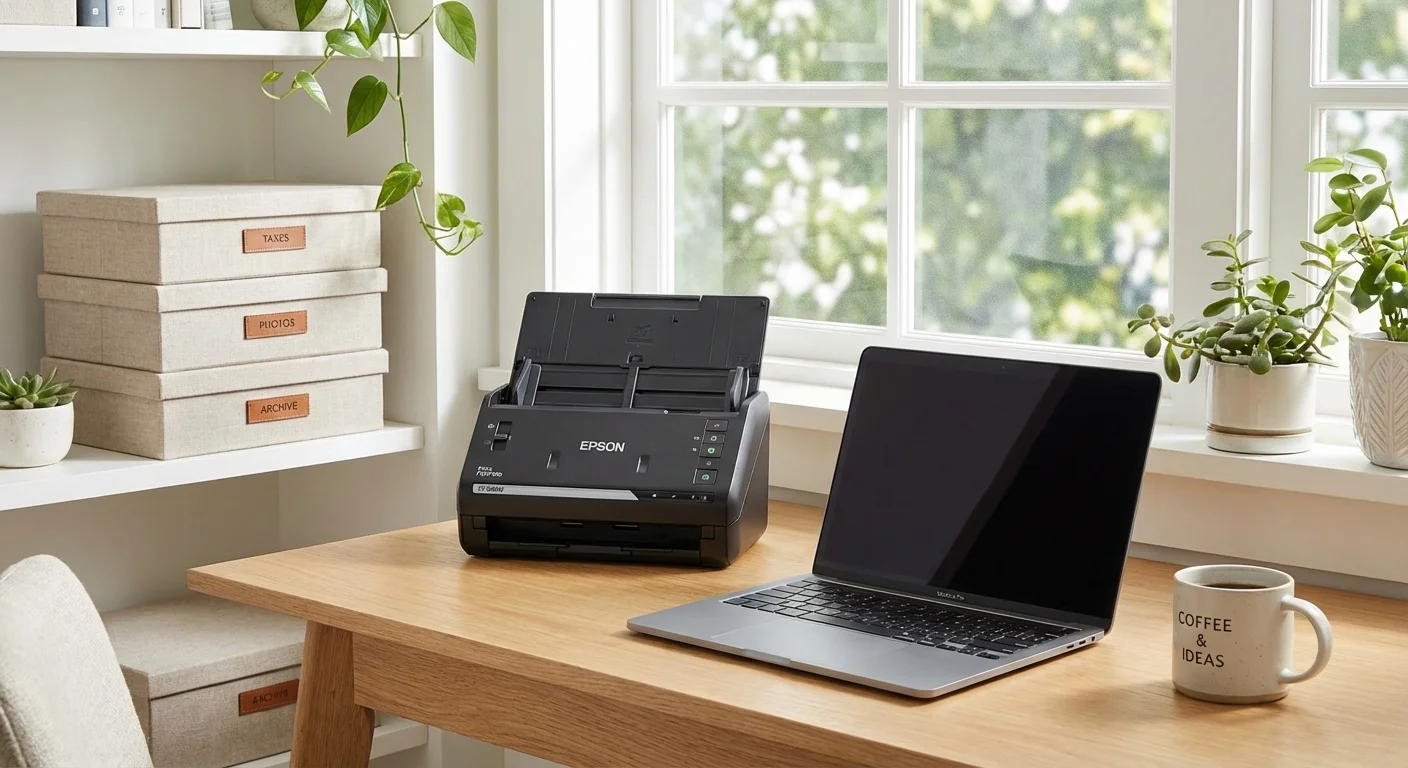
Culling should not be a once-a-decade event. It works best as a regular habit. Incorporate culling into your daily or weekly routine to prevent the “backlog” from becoming a monster. A simple photo organization workflow might look like this:
- Daily: At the end of the day, spend two minutes scrolling through the photos you took. Delete the screenshots, the accidental shots, and the duplicates immediately.
- Monthly: Sit down with your computer or tablet and review the previous month’s highlights. Favorite the “Hero” shots and ensure they are backed up to your primary storage system.
- Annually: Review the year’s “Favorites” and create a year-end photo book. This physical manifestation of your digital library ensures that your best memories are accessible even if technology changes.
By making culling part of your “digital hygiene,” you ensure that your library stays manageable. Use descriptive filenames and metadata tags (like “Christmas 2023” or “Hiking in Zion”) to make your collection searchable. A lean, tagged library is infinitely more valuable than a massive, unorganized one. If you are managing digital assets, refer to technical guides on sites like Digital Photography Review to understand how different file formats (like RAW vs. JPEG) impact your storage and organization needs.

Preserving Your Curated Collection: Archival Standards
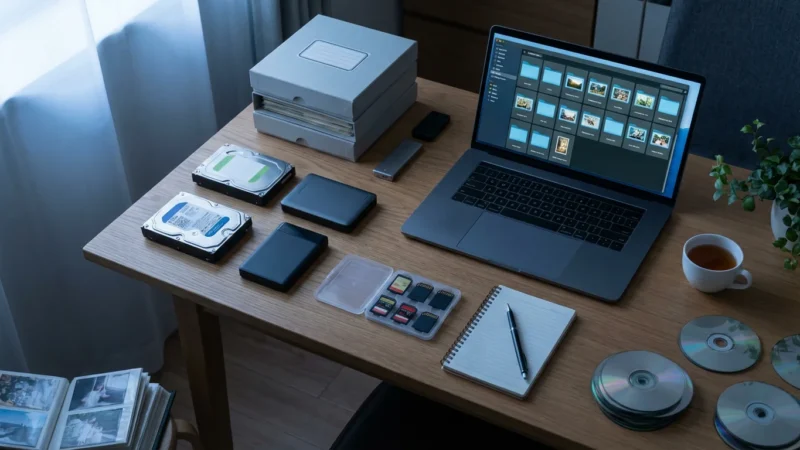
Once you have narrowed your collection down to the “Best of the Best,” you must protect those images. For digital photos, follow the “3-2-1 Rule”: Have three copies of your data, stored on two different types of media (e.g., an external hard drive and a cloud service), with one copy located offsite (the cloud satisfies this). This protects you against hardware failure, fire, or theft.
For physical photos, the environment is your biggest enemy. High humidity, fluctuating temperatures, and light exposure will accelerate the decay of photographic paper and film. According to data from the Image Permanence Institute, storing your photos in a “cool and dry” place—ideally below 70°F and between 30-50% relative humidity—can more than double the lifespan of your prints compared to storage in an attic or basement. Avoid storing photos near outer walls, pipes, or in areas prone to pests.
Use archival-grade enclosures. Look for materials that have passed the Photographic Activity Test (PAT). This international standard ensures that the storage material will not chemically react with your photos. By investing in quality storage now, you ensure that the “Stay” pile remains vibrant for your descendants to discover years from now.
Frequently Asked Questions
How do I start culling a digital library with over 50,000 photos?
Begin by sorting your photos by date or event. Focus on one “folder” or month at a time to avoid burnout. Use software that identifies duplicates to remove the low-hanging fruit quickly; then apply the ‘Stay or Go’ checklist to the remaining unique images.
Is it okay to throw away original physical photos?
Yes, if the photos are blurry, lack a subject, or are duplicates of better shots. However, if a photo is older than 50 years or depicts ancestors you cannot identify, consider scanning it first or offering it to a local historical society before disposal.
How many photos should I keep from a single event like a wedding or vacation?
Aim for a “Storyteller’s Dozen.” Keep 12 to 20 high-quality images that represent the beginning, middle, and end of the event. This allows you to relive the memory in a few minutes rather than getting lost in hundreds of repetitive frames.
What is the best way to dispose of physical photos?
For privacy, shred photos that contain people. For general disposal, most photographic paper is not recyclable due to chemical coatings; check with your local waste management, but usually, they must go in the regular trash.
Disclaimer: This article is for informational purposes only. When handling valuable or irreplaceable photographs, consider consulting a professional conservator. Always test preservation methods on non-valuable items first.








Leave a Reply