The holiday season often sparks a desire to give something more meaningful than a generic store-bought gadget. Personalized photo gifts bridge the gap between material items and emotional legacies; they transform digital files and dusty shoe boxes into tangible treasures that your loved ones will cherish for decades. Whether you are navigating a hard drive filled with thousands of unorganized snapshots or a stack of black-and-white heritage prints, this guide provides the roadmap to creating impactful, high-quality holiday gifts.
If you are looking for even more inspiration, explore our curated list of personalized presents designed specifically for photography enthusiasts.
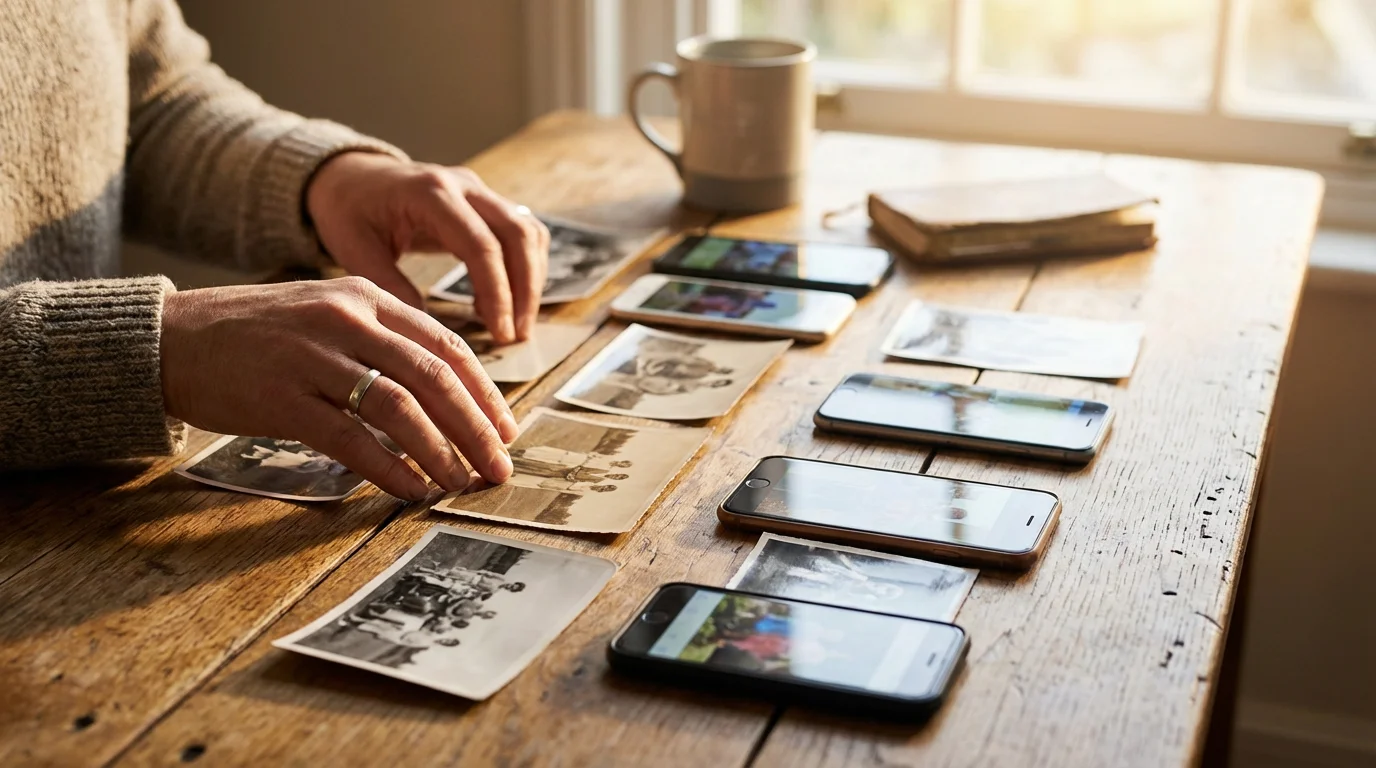
Curating the Perfect Image Selection
The success of a personalized gift depends entirely on your curation process. High-quality gifts require high-quality sources; however, “quality” in this context refers to both emotional resonance and technical clarity. Before you open a design app, spend time auditing your collection to find images that tell a specific story. Avoid the temptation to include every photo you have; instead, look for “hero shots”—those rare frames where the lighting, expression, and composition align perfectly.
If your digital library is currently in disarray, establishing a clear photo organization system will make finding the right images for your project much easier.
When selecting images for a specific recipient, consider their relationship to the subject. A grandparent might value a candid shot of a grandchild laughing over a formal, posed portrait. A spouse might prefer a collection of quiet moments from a recent anniversary trip. Organize your selected photos into a dedicated “Holiday Gift” folder on your computer. This prevents the frustration of hunting through your entire library while you are in the middle of a design project.
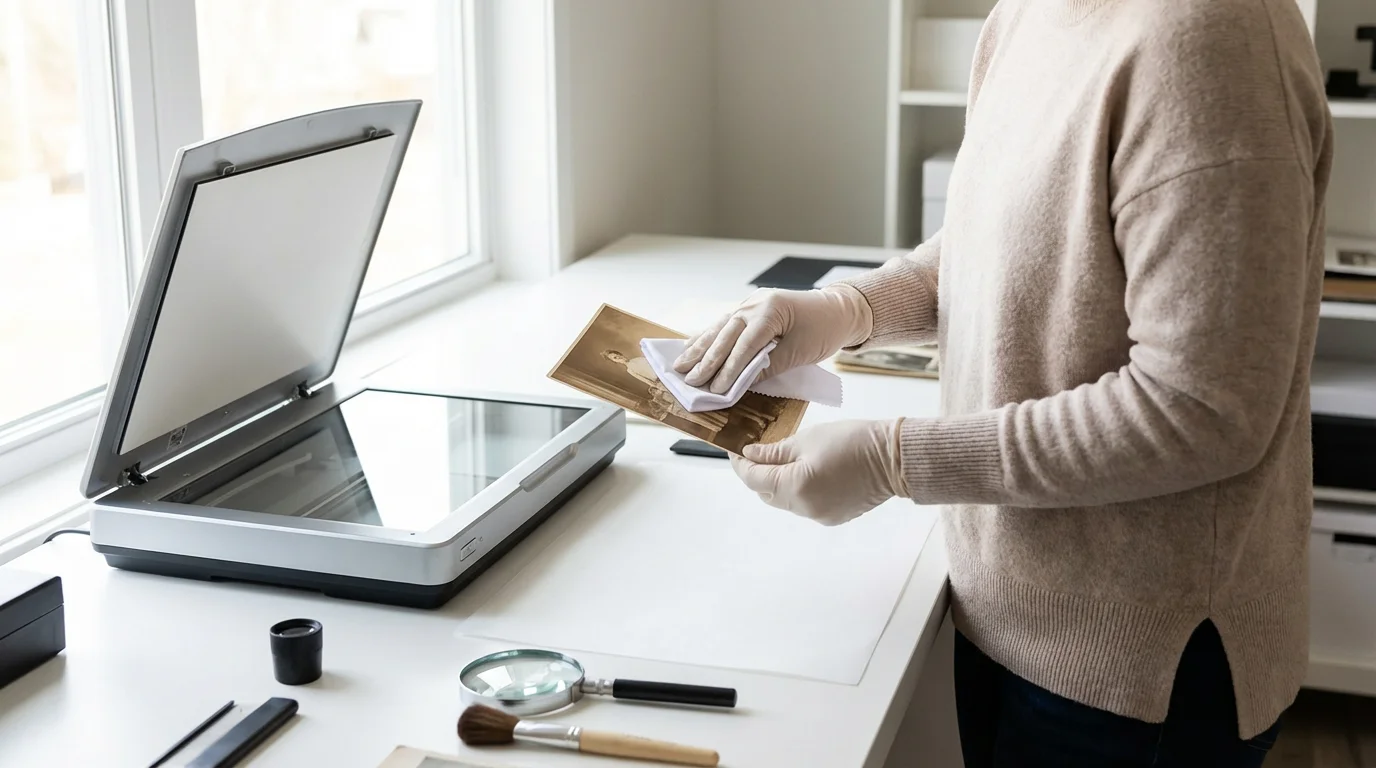
If you are working with older, physical photographs, check for physical integrity. Dust, fingerprints, and minor creases can become glaringly obvious when enlarged on a canvas or a glossy page. Use a soft, lint-free cloth or a specialized photographic brush to clean the surface of the print before scanning. This simple step saves hours of digital retouching later.
Designing Timeless Photo Books
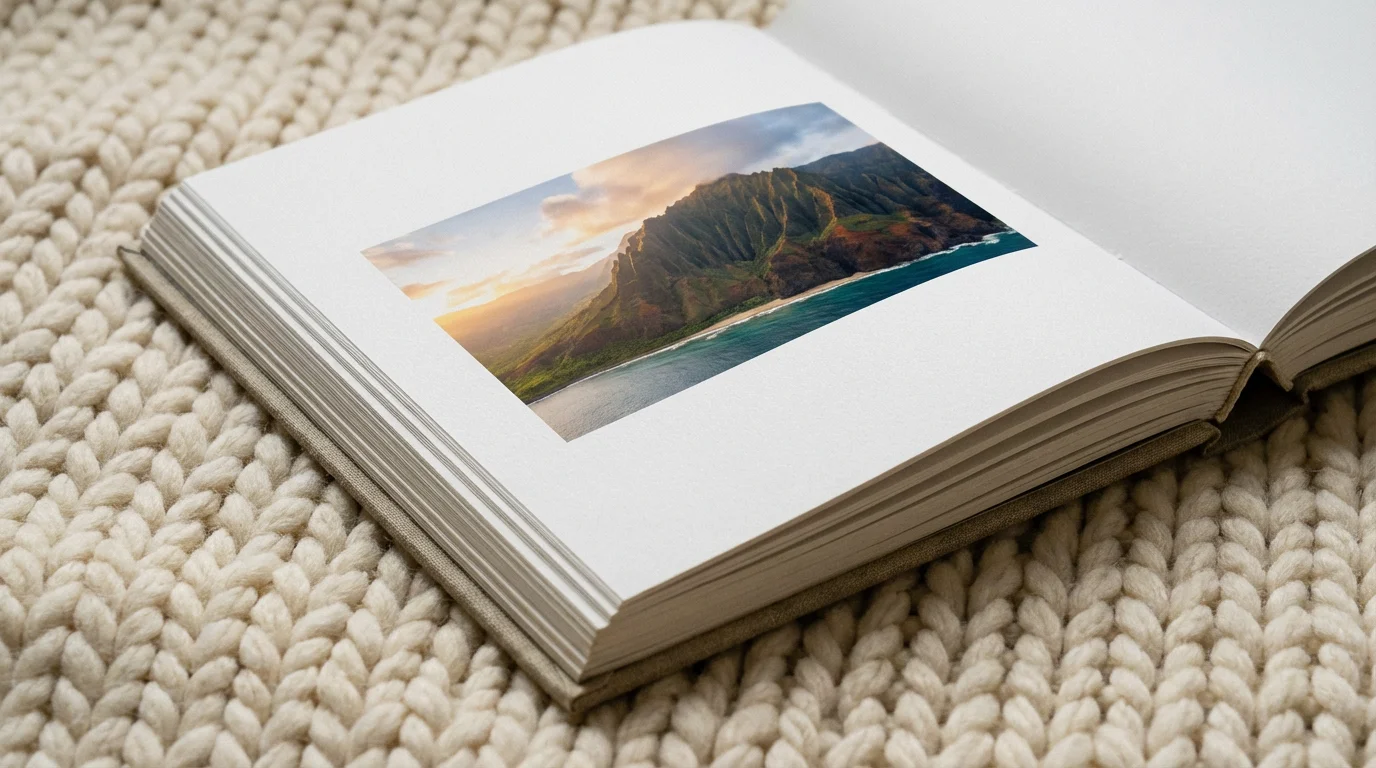
Photo books represent the gold standard of personalized gifting. They offer a narrative experience that individual prints cannot match. To create a book that feels professional rather than cluttered, adopt a “less is more” philosophy. Use white space—the empty areas around your photos—to give the viewer’s eyes a place to rest. A single, stunning landscape spread across two pages often carries more weight than a collage of twelve small, busy images.
For more layout inspiration, explore our favorite creative photo book ideas to help structure your project.
Consider the “Year-in-Review” format, which organizes memories chronologically. This is particularly effective for families with young children, as it documents growth and milestones clearly. Alternatively, thematic books focus on a single event, such as a wedding, a milestone birthday, or a specific family vacation. When choosing your paper type, remember that lustre or silk finishes offer a beautiful balance between the vibrance of gloss and the elegance of matte.
Personalized photo books serve as a physical backup for your digital life; they ensure that even if a hard drive fails, your family’s visual history remains intact on the shelf.
Text is another critical element. Do not rely on your memory alone. Include dates, locations, and short anecdotes. Twenty years from now, the context of a photo may be lost; a simple caption like “Leo’s first time seeing snow, Tahoe, 2023” provides invaluable historical data for future generations. For heritage books, include family trees or scanned copies of handwritten recipes to add layers of personal meaning.

Choosing the Right Wall Art Mediums
Large-format prints transform a home’s atmosphere. However, the medium you choose—canvas, metal, acrylic, or traditional framed paper—should match the style of the photo and the recipient’s home decor. Each material interacts with light and color differently.
To see how these different materials look in modern homes, check out our guide on turning photos into stunning wall art.
Once you have selected your prints, consider these creative photo wall ideas to help you design a cohesive gallery display.
| Medium | Best For | Key Advantage |
|---|---|---|
| Canvas Wraps | Family portraits, classic landscapes | Soft, painterly texture; no glass glare |
| Metal Prints | High-contrast architecture, vibrant nature | Ultra-modern, durable, waterproof |
| Acrylic Prints | Bright, modern interiors | Deep, 3D effect with extreme clarity |
| Framed Paper | Heritage photos, black and white | Timeless, archival, easily swappable |
If you choose traditional framing, prioritize archival quality. Use acid-free mats and UV-protective glass to prevent the image from yellowing or fading when exposed to sunlight. Organizations like the Image Permanence Institute emphasize that environmental factors—light, heat, and humidity—are the primary enemies of photo longevity. By choosing high-quality framing materials, you ensure your gift lasts for a lifetime.
Creative Keepsakes Beyond the Frame
Not every photo gift needs to hang on a wall or sit on a coffee table. Everyday objects offer a way to integrate memories into daily routines. Personalized photo puzzles are excellent gifts for children or elderly relatives; they provide a tactile, engaging way to interact with family imagery. Choose a photo with distinct colors and patterns to make the puzzle-solving experience enjoyable rather than frustrating.
For a small but playful addition to the kitchen, making custom photo magnets is a fast and affordable way to celebrate daily moments.
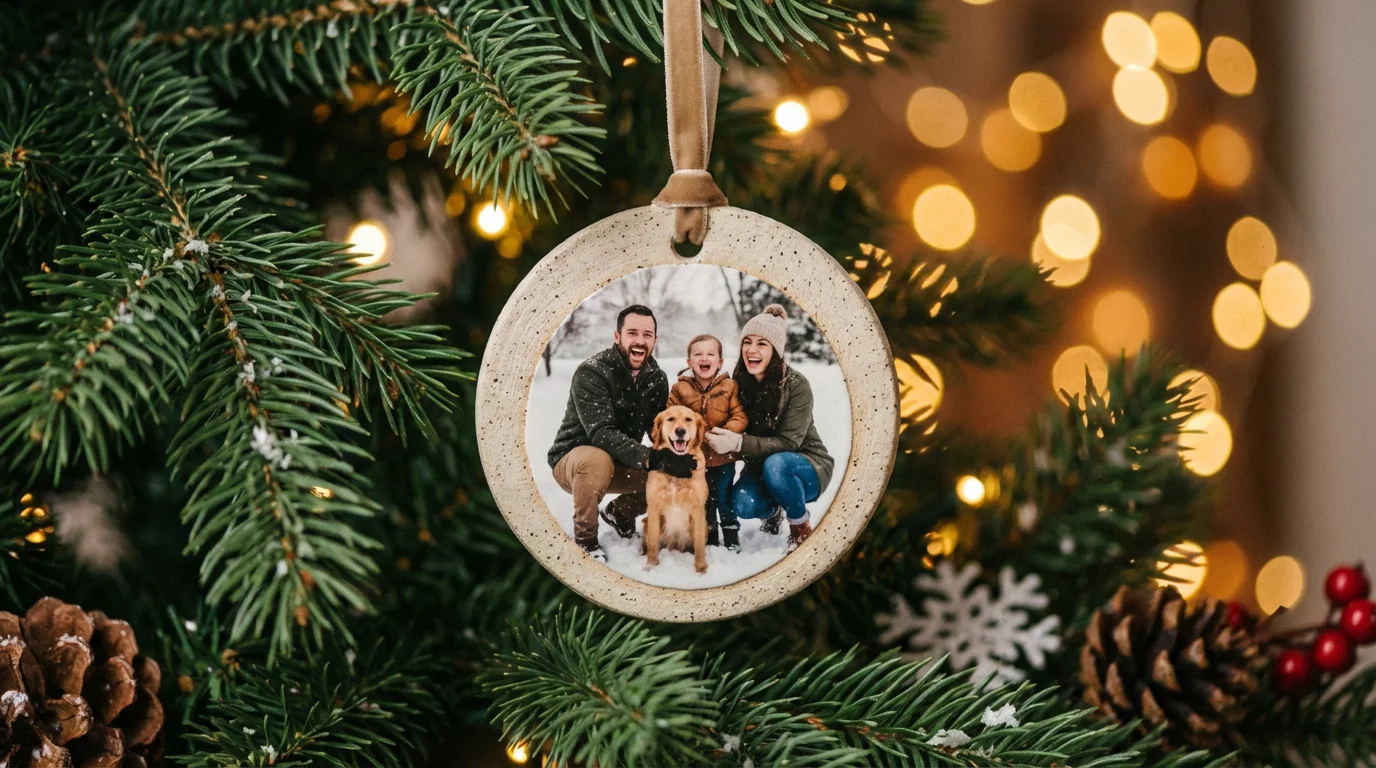
Custom ornaments remain a holiday staple. Consider a “growth series” for a child, creating a new metal or ceramic ornament each year featuring their current school photo. This creates a chronological tradition that the family can revisit every time they decorate the tree. For a more subtle approach, high-quality photo blankets or woven throws allow for large-scale displays of imagery that are functional and cozy.
When designing these items, pay attention to the “safe zones” in the design interface. Mugs and ornaments often have curved surfaces or bleed edges where important parts of your photo might get cut off or distorted. Keep faces and text centered to ensure they remain clear after the manufacturing process.
Preserving Heritage Through Scanned Gifts
The most emotional gifts often involve “rescuing” old memories. Many families have boxes of slides, negatives, or fading Polaroids that no one has seen in decades. Digitizing these items allows you to share one photo with multiple family members simultaneously. For instance, if you have a single wedding photo of your grandparents, you can scan it, restore it, and gift high-quality prints to every aunt, uncle, and cousin in the family.
When handling these precious originals, follow the guidelines from the Library of Congress Preservation department. Wear lint-free cotton gloves to avoid transferring skin oils to the emulsion. Use a flatbed scanner rather than a phone app for the highest quality. Scan at 600 DPI (Dots Per Inch) for standard prints; if you are scanning a small 35mm slide or negative, increase the resolution to 2400 or 3200 DPI to allow for enlargement.
Once you have a clean digital file, you can create a “Legacy Box.” This gift includes a set of modern prints, a USB drive containing the digital archives, and a set of archival-safe storage envelopes for the original physical photos. This gift provides both a beautiful present for today and a preservation system for the future.
Technical Specifications for Quality Printing
Nothing ruins a thoughtful gift faster than a blurry, pixelated image. Understanding the relationship between resolution and print size is essential. Most professional printers require an image to have 300 pixels per inch (PPI) to look sharp. If you try to print a low-resolution social media thumbnail on a 20×30 inch poster, the result will be blocky and disappointing.
Check the file size of your images before uploading. A typical smartphone photo is usually large enough for an 8×10 print or a standard photo book page. However, if you are cropping a photo significantly, you are losing resolution. Always use the original, full-resolution file from your camera or phone rather than a version sent through a messaging app, as those apps often compress files to save data, stripping away the detail needed for high-quality printing.
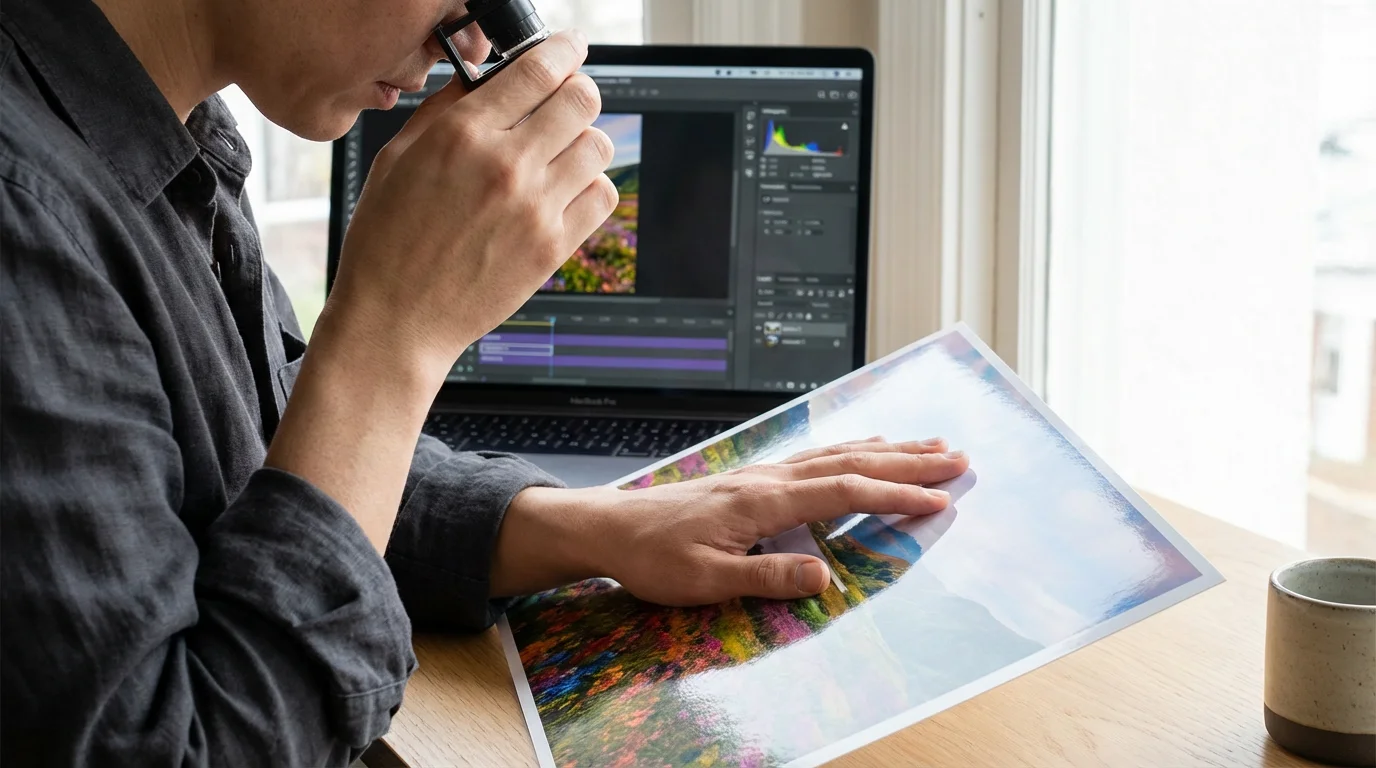
Color management is another factor. Most monitors are much brighter than a physical piece of paper. If your photo looks a bit dark on your screen, it will likely print even darker. Boost the exposure and shadows slightly before submitting your order to ensure the details in the dark areas are visible on the final product. Many professional labs offer “auto-correction” services; while helpful for beginners, experienced photographers usually prefer to turn this off to maintain full control over the artistic look of the image.
Budget-Friendly DIY Photo Projects
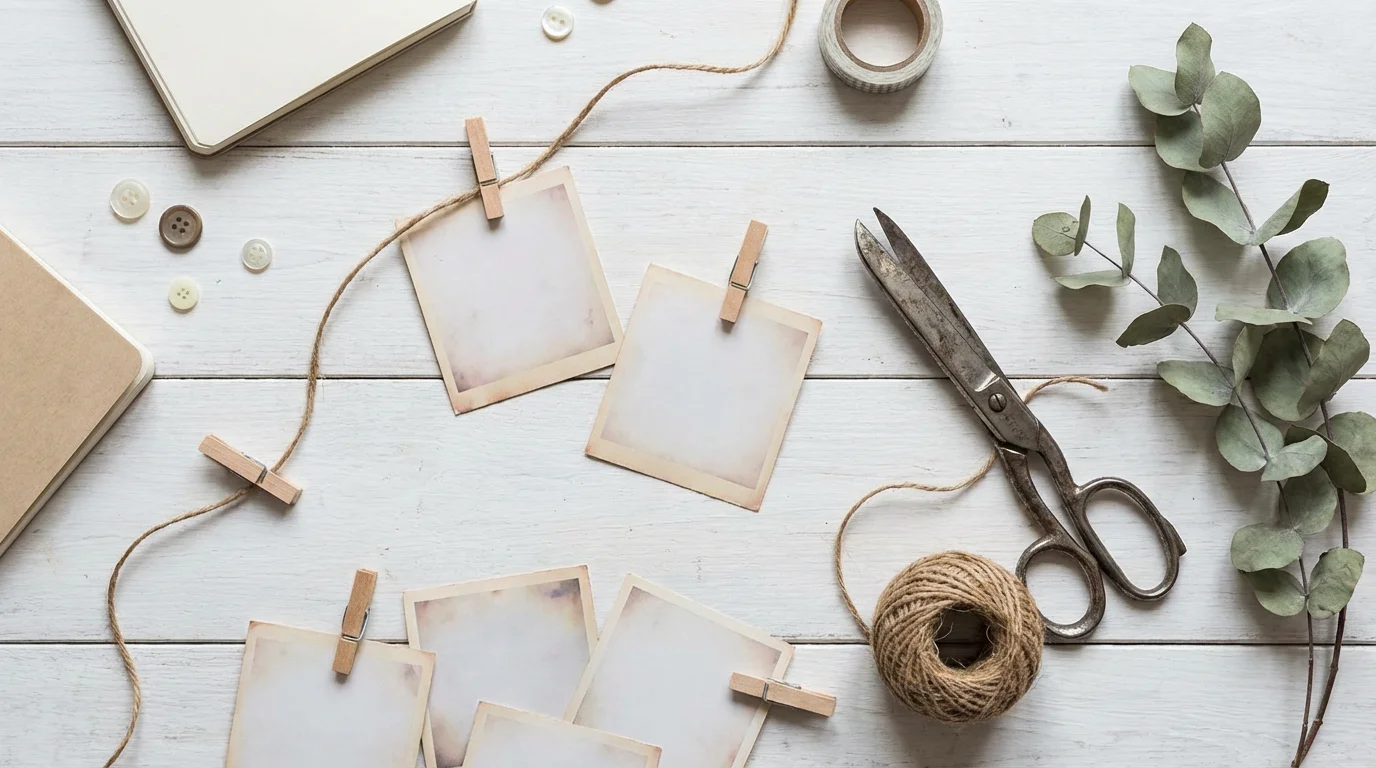
You do not need a large budget to create meaningful photo gifts. Some of the most cherished items are those that involve a personal, handmade touch. Consider creating a “Memory Jar.” Print 52 small, square photos—one for each week of the year—and place them in a decorative glass jar. The recipient can pull out one photo every week to spark a memory and a conversation.
Creating a handmade photo scrapbook is an incredibly meaningful, budget-friendly project that lets you add handwritten stories alongside your favorite prints.
Another cost-effective idea is the “Photo Clipboard Gallery.” Instead of buying expensive frames, purchase several small wooden clipboards. Print a series of 5×7 photos and clip them to the boards. This creates a rotating art display where the recipient can easily swap the top photo whenever they want a fresh look. This is a perfect gift for an office desk or a kitchen counter.
The value of a photo gift lies in the story it tells, not the price tag of the frame. A simple, well-chosen print with a handwritten note often outweighs the most expensive custom canvas.
For those with a collection of digital memories, consider a “QR Code Keepsake.” Create a digital photo album or a short video montage and upload it to a private cloud link. Print a single beautiful photo of the family and include a small, stylized QR code in the corner or on the back. When the recipient scans it with their phone, they are taken to a hidden gallery of hundreds of additional memories. This combines the beauty of a physical print with the depth of a digital collection.
Frequently Asked Questions
What is the best resolution for printing photos on large canvases?
For a high-quality canvas print, aim for a resolution of at least 150 to 300 DPI (dots per inch) at the final print size. If you are printing a 16×20 inch canvas, your digital file should ideally be 2400×3000 pixels or larger to ensure the image remains sharp and professional.
Can I use old, damaged physical photos for holiday gifts?
Yes, but you must digitize them first. Use a flatbed scanner at 600 DPI to capture fine details. Once digitized, you can use photo restoration software or professional services to remove scratches and faded colors before printing them onto new gift items.
What is the difference between matte and glossy finishes for photo books?
Glossy finishes provide vibrant colors and high contrast, making them excellent for modern landscapes and high-energy family shots. Matte finishes reduce glare and resist fingerprints; they offer a timeless, sophisticated look that works best for heritage photos and black-and-white portraits.
How early should I order personalized photo gifts for the holidays?
To avoid rush shipping fees and seasonal delays, place your orders at least three to four weeks before the holiday. Most custom labs require 5–7 business days for production, and shipping times increase significantly during the December peak.
Disclaimer: This article is for informational purposes only. When handling valuable or irreplaceable photographs, consider consulting a professional conservator. Always test preservation methods on non-valuable items first.