
Your digital library likely contains thousands of images—snapshots of fleeting moments, major milestones, and inherited scans of your ancestors. While digital storage offers convenience, it lacks the tactile connection of a physical heirloom. Transforming these pixels into a custom photo book bridges the gap between a hidden hard drive and a shared family legacy. However, selecting the right platform often feels like a daunting task given the sheer number of options available.
The three titans of the industry—Shutterfly, Mixbook, and Blurb—each cater to different needs, from the casual weekend documentarian to the professional fine-art photographer. Navigating their various editors, paper types, and pricing structures requires a clear understanding of what you value most in a finished product. Whether you prioritize creative freedom, ease of use, or professional-grade binding, this comparison will guide you toward the best photo book printing service for your specific project.
Mixbook: The Power of Creative Flexibility
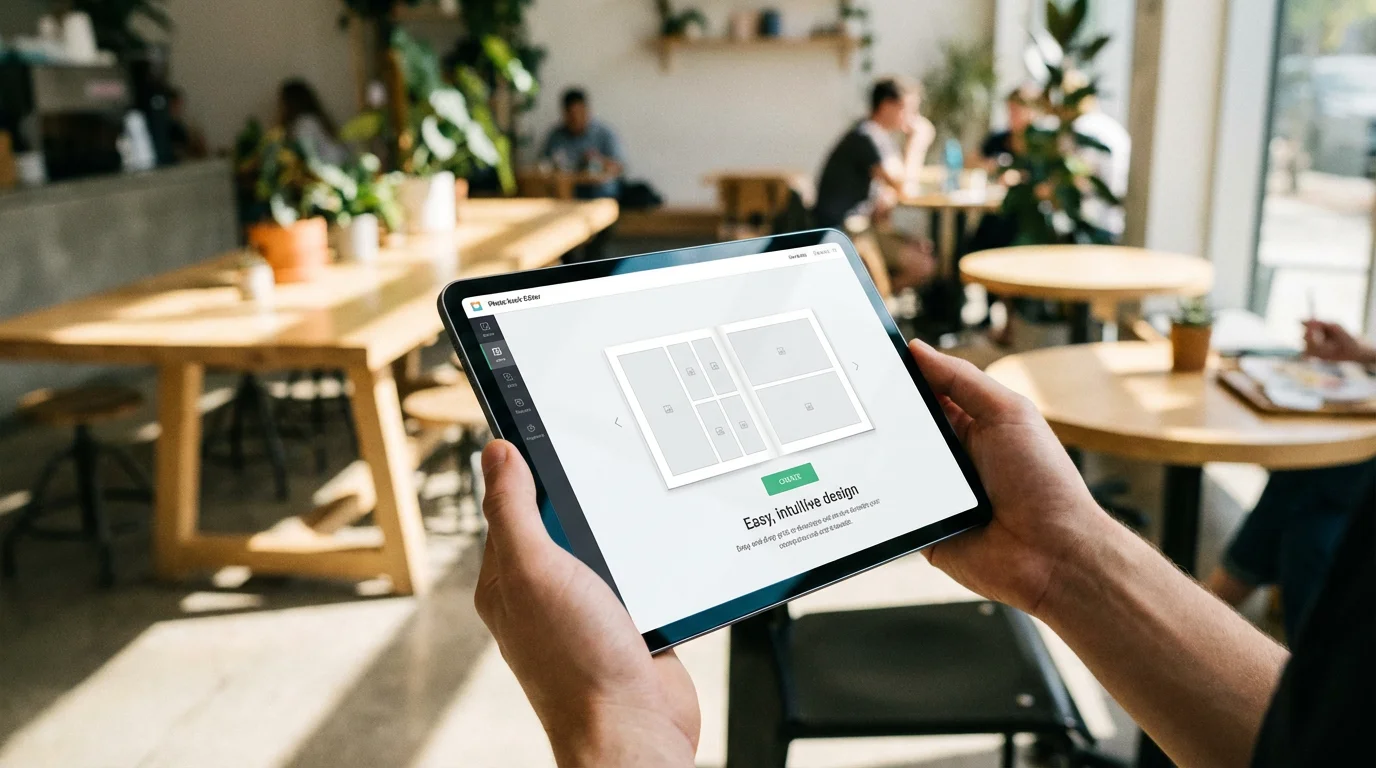
Mixbook has earned a reputation as the “designer’s choice” among consumer-level photo book services. While many platforms lock you into rigid templates, Mixbook provides a fully blank canvas with sophisticated tools that allow you to move, resize, and rotate every element on the page. You aren’t just filling slots; you are designing a unique layout that reflects your personal style.
Before collaborating on a layout, it is helpful to gather your family’s assets using the best platforms for sharing photos safely.
If you are looking for inspiration to fill these blank pages, explore these creative photo book ideas that range from travelogues to heritage projects.
The editor operates directly in your web browser, yet it feels as responsive as a dedicated desktop application. You can choose from thousands of stickers, backgrounds, and fonts—all of which are high-quality and modern. This avoids the “clip-art” look that often plagues cheaper services. If you have ever felt frustrated because a template wouldn’t let you add a fifth photo to a page, Mixbook is the solution to your design woes.
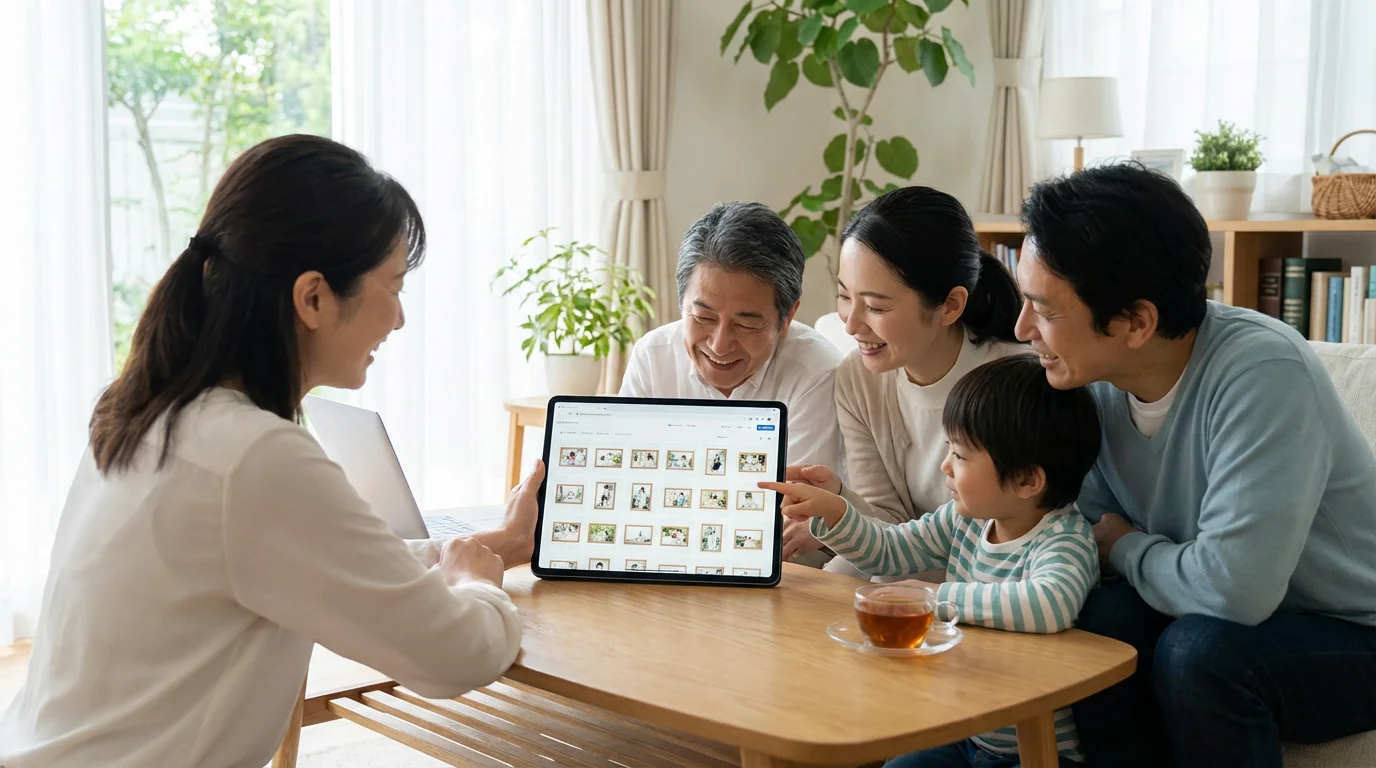
One of Mixbook’s standout features is its collaborative tool. You can invite family members to contribute photos or edit pages in real-time. This is particularly valuable for heritage projects where siblings or cousins might have different pieces of the same family story. Furthermore, their “Auto-Create” feature uses smart algorithms to group photos by date and location, providing a solid starting point that you can then refine with their powerful editing tools.
Professional designers often prefer Mixbook because it offers the perfect middle ground between overly simplistic consumer apps and complex professional software like Adobe InDesign.

Shutterfly: Massive Variety and Automation
Shutterfly is the household name in photo printing, and for good reason. They offer an staggering variety of styles, sizes, and price points. If you are looking for a service that can take the heavy lifting off your hands, Shutterfly’s “Make My Book” service is a game-changer. You simply upload your photos, and a professional designer creates the layout for you within three business days. You only pay a small fee if you choose to order the book.
While books are a classic option, you can also explore other creative DIY photo gifts for holidays and special occasions.
This speed is particularly beneficial when creating a year-in-review photo album to summarize a busy year’s worth of highlights.
Their library of licensed content is unmatched. You can find official Disney themes, Sesame Street layouts, and designs from high-end stationary brands like Tiny Prints. For parents looking to document a child’s first trip to a theme park or a high school graduation, these themed templates provide a cohesive and professional look with very little effort.
However, this convenience comes with a trade-off. The Shutterfly editor can feel restrictive compared to Mixbook. While you can swap layouts, you have less granular control over the placement of individual elements. Additionally, the sheer volume of upsells and promotional pop-ups during the checkout process can be overwhelming. You must navigate through several pages of “add-ons”—from gift boxes to deluxe lay-flat pages—before you can finalize your purchase. Despite this, their frequent 40-50% off sales make them one of the most affordable options for high-volume printing.
Blurb: Professional Standards and Self-Publishing
Blurb occupies a different niche than Shutterfly or Mixbook. While the others focus on memory-keeping and gifting, Blurb targets photographers, artists, and authors who want to sell their work or create professional-grade portfolios. They provide a level of technical control that is essential for those who care deeply about color accuracy and paper weight.
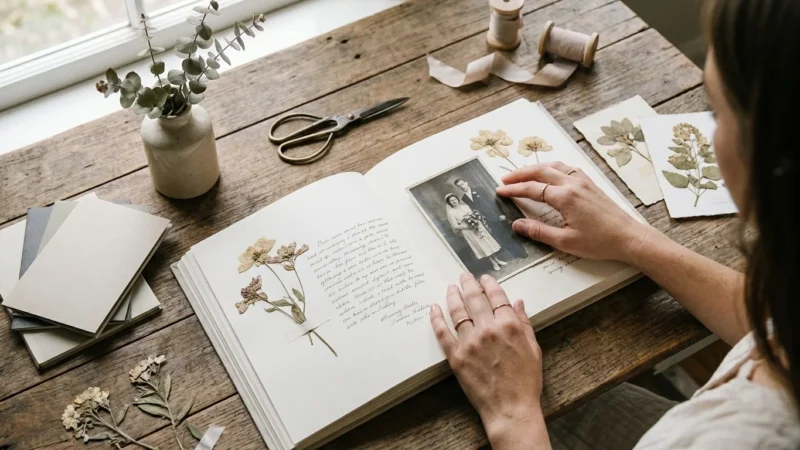
If you prefer a more tactile, hands-on craft over digital publishing, you might enjoy learning how to make a photo scrapbook by hand.
The integration with Adobe Lightroom and InDesign is a major selling point. You can design your book directly within the software you already use for photo editing, ensuring that your high-resolution files are handled correctly. For those who prefer a standalone tool, Blurb’s “BookWright” software offers professional typesetting features that go far beyond standard web editors. You can manage bleed lines, gutter margins, and CMYK color profiles with precision.
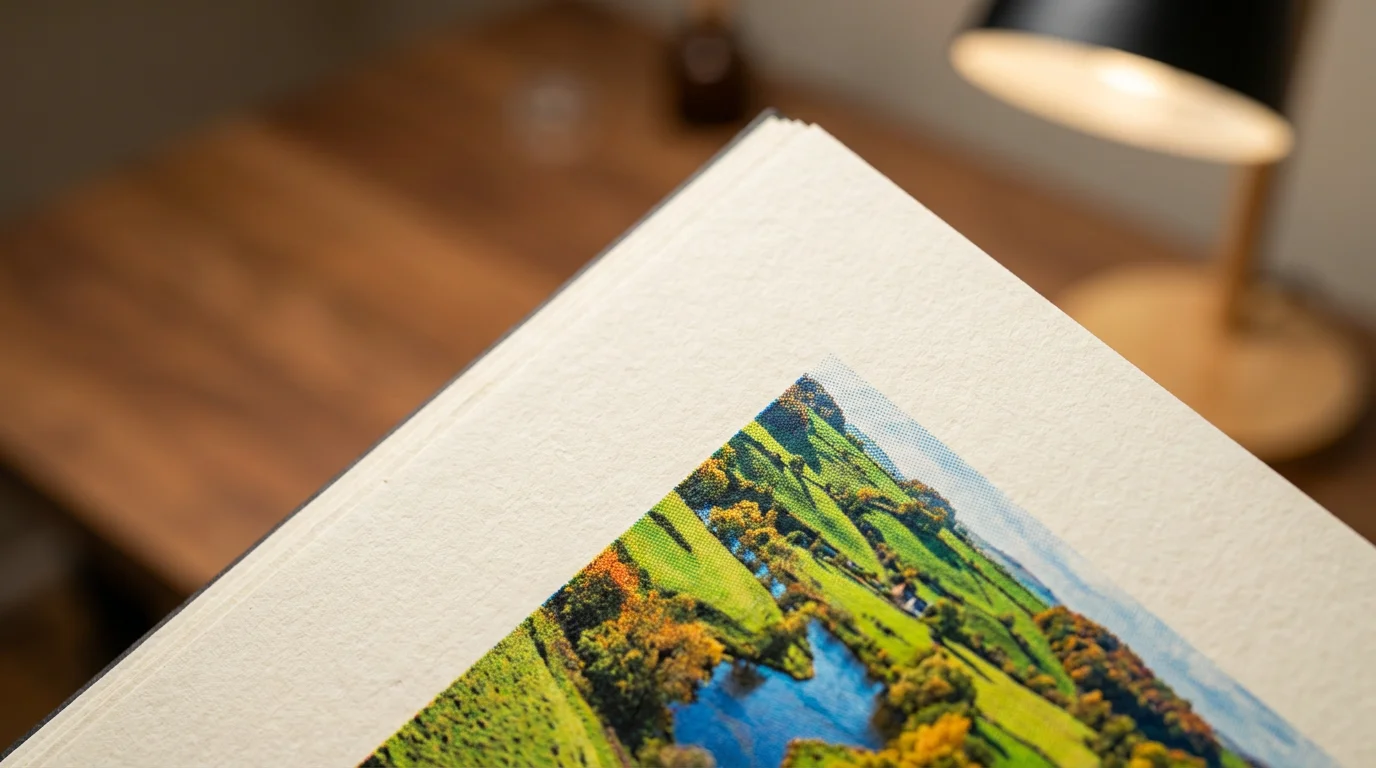
Blurb’s paper selection is arguably the best in the industry. They partner with Mohawk Fine Papers to offer options like “ProLine Uncoated” and “Pearl Photo,” which provide a tactile, museum-quality feel. These papers are significantly thicker and more durable than the standard gloss or matte offerings from competitors. According to reviews on Digital Photography Review, Blurb’s high-end paper stocks consistently outperform consumer brands in color depth and shadow detail.
Analyzing Print Quality and Paper Longevity
When you invest hours into curating a photo book, you want it to last for generations. The longevity of a photo book depends heavily on the printing process and the chemical makeup of the paper. Most standard photo books use digital offset printing. This involves four primary colors (CMYK) being pressed onto paper. While modern digital offset is excellent, it is not the same as traditional silver halide (light-sensitive) printing found in “lay-flat” or “flush-mount” books.
Ensuring your digital files are properly preserved is just as important as the physical prints, so be sure to follow the best practices for creating a home photo archive.
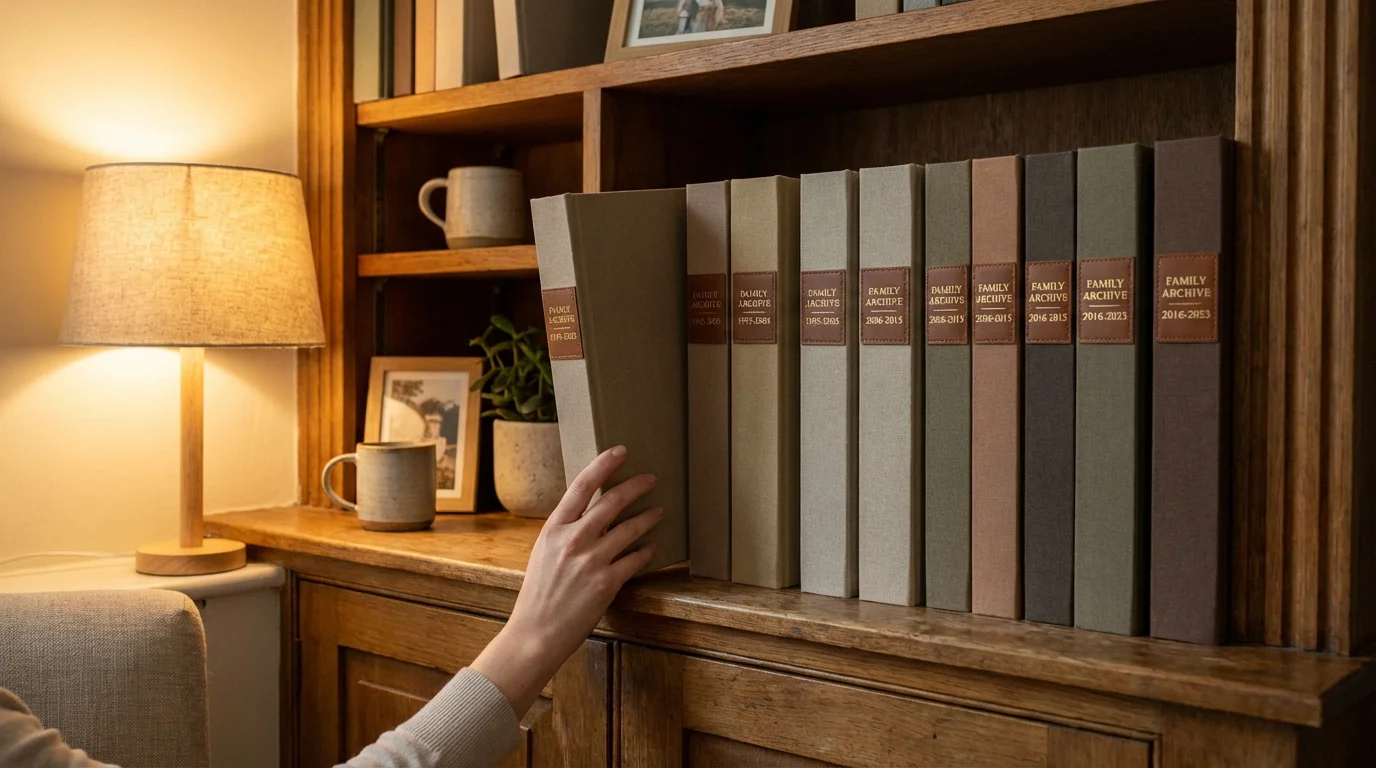
To further protect your investment from dust and light damage, consider keeping your finished volume in archival storage boxes specifically designed for longevity.
Paper Weight and Acid-Free Standards
Standard paper in a budget Shutterfly book is approximately 100lb text weight. It feels similar to a high-quality magazine page. In contrast, premium books from Mixbook or Blurb use heavier cover-weight papers (up to 148gsm or more). The Image Permanence Institute emphasizes that acid-free, lignin-free papers are critical for preventing the yellowing and brittleness that can destroy family albums over decades. All three services offer acid-free options, but you must often “upgrade” to the premium or lay-flat tiers to get the best archival quality.
Lay-Flat vs. Standard Binding
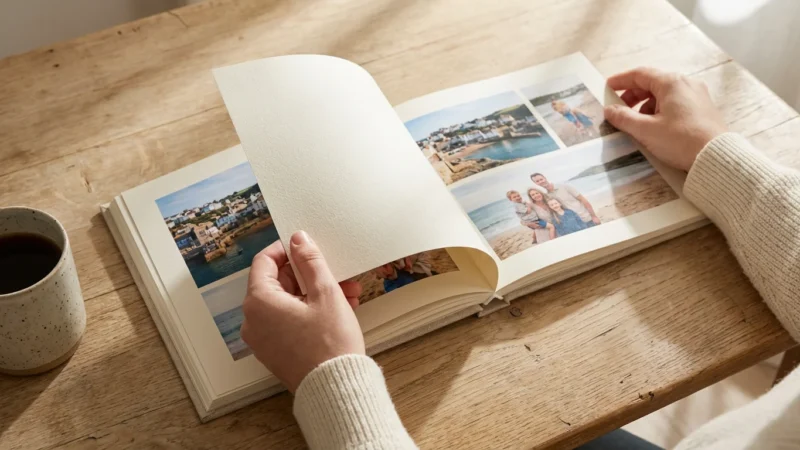
Standard glue-bound (perfect bound) books have a “gutter” in the middle where the pages meet the spine. This can swallow parts of a panoramic photo. Both Mixbook and Shutterfly offer “lay-flat” upgrades where pages are printed on a single continuous sheet and hinged or glued to a backing, allowing the book to stay perfectly flat when open. This is the gold standard for landscape photography or ancestral wedding portraits.
| Feature | Mixbook | Shutterfly | Blurb |
|---|---|---|---|
| Best For | Creative design and storytelling | Speed, convenience, and themes | Professional portfolios and books for sale |
| Editor Type | Highly flexible web-based | Template-heavy web/mobile | Lightroom, InDesign, BookWright |
| Max Page Count | 399 pages | 110 pages (Standard) | 440 pages |
| Paper Quality | Excellent (Satin, Matte, Lustre) | Good (Standard, Professional) | Premium (Mohawk, ProLine) |
| Automation | Smart “Auto-Create” | “Make My Book” Service | Manual design focus |
Software and User Experience Comparison
The experience of building your book can be either a therapeutic creative outlet or a technological nightmare. Your choice should depend on your comfort level with design software.
Working with offline software like BookWright also means you should secure your files locally; read our guide on external hard drives and photo backup to keep your projects safe.
Mixbook’s Seamless Workflow
Mixbook’s interface is intuitive. When you upload photos, it flags low-resolution images immediately, preventing the heartbreak of a pixelated print. Their “Auto-Layout” feature is surprisingly smart; it detects the orientation of your photos (portrait vs. landscape) and adjusts the grid accordingly. You can drag images between pages easily, and the “Snap-to-Grid” feature ensures your alignments are perfect.
Shutterfly’s Simplified Approach
Shutterfly offers three paths: “Make It Fast” (completely automated), “Custom Path” (you place photos into templates), and “Make My Book.” For those who find choices paralyzing, the Custom Path is ideal. It limits your options just enough to keep you moving toward the finish line. However, the interface can feel sluggish if you are uploading several hundred high-resolution photos at once.
Blurb’s Technical Control
If you are a power user, Blurb is unmatched. Using their “BookWright” desktop software allows you to work offline, which is a massive advantage if you have a slow internet connection. You can save your project locally and only upload when you are ready to order. This software feels more like a desktop publishing tool than a photo app, offering control over typography, kerning, and advanced image placement.
Pricing and Value Analysis
Directly comparing prices among these three is difficult because they use different sales models. Shutterfly and Mixbook are “high-low” retailers. They rarely expect you to pay the full “list price.” You should almost never buy a book from Shutterfly at full price—coupons for 40% to 50% off are nearly permanent. Mixbook follows a similar pattern, frequently offering significant discounts for seasonal events.
Once your prints are delivered, you can find inspiration for showcasing them on your walls in our guide to creative photo display ideas.
While books are a mainstay, many of these platforms also allow you to create personalized photo gifts like calendars or cards using the same design interfaces.
Blurb, on the other hand, maintains more stable pricing. While they do offer discounts for volume orders (bulk discounts), their base price for a single book is often higher because they are targeting a more professional market. However, when you factor in the “upgrades” you would need on Shutterfly to match Blurb’s standard paper quality, the price gap often narrows.
Consider the “Cost Per Page” rather than the “Starting At” price. A 20-page book might look cheap, but if your family vacation requires 80 pages, the incremental costs for extra pages can quickly triple the final price. Mixbook often offers the best value for long-form books (100+ pages) due to their flexible page-count pricing and high-quality standard paper.

Preparing Your Collection for the Press
Before you even open an editor, you must prepare your assets. Organizing your photos is the most time-consuming part of the process, but doing it correctly ensures a better final product. High-resolution files are essential; aim for at least 300 DPI (dots per inch) for the physical size you intend to print. If you are using old scanned photos, ensure you have cleaned the dust and scratches digitally before uploading.
Follow these steps to streamline your workflow:
- Cull Your Images: Do not upload 500 photos of the same sunset. Select the best one or two. A smaller, curated selection tells a much stronger story.
- Edit First: While these services offer basic filters, do your color correction and cropping in a dedicated editor like Lightroom or a simple mobile app before uploading. This gives you more control over the final look.
- Chronological Sorting: Rename your files or place them in folders by date. Most editors will automatically sort them this way, saving you hours of manual rearranging.
- Check the Safe Zone: Every printer has a “trim line” and a “safe zone.” Keep important elements (like faces or text) at least half an inch away from the edges of the page to avoid them being cut off during the binding process.
Preserving your memories is an act of love for your future self and your descendants. A well-made photo book is more than just paper and ink; it is a physical backup of your life’s most meaningful moments. By choosing the service that aligns with your skills and goals—whether that is the creative freedom of Mixbook, the ease of Shutterfly, or the professional quality of Blurb—you ensure that your photographic heritage remains vibrant and accessible for years to come.
The best photo book is the one that actually gets finished. Don’t let the pursuit of perfection prevent you from getting those memories off your phone and onto your bookshelf.
Frequently Asked Questions
Which service is best for a wedding album?
For a high-end wedding album, Blurb or Mixbook’s “Luxe” line is superior to Shutterfly. They offer lay-flat binding and heavy-weight matte papers that give wedding photography the sophisticated presentation it deserves. If you are on a tight budget, Shutterfly’s premium leather-bound options are a respectable alternative during a sale.
Can I import photos directly from social media?
Yes, both Shutterfly and Mixbook allow you to connect directly to Instagram and Facebook. However, be cautious: social media platforms often compress your images, which can result in lower print quality. For the best results, always use the original high-resolution files from your phone or camera gallery.
How long does shipping take for these services?
In the United States, you can typically expect your book to arrive within 7 to 10 business days with standard shipping. Shutterfly is often the fastest due to their massive network of domestic labs. Blurb can take slightly longer, especially for custom “BookWright” projects that require more complex printing and binding.
Can I change the size of my book after I start designing it?
Mixbook allows you to change the size and orientation of your book mid-project with their “Resize” tool, though you may need to tweak layouts slightly. Shutterfly is less flexible; it is usually best to pick your size at the start. Blurb requires you to choose a size when you begin, and changing it often requires starting a new project or using specialized software tools.
Disclaimer: This article is for informational purposes only. When handling valuable or irreplaceable photographs, consider consulting a professional conservator. Always test preservation methods on non-valuable items first.



Leave a Reply