

You likely have a shoebox or a dusty album filled with memories that deserve a second life in the digital age. These physical artifacts—the grainy polaroids of your childhood, the black-and-white portraits of your grandparents, and the vibrant slides from family vacations—face the constant threat of time, humidity, and accidental damage. Transitioning these physical treasures into a digital archive protects your heritage and allows you to share these stories with family members across the globe instantly.
While modern smartphones feature impressive cameras, they cannot replicate the precision, color depth, and archival quality of a dedicated photo scanner. Choosing the right tool depends heavily on the volume of your collection, the condition of your originals, and your ultimate goals for the digital files. Whether you are a casual hobbyist looking to digitize a single wedding album or a family historian tackling thousands of inherited images, this guide highlights the most reliable and effective hardware available today.
Understanding Different Scanner Types
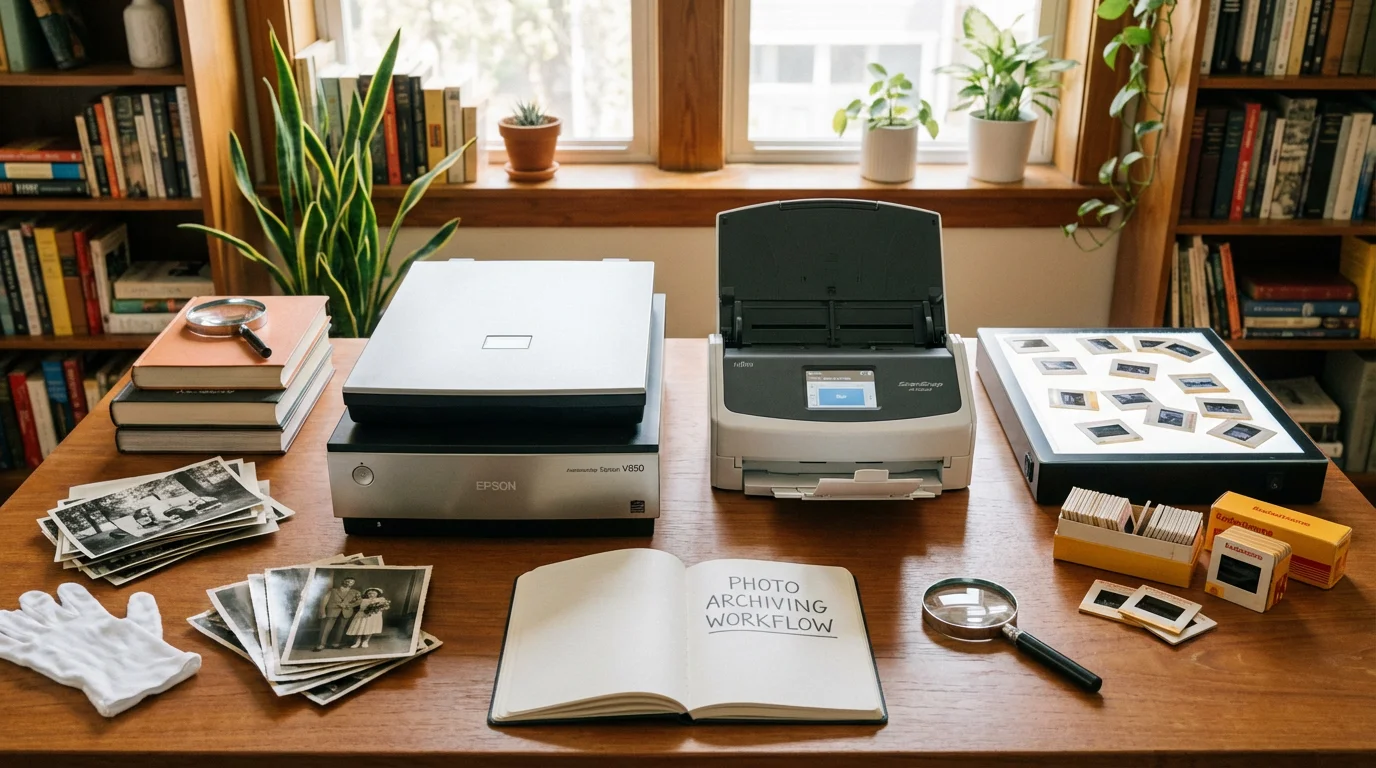
Before you invest in hardware, you must understand the primary categories of scanners. Each serves a specific purpose, and picking the wrong one could lead to frustration or even damage to your precious originals. Most photo preservation projects fall into three main hardware categories.
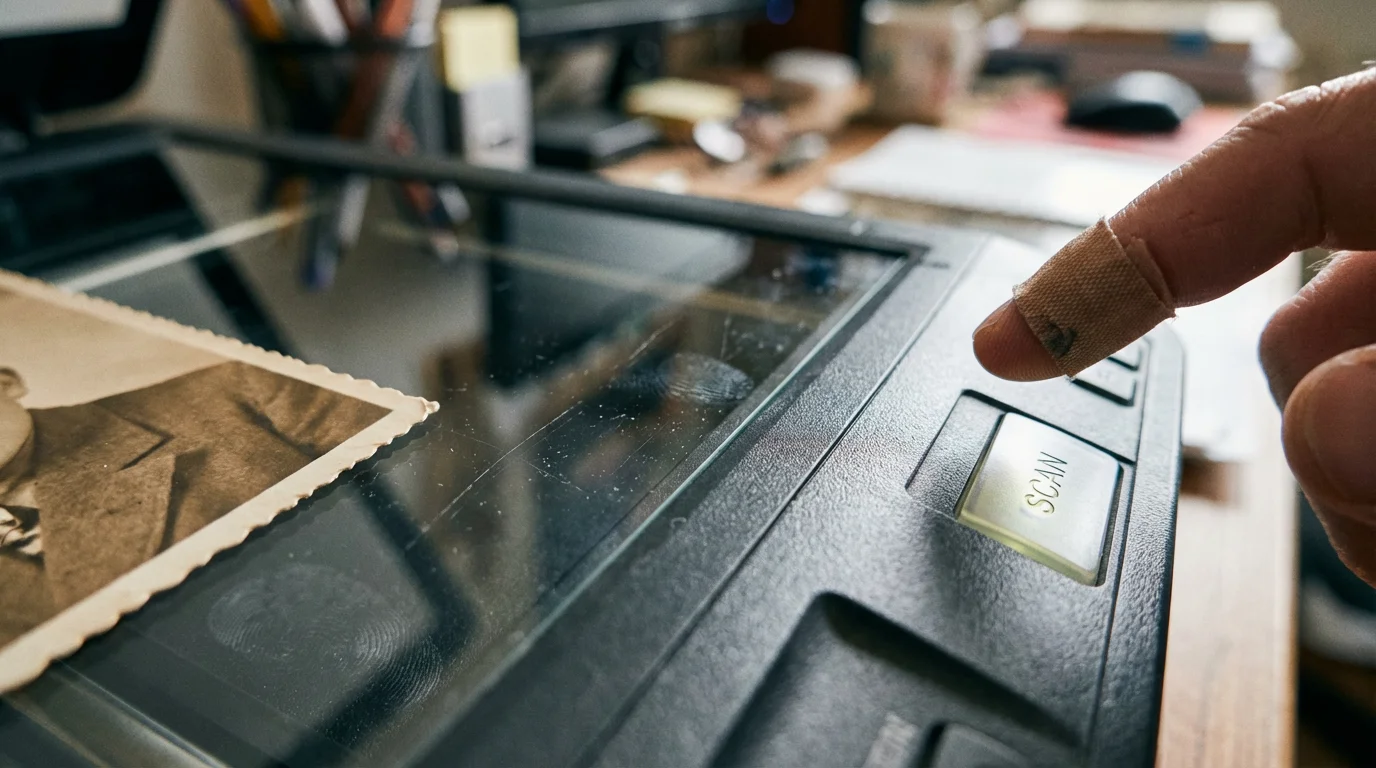
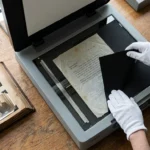
Flatbed Scanners represent the standard for high-quality photo digitization. You place the photo face down on a glass platen, and a sensor moves underneath it. This method is the safest for fragile, torn, or antique photos because the original remains stationary during the process. Many high-end flatbeds also include a transparency unit in the lid, allowing you to scan film negatives and slides by shining light through them.
Sheet-Fed or Document Scanners utilize a motorized feeder to pull photos through the machine and across a stationary sensor. These are incredibly fast, often scanning 30 or more photos per minute. However, you should exercise caution. Brittle or valuable photos can jam or suffer scratches from the rollers. Use these only for sturdy, modern prints that you have in high volume.
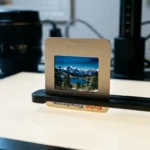
Specialized Film Scanners focus exclusively on transparent media like 35mm negatives or mounted slides. While some flatbeds can handle film, a dedicated film scanner often provides higher optical resolution and better dynamic range, capturing details in the shadows and highlights that general-purpose scanners might miss.

Best Budget Scanners Under $150
You do not need to spend a fortune to get excellent results. If you primarily scan standard 4×6 or 5×7 prints for social media sharing or small reprints, budget-friendly flatbeds offer a significant step up from mobile apps. The best photo scanner under $100 to $150 range usually focuses on portability and ease of use.
The Epson Perfection V39 II stands out as a top contender for entry-level preservation. It offers a 4800 DPI (dots per inch) optical resolution, which is more than enough for enlarging a standard print to a poster size. Because it draws power via a USB cable from your computer, you don’t need a separate power brick, making it a great choice for scanning sessions at a relative’s house or a local library.
Another excellent choice is the Canon CanoScan LiDE 400. It features a unique “Z-lid” design that allows the cover to rise parallel to the glass, making it much easier to scan thick items like scrapbooks or bound family bibles without damaging the spine. It is fast, lightweight, and delivers impressive color accuracy for its price point. While these budget models lack the “Digital ICE” technology found in more expensive units (which automatically removes dust and scratches), their raw image quality is surprisingly sharp.

Top-Rated Mid-Range Scanners for Quality and Versatility
If you have a mix of prints, negatives, and slides, you should look toward the mid-range market. This is where you find the best value for serious preservation projects. These machines offer better internal sensors and specialized hardware to handle transparent media.
The Epson Perfection V600 is widely considered the gold standard for home photo preservation. It has remained a top recommendation for over a decade for a simple reason: it works exceptionally well. The V600 includes built-in holders for 35mm film, mounted slides, and medium-format film. Most importantly, it features Digital ICE technology. This hardware-based solution uses infrared light to detect physical defects like dust or scratches on your film and automatically heals the digital image. This feature alone can save you hundreds of hours of manual editing in Photoshop.
When using a mid-range scanner like the V600, you can expect a higher dynamic range. This allows the scanner to “see” into the dark corners of a photo without turning them into a muddy black mess. For those digitizing a lifetime of varied media, this machine offers the most balance between cost and professional results.
High-Speed Solutions for Large Collections
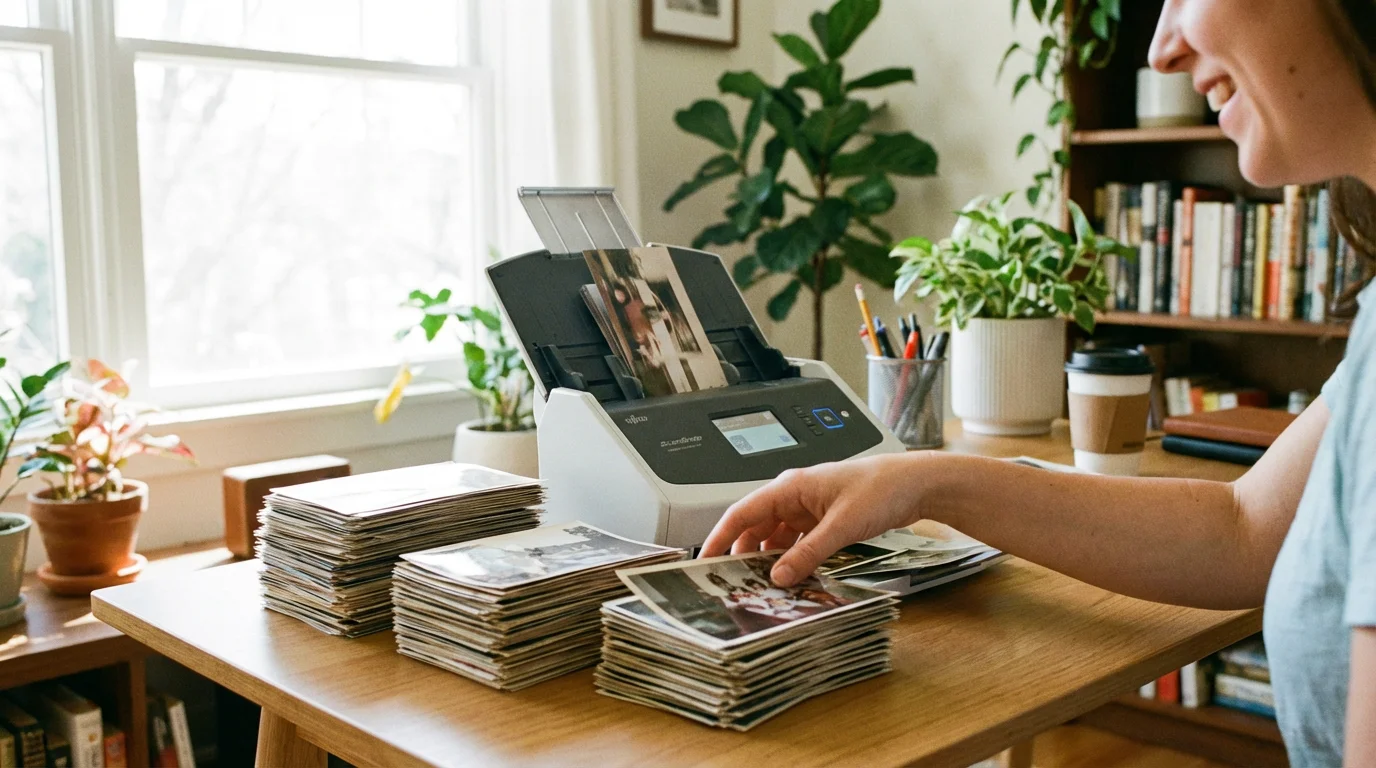
Faced with a collection of 5,000 or 10,000 prints, most people quit before they start. If speed is your primary concern, you need a high-speed sheet-fed scanner. These machines turn a multi-year project into a weekend task.
Before running a large batch through a feeder, it is critical to prepare your photos for scanning by cleaning off any dust or sticky adhesive residue.
To get the most out of these tools, it helps to master batch scanning techniques to keep your files organized as you go.
The Epson FastFoto FF-680W is the undisputed leader in this category. It can scan a single photo in about one second at 300 DPI. You can load a stack of 36 photos at once, and the machine will scan both the front and the back automatically. This is a game-changer if your family wrote dates, names, or locations on the back of their pictures. The software also includes an “Easy Auto Upload” feature that can send your images directly to cloud services like Google Drive or Dropbox.
“When digitizing large collections, the greatest risk is burnout. Choosing a high-speed scanner like the FastFoto ensures you actually finish the project rather than leaving it half-done in a closet.”
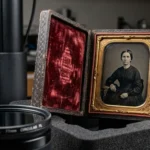
Keep in mind that sheet-fed scanners are less ideal for delicate heirlooms. If you have “tin-types,” very thin paper, or photos with adhesive residue on the back, stick to a flatbed. For everything else, the efficiency of a high-speed scanner is unmatched.
Professional-Grade Hardware for Perfectionists
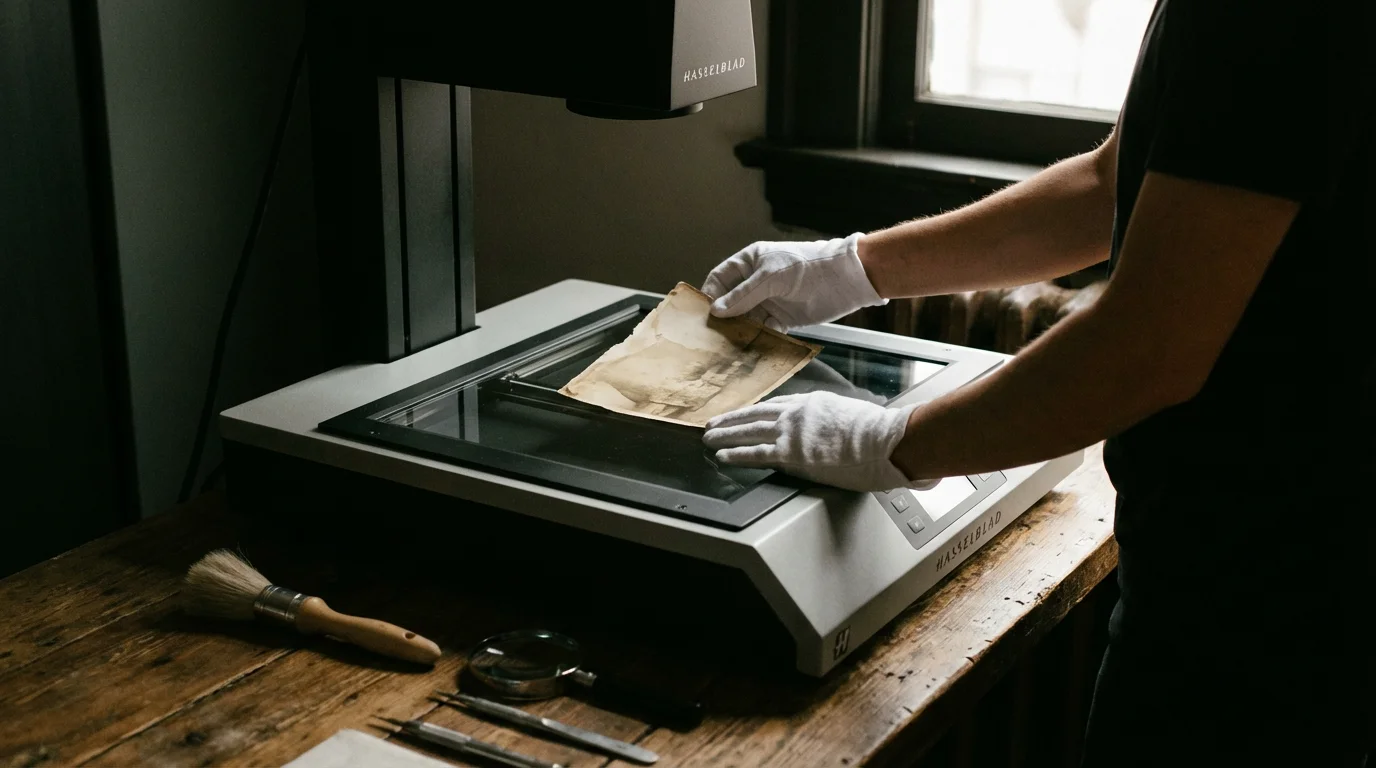
If you are an enthusiast or a professional archiver who demands the highest possible fidelity, you need to step up to professional-grade flatbeds. These machines use high-quality optics and dual-lens systems to extract every microscopic detail from the original source.
The Epson Perfection V850 Pro represents the peak of consumer-grade scanning. It features a High Pass Optics system with anti-reflective lens coatings and a high-reflectance mirror. This results in sharper images and faster scan times compared to mid-range models. It also comes with two sets of film holders, allowing you to load one set while the other is scanning, maximizing your workflow efficiency.
Professional scanners also provide better software packages, such as SilverFast SE. This software gives you granular control over color calibration and grain reduction. When you are scanning a 35mm negative to produce a large-format gallery print, the V850 Pro provides the clean, high-bit-depth data necessary for professional editing.
Specialized Film and Slide Scanners
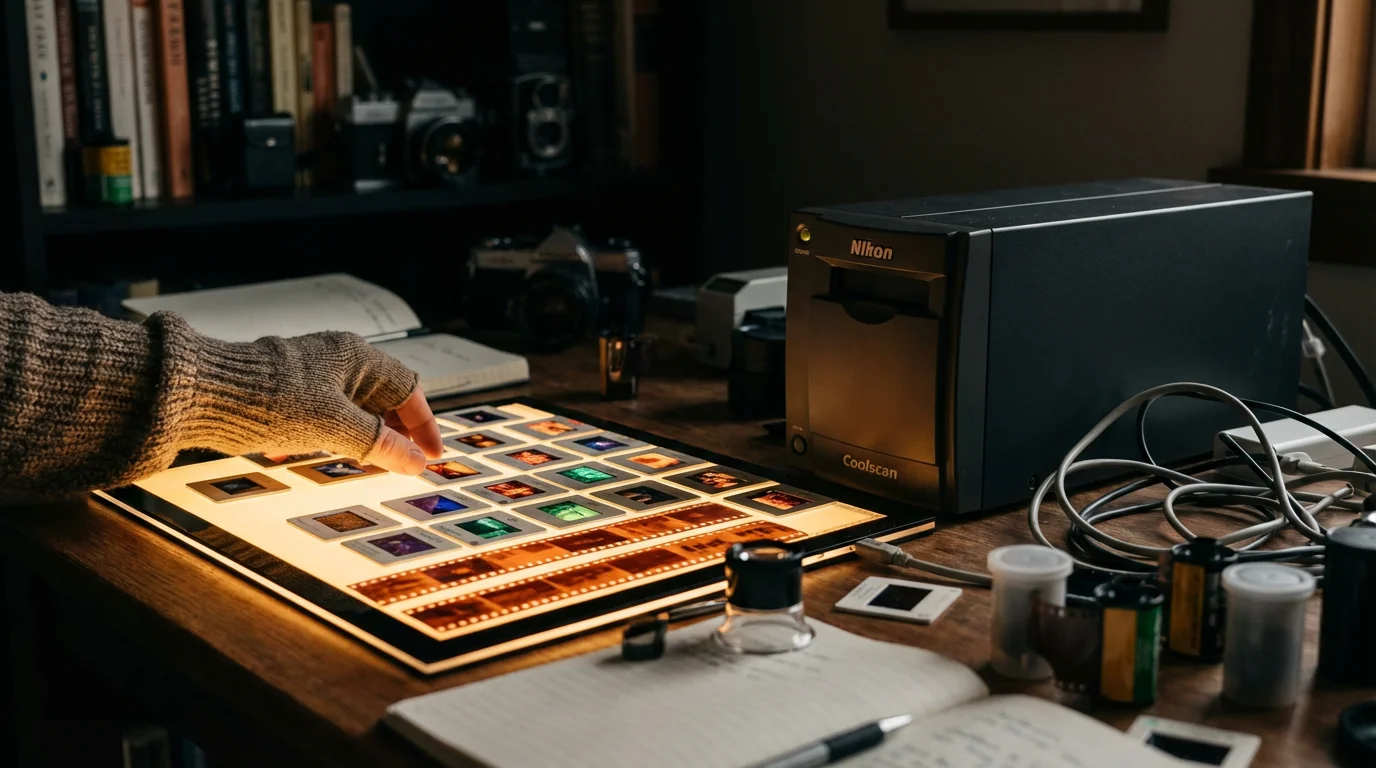
Flatbed scanners are versatile, but they are “jacks of all trades.” If your collection consists entirely of 35mm slides or negatives, a dedicated film scanner will almost always yield better results. These devices have a narrow focus, which allows them to use lenses optimized for small-format transparency scanning.
The Plustek OpticFilm 8200i Ai is a top-rated choice for film enthusiasts. Unlike a flatbed, which scans through a thick layer of glass, the Plustek holds the film in a tray that places it directly in the path of the sensor. This eliminates the risk of “Newton rings” (rainbow-like interference patterns) and results in incredible sharpness. It also includes an infrared channel for dust and scratch removal, similar to the Digital ICE technology found in Epson models.
For those on a tighter budget who want to digitize slides quickly for viewing on a TV or tablet, “digital film converters” like the Wolverine Titan offer a different approach. These are essentially small digital cameras in a box that take a snapshot of your slide. While the quality does not match a true optical scan, they are incredibly fast and do not require a computer to operate.
Essential Features to Consider Before You Buy
When comparing top rated photo scanners, ignore the flashy marketing numbers and focus on these critical specifications that actually impact your final image quality.
If these technical specifications seem overwhelming, you might want to evaluate if professional scanning services are a better fit for your needs.
| Feature | Why It Matters | What to Look For |
|---|---|---|
| Optical Resolution | Determines how much detail the scanner can capture. | Minimum 600 DPI for prints; 2400+ DPI for film. |
| Color Bit Depth | Affects the number of colors and shades the scanner recognizes. | At least 48-bit for rich, realistic color transitions. |
| Dynamic Range (Dmax) | The ability to capture detail in very dark or very bright areas. | A Dmax of 3.0 or higher is ideal for film and slides. |
| Dust/Scratch Removal | Saves hours of manual photo retouching. | Look for hardware-based solutions like Digital ICE. |
| Connectivity | Determines how the scanner talks to your devices. | USB 3.0 or Wi-Fi for faster data transfer. |
Always distinguish between optical resolution and interpolated resolution. Optical resolution is the true physical capability of the sensor. Interpolated resolution uses software to “guess” new pixels, which often results in a blurry or pixelated image. You should always scan at the highest optical resolution available if you plan to do heavy editing or large printing.
Workflow Tips for Better Digital Archives
Buying the best scanner is only half the battle. To create a lasting digital heritage, you must follow a disciplined workflow. Proper handling ensures that your originals stay safe and your digital files remain useful for decades.
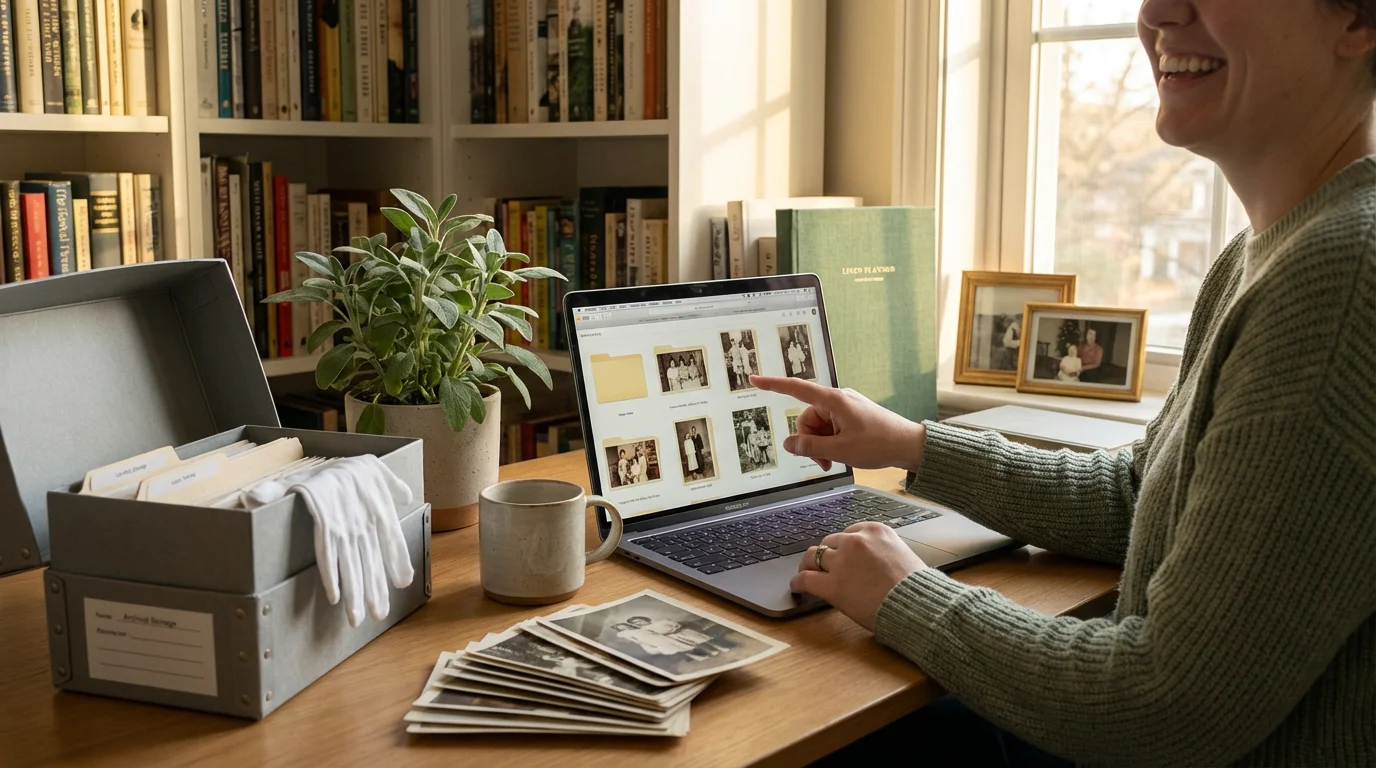
First, prepare your workspace. Use a soft, lint-free microfiber cloth and specialized glass cleaner to keep the scanner bed pristine. Even a tiny speck of dust can look like a giant boulder on a high-resolution scan. When handling negatives or original prints, wear white cotton gloves to prevent skin oils from transferring to the surface. You can find detailed guidance on handling sensitive materials at the National Archives Preservation website.
Second, choose the right file format. If you are just sharing photos on Facebook, JPEGs are fine. However, for archival purposes, you should scan your most important images as TIFF files. TIFF is a “lossless” format, meaning it preserves every bit of data the scanner captures. While the files are much larger, they allow for significant editing and color correction without degrading the image quality over time.
Finally, establish a naming convention. Avoid generic names like “Image001.jpg.” Instead, use a structure like “YYYY-MM-DD-Event-Person.jpg.” This makes your collection searchable and ensures that the context of the photo is preserved even if the metadata is stripped away. For more technical details on image quality and bit depth, Cambridge in Colour provides excellent tutorials on digital capture basics.
“Preservation is not a one-time event; it is a process. Once you scan your photos, follow the 3-2-1 backup rule: keep three copies of your data, on two different media types, with one copy stored off-site.”
If you find the technical aspects overwhelming, start small. Set a goal to scan ten photos a day. Consistently working through your collection is more effective than waiting for a large block of free time that may never come. By choosing a scanner that fits your budget and your volume, you take the first vital step in ensuring your family’s history remains visible for the next generation.
Frequently Asked Questions
What is the best resolution for scanning old family photos?
For standard 4×6 prints, scan at a minimum of 300 DPI for digital viewing or 600 DPI if you plan to enlarge the image. If you are scanning small negatives or 35mm slides, you should use a much higher resolution, typically between 2400 and 4800 DPI, to capture all the fine details stored in the small frame.
Should I choose a flatbed scanner or a sheet-fed scanner?
Choose a flatbed scanner if you have fragile, old, or polaroid photos, as the glass surface prevents physical wear. If you have thousands of modern, sturdy prints in good condition, a high-speed sheet-fed scanner like the Epson FastFoto series will save you dozens of hours by scanning stacks of photos automatically.
Can I use my smartphone instead of buying a dedicated scanner?
Smartphone apps are convenient for quick sharing, but they often introduce glare, perspective distortion, and lens artifacts. A dedicated photo scanner provides consistent lighting, higher color depth, and superior resolution, which are essential for long-term archival preservation and high-quality printing.
Does the software that comes with the scanner matter?
Yes, software can significantly impact your efficiency. Higher-end scanners often include specialized tools for color restoration and dust removal. If the included software is lacking, you can also look into third-party options like VueScan or SilverFast, which support thousands of scanner models and offer advanced archival features.
Disclaimer: This article is for informational purposes only. When handling valuable or irreplaceable photographs, consider consulting a professional conservator. Always test preservation methods on non-valuable items first.
1 Comment