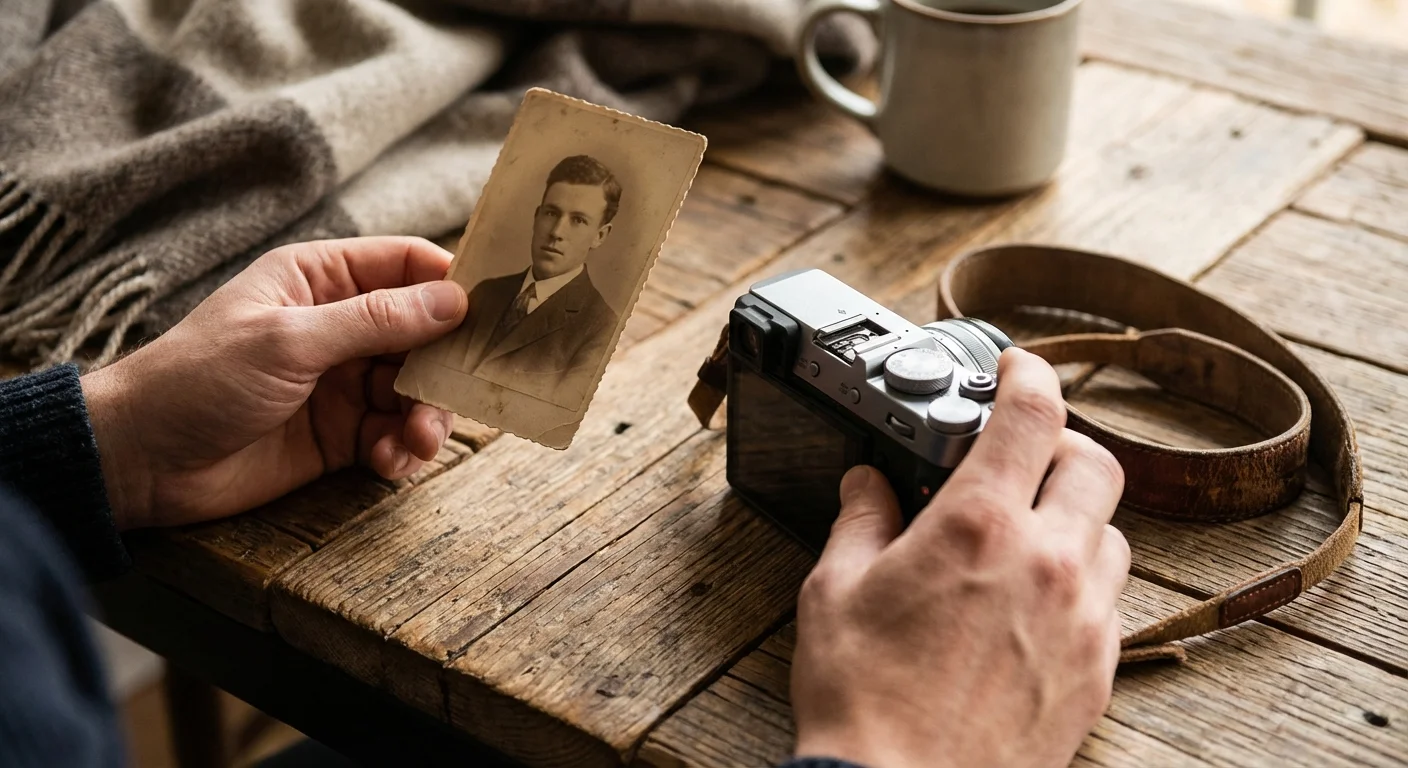
Imagine you are sitting in your attic, surrounded by three generations of family history. You pull a faded black-and-white photograph from a shoebox—it shows a young woman laughing in a wildflower field. You recognize the curve of her smile, but you cannot recall her name or when this moment happened. Without a note on the back, that memory begins to dissolve. In our digital age, the “back of the photo” has evolved into something far more powerful and permanent: photo metadata. While you might have thousands of images stored on hard drives or cloud services, they remain effectively invisible unless you can search for them. By mastering IPTC metadata, you transform a cluttered digital junk drawer into a searchable, sophisticated library that preserves your family’s legacy for a century or more.
If you are just beginning to sort through boxes you’ve recently received, follow a structured action plan for inherited photo collections to avoid feeling overwhelmed.
Understanding the Foundations of Photo Metadata
Metadata is simply “data about data.” In the context of your photography, it is the hidden layer of information embedded within your image files. To effectively use photo metadata, you must distinguish between the two primary types: EXIF and IPTC. Most people are familiar with EXIF (Exchangeable Image File Format) data because their cameras create it automatically. Every time you press the shutter button, your camera records the date, time, ISO, shutter speed, and even the GPS coordinates of the shot. While this is helpful for knowing how a photo was taken, it does nothing to explain who is in the photo or why the moment was significant.
For those working with physical archives, once you have finished digitizing large collections efficiently, adding IPTC data becomes the final step in the preservation process.
IPTC (International Press Telecommunications Council) metadata fills this gap. Unlike EXIF, which is technical and fixed, IPTC is descriptive and editable. It allows you to embed your own voice into the file. When you add metadata to photos using the IPTC standard, you are essentially creating a permanent digital label that travels with the image wherever it goes. Whether you move the file to a new hard drive, email it to a cousin, or upload it to an archival site, the description and keywords remain attached to the pixels.
“Think of EXIF as the DNA of the photograph and IPTC as its biography; one tells you what it is, while the other tells you what it means.”
The beauty of this system lies in its universality. Because IPTC is an international standard, the information you enter today in one software program will still be readable by different software decades from now. This interoperability is the cornerstone of long-term photo organization. You aren’t just tagging photos for a specific app—you are building a structured archive based on global standards used by the Library of Congress and major news organizations worldwide.

Why IPTC Metadata is the Essential Standard for Organization
You might wonder why you should go through the effort of adding iptc metadata when you can simply put photos into folders named “Summer 2012” or “Grandpa’s Birthday.” The problem with folder-based organization is its fragility. Folders are easily renamed, moved, or deleted; furthermore, a single photo can only live in one folder at a time unless you create duplicates. Metadata solves this by allowing a photo to belong to multiple “categories” simultaneously without moving the file itself.
Modern software now even allows using AI to automatically sort and tag your photos, which can provide a useful head start for your keyword strategy.
Additionally, combining embedded descriptors with standardized filenaming provides a secondary layer of protection for your digital assets.
Consider the benefits of a metadata-driven system:
- Instant Searchability: You can find every photo of “Aunt Sarah” across twenty years of folders in less than a second.
- Copyright Protection: If you are a professional or a serious hobbyist, embedding your name and contact info prevents your work from becoming an “orphan work” if it is shared online.
- Contextual Preservation: It preserves the “who, what, and where” for future generations who may not have known the people in your photos.
- Platform Independence: Your organization isn’t trapped in a proprietary database; it is part of the file.
When you embrace iptc metadata, you are moving away from a visual search (scrolling through thumbnails until your eyes ache) to a linguistic search. You search for “Yellowstone 2015 Waterfall,” and the computer does the heavy lifting for you. This transition is vital as your digital library grows from hundreds of images to tens of thousands. According to data from various digital asset management studies, the average person loses hours every year simply looking for files they know they have but cannot find. Metadata recovers that time.
The Core IPTC Fields Every Family Historian Needs
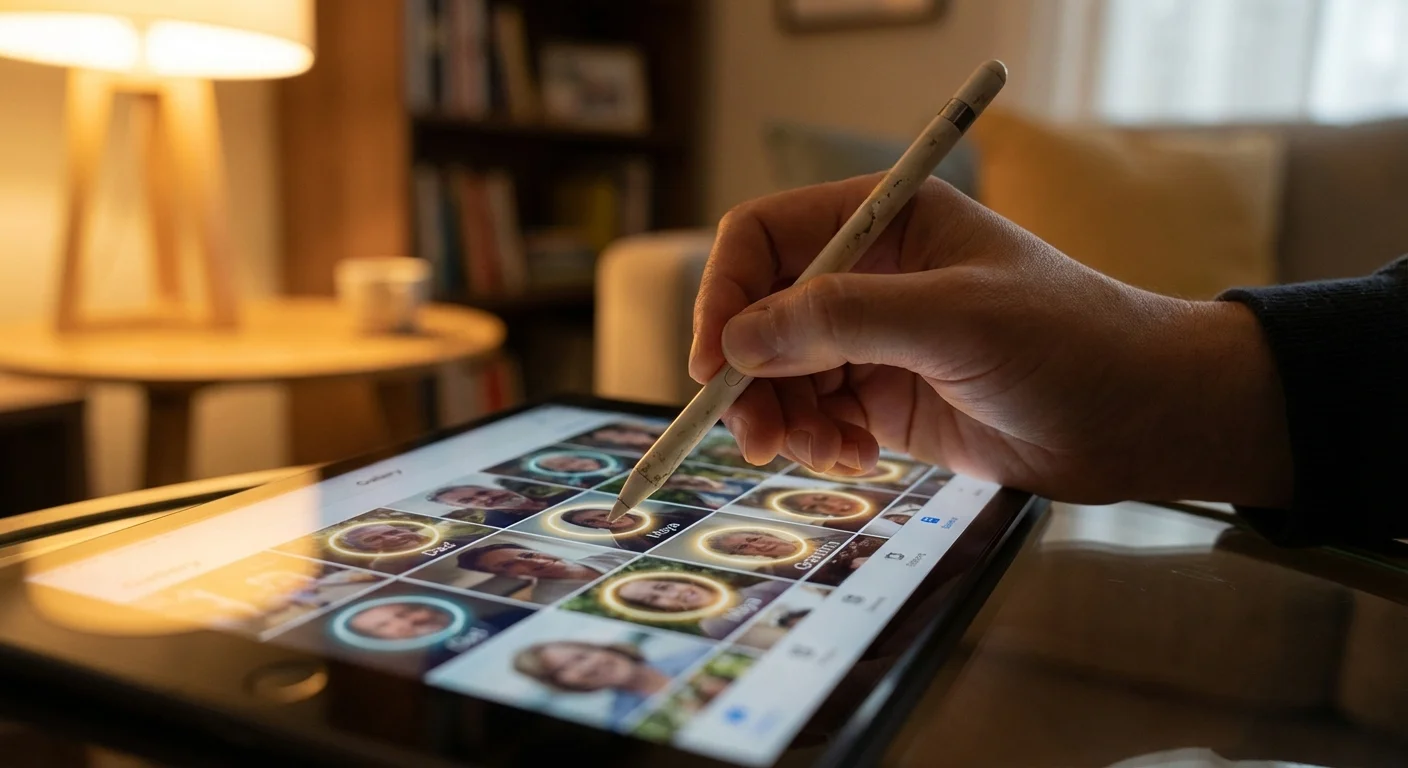
The IPTC standard includes dozens of fields—some of which are highly technical and intended for newsrooms—but for personal photo organization, you only need to master a handful. Focusing on these core fields ensures your workflow remains manageable while providing maximum benefit.
Before you start tagging, it is helpful to decide whether you will organize photos by event, date, or people, as this choice dictates which fields you use most often.
Applying these descriptive standards is a critical step when you organize photos for a family history project, as it preserves the narrative for your descendants.
| Field Name | Description | Example Use Case |
|---|---|---|
| Creator / Author | The person who took the photograph. | “Jane Doe” or “John Smith Digitization Services” |
| Description / Caption | A full sentence or paragraph describing the scene. | “Grandma Elsie blowing out candles on her 90th birthday at the farm in Ohio.” |
| Keywords | Individual tags used for filtering. | “Birthday, Grandma, Ohio, Cake, Family” |
| Headline | A short, punchy title for the image. | “Elsie’s 90th Birthday” |
| Copyright Notice | Ownership information for the image. | “© 2024 Jane Doe. All Rights Reserved.” |
| Location (City, State, Country) | Specific geographic details where the photo was taken. | “Columbus, Ohio, USA” |
The “Description” field is perhaps the most precious for family historians. While keywords are great for searching, the description allows you to capture the “story” behind the image. You can include details about the weather that day, the jokes being told, or the specific reason a particular person was visiting. Using these fields consistently creates a rich narrative layer that enhances the value of your photographic heritage. For a deeper dive into technical photographic concepts that can influence how you categorize your work, sites like Cambridge in Colour provide excellent background on the science of digital imaging.
Strategies for Efficient Photo Organization and Keywording
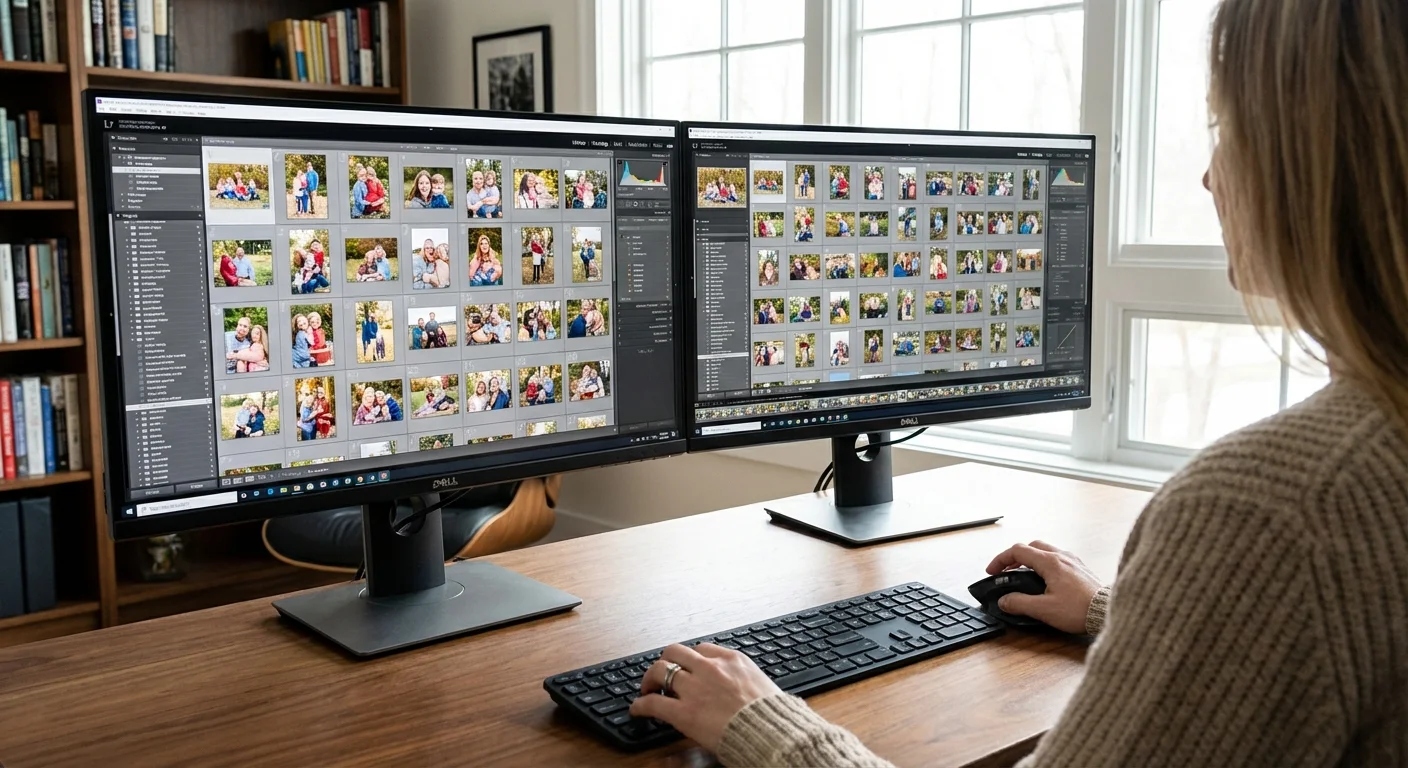
The biggest hurdle to photo organization is the sheer volume of images. If you try to add metadata to photos one by one, you will likely give up before you reach the end of your first month’s worth of images. The secret to success is “batch processing” and a hierarchical keyword strategy.
Maintaining your archive is easier if you integrate tagging into a 10-minute daily photo organization routine to handle metadata as you go.
Start by identifying commonalities. If you just returned from a trip to the Grand Canyon, you don’t need to type “Grand Canyon” 500 times. You select all 500 photos and apply the “Grand Canyon” keyword and the location data once. This covers 80% of the work in 20 seconds. Then, you can go through and add specific details to individual shots—like the name of a specific trail or a person in a portrait—to the remaining 20%.
When developing your keywords, think about how you naturally search for things. Use a “Who, What, Where, Why” framework:
- Who: Names of family members, friends, or even pets. Consistent naming is key (e.g., always use “Robert Smith” rather than “Bob” in one photo and “Rob” in another).
- What: Objects or themes in the photo, such as “Vintage Car,” “Mountain,” or “Dog.”
- Where: Beyond the IPTC location fields, you might want keywords for specific venues like “The Old Red Barn” or “Miller’s Pond.”
- Why: The occasion, such as “Wedding,” “Graduation,” or “Sunday Brunch.”
Avoid being too granular. You don’t need a keyword for “Blue Shirt” unless you are a fashion archivist. Instead, focus on the keywords that will help you find the photo five years from now when you are putting together a slideshow or a photo book. A “controlled vocabulary”—a pre-set list of keywords you choose to use—prevents the clutter of synonyms and keeps your archive tidy.

How to Add Metadata to Photos: A Step-by-Step Workflow
To add metadata to photos effectively, you need a software tool that supports IPTC editing. Options range from free, open-source programs to professional-grade suites. Adobe Lightroom and Adobe Bridge are the industry standards, but tools like DigiKam (free) or Photo Mechanic (blazing fast) are also excellent choices. You can read reviews of the latest photo management software at Digital Photography Review to see which fits your budget and computer specs.
Follow this streamlined workflow to get your collection under control:
- Ingest and Backup: Move your photos from your camera or phone to your computer. Immediately create a backup on an external drive or cloud service. Never edit metadata on your only copy.
- Initial Cull: Delete the blurry shots, the accidental photos of your feet, and the duplicates. There is no point in metadata-tagging garbage.
- Global Batching: Select all photos from the session. Apply the “Creator,” “Copyright,” and “General Location” data. If the whole batch is from one event, apply a broad keyword like “Christmas 2023.”
- Specific Tagging: Group photos by person or sub-activity. Select all photos of your children playing in the snow and add the keyword “Sledding.”
- Captioning: Select the “hero” shots—the best 5-10 images that truly tell the story—and write a detailed Description for each. You don’t have to do this for every single photo, but doing it for the highlights is crucial for historical value.
- Save and Sync: Ensure the software writes the metadata back to the file. Some programs use “Sidecar” files (XMP); if so, always keep the image and the XMP file together.
This process might seem daunting at first, but once you find your rhythm, you can process a weekend’s worth of photos in about fifteen minutes. The peace of mind that comes with knowing you can find any image instantly is well worth the investment of time.
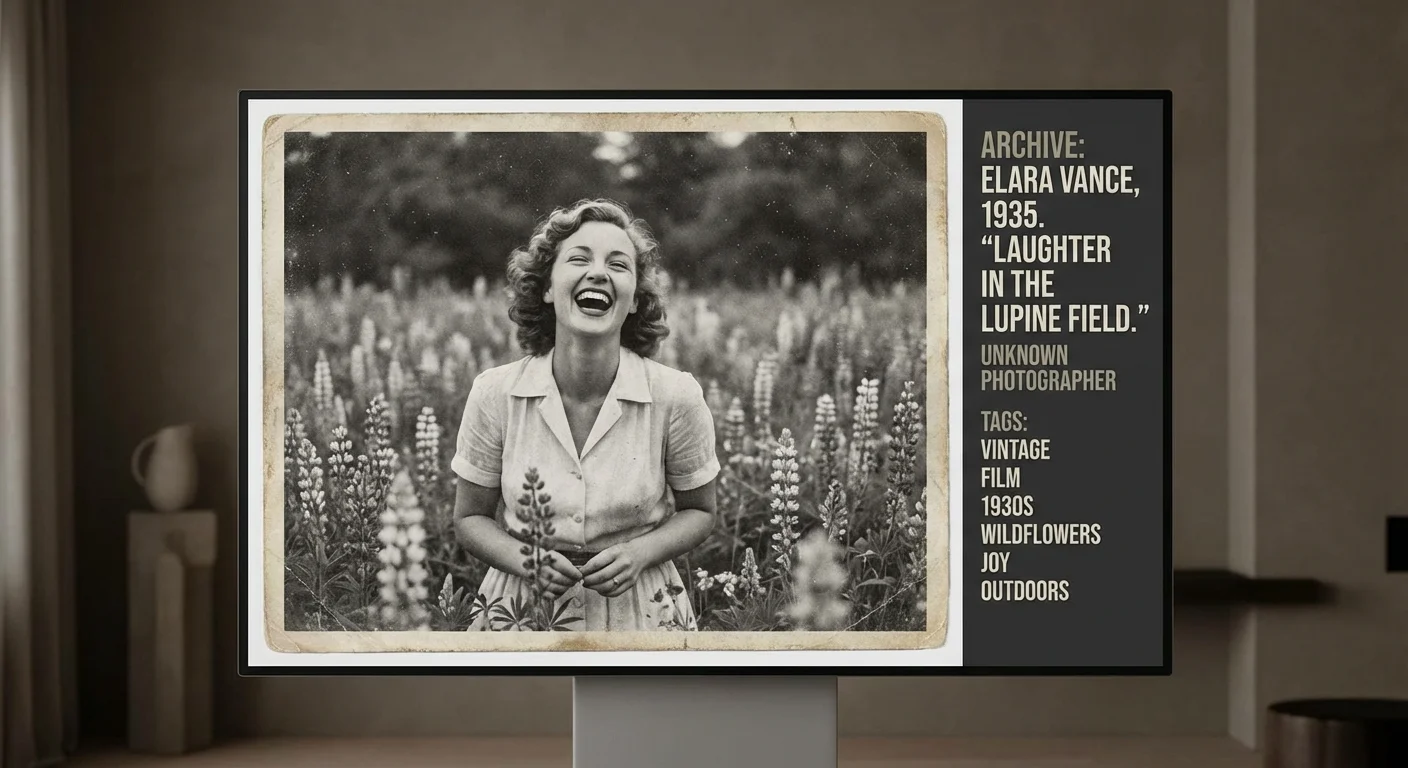
An IPTC Metadata Photo Example: Putting Theory into Practice
Let’s look at a concrete iptc metadata photo example to see how these fields look when fully populated. Suppose you have a scanned photo of your grandfather from 1952. Here is how you should fill out the IPTC fields to maximize its archival value:
Filename: 1952-smith-thomas-korea.jpg
Headline: Thomas Smith in Seoul
Creator: Unknown (Digitized by [Your Name])
Description: My grandfather, Thomas Smith, during his service in the Korean War. He is standing in front of a supply jeep near Seoul. He often told stories about how cold it was this particular winter.
Keywords: Smith Family, Thomas Smith, Korea, Military, 1950s, Jeep, Uniform
Date Created: 1952-11-15 (Approximate)
Copyright: Archive of [Your Family Name]
By filling out these specific fields, you have accomplished several things. First, you’ve ensured that if someone searches for “Thomas Smith” or “Military,” this photo will appear. Second, you’ve preserved the “story” (the cold weather) that would otherwise be lost when the person who remembers the story is no longer around. Finally, you’ve established provenance, showing who is currently maintaining the archive. This level of detail turns a simple file into a historical artifact.
When dealing with scanned photos, the iptc metadata becomes even more important because the EXIF data will show the date you scanned the photo, not the date the photo was taken. Manually updating the IPTC “Date Created” field corrects this chronological error, allowing your photo management software to sort the image into its proper place in your timeline.
Preserving Metadata and Digital Integrity for the Next Generation
Your work in photo organization is only as good as the longevity of the files themselves. Metadata is robust, but it isn’t invincible. The technology we use to store and read photos changes every decade; therefore, you must take steps to “future-proof” your metadata. One of the best ways to do this is through the use of XMP (Extensible Metadata Platform). XMP is a modern way of storing IPTC data that is more flexible and can be embedded directly into files like JPEGs or stored as “sidecars” for RAW files.
Another critical aspect of preservation is file format. While JPEGs are universal, they are “lossy,” meaning they lose a bit of quality every time they are edited and re-saved. For your most precious scans and original photos, consider using TIFF or DNG formats, which are widely supported and preserve all the original data. These formats handle embedded iptc metadata exceptionally well.
Finally, remember the “3-2-1” rule of backups to protect your newly organized library:
- Keep 3 copies of your data.
- Store them on 2 different types of media (e.g., an internal hard drive and a portable SSD).
- Keep 1 copy off-site (e.g., at a relative’s house or in a secure cloud storage service).
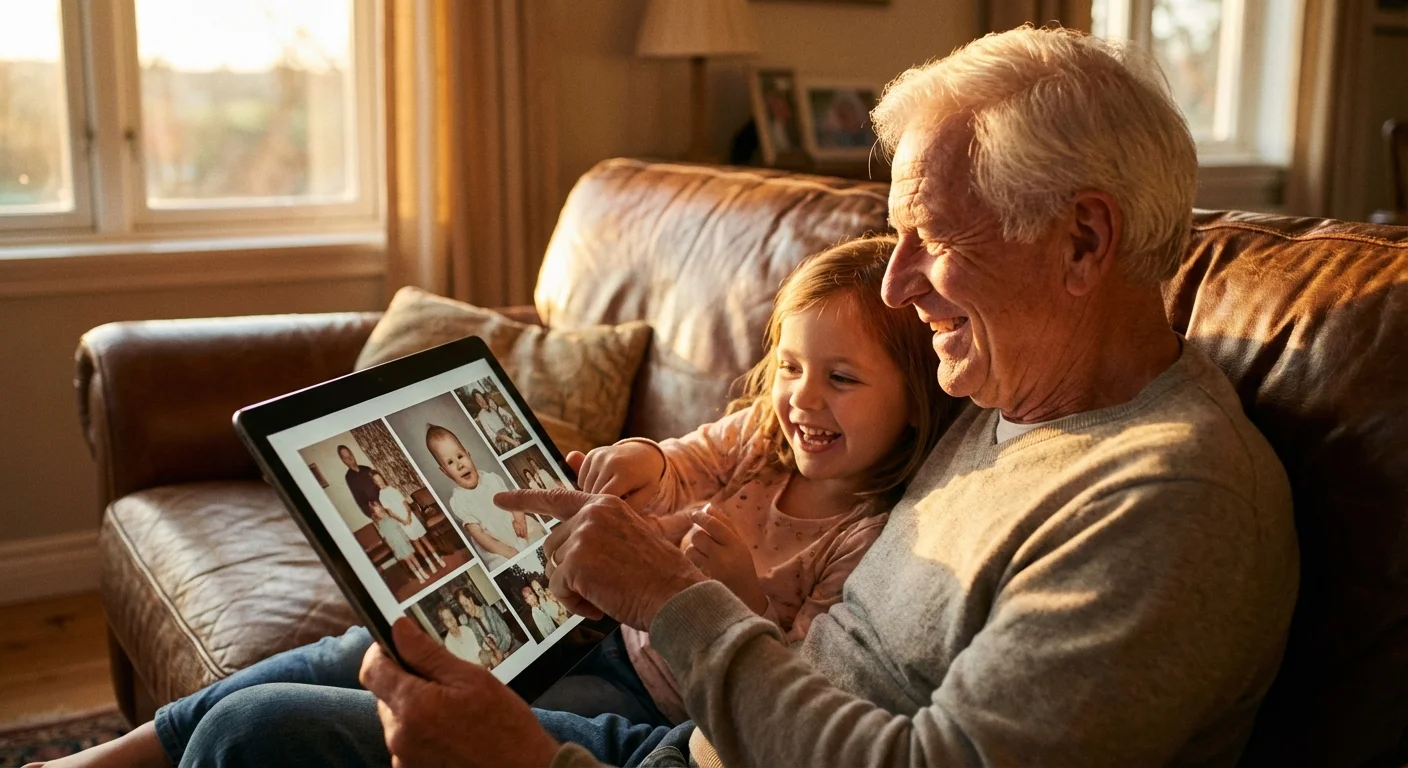
By combining meticulous iptc metadata practices with a rigorous backup strategy, you ensure that your family’s photographic history is not just organized, but safe from the “digital dark age.” You are building a bridge between the past and the future—one keyword and one caption at a time. Your descendants will not look at a sea of anonymous thumbnails; they will see a rich, narrated history of where they came from and the people who loved them.
Frequently Asked Questions
What is the difference between EXIF and IPTC metadata?
EXIF metadata is automatically generated by your camera and includes technical details like shutter speed, aperture, and date taken. IPTC metadata is descriptive information added by the user, such as captions, keywords, and the names of people in the photo, making it essential for organization and searching.
Will adding metadata to my photos damage the original file?
No, adding IPTC metadata does not degrade the image quality. It writes text data into the file header or an associated sidecar file. However, it is always best practice to work on copies of your most precious files and maintain a robust backup system.
Can I add metadata to multiple photos at once?
Yes, this is known as batch processing. Most professional photo management software allows you to select hundreds of images and apply the same IPTC fields—such as ‘Family Reunion 2023’ or ‘Photographer Name’—to all of them simultaneously, saving hours of manual entry.
Does IPTC metadata stay with the photo when I share it online?
Usually, yes. Most modern photo-sharing platforms and social media sites preserve IPTC data, though some may strip it for privacy or file-size reasons. Always check the settings of your specific sharing platform if you want to ensure your metadata remains intact.
Disclaimer: This article is for informational purposes only. When handling valuable or irreplaceable photographs, consider consulting a professional conservator. Always test preservation methods on non-valuable items first.