
For many families, the greatest treasures aren’t stored in a bank vault—they are tucked away in dusty shoeboxes and heavy adhesive albums. These photographs capture the arc of a life; however, they often remain hidden because physical viewing requires effort. You might have noticed that as your parents or grandparents age, the barrier to enjoying these memories grows. Large albums become heavy to lift, and digital files on a smartphone screen are simply too small for comfortable viewing. This is where a digital photo frame becomes more than just a gadget—it transforms into a living window that connects the past with the present.
You might also consider DIY photo gifts if you’re looking for a more hands-on way to present your family’s favorite snapshots.
If you’re looking for more inspiration, consider checking out other gift ideas for photo lovers that celebrate meaningful moments.
Today’s seniors are more tech-literate than ever before, yet they still value products that prioritize function over complexity. A digital photo frame serves as a bridge, offering the high-definition clarity of modern screens with the nostalgic comfort of a rotating gallery. By choosing the right frame, you offer your loved ones a daily stream of joy, reminding them of family milestones, growing grandchildren, and the legacy they have built. This guide explores how to select, set up, and maintain the perfect digital display for the seniors in your life, ensuring their most precious memories never fade into the background.

Bridging the Generational Gap with Dynamic Displays
Traditional photo albums have a significant limitation—they are static. Once you close the cover, the memories disappear from view. A digital photo frame solves this by ensuring that family history remains an active part of the household environment. For seniors, especially those living alone or in assisted living facilities, these frames provide a vital sense of connection. When a new photo of a grandchild’s first steps or a graduation ceremony pops up on the mantle, it creates an immediate emotional spark.
In some cases, these displays can also serve as a moving memorial photo tribute for family members who have passed, keeping their spirit present in the home.
This type of device is one of the most practical creative photo display ideas for your home, specifically for those with limited shelf space.
For those looking to capture even more detail, creating a meaningful life-story gift for aging parents can be a perfect physical companion to a digital display.
The “tech-savvy senior” demographic appreciates efficiency and quality. They don’t want to fiddle with cables or navigate convoluted menus; they want a device that works seamlessly. Modern frames now use Wi-Fi to receive photos instantly from family members across the globe. This creates a “passive” communication channel—the senior doesn’t have to “do” anything to receive the update, yet they feel included in the family’s daily life. Research into cognitive health suggests that regular exposure to positive personal memories can improve mood and combat feelings of isolation in older adults.
A well-placed digital frame provides more than decoration; it acts as a cognitive anchor that reinforces family bonds and provides a daily source of visual stimulation.
Furthermore, digital frames are excellent space-savers. You can replace twenty bulky physical frames with one sleek device that cycles through thousands of images. This is particularly beneficial for seniors who may be downsizing their living arrangements. Instead of choosing which three photos to bring to a smaller apartment, they can bring their entire library of life memories on a single screen.
Essential Features for a Senior-Friendly Digital Frame
When you shop for a digital photo frame, you must look beyond the marketing jargon. The best digital photo frame for seniors is one that balances high-end display technology with a simplified user interface. You should prioritize the following features to ensure the device remains a source of pleasure rather than frustration.
- Automatic Motion Sensors: Look for a frame that turns on when someone enters the room and enters sleep mode when the room is empty. This eliminates the need for your loved one to search for a power button or use a remote.
- Remote Management: This is arguably the most critical feature. Many frames allow you, the gift-giver, to manage settings, add photos, and even fix software issues from your own smartphone. If the Wi-Fi disconnects or the slideshow pauses, you can fix it from miles away.
- High Contrast and Brightness: Aging eyes often require higher contrast and brighter screens to distinguish fine details. Choose a frame with an adjustable backlight and an anti-glare coating to ensure the photos look good even in bright living rooms.
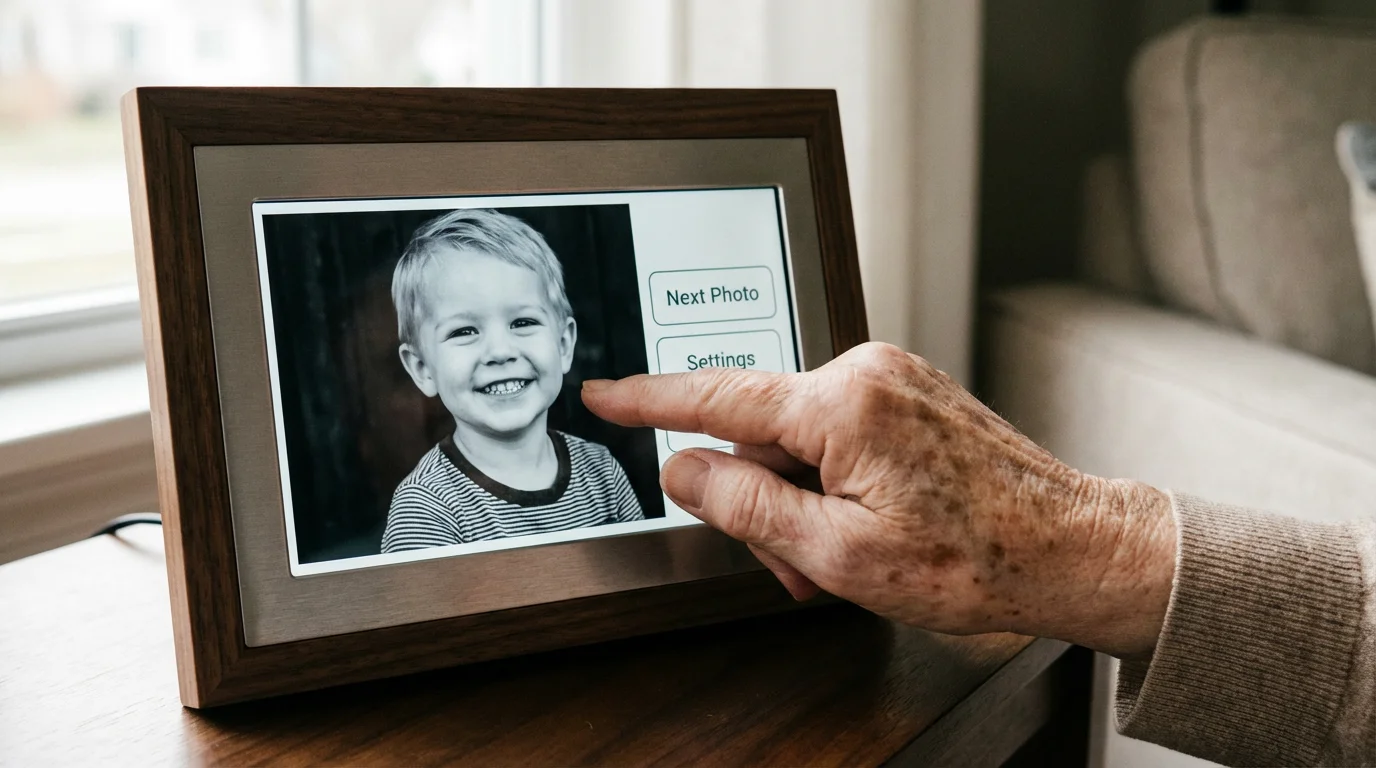
- Capacitive Touchscreens: While some frames come with remotes, these are easily lost. A simple “tap to love” or “swipe to change” interface on the screen itself is often more intuitive for seniors used to modern tablets.
- Cloud Connectivity vs. Local Storage: Determine if your loved one has reliable Wi-Fi. If they do, a cloud-connected frame allows for real-time updates. If not, look for a frame that supports high-capacity SD cards or USB drives.
Consider the frame’s aesthetic as well. While “techy” black plastic frames are common, brands now offer wood finishes or metallic borders that mimic traditional gallery frames. This helps the device blend into existing home decor, making it feel less like a computer and more like a piece of art.

Technical Specifications: Resolution, Aspect Ratio, and Viewing Angles
Don’t let the technical data overwhelm you, but do pay attention to three specific metrics that dictate the quality of the photo display. First is resolution. For a standard 10-inch frame, you should aim for a minimum of 1280 x 800 pixels. High-definition screens (1920 x 1080 or higher) provide even greater detail, making scanned versions of old film photos look vibrant and sharp. You can find deep dives into screen technology and pixel density at Digital Photography Review to better understand how resolution impacts clarity.
If you are scanning older physical prints to display, choosing one of the best photo scanners for home use will ensure the digital versions are sharp and clear.
Second, consider the aspect ratio. Most digital cameras and smartphones take photos in 4:3 or 3:2 formats, while many widescreen frames are 16:9. If the frame’s ratio doesn’t match the photos, you will see black bars (letterboxing) or the frame will crop your images. A 4:3 aspect ratio is generally superior for displaying a mix of portrait and landscape photos without losing important parts of the image.
| Feature | Recommended Specification | Why It Matters |
|---|---|---|
| Resolution | 1280 x 800 or Higher | Ensures photos don’t look pixelated or blurry. |
| Screen Type | IPS (In-Plane Switching) | Allows the photo to be seen clearly from the side, not just head-on. |
| Connectivity | 2.4GHz / 5GHz Wi-Fi | Required for remote photo uploads and software updates. |
| Storage | 8GB+ or Cloud-based | Provides enough space for thousands of high-quality memories. |
Finally, look for IPS (In-Plane Switching) technology. Standard LCD screens often “wash out” or look dark if you view them from an angle. An IPS display ensures that whether your loved one is sitting in their favorite recliner or walking past the frame from the side, the colors remain accurate and the image remains visible. This is a hallmark of an easy to use digital photo frame because it doesn’t require the user to stand directly in front of it to enjoy the view.

Setting Up for Success: A Step-by-Step Guide for Gift Givers
If you are giving this as a gift, do not simply hand over a shrink-wrapped box. The “tech-savvy” label doesn’t mean your loved one wants to spend their afternoon configuring router settings. You should perform a “white glove” setup before the gift-giving moment. This ensures the frame is ready to bring joy the second it is plugged in.
- Unbox and Update: Plug the frame in at your own home first. Connect it to your Wi-Fi and download any necessary firmware updates. Manufacturers frequently release patches that improve stability and add new features.
- Pre-load the Memories: Populate the frame with at least 50 to 100 high-quality photos. Start with a mix of “greatest hits”—wedding photos, old childhood shots, and recent family gatherings. This provides an immediate “wow” factor.
- Configure the App: Download the frame’s companion app on your phone. If the frame allows for multiple contributors, invite other family members (siblings, cousins, grandchildren) to join the “frame circle.” Explain that they can now send photos directly to the frame at any time.
- Adjust the Settings: Set the slideshow speed to a comfortable pace—usually 30 seconds to one minute per photo is ideal for seniors. Set the sleep timer to match their daily routine (e.g., on at 8:00 AM, off at 10:00 PM).
- Label the Essentials: If the frame has a remote or a specific power button, place a small, neat label on it. Create a simple “cheat sheet” with one or two instructions, such as “How to skip a photo” or “Who to call if the screen goes dark.”
When you present the gift, help them find the perfect location. It needs to be near a power outlet but away from direct sunlight, which can cause glare and heat damage. Ensure the cord is tucked away safely to prevent any tripping hazards.

Curating and Digitizing: Bringing Old Memories into the New Age
The true power of a digital photo frame lies in its ability to mix new digital snapshots with digitized versions of old film photography. To make the gift truly special, you should spend time digitizing some of your loved one’s physical archives. When they see a crystal-clear, glowing version of their 1960s wedding photo alongside a photo of their grandchild taken yesterday, the continuity of family history becomes palpable.
A digital frame is only as good as the library it draws from, so learning how to organize 20 years of digital photos can make the selection process much smoother.
Curating your collection is the first step toward building a family photo archive that protects your history for years to come.
When digitizing, follow archival standards to ensure the best quality for the display. Use a flatbed scanner set to at least 600 DPI (dots per inch) for standard prints. This allows you to crop or enlarge the image without losing detail. For more information on how to handle and preserve original physical copies while digitizing, consult the National Archives Preservation guidelines. They offer excellent advice on handling fragile prints to ensure they aren’t damaged during the scanning process.
Don’t just upload every photo you have. Be a curator. A frame filled with 2,000 blurry or repetitive shots becomes background noise. Instead, choose images that tell a story. Group them into playlists if the frame supports it—perhaps one playlist for “Travel Adventures,” another for “The Early Years,” and a rotating one for “Recent Family News.” This variety keeps the viewing experience fresh and engaging over months and years.
Privacy and Cloud Management in the Connected Photo Ecosystem
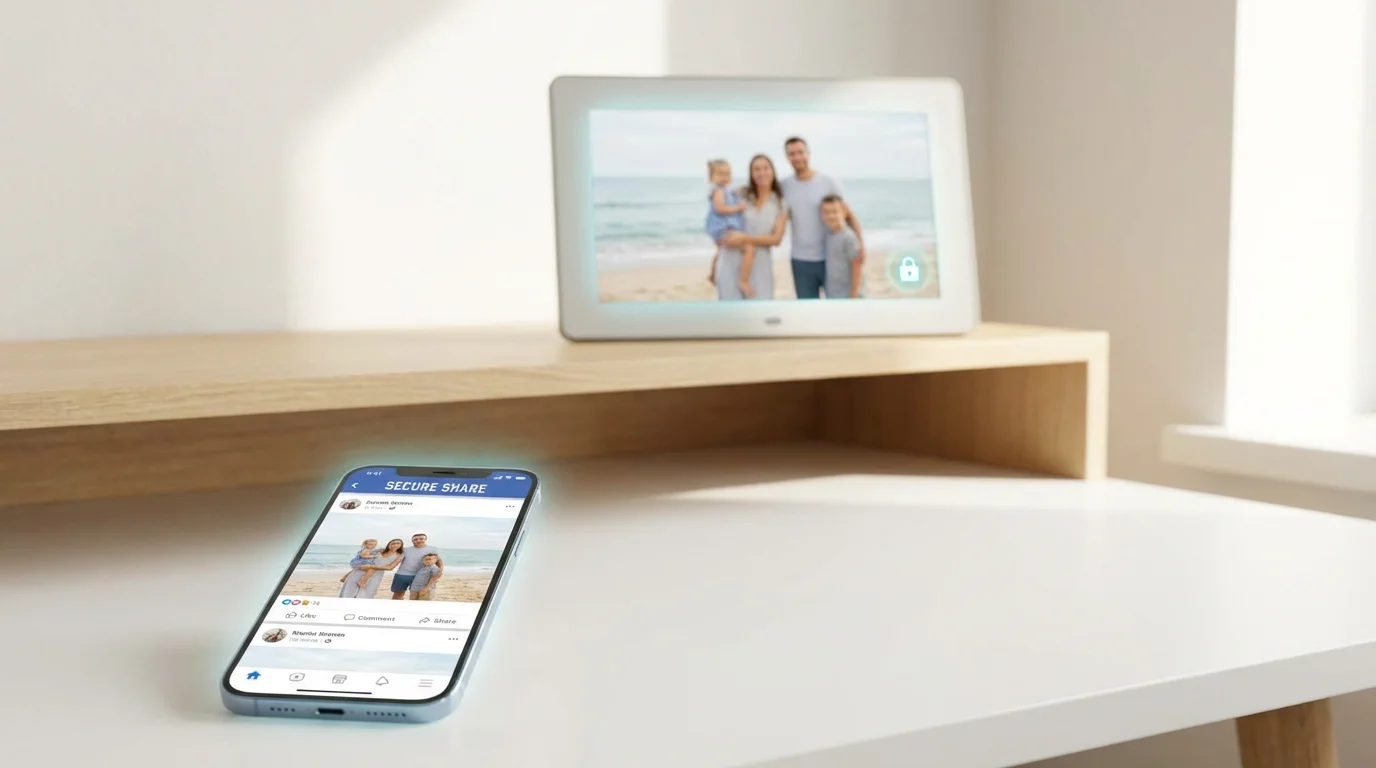
Privacy is a common concern for seniors when adopting tech gifts. They want to know who can see their photos and where those images are stored. Most reputable digital frame companies use encrypted cloud servers, meaning your photos aren’t just sitting out on the open web. However, you should still take steps to secure the account.
Use a strong, unique password for the frame’s management account. If the frame uses an email-to-frame feature (where you email a photo to a specific address to have it appear), ensure that “whitelist” features are turned on. This ensures that only approved email addresses can send content to the frame, preventing any “spam” photos from appearing in your loved one’s living room.
Digital privacy isn’t just about hackers; it’s about control. Ensure your loved one knows that their private family moments stay within the family circle.
Also, discuss the “delete” function. Sometimes a photo might be uploaded that the senior doesn’t like, or perhaps it’s a duplicate. Show them how to remove an image or, better yet, tell them they can just call you to handle it remotely. This reinforces the idea that the technology is there to serve them, not to create a new chore.

Maintenance and Long-Term Care for Your Digital Display
A digital frame is an “always-on” device, which means it requires a bit of maintenance to ensure it lasts for years. Dust is the primary enemy. Advise your loved one to wipe the screen only with a dry, clean microfiber cloth. They should never use window cleaner or harsh chemicals, as these can strip the anti-glare coating off the display.
Periodically check the storage levels remotely. High-resolution photos can fill up internal memory faster than you might expect. If the frame starts to slow down or refuses new uploads, it may be time to archive older photos from the frame’s internal memory to a computer and refresh the display with new content. This “refresh” is actually a great excuse for a phone call or a visit to talk about the new photos you’ve added.
Finally, keep an eye on the power cable. Ensure it isn’t pinched behind furniture or frayed. Modern frames are energy-efficient, but like any electronic device, they benefit from being placed in a well-ventilated area. By taking these small steps, you ensure that this photo display remains a vibrant centerpiece of their home for a long time to come.
Frequently Asked Questions
Do digital photo frames require a monthly subscription?
While many frames operate for free, some premium brands offer subscription services for unlimited cloud storage or advanced video features. You should always check if the core functionality—uploading and displaying photos—is included in the initial purchase price to avoid unexpected costs for your loved ones.
Can I send photos to a frame from another state?
Yes, most modern Wi-Fi-enabled frames allow you to send photos via a dedicated mobile app or email address. This feature makes digital frames an excellent tool for keeping long-distance family members connected through real-time updates.
What happens if the Wi-Fi goes out?
If the internet connection drops, most frames will continue to display the photos already cached in their internal memory. However, you will not be able to upload new images or change settings remotely until the connection is restored.
How many photos can a typical digital frame hold?
A frame with 8GB of internal storage can typically hold between 5,000 and 10,000 high-resolution photos. Frames that utilize cloud storage can often display an almost unlimited number of images, pulling them from the server as needed.
Disclaimer: This article is for informational purposes only. When handling valuable or irreplaceable photographs, consider consulting a professional conservator. Always test preservation methods on non-valuable items first.