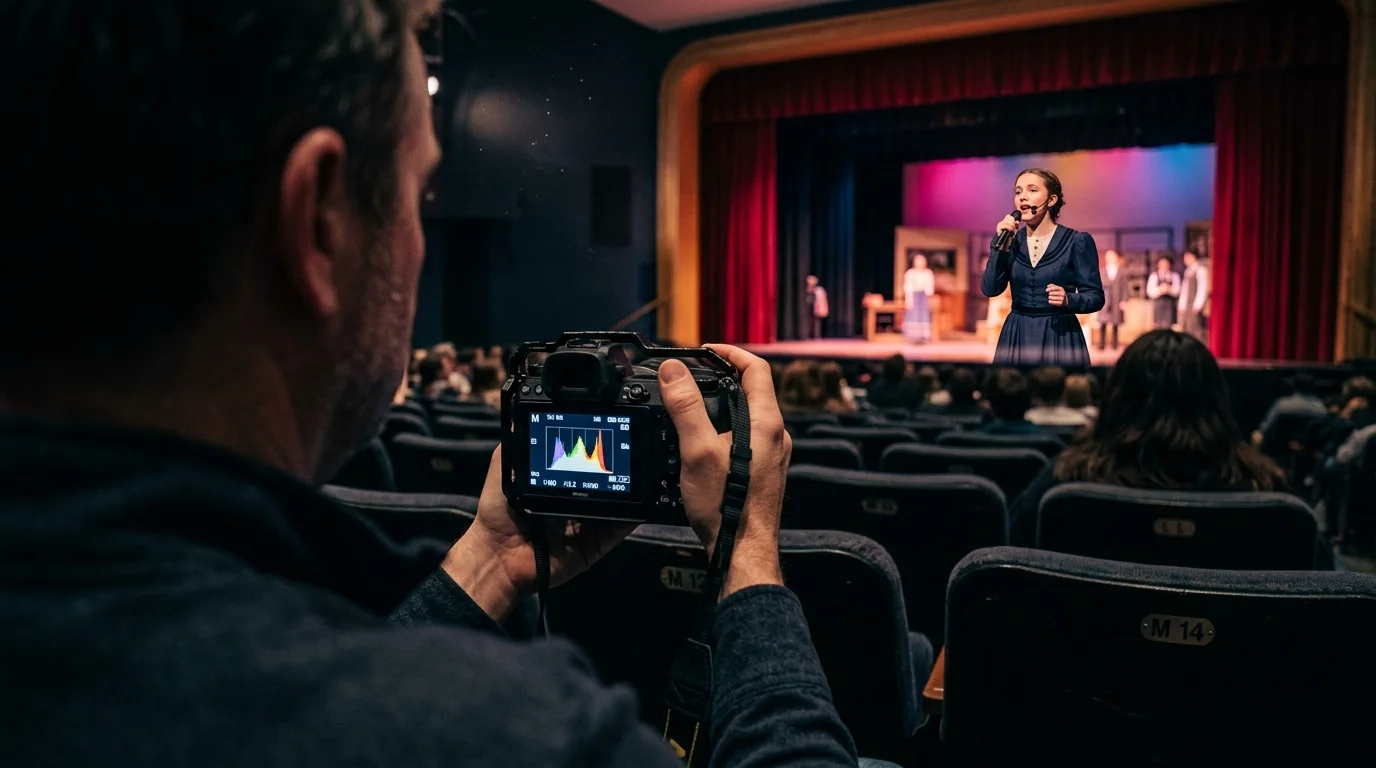
Sitting in Row M with your camera, you can capture razor-sharp musical theater memories without blurry motion or washed-out faces. The secret lies in overriding your camera’s automatic exposure systems before the curtain rises.
Applying foundational techniques on how to take sharp photos provides the steady baseline needed when working across long distances in dark auditoriums.
Most guides advise you to meter for skin tones using spot metering, yet modern stage LEDs destroy facial detail through unseen color-channel clipping.
By locking in a manual shutter ceiling, setting Kelvin between 3200K and 4200K, and applying highlight-weighted metering, you protect vibrant colors and preserve family memories.
The Row M Challenge: Distance, Optics, and LED Wavelengths
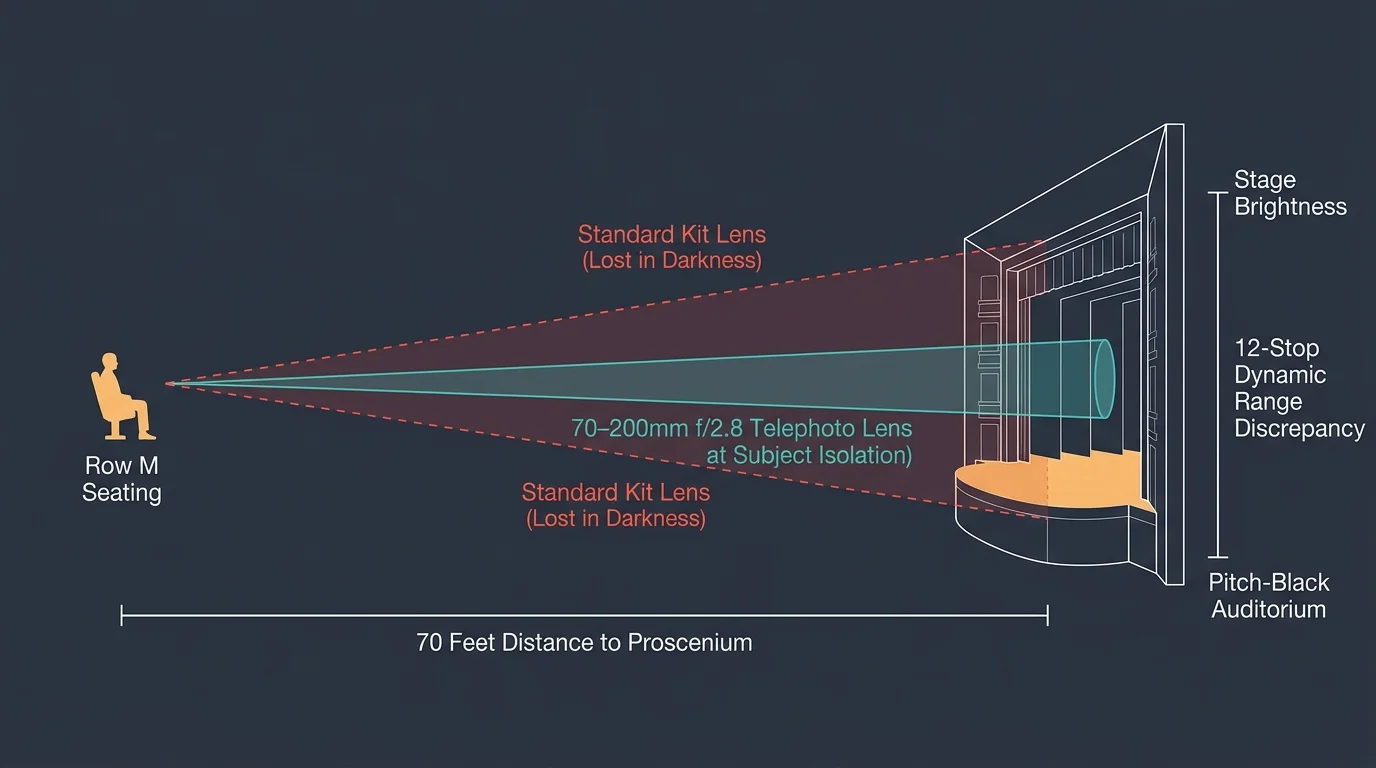
Row M sits approximately 70 feet away from the proscenium stage in a standard high school auditorium. At this distance, kit lenses leave your child as an unrecognizable silhouette in a vast dark room.
A 70–200mm f/2.8 telephoto lens gives you the optical reach necessary to fill the frame. At 200mm, you can isolate emotional expressions and intricate costume textures from your assigned row.
Theatrical spaces generate severe contrast ratios that overwhelm digital image sensors. Mastering indoor theater photography settings requires understanding how digital sensors interpret theatrical dynamic range.
Modern venue fixtures routinely create a twelve-stop dynamic range discrepancy across a single scene. Standard multi-segment metering modes evaluate the entire frame and attempt to brighten the pitch-black auditorium.
This automatic brightening produces catastrophically slow shutter speeds and completely blown highlights. Your subject transforms into a blurry white ghost surrounded by muddy gray theater curtains.
Why Stage LEDs Destroy Standard Camera Metering
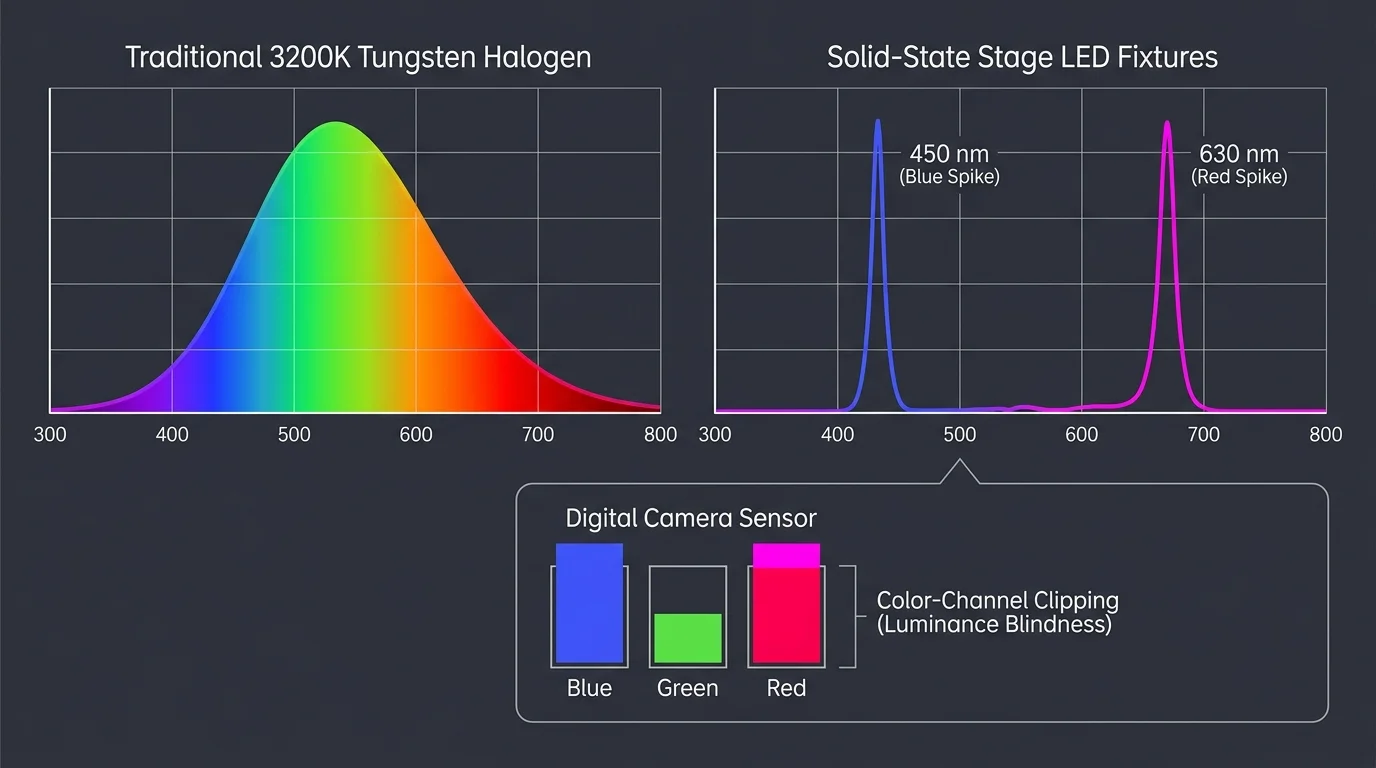
Auditoriums increasingly replace traditional 3200K tungsten halogen lamps with solid-state LED fixtures. Brands like Chauvet, ETC, and Martin now populate high school catwalks with narrow-band multi-diode lights.
Tungsten lamps emit continuous-spectrum light that transitions smoothly across all wavelengths. Borrowing techniques from a professional concert stage led camera setup helps you anticipate narrow-band chromatic spikes.
Solid-state stage LEDs produce violent, concentrated energy spikes around specific wavelengths like 450 nanometers for blue and 630 nanometers for red. These narrow spikes overload camera sensors unpredictably.
Camera metering hardware measures total luminance by combining light into a single gray-scale exposure value. It cannot detect when an individual color channel exceeds sensor capacity.
When your camera’s overall luminance histogram looks balanced, the red or blue channel may already be completely clipped. This clipping strips away facial contours, leaving featureless, waxy neon patches.
Consult Cambridge in Colour’s technical guide on histogram color channels to understand how individual color clipping occurs.
Protecting these color channels requires deliberate underexposure based on highlight retention rather than midtone skin readings. You must treat theatrical LED illumination as an extreme high-contrast lighting environment.
Mastering the Exposure Triangle for Auditorium Performances
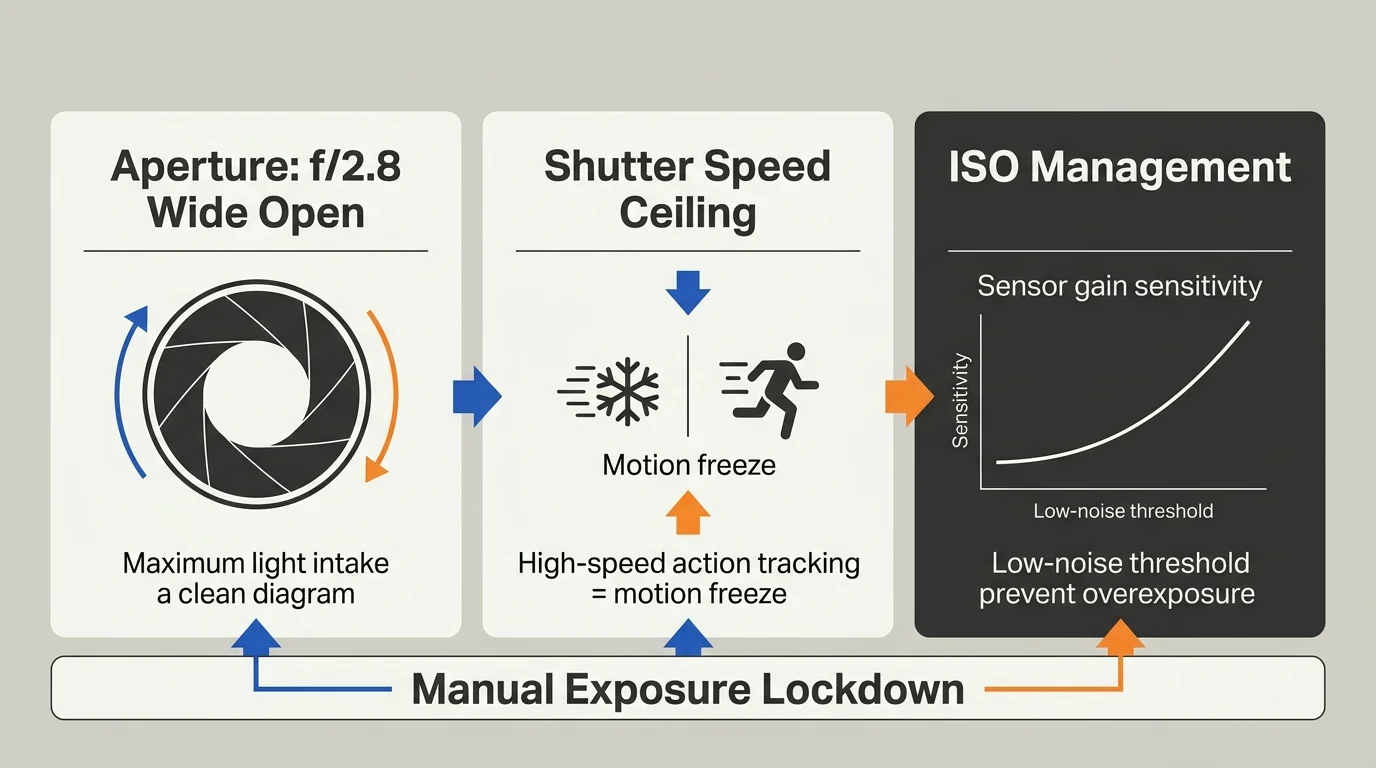
Capturing crisp stage memories requires switching your camera dial to full Manual mode. Dialing in proven stage lighting camera settings prevents your hardware from guessing exposure during sudden lighting cues.
Set your aperture to f/2.8 and keep it locked there throughout the entire performance. This wide aperture maximizes incoming light and creates pleasing optical separation between performers and background sets.
Establish a rigid shutter speed floor based on stage choreography. For stationary monologues and slow musical ballads, lock your shutter speed ceiling at 1/250 second.
When the cast launches into full dance choreography, increase your shutter speed floor to 1/500 second. Slower shutter speeds will introduce motion blur across gesturing hands and moving costumes.
Let your ISO float manually between ISO 1600 and ISO 6400 to achieve target exposure. Modern digital cameras produce minimal noise at these values, which noise-reduction software easily cleans up later.
Motion blur and blown highlights permanently destroy irreplaceable memories, whereas sensor noise remains easily correctable. Always prioritize faster shutter speeds over lower ISO numbers.
| Performance Scene | Typical Illuminance (Lux) | Shutter Speed Floor | Aperture Setting | Base ISO Target | Exposure Compensation Bias |
|---|---|---|---|---|---|
| Dramatic Monologue (Warm Spot) | 900–1,200 Lux | 1/250s | f/2.8 | ISO 1600–2500 | -0.7 EV Highlight-Weighted |
| Ensemble Chorus (Saturated Wash) | 500–800 Lux | 1/320s | f/2.8 | ISO 3200–4000 | -1.0 EV Highlight-Weighted |
| Up-Tempo Choreography (Dynamic Beams) | 1,200–1,800 Lux | 1/500s | f/2.8 | ISO 3200–6400 | -1.3 EV Highlight-Weighted |
| Dark Soliloquy (Accent Pin Spot) | 200–350 Lux | 1/200s | f/2.8 | ISO 4000–6400 | -0.3 EV Highlight-Weighted |
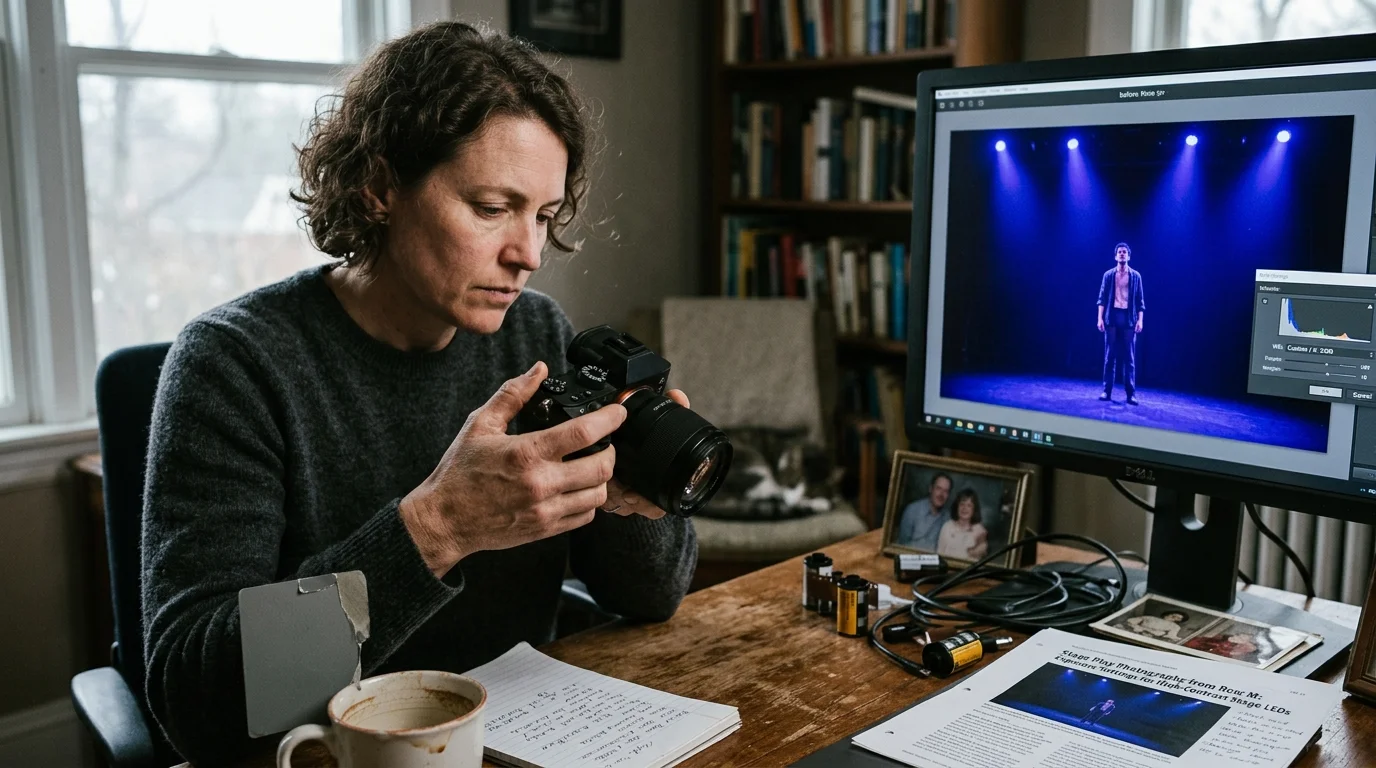
Eliminating Color Cast: Custom Kelvin and White Balance Control
Auto White Balance (AWB) creates erratic, unnatural shifts during theatrical performances. As lighting designers switch between amber washes and chilly blue spotlights, AWB constantly fights the intended theatrical mood.
This continuous automatic compensation produces jarring, inconsistent skin tones across consecutive frames in your family album. Dialing in a fixed Kelvin temperature locks in color stability.
Set your color temperature to 3200K for productions that rely on warm, traditional theatrical lighting washes. This setting preserves warm theatrical ambiance without oversaturating the actor’s facial skin tones into neon orange.
For modern musicals lit with intense cool LEDs or mixed color palettes, choose a Kelvin setting between 3800K and 4200K. This range balances cool stage washes while keeping facial features recognizable and natural.
Always capture images in uncompressed RAW format. RAW files store raw sensor measurements, giving you complete flexibility to refine color temperatures non-destructively during archival editing.
Locking a manual Kelvin value between 3200K and 4200K prevents your camera’s sensor from fighting dynamic LED lighting shifts, preserving authentic theatrical color across your entire family photo collection.
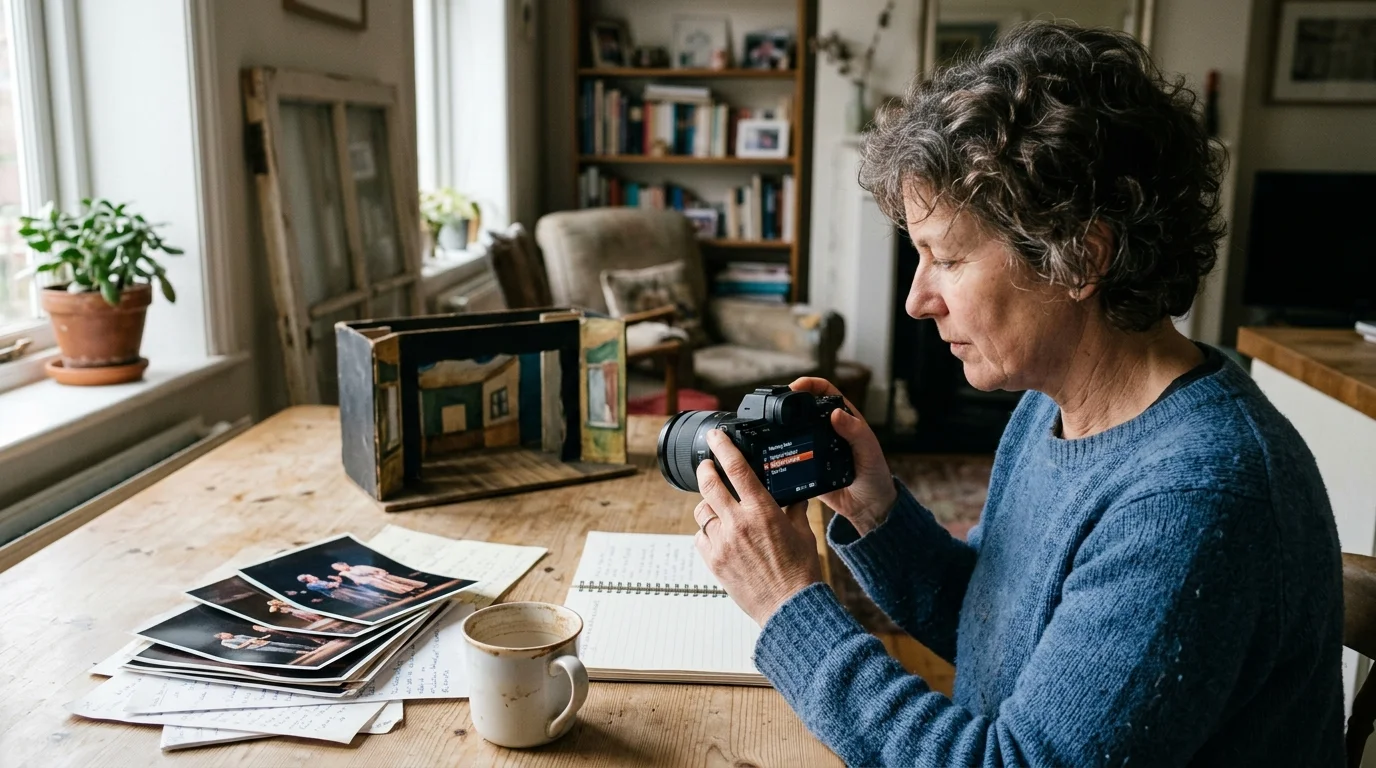
Advanced Metering Modes: Highlight-Weighted vs. Spot
Matrix and evaluative metering fail in auditorium environments because pitch-black stage wings mislead the camera meter. The camera overexposes the brightly lit performers to compensate for dark backgrounds.
Similar to dialing in metering settings to stop blown-out faces in auditorium recitals, high-contrast stage lighting demands strict highlight protection.
Spot metering measures light from a tiny central point of your viewfinder. While accurate on paper, it requires you to keep the focus point pinned strictly to an actor’s face.
If your focus reticle drifts onto a dark costume or stage curtain, the camera immediately spikes exposure. This sudden overexposure destroys facial highlight detail during fast-paced musical choreography.
Highlight-weighted metering solves this challenge by prioritizing the brightest elements across the entire image frame. The sensor automatically scales exposure to prevent bright spotlights from burning out highlight textures.
Dial in an exposure compensation bias of -0.7 EV to -1.0 EV when using highlight-weighted metering under stage LEDs. This negative bias provides an essential safety buffer for fragile red and blue color channels.
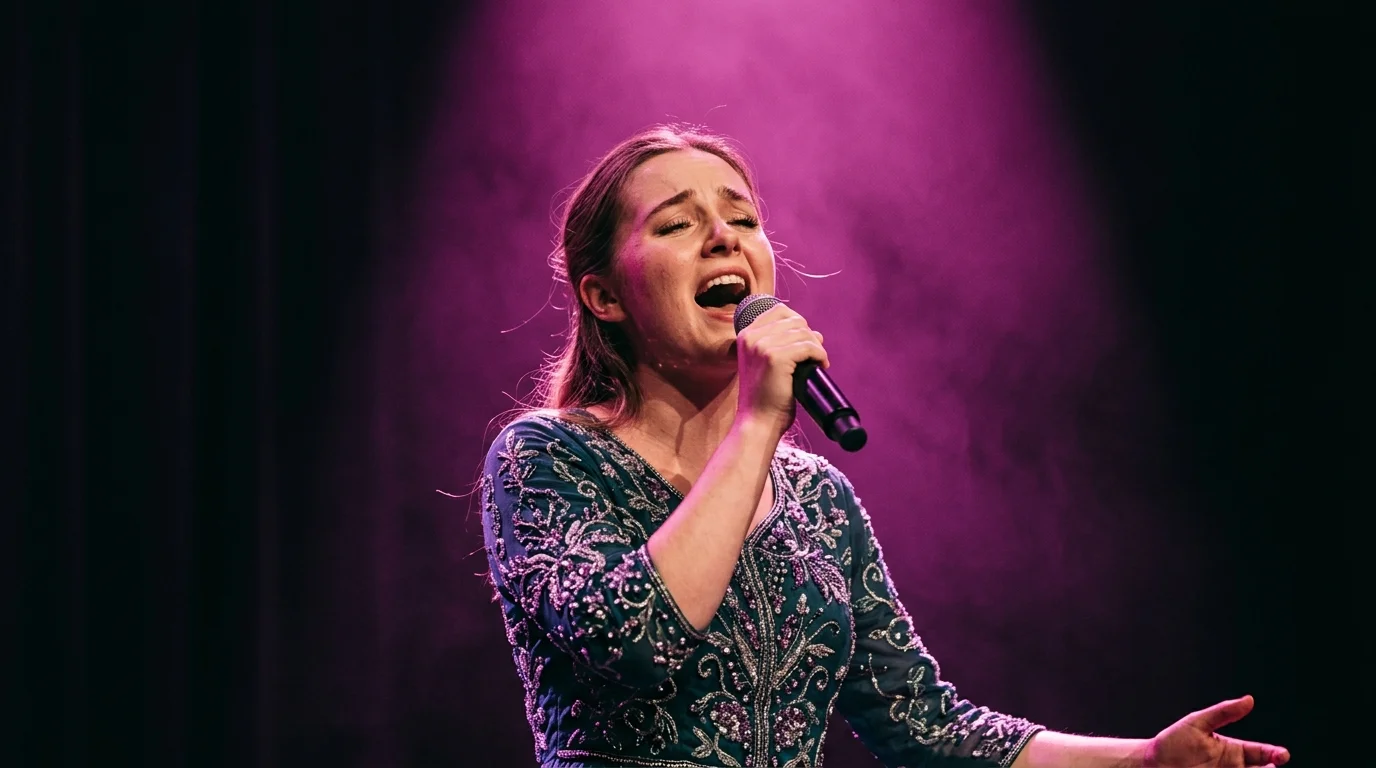
A Worked Exposure Scenario: The Soloist Under the Magenta Spot
Consider a concrete scenario from Row M, seat 14, in a 950-seat high school auditorium. You sit 75 feet from center stage with a 70–200mm f/2.8 lens mounted on your camera.
When managing high-ISO captures in post-production, recovering natural skin texture after aggressive AI denoising ensures facial details remain crisp rather than looking plastic.
Your child steps into the spotlight for an emotional solo under high-intensity Chauvet Colorado LED wash fixtures. The lighting designer combines 75 percent red and 65 percent blue diodes, bathing the stage in vibrant magenta.
An automated camera set to Aperture Priority selects f/2.8, 1/60s, and ISO 800. The resulting capture suffers severe motion blur, while facial highlights blow out to pure white with clipped red channels.
To correct this, you switch your camera to full Manual mode and zoom your lens to 185mm. You keep your aperture locked wide open at f/2.8 to maximize light transmission.
You increase your shutter speed to 1/320 second to freeze hand gestures and subtle head tilts. You then set your ISO to 2000 and select a fixed Kelvin temperature of 3800K.
Checking your camera’s individual RGB histogram confirms the adjustment worked. The red channel peaks safely at value 226 out of 255, leaving 0.8 EV of highlight headroom without any channel clipping.
The final image captures sharp eye reflections, detailed costume lace, and natural skin contours. You have successfully preserved an irreplaceable milestone without relying on flawed camera automation.
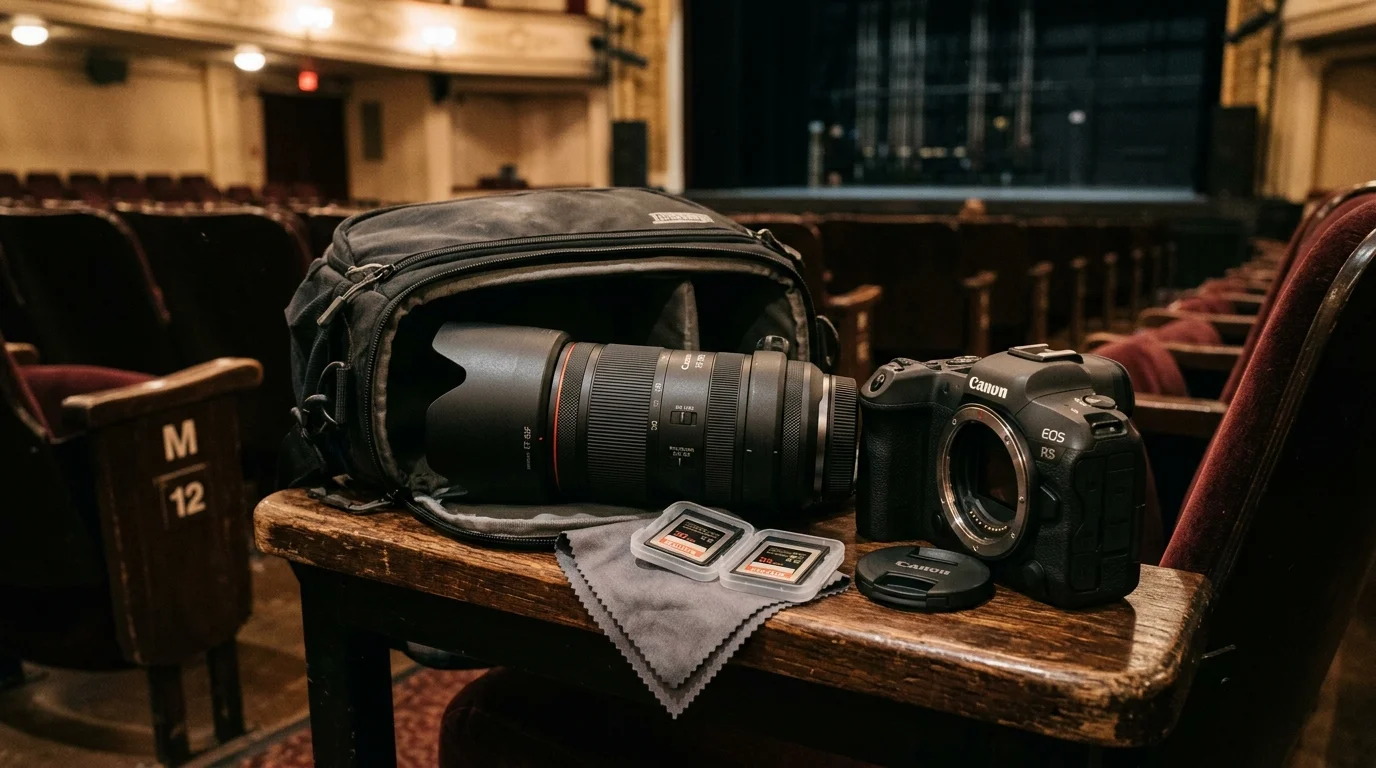
Lens and Gear Selection for Mid-Auditorium Seating
When you prepare to photograph high school play performances, mid-auditorium seating imposes strict physical constraints on your gear. A 70–200mm f/2.8 telephoto zoom represents the ideal focal length range for Row M distances.
Because auditorium etiquette strictly prohibits speedlights, mastering low light photography without a flash is essential for capturing authentic stage atmospheres.
Pairing this lens with an APS-C crop camera body provides an effective 105–300mm field of view. This crop factor helps you fill the frame with individual performers without purchasing costly super-telephoto lenses.
Avoid setting up three-legged tripods between auditorium seating rows. Tripod legs obstruct narrow aisles, violate venue safety rules, and constantly get kicked by other audience members.
Mount your telephoto lens to a compact carbon-fiber monopod equipped with a simple tilt head. A monopod supports heavy glass vertically between your knees without encroaching on neighboring seats.
Avoid silent electronic shutters when photographing under budget theatrical LED lighting. Pulse-width modulation dimming in LED fixtures produces thick, dark horizontal banding lines across electronic rolling shutter images.
Read Digital Photography Review’s shutter mechanism analyses to see how electronic rolling shutters capture artificial lighting flicker.
Use your camera’s mechanical shutter or electronic front-curtain shutter instead. Mechanical shutter curtains travel across the sensor evenly, eliminating banding lines and preserving clean image quality.
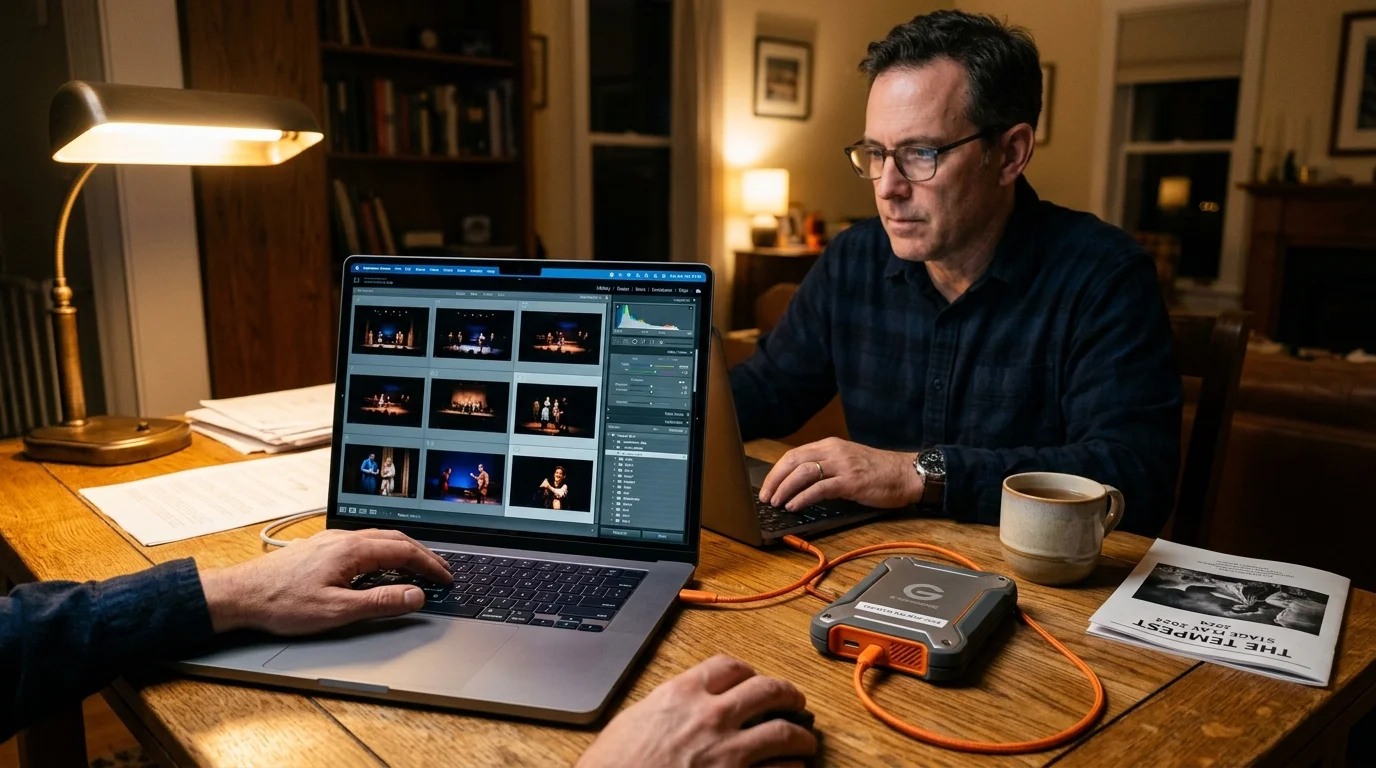
Preserving and Archiving Your Performance RAW Files
Preserving your child’s stage performance memories requires structured digital preservation practices. Digital camera files remain vulnerable to disk crashes, accidental overwrites, and hardware degradation over time.
Adopt the industry-standard 3-2-1 backup framework as soon as you return home from the auditorium. Keep three complete copies of your RAW images on two separate storage media, including one remote cloud backup.
Organize your photo archive using clear, chronological folder naming conventions. Name directories using the format Year-Month-Day followed by the school name, show title, and performance act.
When creating family keepsake prints, use archival pigment-based inks on acid-free cotton rag paper. Pigment prints resist fading and discoloration for over one hundred years under proper display conditions.
Consult the Library of Congress Preservation Directorate guidelines for institutional best practices on preserving digital and physical photographs.
Store physical photo albums in temperature-controlled living areas rather than damp basements or hot attics. Stable relative humidity between 30 and 50 percent protects photographic prints against moisture damage and mold.
A student’s stage milestone happens only once; establishing an organized archival backup ensures that these vivid performance memories remain accessible for future generations.
Frequently Asked Questions
Why do actors look like glowing orange or red ghosts in my stage photos?
Saturated LED spotlights emit intense narrow-band wavelengths that easily saturate individual color channels before total luminance clips. Setting manual Kelvin between 3200K and 4200K and underexposing by -0.7 EV prevents this saturation.
Can I use silent electronic shutter during a school musical?
Avoid silent electronic shutters under theatrical LED stage fixtures. Rapid LED pulse-width modulation creates severe dark banding stripes across rolling shutter captures; rely on a mechanical shutter instead.
How do I maintain sharp focus on actors moving quickly across the stage?
Select continuous autofocus (AF-C) paired with real-time subject tracking or a small single-point focus reticle. Pin the focus reticle directly onto the performer’s upper chest or face to prevent focus hunting.
Should I shoot JPEG or RAW format when photographing a stage play?
Always shoot in RAW format to capture maximum sensor color dynamic range. RAW data allows you to recover highlight details and correct complex stage LED white balance casts nondestructively during editing.
What is the lowest shutter speed I can safely use from Row M?
Do not drop below 1/250 second when photographing from Row M with a telephoto lens. Slower shutter speeds risk camera handshake blur at 200mm and motion blur from normal theatrical movement.
Disclaimer: This article is for informational purposes only. When handling valuable or irreplaceable photographs, consider consulting a professional conservator. Always test preservation methods on non-valuable items first.