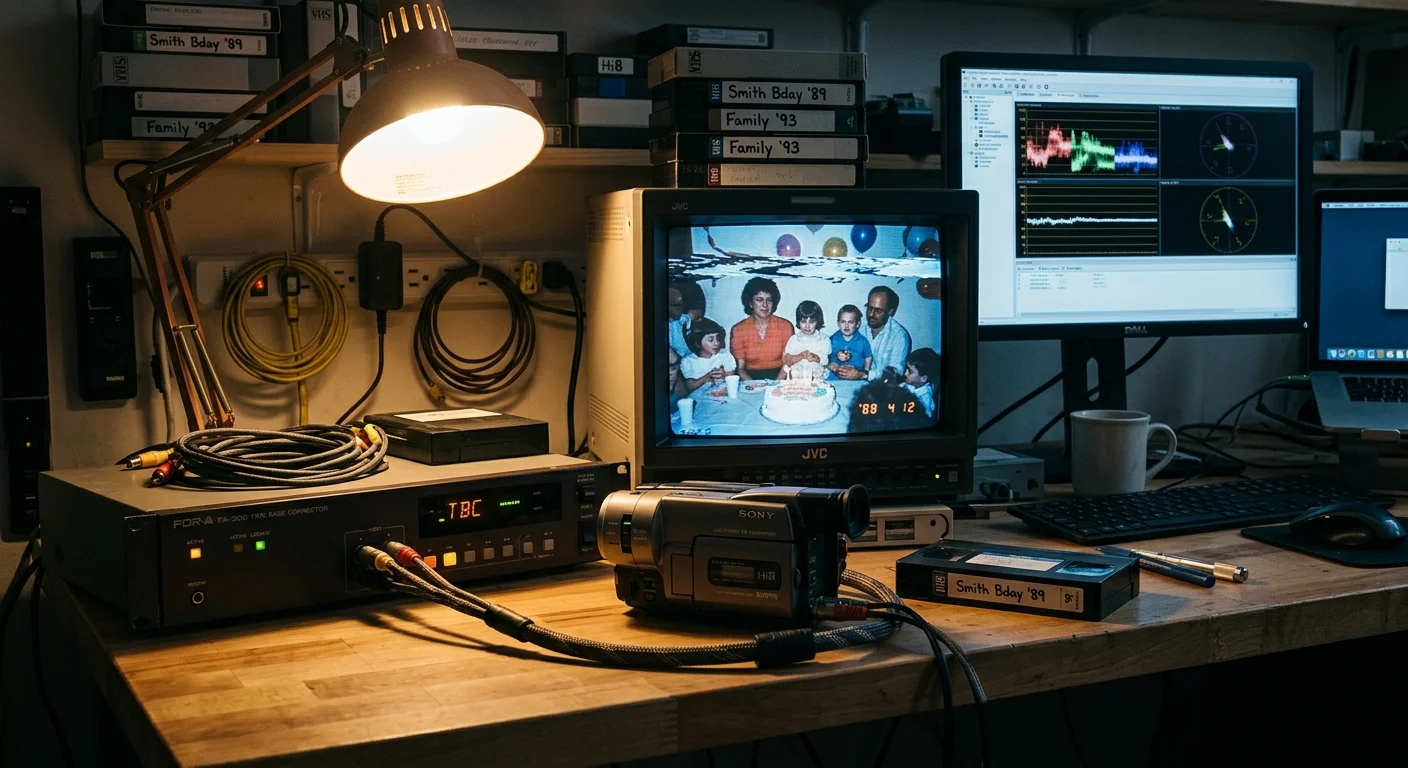
Your 1980s VHS-C and Hi8 home tapes are tearing across the screen because analog tape transport mechanisms suffer from physical timing jitter. You cannot clean up these jagged lines with software filters after capturing through a cheap adapter.
Software deinterlacing mathematically fails because cheap USB capture dongles drop desynchronized scan lines at the hardware digitizer stage before writing any video frames to your hard drive.
Stabilizing this horizontal sync distortion requires hardware-level time base correction to rebuild analog timing pulses before your computer ever converts the signal into digital pixels.

The Physics of Tape Jitter: Why Your 1980s Tapes Distort
Every analog video tape relies on mechanical precision to transmit a stable picture. As tape passes over a spinning video head drum, microscopic mechanical variations introduce timing errors.
These timing inconsistencies are known as wow and flutter. Motor variations, worn rubber pinch rollers, and physical tape stretching cause the tape speed to fluctuate constantly.
According to National Archives preservation guidance on magnetic tape media, magnetic tape has an expected shelf life of only 10 to 30 years under typical storage conditions. Physical degradation accelerates these tracking flaws.
Surviving tapes from the 1980s and 1990s have exceeded their intended operational lifespan. As polyester base films stretch and binder chemical bonds break down, tape guidance becomes erratic.
An analog NTSC video signal requires exactly 15,734 horizontal scanlines per second. This timing standard allots exactly 63.555 microseconds for every single horizontal line.
Each line begins with a dedicated horizontal synchronization (H-sync) pulse. Older cathode-ray tube (CRT) televisions used these pulses to sweep an electron beam across phosphorus glass.
CRT televisions possessed forgiving analog circuits. If a mechanical tape hiccup altered a scanline duration from 63.5 microseconds to 65 microseconds, the CRT beam adjusted continuously.
Digital capture cards do not behave like forgiving analog CRT displays. Digital video demands absolute, crystal-clocked mathematical rigidity.
The Digital Bottleneck: Why $15 Capture Dongles Drop Corrupt Frames
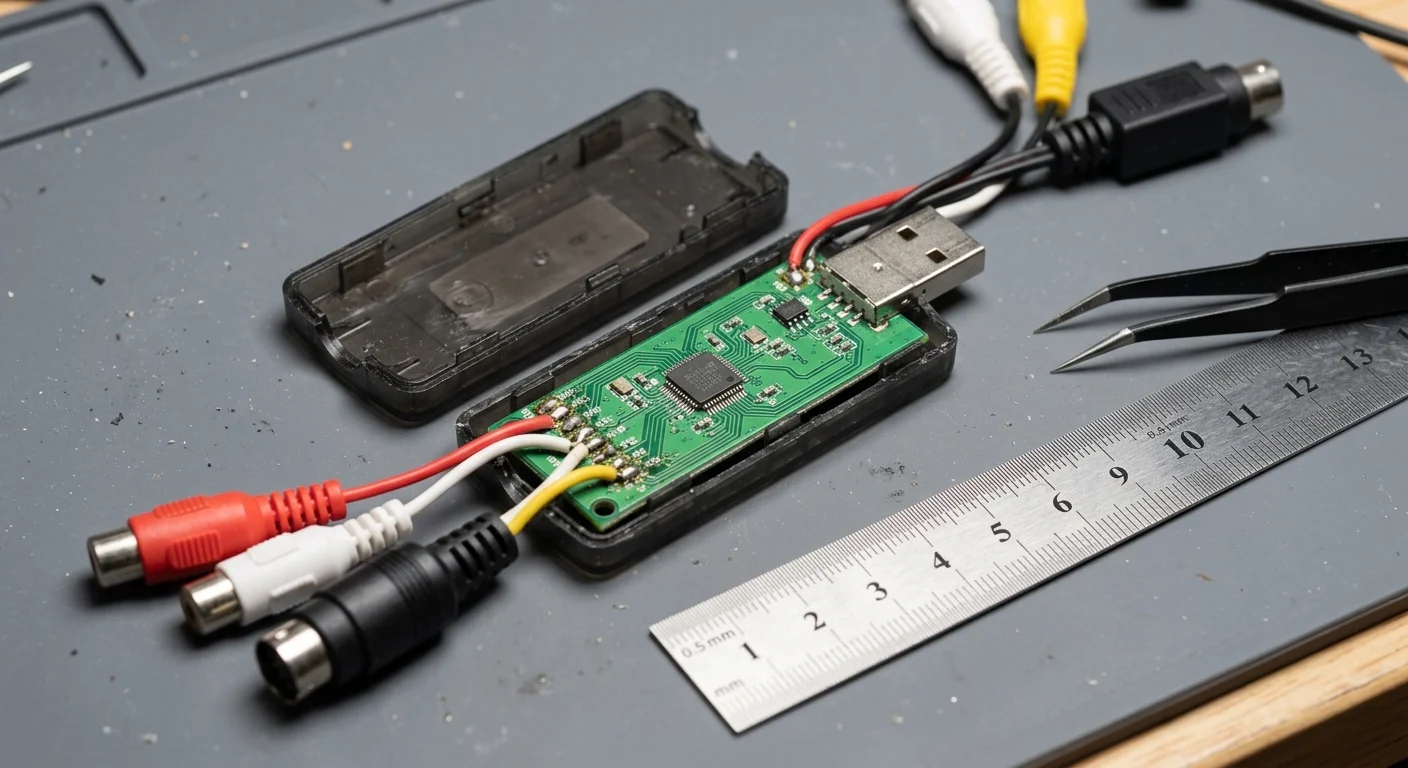
Budget USB capture dongles, such as generic EasyCap or UTV007 chipset devices selling for $10 to $25, lack internal frame buffers. They assume every incoming analog line matches standard timing specifications.
When an aged VHS-C cassette experiences physical friction inside an adapter, the H-sync pulse arrives several microseconds late. The budget analog-to-digital converter (ADC) loses track of the raster scan.
Rather than compensating for the timing shift, the budget capture chip truncates the scanline. This creates the horizontal zigzagging distortion known as line jitter.
Analog tape transports never produce a mathematically perfect clock. Without upstream hardware stabilization, digital capture devices interpret minor mechanical wow and flutter as complete signal failure.
Branded consumer converters like the $89.99 Elgato Video Capture handle operating system drivers better than generic clones. However, their internal hardware architecture remains fundamentally identical.
Neither device contains a hardware Line Time Base Corrector (Line TBC). When tape speed wavers, both units drop frames to maintain system sync.
Dropping frames creates visible motion stutter in digitized family archives. More critically, it breaks audio and video synchronization across longer transfers.
A continuous capture of an unstable 30-minute tape can accumulate hundreds of dropped video frames. Meanwhile, your computer’s sound card records audio without interruption.
This clock mismatch forces the recorded audio to drift seconds ahead of the picture. Manual timeline slicing inside editing software cannot permanently repair this cumulative drift.

Line TBC vs. Full-Frame TBC: What Your Signal Actually Requires
Resolving analog timing instability requires understanding the distinct roles of Line TBCs and Frame TBCs. These two circuits solve entirely different playback problems.
A Line TBC inspects every individual horizontal scanline in real time. It reads the incoming H-sync pulse, measures the timing error, and stores that single line in a high-speed memory buffer.
The circuit then outputs the line at the exact 63.555-microsecond interval required by digital capture cards. This process straightens vertical objects, eliminating jagged edges and top-screen flagging.
A Full-Frame TBC operates at the vertical refresh level rather than the scanline level. It captures entire fields and frames into a large RAM memory buffer.
The Frame TBC generates an entirely new, perfectly clocked NTSC 29.9700 frames-per-second (or PAL 25.0000 fps) digital sync pulse. It prevents vertical picture rolling and blue-screen dropouts.
Standalone hardware TBC units from broadcast manufacturers like Datavideo and AV Toolbox combine both functions. However, working units like the Datavideo TBC-1000 now command between $800 and $2,000 on secondary markets.
Fortunately, suburban archivists digitizing family tapes rarely require a $1,500 broadcast rack unit. The primary visual defect on home VHS-C and Hi8 recordings is horizontal phase jitter.
Correcting horizontal line jitter requires an active Line TBC directly in your analog playback path. This ensures straight verticals and coherent field geometry before digital conversion occurs.
Mathematical Reality: Why Software Deinterlacing Cannot Fix Phase Jitter
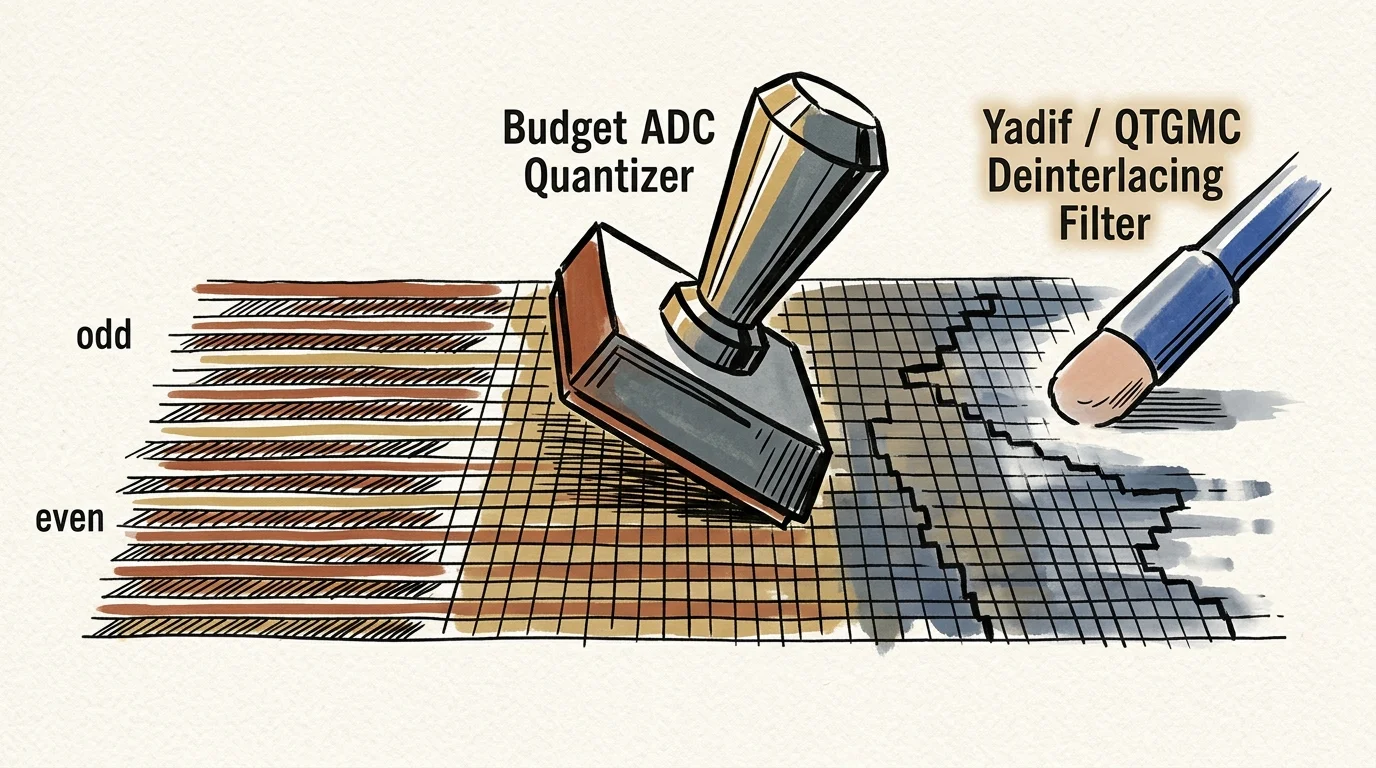
Many home archivists attempt to correct horizontal tearing after recording by using software deinterlacers like Yadif or QTGMC. This workflow fails because it relies on flawed mathematical assumptions.
Analog NTSC video consists of 59.94 interlaced fields per second. Field A contains odd-numbered scanlines, while Field B contains even-numbered scanlines.
Deinterlacing algorithms evaluate adjacent scanlines to detect motion vectors. If a pixel on Line 20 matches a pixel on Line 22, the software assumes the camera remained static.
When physical tape jitter shifts Line 21 horizontally by 1.5 microseconds, the spatial relationship collapses. The digitizer bakes that offset into the file as an 8-to-12-pixel horizontal displacement.
The deinterlacing filter reads this mechanical displacement as violent spatial movement. It attempts to blend or interpolate pixels that belong to different positions in the frame.
According to Library of Congress preservation standards for video recordings, digital preservation workflows must preserve source field structure and spatial geometry. Applying software interpolation to raw timing jitter violates this baseline.
Instead of straightening the edges, the software blurs the displaced lines into adjacent pixels. This destroys high-frequency edge detail and creates ghosting artifacts around moving subjects.
Software cannot recreate sync timing information that the hardware capture card discarded. The physical raster must be stabilized before analog-to-digital conversion takes place.
Hardware Comparison: Digitizer Stability and Frame Retention
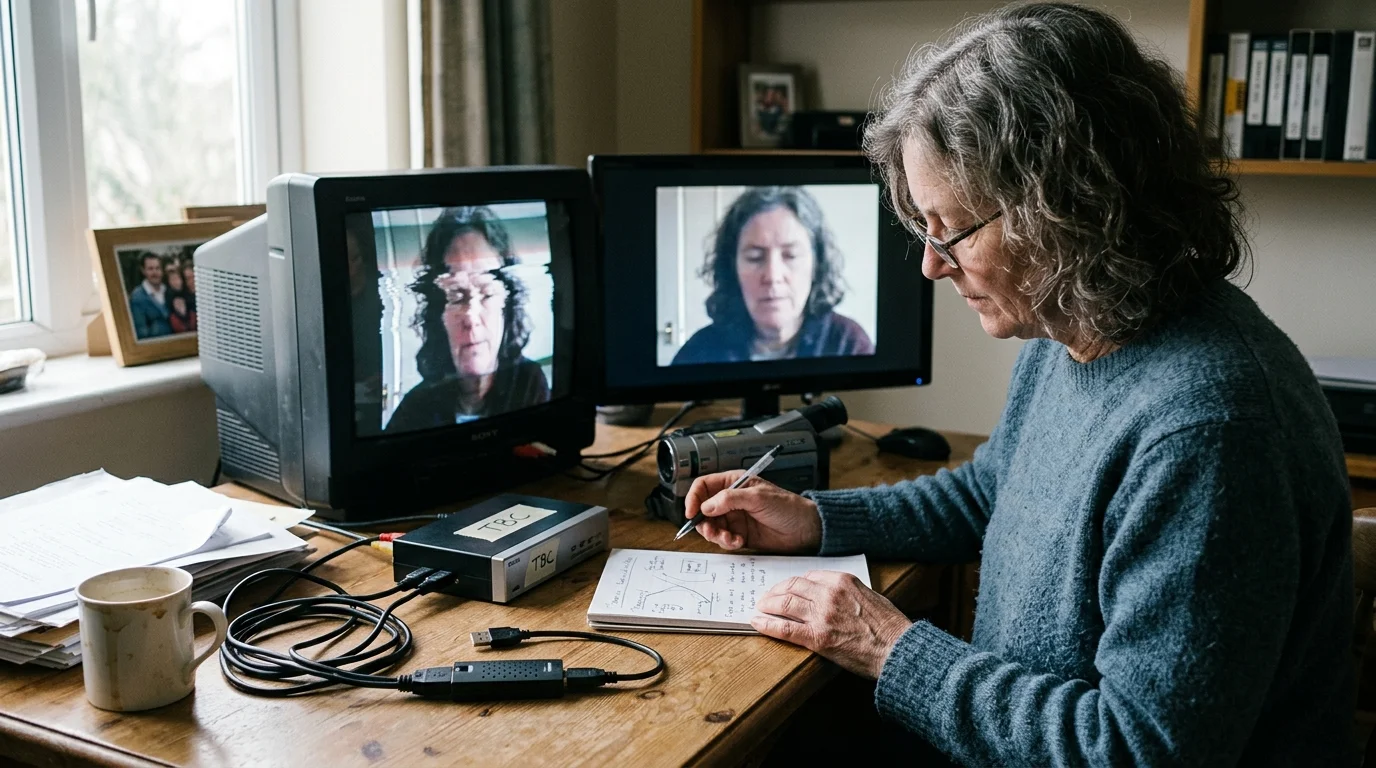
Different capture devices handle mechanical analog jitter with wildly varying degrees of stability. The comparison below illustrates how different hardware configurations respond to degraded analog tape signals.
| Capture Configuration | Hardware Stabilization Type | Frame Retention Rate (Degraded Tape) | Horizontal Line Jitter (Pixel Drift) | Estimated Secondary Market Cost |
|---|---|---|---|---|
| Generic USB Capture Dongle (UTV007 / EasyCap) | None (Raw ADC digitizer) | 91.0% to 96.5% (High frame drops) | 8 to 15 pixels of displacement | $10 – $25 |
| Consumer USB Card (Elgato Video Capture) | Software-assisted buffer (No hardware TBC) | 95.0% to 98.2% (Moderate frame drops) | 6 to 12 pixels of displacement | $89.99 (MSRP) |
| Panasonic DVD Recorder Passthrough (DMR-ES10) | Hardware Line TBC & Frame Synchronizer | 99.9% to 100.0% (Zero dropped frames) | Under 0.5 pixels (Straight edges) | $60 – $150 |
| Sony Digital8 Camcorder (FireWire Transfer) | Built-in Hardware Line TBC & DNR | 100.0% (Crystal-clocked DV stream) | Under 0.5 pixels (Straight edges) | $150 – $350 |
| Standalone Broadcast TBC (Datavideo TBC-1000) | Hardware Line TBC & Full-Frame Synchronizer | 100.0% (Regenerated studio sync) | 0.0 pixels (Broadcast reference) | $800 – $2,000+ |
The benchmark data reveals a dramatic stability threshold. Devices lacking hardware-level line correction consistently surrender frame accuracy whenever tape friction increases.
By contrast, inserting a hardware stabilization stage eliminates line jitter before the capture interface receives the signal. This maintains perfect 29.97 fps timing across degraded tapes.
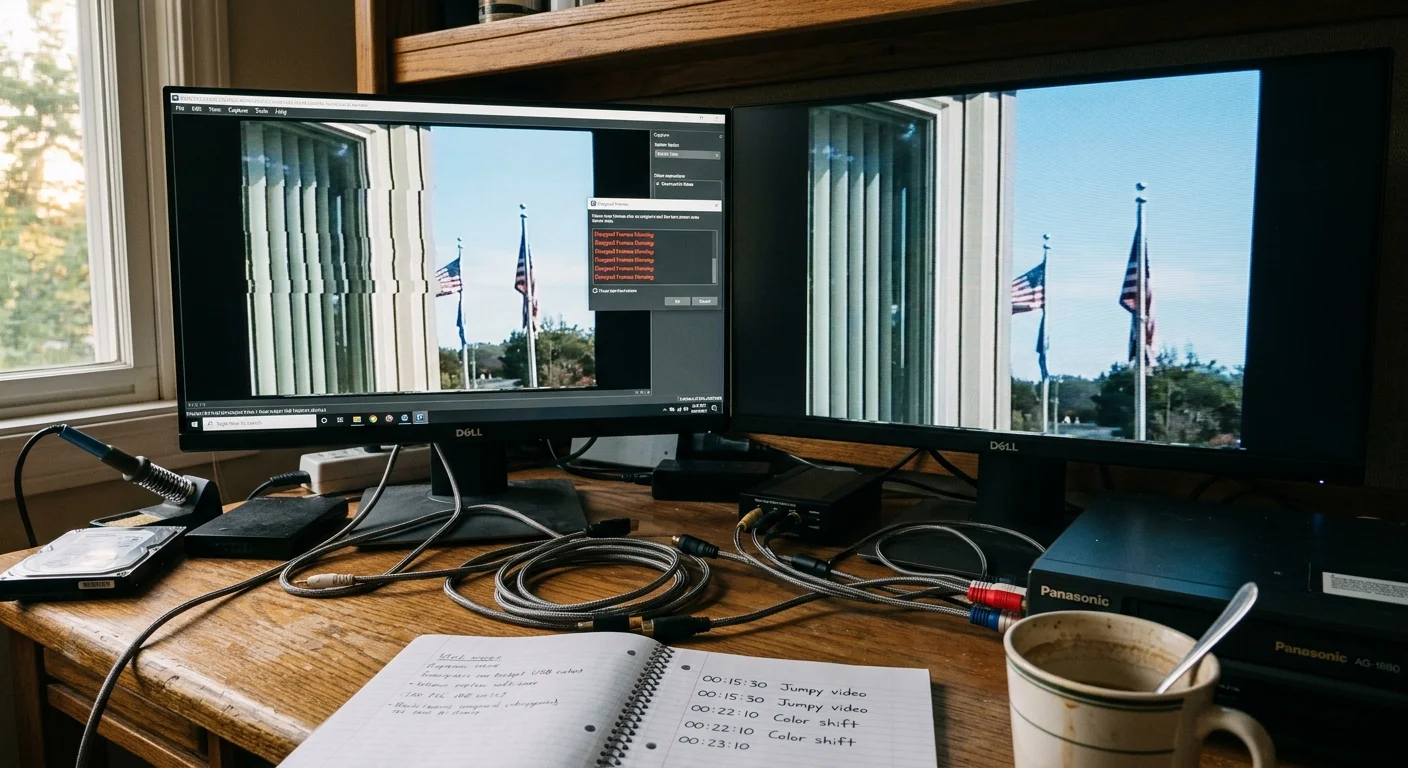
Worked Capture Scenario: Budget Dongle vs. TBC Passthrough Hardware
Consider a practical digitizing scenario: a suburban family archive containing 42 VHS-C tapes recorded between 1988 and 1994. Each tape contains 30 minutes of footage recorded in Standard Play (SP) mode.
This archive contains exactly 21 hours of historical video, totaling approximately 2,265,732 individual analog video frames. Tape number 12, recorded in June 1989, exhibits visible mechanical flagging.
In our first capture run, we route the tape through a high-end VCR directly into a $15 generic USB dongle. Capture software runs on Windows 11 using VirtualDub set to standard 29.9700 fps NTSC capture.
Over the course of the 30-minute tape (53,946 target frames), the generic digitizer reports 1,422 dropped frames and 318 inserted frames. That represents a 2.63% complete frame loss.
Because the capture card dropped video frames while the sound card digitized continuously, the audio desynchronizes by 3.82 seconds at the 30-minute mark. Vertical doorframes display severe horizontal bending.
In our second run, we alter the hardware routing. We run an S-Video cable from the playback VCR into the S-Video Line 1 input of a used Panasonic DMR-ES10 DVD recorder.
We connect the DMR-ES10’s S-Video Line Out directly into the same $15 capture card. The DVD recorder remains powered on in passthrough mode without recording to a blank disc.
During this second 30-minute run, the capture card registers exactly zero dropped frames and zero inserted frames out of 53,946 target frames. Audio and video remain locked to within 1 millisecond.
The internal Line TBC of the DMR-ES10 sampled the erratic analog raster scan, corrected the horizontal timing drift, and output a rock-solid 63.555-microsecond waveform. The cheap USB card received an idealized signal.
Across the entire 42-tape archive, this passthrough hardware saves approximately 45 hours of labor that would otherwise be spent slicing timelines to re-align drifted audio.
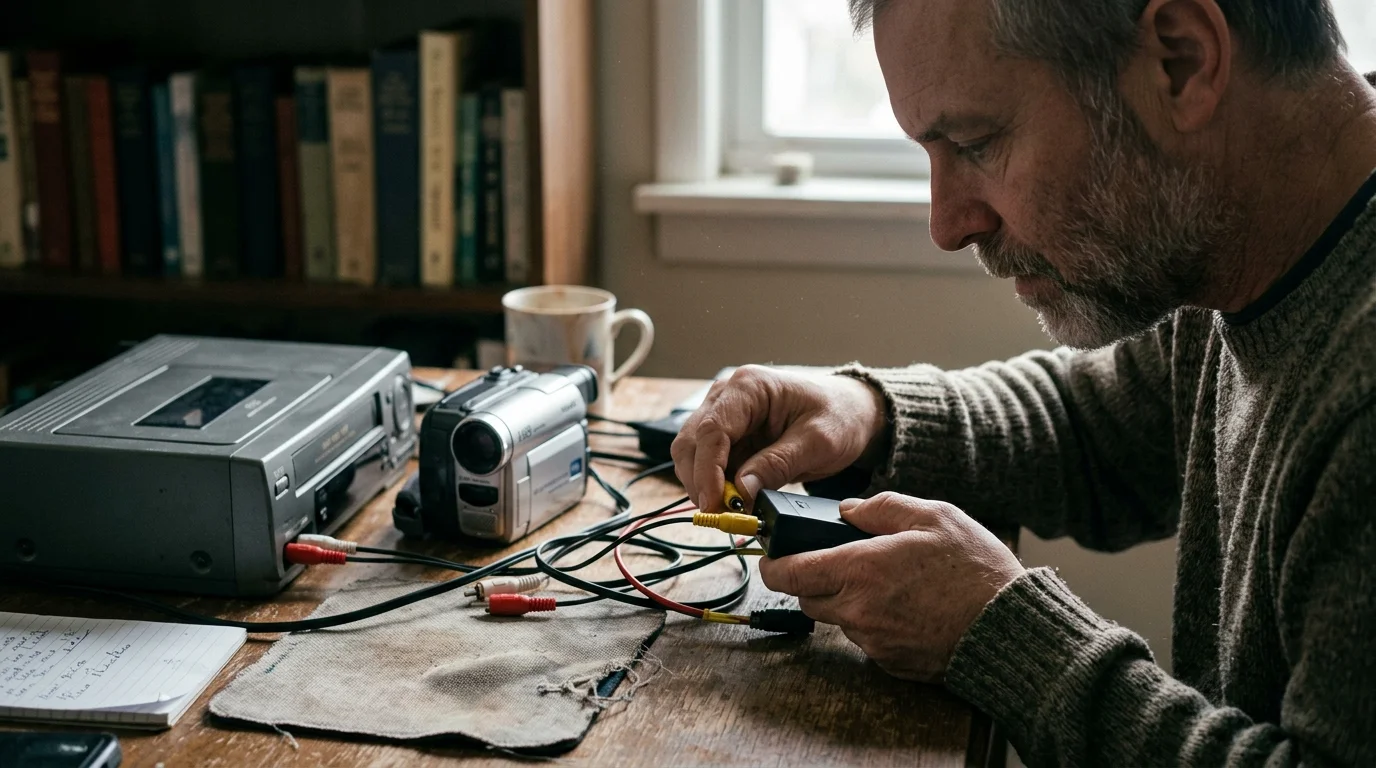
Affordable Hardware Routing: Building a Stable Archival Capture Chain
You do not need an enterprise budget to build a stable video capture chain. You can assemble an effective system using secondary-market hardware.
For compact VHS-C tapes, inspect your motorized adapter carefully. Avoid manual slide-lever adapters; use motorized units like the JVC C-P7U to prevent mechanical cassette skew.
Insert your adapter into a quality four-head or six-head S-VHS VCR that includes S-Video output. S-Video separates the black-and-white brightness signal (Luma) from the color information (Chroma), preventing dot crawl.
Route the S-Video and stereo RCA audio cables directly into the rear input of a Panasonic DMR-ES10 or DMR-ES15 DVD recorder. These 2005-era recorders contain robust line-correcting field synchronizers.
Connect the S-Video output of the DVD recorder into your chosen computer capture device. Set your DVD recorder menu input to Line 1 and output the live passthrough signal.
For 8mm, Video8, and Hi8 tapes, the optimal workflow is even simpler. Rather than using an analog camcorder, locate a backward-compatible Sony Digital8 camcorder on the secondary market.
Camcorder models like the Sony DCR-TRV120, DCR-TRV320, or DCR-TRV460 include a built-in hardware Line TBC and Digital Noise Reduction (DNR) circuit. You can toggle both options directly inside the camcorder menu.
These Digital8 units play back legacy analog Hi8 tapes, digitize the signal internally using hardware line correction, and convert the video directly to digital DV format. You transfer pristine video over FireWire (IEEE 1394) with zero dropped frames.
Frequently Asked Questions
Can software like HandBrake or OBS remove VHS-C tracking jitter?
No. Software cannot fix tracking jitter because the distortion happens at the analog signal level before digitization. Cheap capture cards drop or corrupt desynchronized scanlines during capture, permanently baking horizontal line displacement into the digital file.
What is the most cost-effective way to get hardware Time Base Correction?
Using a used Panasonic DMR-ES10 or DMR-ES15 DVD recorder as an S-Video passthrough device costs roughly $60 to $150. This setup provides powerful internal line time base correction without requiring an expensive broadcast TBC.
Can I use an Elgato Video Capture card instead of a generic $15 USB dongle?
The Elgato Video Capture card offers better build quality and driver support, but it still lacks hardware Line TBC. It will still drop frames and exhibit horizontal tearing when capturing unstable VHS-C or Hi8 tapes.
Do Sony Digital8 camcorders stabilize analog Video8 and Hi8 tapes automatically?
Yes, backward-compatible Sony Digital8 camcorders like the DCR-TRV320 feature a built-in hardware Line TBC and Digital Noise Reduction. They stabilize analog Video8 and Hi8 tapes internally before sending the digital signal over FireWire.
Disclaimer: This article is for informational purposes only. When handling valuable or irreplaceable photographs, consider consulting a professional conservator. Always test preservation methods on non-valuable items first.