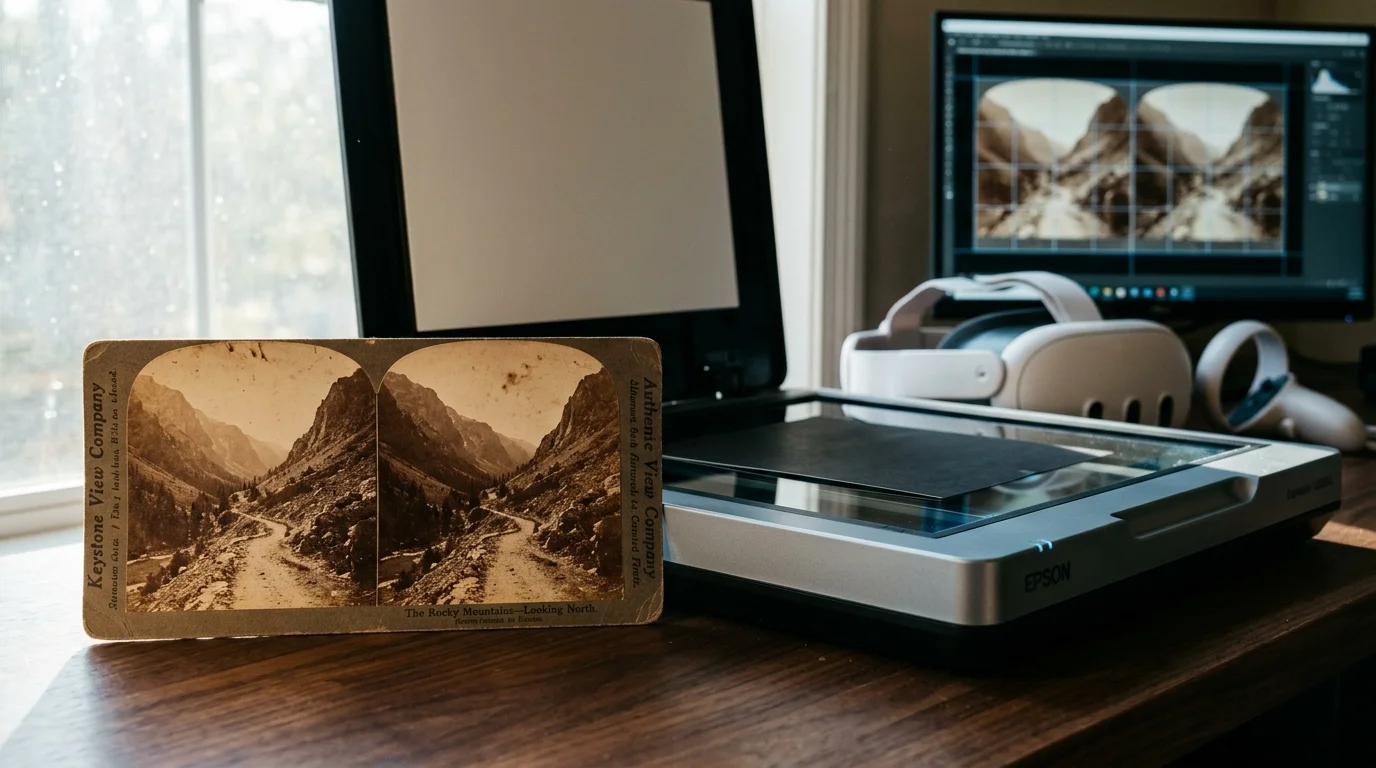
You can transform an inherited collection of 500 Victorian stereocards into immersive virtual reality environments and stutter-free wiggle-GIFs on a home budget. Proper optical geometry makes this historical transition effortless.
Victorian printers mounted stereographs with deliberate horizontal misalignments designed exclusively for handheld parlor stereoscopes. Scanning them directly without recalibrating their 63-millimeter optical infinity baseline causes severe VR motion sickness and jarring wiggle-GIF jitter.
This guide demonstrates how to correct dual-channel rotational skew, balance convergence planes, and digitize your family archive using accessible flatbed hardware and free alignment tools.
Anatomy of a Victorian Stereoview
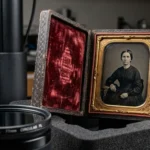
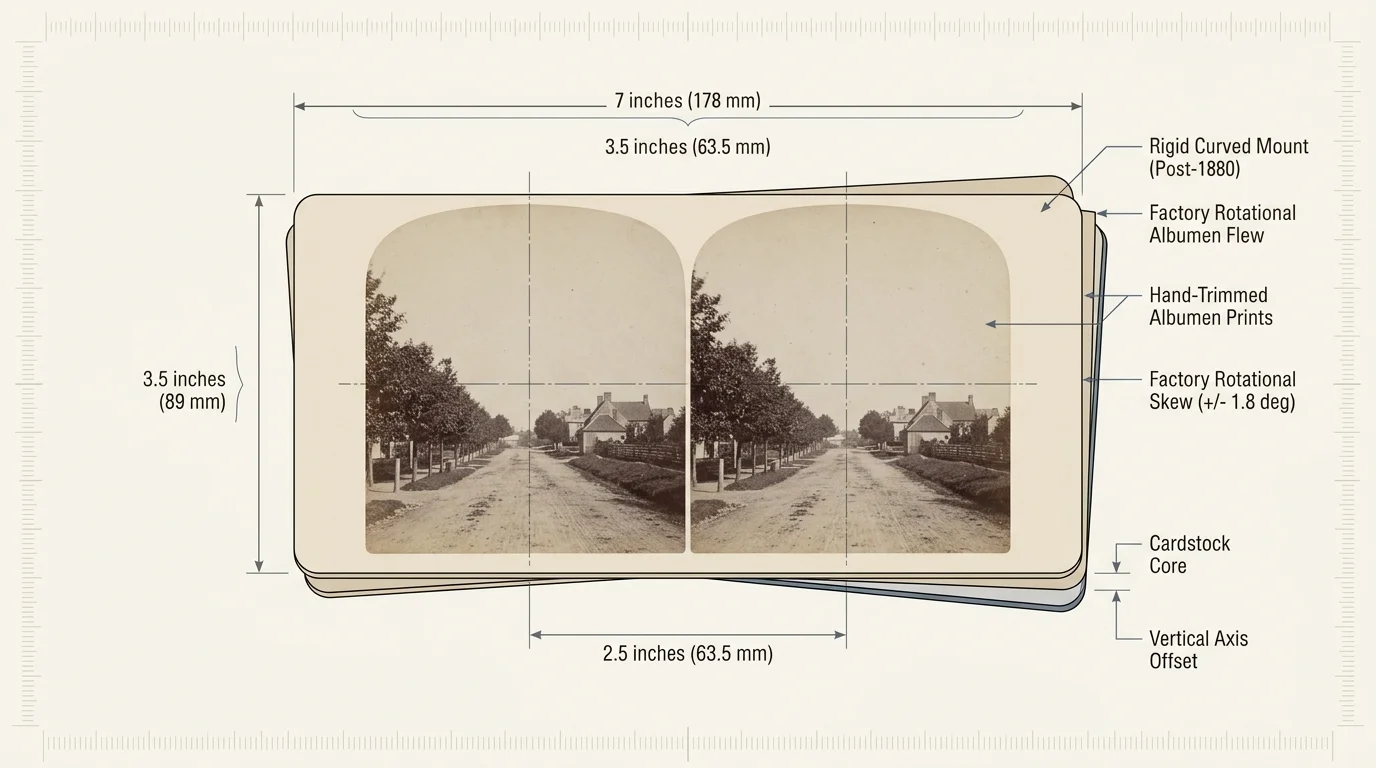
Victorian stereocards measure standard dimensions of 3.5 by 7 inches, containing two photographic prints mounted side by side. Nineteenth-century photographers captured these twin frames simultaneously using specialized twin-lens cameras separated by roughly 2.5 inches.
This lens spacing approximated the average distance between human eyes. When viewed through a binocular prism stereoscope, the observer’s visual cortex fuses the disparate images into a convincing three-dimensional perspective.
Publishers like the Keystone View Company and Underwood & Underwood produced hundreds of millions of cards. Their catalogs documented world travels, historical conflicts, scientific achievements, and everyday family domestic scenes.
Between 1855 and 1880, publishers mounted flat albumen prints onto rigid cardstock. After 1880, manufacturers introduced curved mounts, bending the card horizontally across its center to increase rigidity and reduce optical glare.
Unfortunately, manual factory assembly introduced subtle mechanical flaws onto nearly every production card. Assembly workers hand-trimmed prints and pasted them hastily, introducing rotational skew, uneven vertical offsets, and variable horizontal spacing.
Antique stereoscope lenses hid these inconsistencies because your eyes constantly adjusted across the physical viewports. In contrast, modern digital displays hold pixels rigidly, making historical assembly errors immediately visible.
Flatbed Scanner Calibration and Dual-Channel Capture
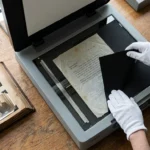
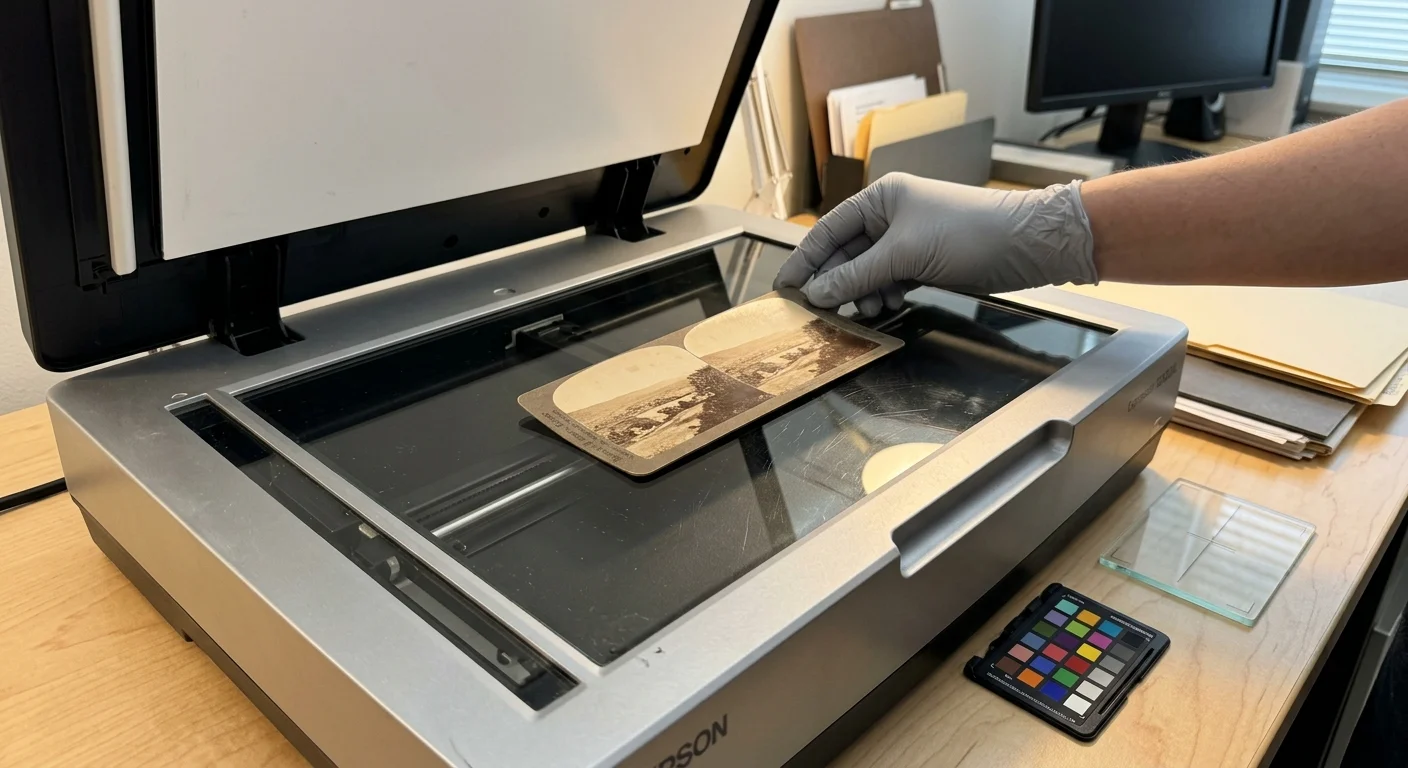
When you digitize stereoview cards, scan both photographic lenses together in a single continuous pass. Scanning left and right frames independently introduces variable scanhead speeds, optical rotation, and uneven brightness.
Select an archival flatbed scanner featuring a charge-coupled device (CCD) sensor. Understanding the optical resolution of digital scanners helps you capture genuine silver grain rather than empty digital interpolation.
Set your scanner utility to capture 24-bit RGB color at a resolution of 800 to 1,200 DPI. Avoid grayscale capture modes, even for monochrome prints, because color channels record distinct archival fading.
At 800 DPI, each individual 3-inch image yields approximately 2,400 by 2,500 pixels. This raster size perfectly matches the per-eye display fidelity of modern 4K virtual reality headsets.
Save every master file directly as an uncompressed 24-bit TIFF. Lossy JPEG compression introduces blocky discrete cosine artifacts around high-contrast edges, which subsequently damages stereo depth reconstruction and edge matching.
Curved mounts pose a distinct physical challenge against flat scanner glass. Forcing a curved mount flat with the scanner lid will crack fragile, century-old albumen emulsions.
Instead, rest a clean 4-millimeter sheet of anti-reflective optical glass gently over the mount. The light weight holds the card sufficiently stable without exerting destructive pressure on brittle cardstock fibers.
Worked Example: Digitizing a 500-Card Collection
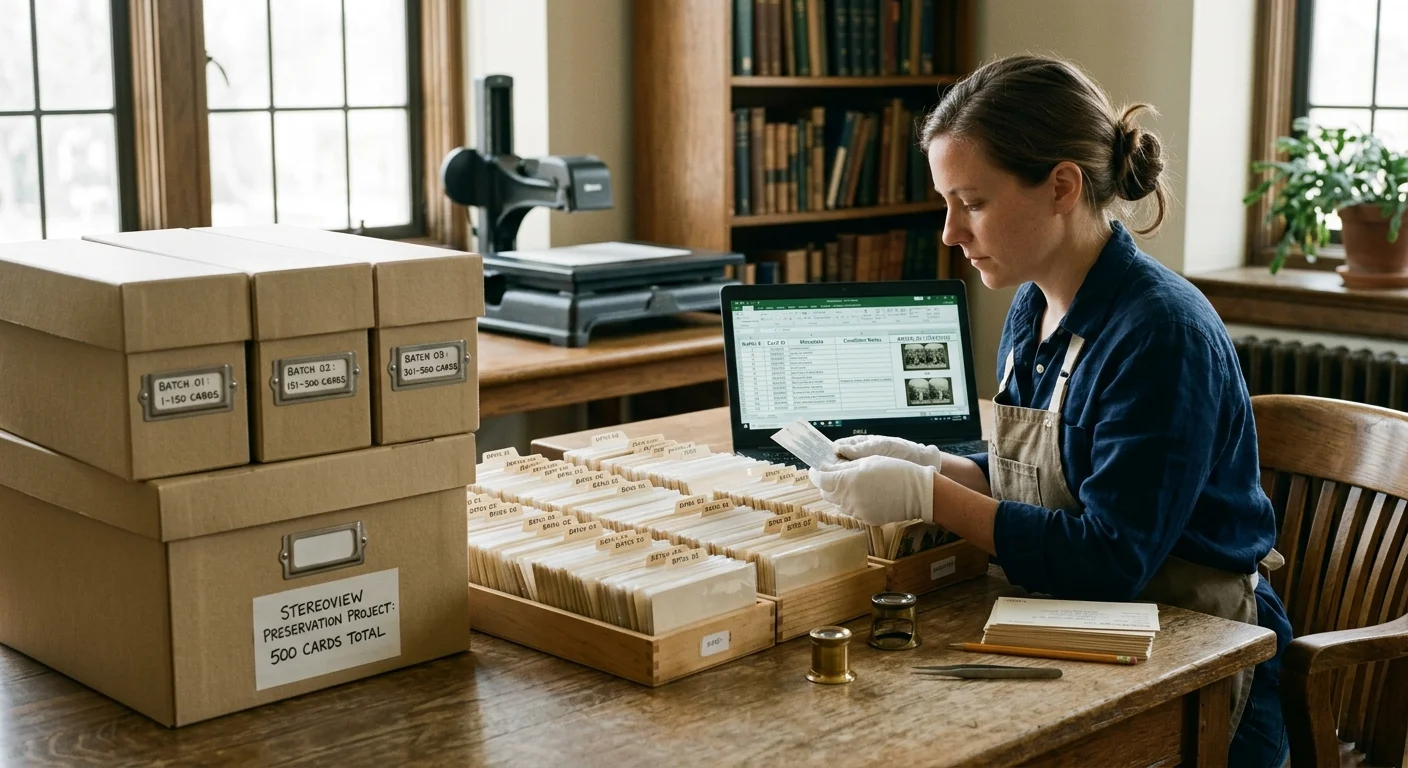
Consider a realistic archiving scenario: you inherit 500 Keystone View Company curved cards from 1902. Preserving this collection requires realistic estimates for equipment expenses, machine runtimes, digital storage, and post-processing hours.
You purchase an Epson Perfection V600 photo flatbed scanner for $349.99 online. Adding archival lint-free nitrile gloves and an anti-static blower brush brings your total hardware investment to $374.50.
Scanning one 3.5 by 7-inch card at 800 DPI takes 82 seconds on this setup. Processing the entire 500-card collection requires 41,000 active scanning seconds, or 11.4 machine hours.
Each uncompressed 24-bit TIFF scan averages 46 megabytes in file size. Storing all 500 master scans requires 23.0 gigabytes of hard drive capacity, fitting easily onto inexpensive external storage.
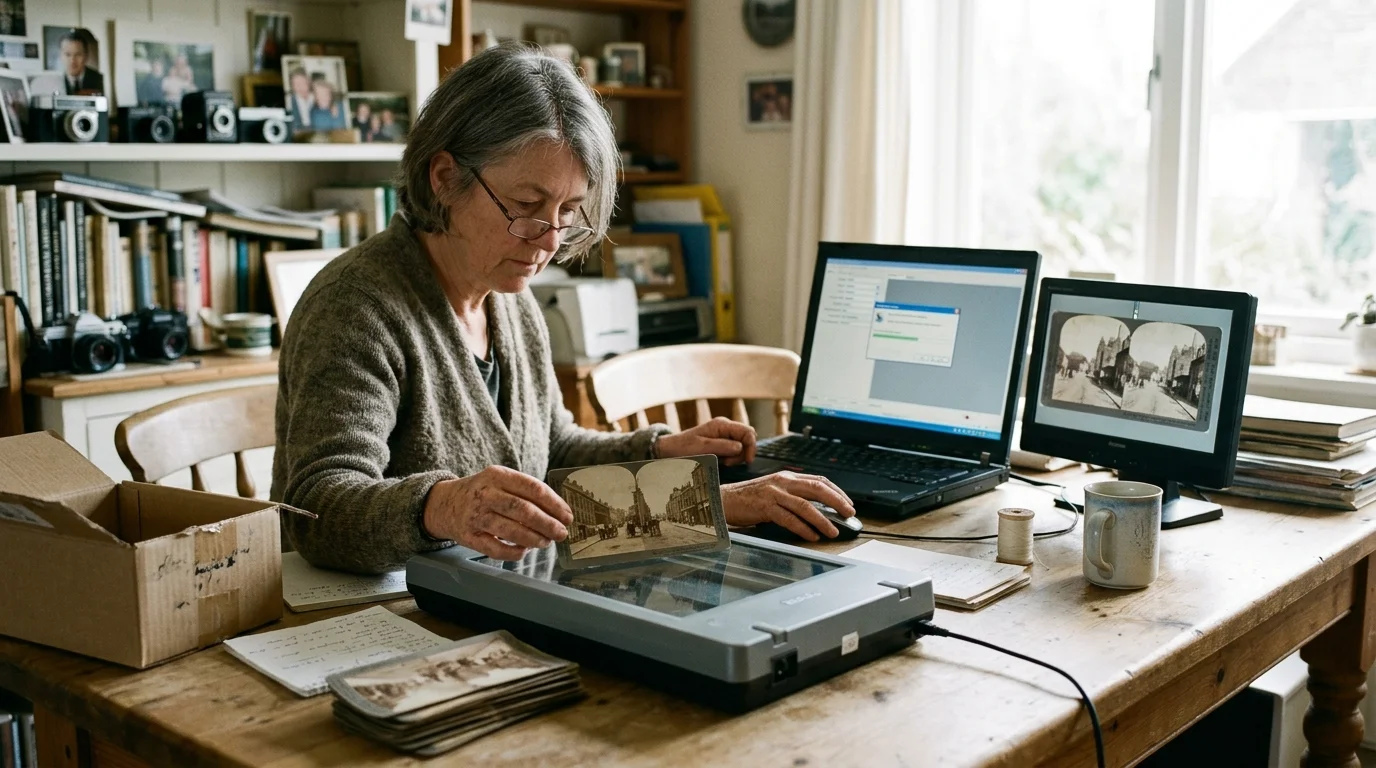
You process the raw scans using the free, open-source tool StereoPhoto Maker. Running automatic optical feature detection, zero-parallax calibration, and SBS cropping averages 90 seconds per image card.
Software alignment across 500 cards totals 45,000 seconds, or 12.5 hours of user labor. Combining scanning and alignment produces a completed digital archive in roughly 23.9 total working hours.
Spreading the workload across four consecutive weekend sessions makes the project manageable. You successfully digitize 500 heirloom stereographs for less than $0.75 in equipment costs per card.
Optical Realignment and the 63mm Interpupillary Baseline
When you convert stereograph to 3d digital viewing formats, physiological optics must dictate your workflow. Untreated Victorian card geometry causes severe physical discomfort when rendered directly onto fixed digital panels.
The human eyes feature an average adult interpupillary distance (IPD) of 63 millimeters. When gazing at objects resting at optical infinity, human lines of sight remain parallel.
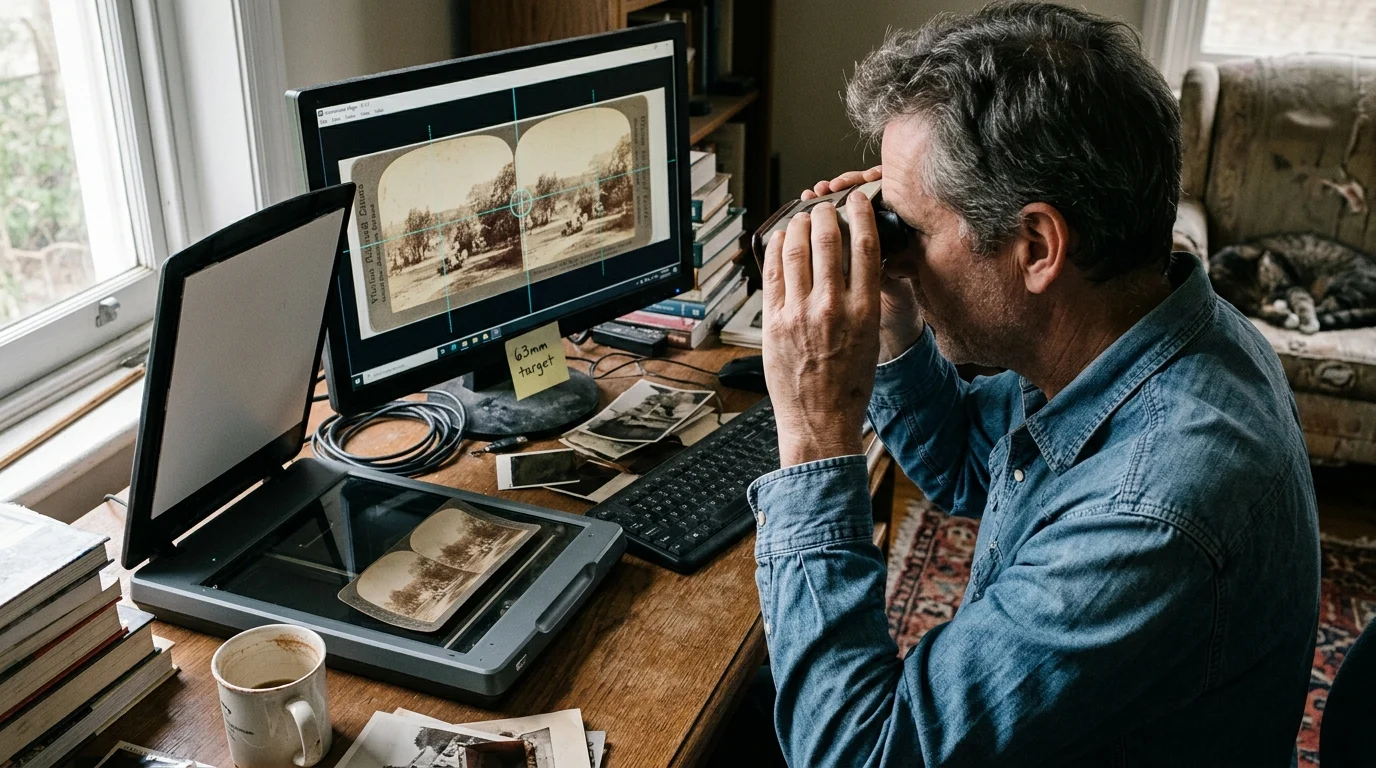
Correcting vertical disparity and setting the zero-parallax plane to the nearest visual subject prevents optical window violations. Precise mathematical realignment transforms century-old stereographs into natural, headache-free modern viewing experiences.
Victorian publishers frequently spaced infinity points more than 65 millimeters apart to exaggerate visual depth. Handheld stereoscope lenses refracted this wide baseline comfortably, but modern VR headsets cannot do so.
Forcing modern eyes to diverge past parallel lines triggers acute nausea and ocular strain within moments. Digital alignment must bring infinity separation back to an unyielding 63-millimeter equivalent baseline.
Furthermore, you must eliminate vertical disparity between channels. Human visual biology easily fuses horizontal differences to calculate depth, but vertical offsets larger than two pixels cause severe sensory friction.
Using StereoPhoto Maker, load your raw scan and select the automated alignment function. The algorithm identifies hundreds of high-contrast feature points, rotating and resizing both channels to eliminate rotational skew.
Finally, set your digital stereo window at the nearest foreground object. Placing the zero-parallax plane behind a close subject creates an unsettling optical error known as a stereo window violation.
Stereo Display Formats and Playback Architecture
Modern platforms require distinct geometric layouts for stereoscopic playback. Choosing the correct export format ensures your digitized collection renders comfortably across virtual reality displays, 3D televisions, and mobile devices.
The following table outlines technical specifications, file sizes, and hardware compatibility across primary digital stereo display formats derived from 800 DPI master scans.
| Format Name | Resolution per Eye | Ideal Playback Device | Interpupillary Depth Accuracy | File Container & Size |
|---|---|---|---|---|
| Full Side-by-Side (Full SBS) | 2400 x 2500 px | Meta Quest 3, Apple Vision Pro | Absolute (Pixel-matched) | JPEG / PNG (8–14 MB) |
| Half Side-by-Side (Half SBS) | 960 x 1080 px | Legacy 3D HDTVs, Projectors | Moderate (Horizontally compressed) | MP4 / MPO (3–6 MB) |
| Animated Wiggle-GIF | 1080 x 1080 px | Smartphones, Web Browsers | Simulated (Temporal parallax) | GIF / WEBP (4–9 MB) |
| Color Anaglyph (Red/Cyan) | 2400 x 2500 px | Standard Computer Displays | Low (Severe color distortion) | JPEG (4–7 MB) |
Full Side-by-Side (Full SBS) images preserve original photographic resolution by avoiding horizontal squeeze algorithms. This format represents the gold standard for archive preservation and immersive VR headset playback.
Half Side-by-Side formats compress each channel horizontally to fit legacy 1920 by 1080 video frames. While suitable for older 3D televisions, Half SBS degrades fine architectural and facial textures noticeably.
Animated wiggle-GIFs eliminate the need for specialized 3D eyewear altogether. They provide an accessible, sharable medium that communicates depth instantly across social platforms and standard computer screens.
Step-by-Step Generation of Smooth Wiggle-GIFs
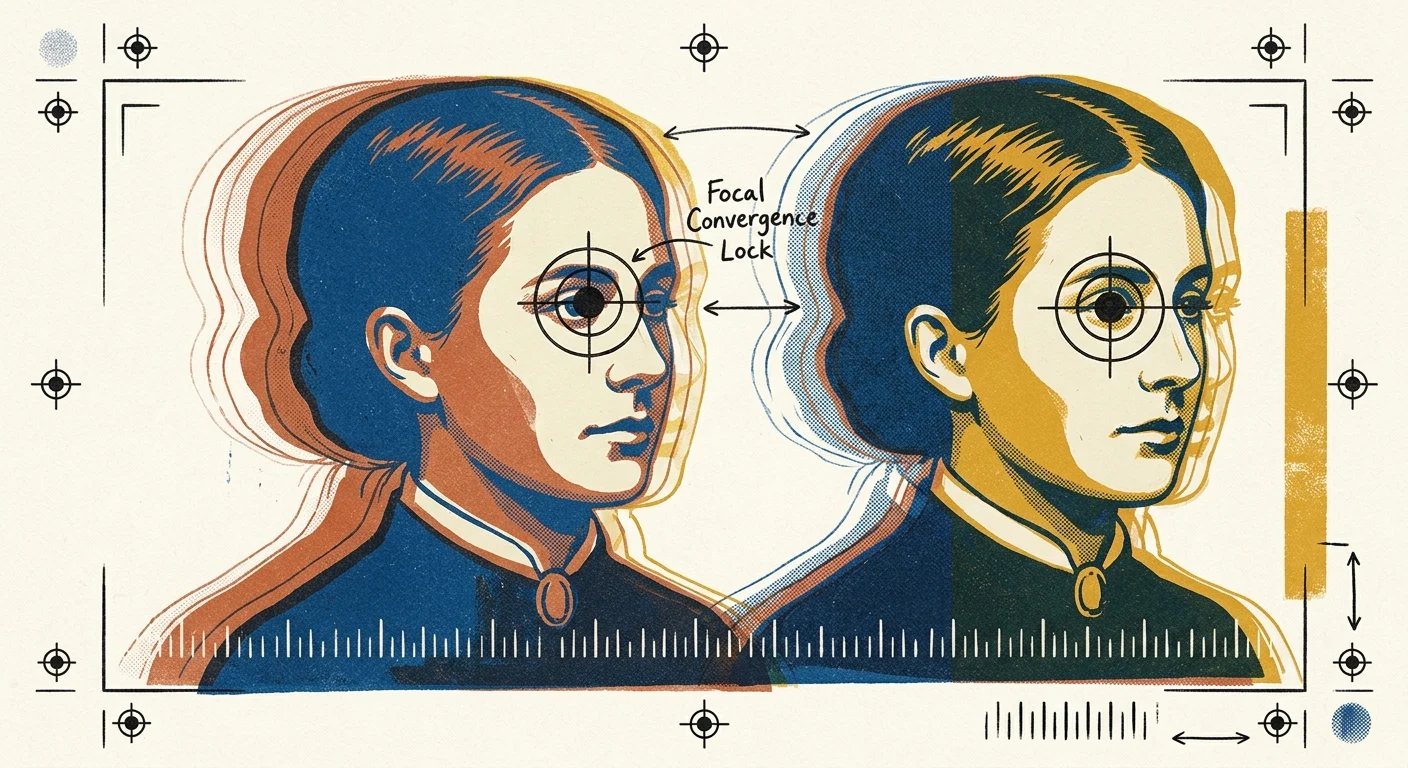
Wiggle stereoscopy switches continuously between left and right photographic views to simulate parallax on flat screens. This rhythmic movement allows ordinary screens to showcase genuine nineteenth-century depth.
To construct a wiggle-GIF, open your aligned stereo pair inside StereoPhoto Maker or Photoshop. Select a distinct subject in your image’s midground to serve as the optical convergence point.
Locking the convergence point keeps that primary subject completely motionless during animation playback. If you anchor the wrong depth plane, the subject will jerk horizontally and induce motion sickness.
Set your animation timing to 100 milliseconds per frame, delivering a playback rate of 10 frames per second. Speeds below 8 frames per second stutter, while speeds above 15 cause dizziness.
Arrange your animation timeline as a three-frame loop: Left, Right, and an intermediate transition frame. Alternatively, loop Left to Right in a smooth forward-and-back bounce sequence.
Crop the outer horizontal borders of both frames after establishing your convergence lock. Leaving unaligned border areas produces violent edge flickering, breaking visual immersion for your audience.
Export your finalized animation as an optimized GIF or looping MP4 video file. Keep output dimensions around 1080 by 1080 pixels for seamless viewing across smartphones and social media platforms.
Formatting Side-by-Side Stereo for Modern VR Headsets
Contemporary headsets like the Meta Quest 3, Vive XR Elite, and Apple Vision Pro excel at displaying historical photography. These devices render dual digital displays directly before each eye without cross-talk.
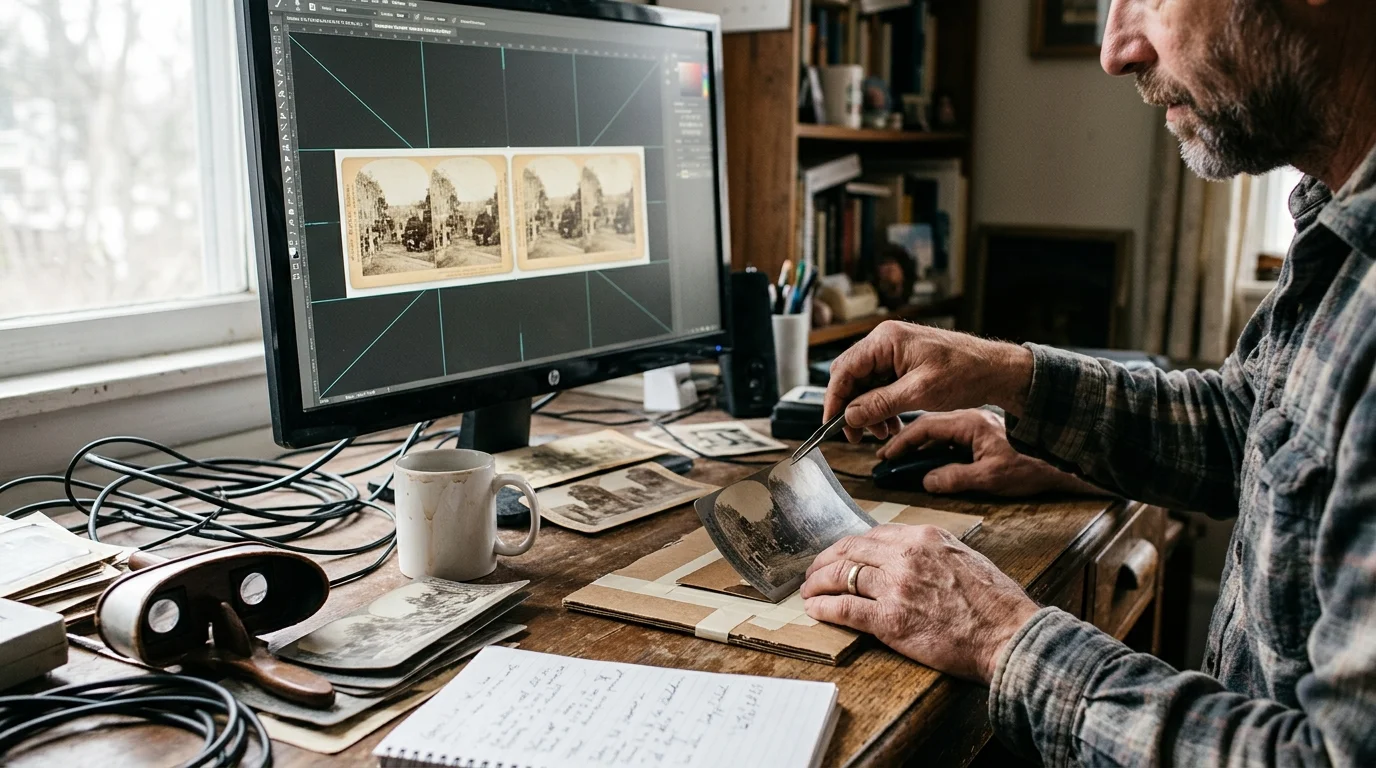
To prepare files for VR playback, export your aligned images as full-resolution Side-by-Side (SBS) JPEGs. Place the left-eye image on the left canvas half and right-eye on the right.
Victorian stereoview cards possess an aspect ratio of roughly 1:1.1 for each eye. When placing them on a 3840 by 1920 digital canvas, pad unused margins with pure black.
Never stretch or compress the historical image to fill widescreen 16:9 canvas dimensions. Artificially modifying horizontal scale distorts stereoscopic geometry and destroys authentic spatial proportions.
Name your files systematically with the suffix “_SBS” at the end of each filename. Most VR gallery applications detect this naming convention automatically and activate stereoscopic rendering without manual configuration.
Load your processed directory into dedicated VR media players like Pigasus, Skybox VR, or 4XVR. These applications simulate a private virtual cinema, placing historical scenes before you in lifesize stereoscopic scale.
Archival Handling and Physical Card Preservation
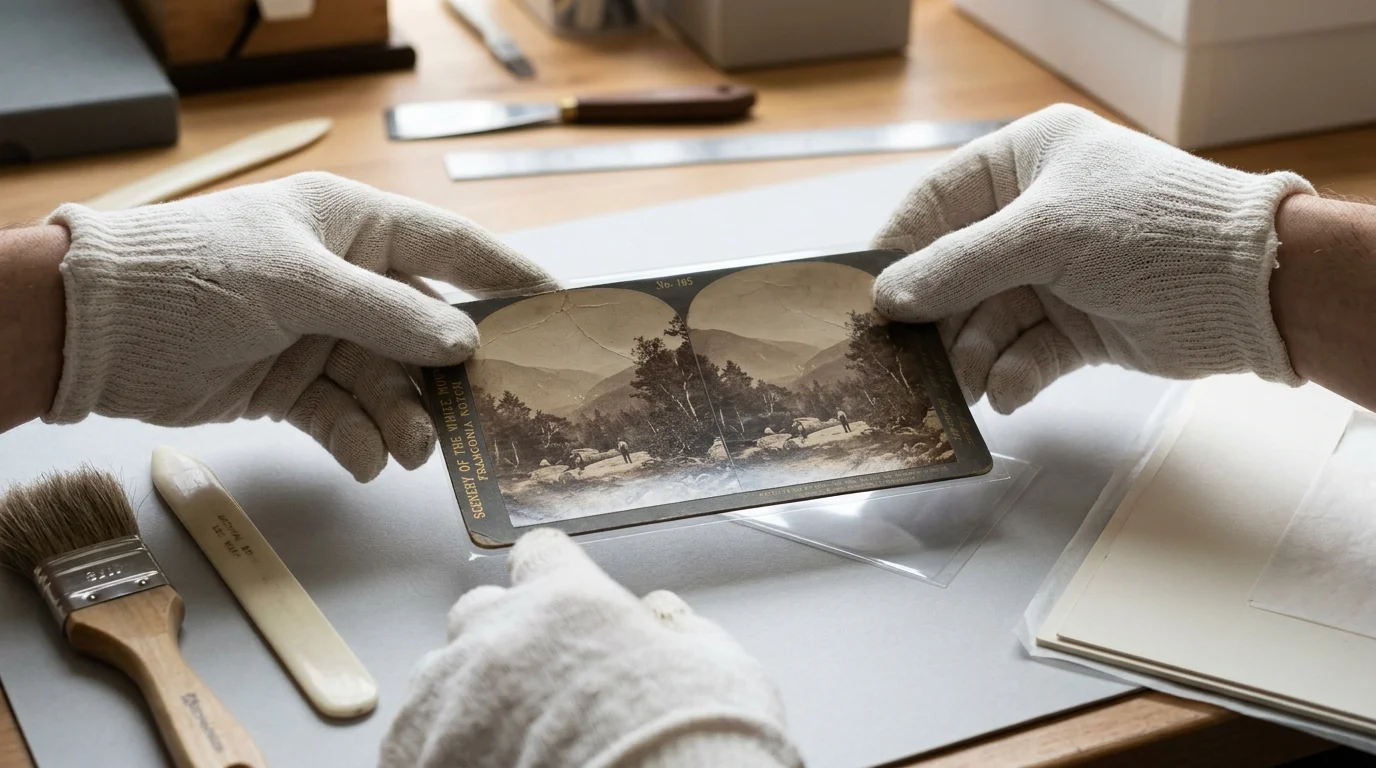
Digitizing your archive provides a vital opportunity to stabilize fragile physical mounts for future generations. When scanning stereoscopic photos, remember that nineteenth-century prints deteriorate rapidly from fluctuating humidity, acidic paperboards, and skin contact.
Always handle antique stereographs using clean, powder-free nitrile gloves rather than bare hands. Natural skin oils transfer acidic sebum onto delicate albumen coatings, leaving permanent fingerprints that oxidize over time.
Consult the Library of Congress preservation guidelines to establish optimal storage conditions. House each card inside an individual, inert polypropylene or polyester (Mylar) sleeve passing the Photographic Activity Test (PAT).
Never attempt to flatten warped or curved stereoview mounts using heavy books or moisture chambers. Uneven moisture absorption breaks the delicate bond between photographic paper and card mounts, causing irreversible peeling.
Store sleeved stereocards vertically on their long edges inside acid-free, buffered Hollinger card boxes. Storing cards flat under vertical weight crushes surface emulsions and damages raised curved profiles.
House your storage boxes inside a dark, climate-controlled space maintaining temperatures below 68 degrees Fahrenheit. Avoid attics, basements, and exterior walls where seasonal humidity shifts accelerate chemical deterioration.
Frequently Asked Questions
Why do raw stereoview scans cause headaches when viewed in VR headsets?
Historical stereocards feature manual paste alignment errors and wide infinity separation designed for optical prisms. When rendered on flat digital displays, this forces your eyes to diverge unnaturally, triggering rapid eye fatigue and nausea.
Can I use a digital camera copy stand instead of a flatbed scanner?
Yes, a mirrorless camera mounted on a copy stand captures stereocards effectively. However, you must use a macro lens and perfectly leveled lighting to prevent geometric perspective distortion across the dual channels.
What is the optimal frame delay for Victorian wiggle-GIF animations?
The ideal frame delay ranges between 80 and 100 milliseconds, representing 10 to 12 frames per second. This timing allows the human brain to perceive fluid spatial parallax without inducing strobe disorientation.
Is it safe to flatten curved stereoview cards during the scanning process?
Never force curved stereoview cards completely flat under heavy pressure. Forcing brittle century-old cardstock flat will fracture the delicate albumen photographic emulsion and permanently crack the structural paper fibers.
Disclaimer: This article is for informational purposes only. When handling valuable or irreplaceable photographs, consider consulting a professional conservator. Always test preservation methods on non-valuable items first.