Dividing fifteen years of intertwined family photos during a divorce often triggers technical chaos and emotional exhaustion. You can divide shared digital photos cleanly without deleting memories, forfeiting historical metadata, or triggering bitter custody battles over digital assets.
Most separation guides tell you to duplicate everything or rely on clunky cloud downloads that strip camera data. Instead, an offline forensic tagging workflow isolates personal files into individual and shared archives while keeping original timestamps and folder dates completely intact.
This technical roadmap shows you how to branch your shared library into distinct, private vaults with forensic precision.
Legal Boundaries and Cloud Data Traps in Asset Division
Digital family archives represent both sentimental heirlooms and formal marital assets. Handling them requires the same legal caution you apply to real estate or investment accounts.
Couples who previously had to merge multiple photo libraries into one often discover that disentangling those consolidated collections presents an even steeper technical hurdle.
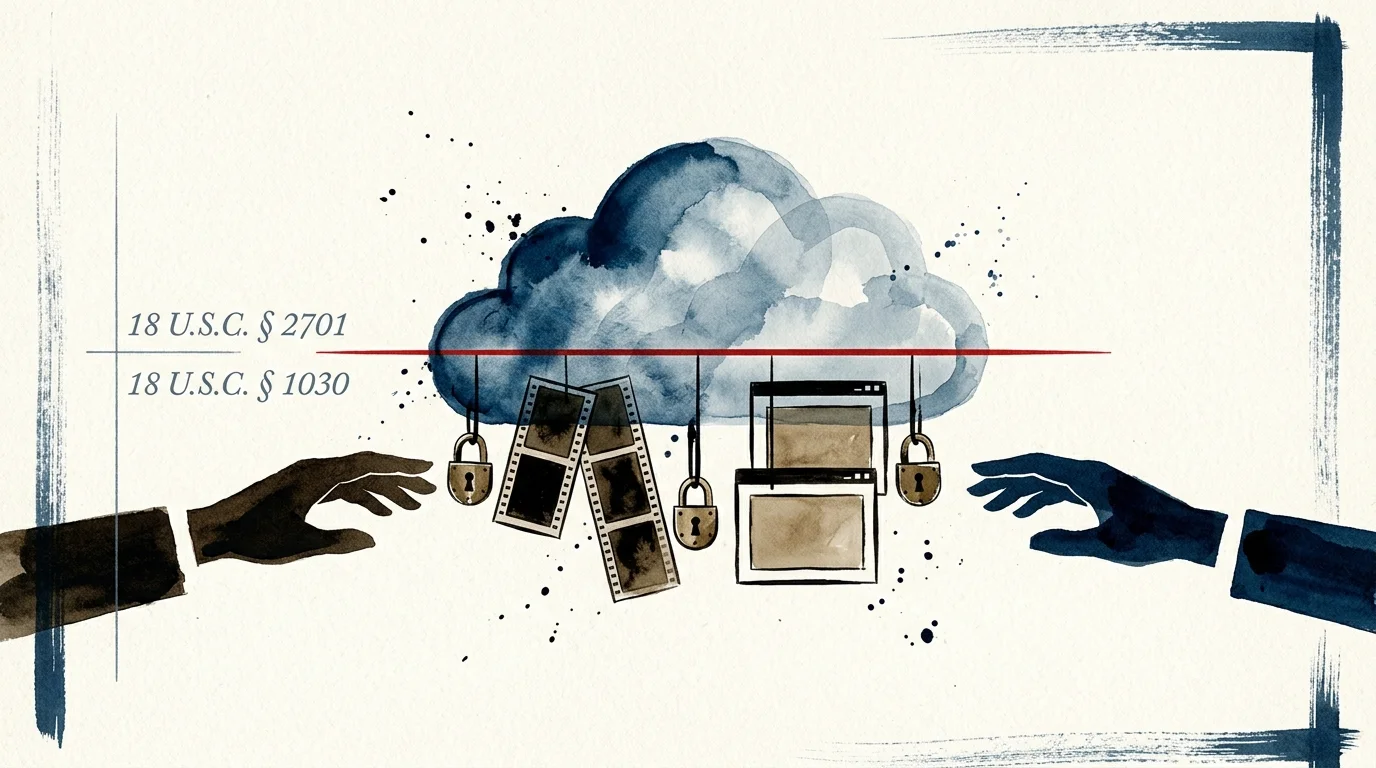
Never log into your spouse’s private cloud account to recover pictures, even on a shared home computer. Accessing an account without explicit permission violates federal statutes, including the Stored Communications Act (18 U.S.C. § 2701).
Unauthorized access can also violate the Computer Fraud and Abuse Act (18 U.S.C. § 1030); evidence gathered unlawfully becomes inadmissible in family court. Always secure written consent or formal discovery stipulations before modifying any shared repository.
Live cloud environments create severe evidentiary risks during separation. When either party edits or purges shared assets, two-way synchronization propagates those deletions across every connected phone and laptop instantly.
Unilateral deletions in a synchronized cloud library during divorce proceedings can constitute spoliation of digital evidence, exposing you to severe judicial sanctions.
You must freeze the shared archive before beginning any division process. Disconnect active syncing on local computers to prevent unintended deletions from destroying your family records.
Cloud Platform Mechanics: Apple Photos and Google Photos Export Risks
Attempting to separate Apple Photos shared library assets through native tools frequently causes permanent data loss. Platform limitations can silently degrade image quality or erase crucial metadata.
Evaluating secure platforms for family photo sharing beforehand highlights how different cloud services manage permissions and handle file compression during handoffs.
Apple enforces a strict “7-Day Rule” inside iCloud Shared Photo Library. When you exit an iCloud Shared Photo Library, you can copy the full library into your personal space only if you belonged to it for more than seven days.
If you leave or someone removes you before seven days elapse, you can retain only the specific assets you contributed personally. This restriction can instantly strip you of thousands of candid family memories.
Deleted items remain in the Apple “Recently Deleted” album for 30 days before permanent deletion. However, Apple permits only the original contributor to immediately purge or permanently erase a file from that shared trash folder.
Avoid using traditional Apple Shared Albums to distribute your separated archives. Apple Shared Albums downscale photographs to a maximum width of 2,048 pixels on the long edge, downscale panoramas to 5,400 pixels, and cap video at 720p resolution.
Shared Albums also strip embedded EXIF capture details, lens specifications, and GPS tags. To preserve your full resolution files, you must export original, unedited digital masters instead.
Google Photos presents different mechanical hazards when severing Partner Sharing arrangements. Shared photos do not consume storage in the recipient’s Google account while actively paired together.
Once you dissolve Partner Sharing, auto-saved images convert into standalone copies that immediately count against your personal Google storage quota. If your account runs out of space, incoming emails and cloud backups halt immediately.
Google Takeout exports present another technical headache: metadata fragmentation. Takeout strips edited timestamps, custom descriptions, and album tags from file headers, dumping them into separate JSON sidecar files.
Google frequently truncates JSON file names at 46 to 50 characters, breaking file-to-metadata links. Restoring chronological order requires programmatic reconciliation before you split family photo library divorce archives.
Pre-Division Audit and Storage Cost Benchmarking
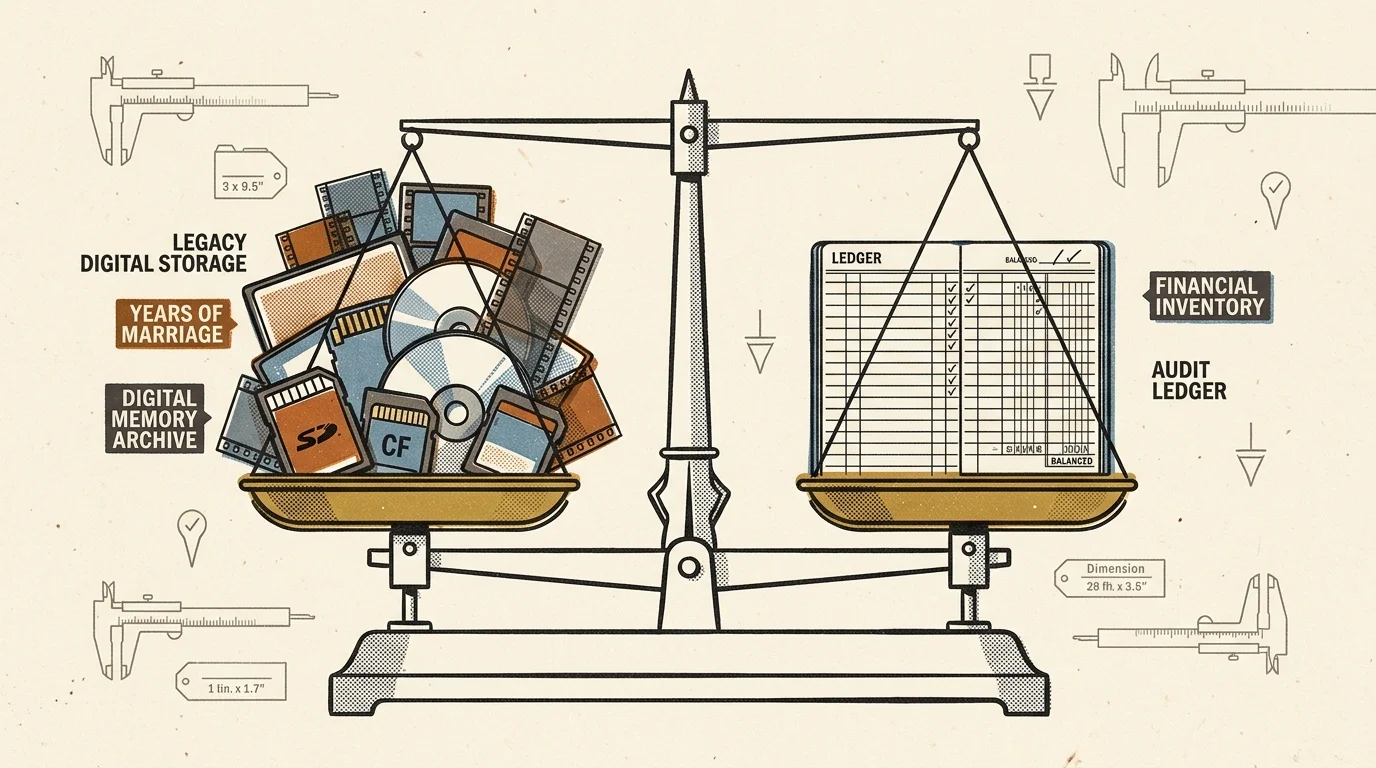
Before moving any files, you must inventory the total volume, format types, and ongoing hosting expenses. Storage costs accumulate rapidly when you duplicate an intertwined archive across two households.
Weighing the ongoing expenses of cloud storage versus external hard drives and NAS helps both parties establish sustainable independent repositories after separation.
Examine the ongoing subscription rates for major platforms. Apple iCloud+ costs $2.99 monthly for 200 GB, $9.99 monthly for 2 TB, $29.99 monthly for 6 TB, and $59.99 monthly for 12 TB.
Google One charges $1.99 monthly ($19.99 annually) for 100 GB, and $9.99 monthly ($99.99 annually) for 2 TB. Duplicating a 1.5 TB archive into two independent cloud environments costs approximately $240 per year indefinitely.
Local solid-state drives offer superior isolation, higher transfer speeds, and zero recurring cloud costs. Investing in dedicated external storage prevents either spouse from holding administrative leverage over library access.
| Storage Platform | Direct Financial Cost | Metadata Preservation | Privacy & Access Isolation | Transfer Bandwidth Limitations |
|---|---|---|---|---|
| Apple iCloud+ (2 TB Tier) | $9.99 per month recurring | Retains raw EXIF; strips edits on basic file exports | High risk; shared administrative accounts cause cross-device leaks | Throttled by domestic internet upload speeds |
| Google One (2 TB Tier) | $9.99 per month ($99.99/year) | Splits metadata into JSON sidecars upon bulk export | Moderate risk; severed Partner Sharing consumes storage instantly | Throttled; multi-part zip extractions required |
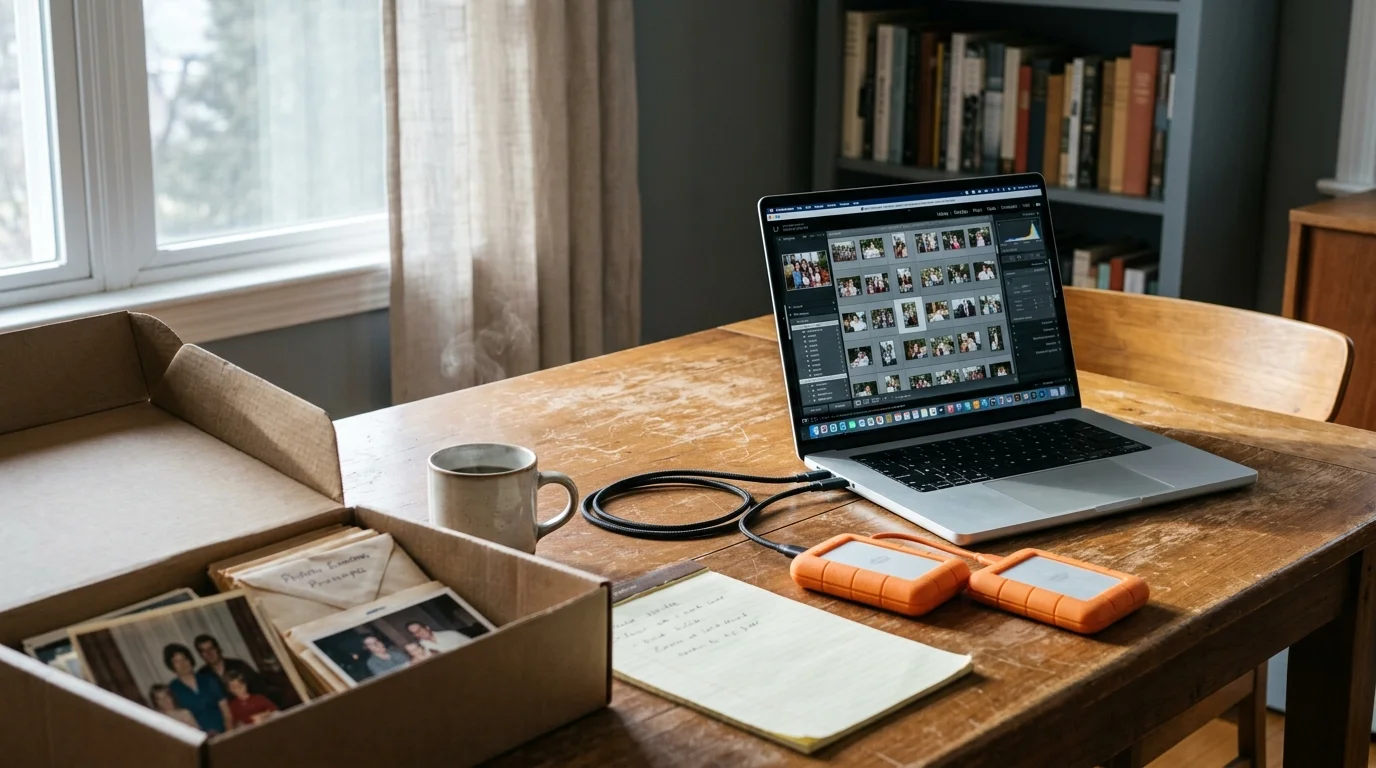
| Dual Crucial X9 Pro 2 TB SSDs | $259.98 upfront one-time | Preserves full original EXIF, IPTC, and XMP headers | Absolute; completely air-gapped physical drives for each party | Sustained 1,050 MB/s read/write over USB 3.2 Gen 2 |
Purchasing two dedicated external drives creates clean physical custody boundaries. This physical separation prevents future storage billing disputes between both households.
Establishing the Master Golden Archive: Forensic Cloning Workflow
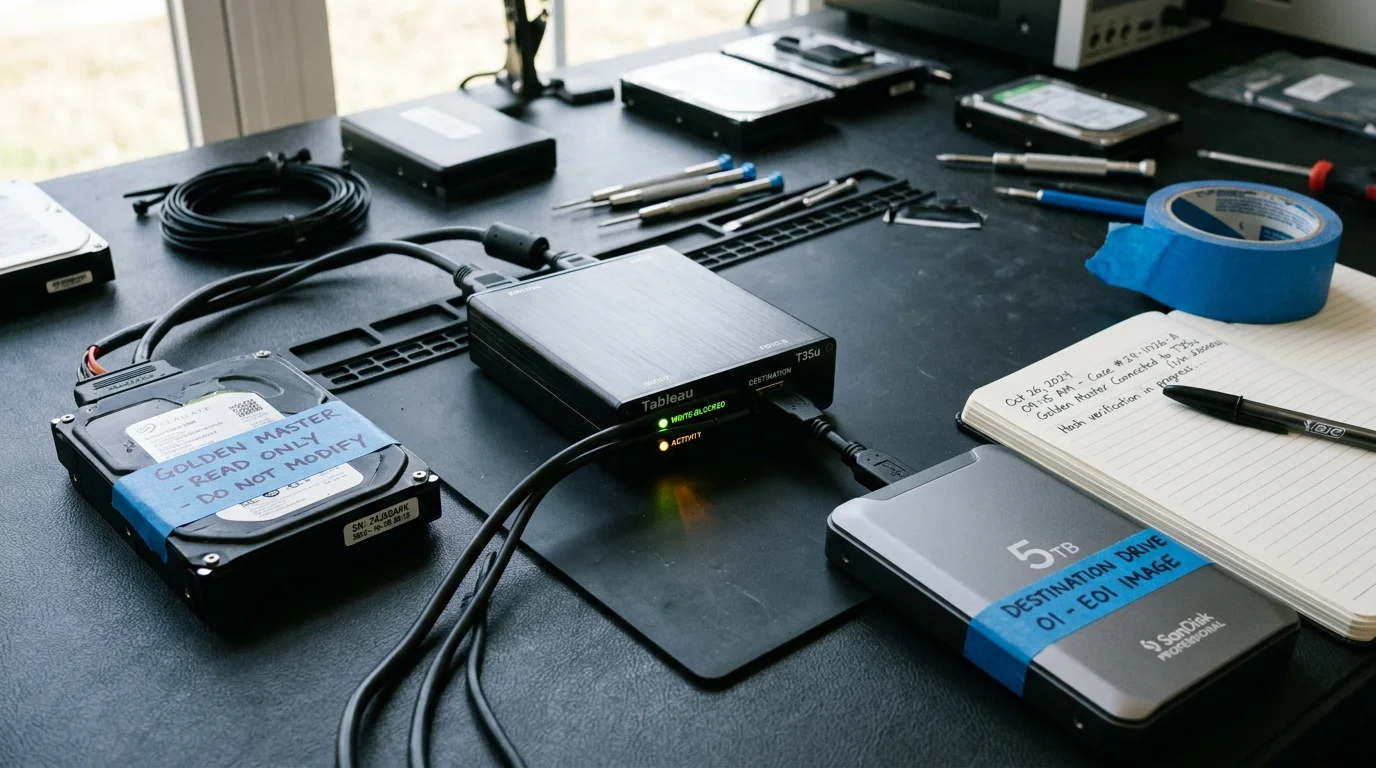
Never sort, retag, or organize assets on your only existing copy. You must create an immutable, read-only “Golden Master” archive before categorizing a single image.
Implementing a strict 3-2-1 backup strategy guarantees that your baseline files remain protected across separate media before you perform any file manipulation.
Ordinary operating system drag-and-drop operations alter file system metadata. Dragging folders in Windows Explorer or macOS Finder often overwrites folder creation dates with the current time, destroying your temporal hierarchy.
To adhere to standard National Archives preservation standards, you must preserve original file attributes using robust command-line utilities. Use terminal tools that copy every file attribute, POSIX permission, and directory timestamp intact.
If you use macOS or Linux, connect your source drive and target backup drive, open Terminal, and execute rsync with archive flags:
rsync -aHAX --progress /Volumes/FamilySource/ /Volumes/MasterGoldenArchive/
The -a flag preserves recursion, file links, permissions, and timestamps. The -H, -A, and -X flags retain hard links, access control lists, and extended system attributes.
Windows users should use Robocopy within PowerShell or Command Prompt. Execute this command to replicate your archive without updating file stamps:
robocopy D:\FamilySource E:\MasterGoldenArchive /E /COPYALL /DCOPY:DAT /R:3 /W:5
The /COPYALL parameter transfers data, attributes, timestamps, and security permissions. The /DCOPY:DAT flag forces the directory tree to preserve its original folder creation and modification dates.
Once the cloning process finishes, set the backup drive permissions to read-only. Store this Golden Master drive in a secure, climate-controlled location as your fallback baseline.
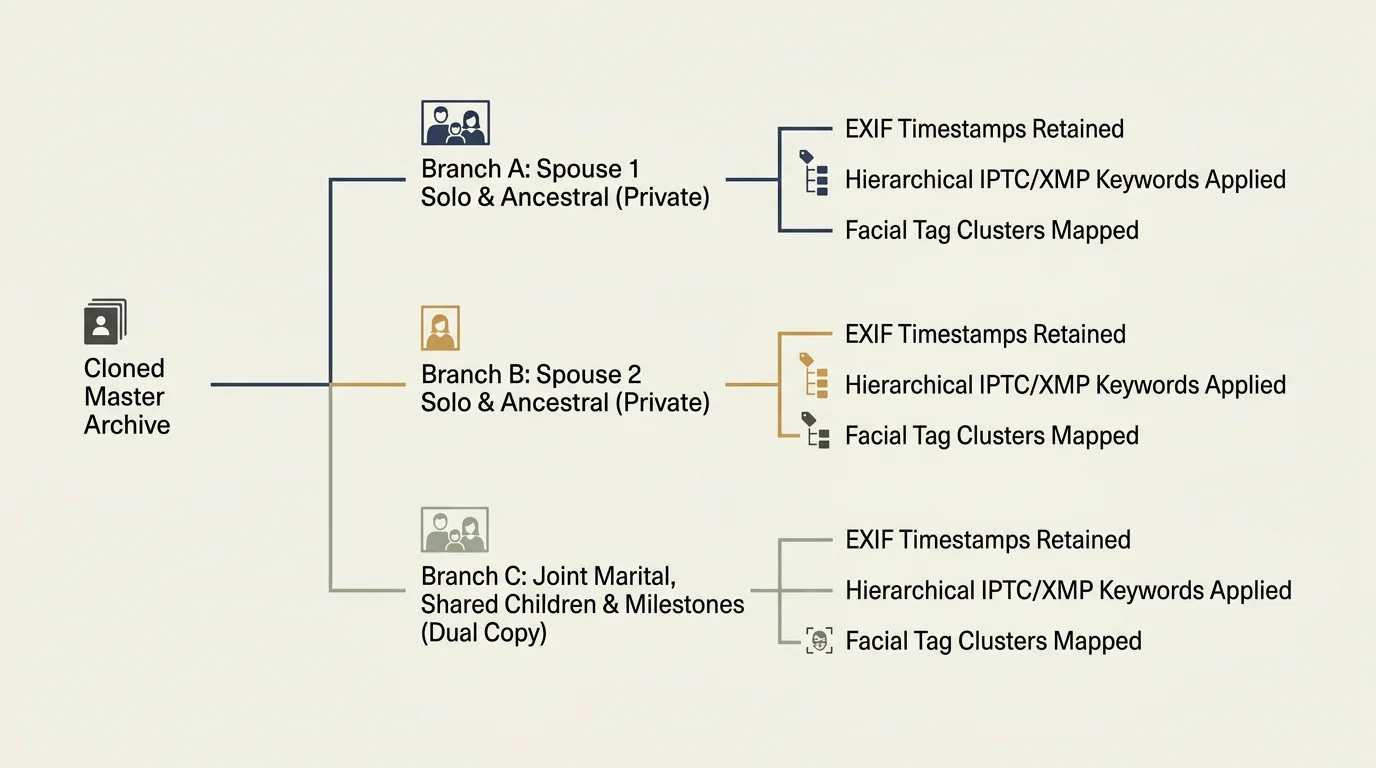
DigiKam Metadata Segregation: The Three-Branch Classification Model
To divide shared digital photos efficiently, use DigiKam 8.3.0, an open-source, enterprise-grade digital asset management tool. DigiKam uses an isolated SQLite or MySQL database that lets you tag thousands of images without modifying the underlying files.
Properly categorizing these assets follows the foundational rules of building a family photo archive that remains searchable and accessible for generations to come.
Launch DigiKam and point its root collection database to your working drive copy. Navigate immediately to Settings, select Configure digiKam, and click the Metadata panel.
Under the Sidecars tab, check the box labeled “Write to sidecar files” and select “Write to XMP sidecar for read-only items.” This setting ensures all tagging operations write to external .xmp sidecars without altering master raw or JPEG files.
Construct a strict, non-overlapping hierarchical tag taxonomy within DigiKam’s Tag Manager. Build three primary branches to classify every disputed and undisputed photograph:
- Branch_A (Individual A Exclusive): Solo portraits, personal college memories, professional headshots, and personal maternal or paternal family lines.
- Branch_B (Individual B Exclusive): Partner solo photos, personal hobbies, military service records, and distinct family lineage.
- Child_Shared (Joint Custody Archival): Child milestones, vacations, school events, birthday celebrations, and joint household memories.
Avoid assigning mixed tags to the same image. If a photo depicts both spouses alongside your children, tag it as Child_Shared so both parents receive a high-resolution duplicate.
Accelerate sorting by running DigiKam’s automated facial recognition engine. Open the People tab, select your core family members, and train the neural network on twenty clear reference portraits for each individual.
Run the facial recognition scanner across your entire working directory. DigiKam automatically groups matching faces into confirmation queues, letting you confirm thousands of individual portraits in a few minutes.
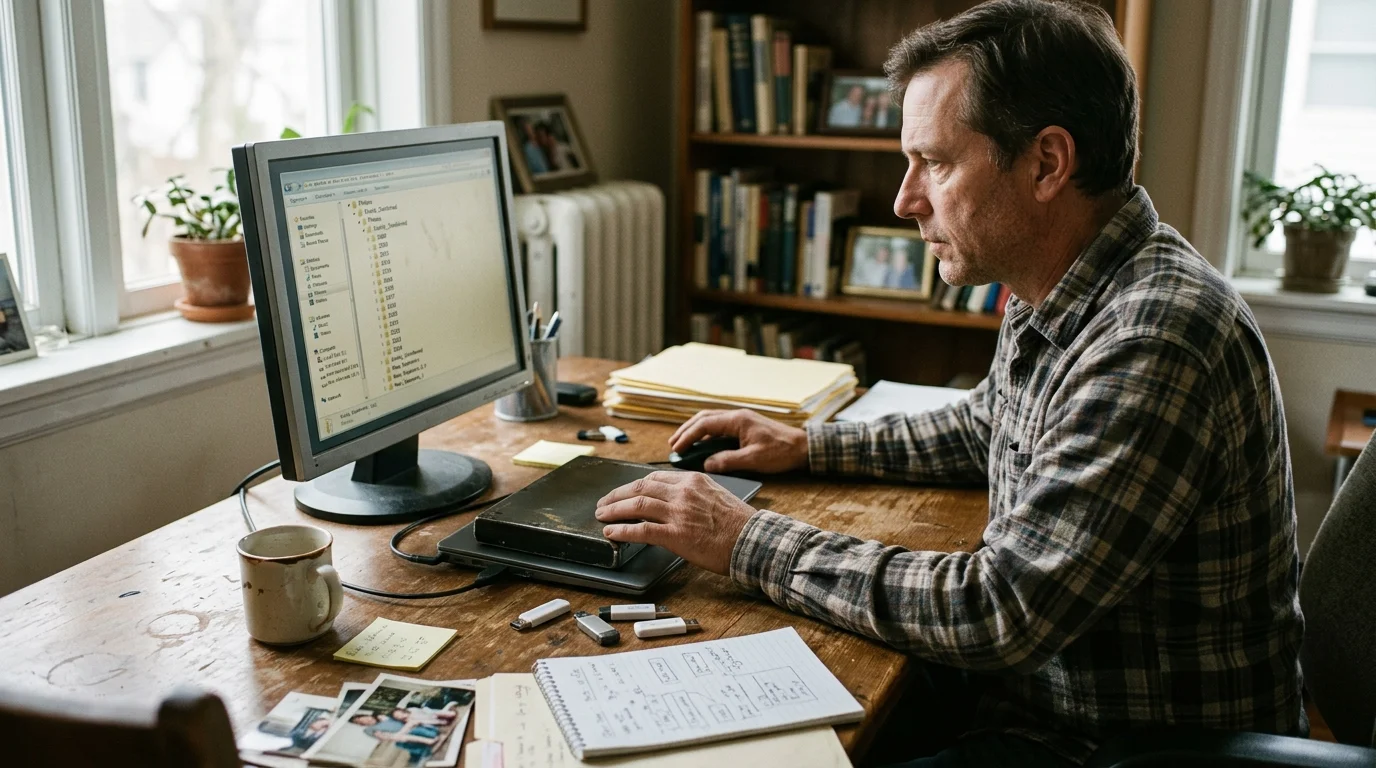
Worked Example: Splitting a 1.4 TB Intertwined Archive (2009–2024)
Consider a concrete scenario involving a 15-year digital archive spanning from January 2009 through December 2024. The source library contains 84,200 total assets (76,000 photos and 8,200 MP4/MOV videos) consuming 1.42 TB of mixed storage.
The original collection contains an intertwined mix of Canon CR2 raw files, iPhone HEIC images, and family camcorder clips. Both spouses agreed in their separation stipulation to divide the assets into two self-contained digital collections.
First, the operator purchased two 2 TB Crucial X9 Pro portable solid-state drives ($129.99 each; $259.98 total). Cloning the 1.42 TB source library using Robocopy over USB 3.2 took 3 hours and 42 minutes to complete.
Next, the operator indexed the clone inside DigiKam 8.3.0, which required 1 hour and 15 minutes. The operator then executed facial recognition passes for both adults and their two children, which ran for 4 hours and 20 minutes.
Manual batch sorting and tag verification required three separate 3-hour weekend sessions (9 hours total). The final classification yielded the following distribution metrics:
- Branch_A (Spouse A Exclusive): 18,400 files (282 GB)
- Branch_B (Spouse B Exclusive): 21,100 files (328 GB)
- Child_Shared (Both Spouses Receive): 44,700 files (810 GB)
Spouse A’s final curated archive received their exclusive files plus the shared child assets, totaling 63,100 files (1.092 TB). Spouse B’s final drive received their exclusive assets plus the shared child assets, totaling 65,800 files (1.138 TB).
Both drives comfortably fit within their respective 2 TB SSD thresholds, leaving adequate buffer for future captures. The total turnaround time spanned 18 hours and 17 minutes across five calendar days, costing exactly $259.98 in hardware.
Extracting and Exporting the Disaggregated Collections
Once you finish tagging, export the classified groups into independent physical folder directories. This step permanently disentangles the two personal archives.
In DigiKam, open the Search filter and select the Branch_A tag along with the Child_Shared tag. Select all filtered results, navigate to Image in the top menu, and select Copy To.
Direct the destination to your first spouse’s clean external drive. Repeat this extraction filter for Branch_B and Child_Shared, routing the output to the second spouse’s external drive.
If your source archive originated from Google Takeout, you must repair broken JSON timestamps before delivering final drives. Follow the digital preservation practices outlined by the Library of Congress digital preservation guidelines to keep file headers self-documenting and durable.
Download Phil Harvey’s free ExifTool utility to merge Google’s sidecar metadata back into the image headers. Open your terminal or console window and navigate to your extracted photo folder.
Run the following ExifTool command to stitch JSON dates, GPS data, and descriptions directly into your image files:
exiftool -r -d %s -tagsfromfile "%d/%F.json" "-DateTimeOriginal<PhotoTakenTimeTimestamp" "-FileModifyDate<PhotoTakenTimeTimestamp" "-GPSLatitude<GeoDataLatitude" "-GPSLongitude<GeoDataLongitude" -overwrite_original DIR
This command restores your original camera capture dates and embeds location coordinates permanently into the files. Image browsers will now display your photographs in correct chronological order without relying on external databases.

Long-Term Archival Custody and Digital Privacy Post-Divorce
After separating your physical media, address personal privacy concerns before handing over the finished drives. Digital photographs often contain hidden location data that could compromise your post-separation safety.
Modern smartphone photos embed precise GPS coordinates into image metadata, recording exact street addresses where you live, work, and spend time.
If domestic safety concerns exist, strip GPS EXIF headers from all photographs taken after your physical separation date. Run this ExifTool command across your post-separation folders to erase location data while leaving capture dates intact:
exiftool -gps:all= -overwrite_original /Path/To/Post_Separation_Folder
Establish strict boundaries for digital photo synchronization going forward. Never reconnect separated libraries to an old Apple Family Sharing group or shared iCloud storage pool.
Both parties must maintain their own distinct Apple ID or Google account backed by independent payment methods. Never reuse passwords from your marriage on new archival storage repositories.
Deliver the physical solid-state drive to your former partner alongside a printed checksum manifest. Running a basic SHA-256 hash manifest confirms that every shared memory arrived safely and without file corruption.
Frequently Asked Questions
Can I separate Apple Photos shared library files without losing original image quality?
Yes, but you must avoid Apple Shared Albums, which downscale photos to 2,048 pixels and compress video to 720p. Instead, select all images in Apple Photos and use “Export Unmodified Original” to preserve full resolution and complete EXIF metadata.
What happens to our Google Photos library if we disconnect Partner Sharing?
Once you disconnect Partner Sharing, any photos you previously saved into your library become standalone copies. These images immediately count toward your personal Google One storage quota, which may require buying a paid storage plan.
Can my ex-spouse legally demand copies of photos from before our marriage?
Photographs taken prior to the legal marriage generally qualify as separate property under family law. Unless those premarital assets were formally commingled or gifted to the marital estate, you typically retain sole ownership and custody of them.
How do I fix missing capture dates on photos exported from Google Takeout?
Google Takeout exports metadata into external JSON sidecar files rather than writing it directly into the image headers. You can permanently re-embed timestamps and location coordinates into the original photos using ExifTool command-line scripts.
Disclaimer: This article is for informational purposes only. When handling valuable or irreplaceable photographs, consider consulting a professional conservator. Always test preservation methods on non-valuable items first.